
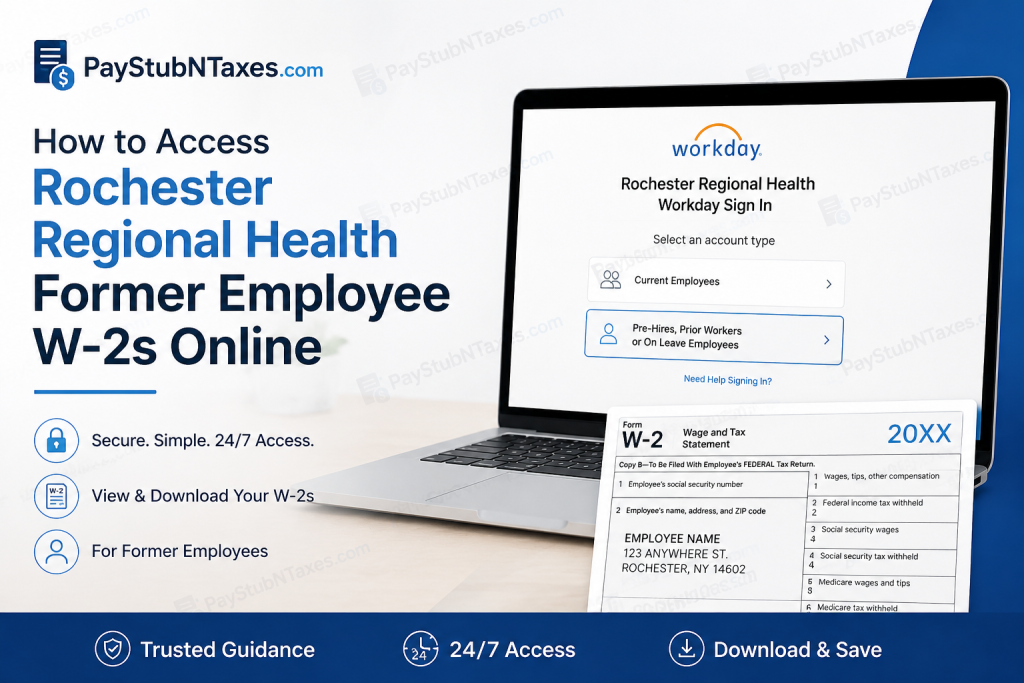
Former employees of Rochester Regional Health (RRH) can conveniently retrieve their W-2 tax forms online through the Workday Employee Portal. Whether you need your W-2 for tax filing, financial documentation, or recordkeeping, RRH’s secure digital platform enables round-the-clock access to payroll and tax information from virtually anywhere. This comprehensive guide explains how former employees can access, download, and troubleshoot their Rochester Regional Health W-2 forms online.
About Rochester Regional Health
Rochester Regional Health (RRH) is one of New York’s leading integrated healthcare systems, serving communities across Western New York, the Finger Lakes region, St. Lawrence County, and beyond. With hundreds of care locations—including hospitals, primary and specialty practices, rehabilitation centers, senior living communities, and behavioral health services—RRH remains steadfast in its mission to uplift humanity through care.
Founded on the principle that healthcare should treat people rather than symptoms, RRH combines nation-leading expertise with community-centered care. The organization’s purpose is to improve lives by delivering exceptional healthcare experiences while advancing research, innovation, and medical excellence.
Can Former Employees Access W-2 Forms Online?
Yes. Former employees of Rochester Regional Health may access their W-2 forms electronically through the Workday portal, provided they have an active account and a personal email address on file.
Workday offers secure, 24/7 access to:
- W-2 tax forms
- Pay stubs and earnings statements
- Tax documents
- Personal information updates
- Employment-related records
Employees who elected paper delivery instead of electronic access will receive their W-2 forms by mail on or before January 31 each year, in accordance with IRS requirements.
Rochester Regional Health Workday Login for Former Employees
To access your W-2 online:
Workday Portal:
https://wd5.myworkday.com/rrhs/d/home.htmld
Follow these steps:
- Visit the RRH Workday login page.
- Select “Pre-Hires, Prior Workers or On Leave Employees.”
- Log in using the credentials sent to your personal email address.
- Complete any required authentication steps.
- Access your payroll and tax information.
If you have forgotten your password:
- Click “Forgot Password?”
- Enter your RRH username.
- Provide your personal (home) email address.
- Follow the password reset instructions sent to your email.
- Create a new password and log in again.
How to Find and Download Your W-2 Form
After successfully signing in to Workday:
- Navigate to Pay.
- Select My Tax Documents.
- Locate the tax year you wish to view.
- Click the corresponding W-2 form.
- Download or print a copy for your records.
Keeping digital and printed copies of your W-2 is considered prudent practice, particularly during tax season.
How to Access Pay Stubs in Workday
Former employees may also have access to historical pay statements.
To view pay stubs:
- Log in to Workday.
- Open the Pay application.
- Select a statement from Pay History.
- Open the pay details.
- Download the payslip as a PDF for your records.
The Workday mobile app also enables employees to generate and save PDF copies of their pay statements directly to their devices. The app provides access to pay history and downloadable payslips.
What If You Cannot Access Workday?
Access issues may arise if:
- Your personal email address is not on file.
- Your password has expired.
- Your account has been deactivated.
- You no longer have access to your login credentials.
In such circumstances, Rochester Regional Health recommends contacting the HR Workforce Solutions Team for assistance with account recovery and access restoration.
Rochester Regional Health Payroll Support
If you encounter difficulties accessing your W-2 or pay stubs, contact the appropriate support team:
IS&T Service Center
Phone: +1 (585) 922-HELP
HR Technology Support
Email: HRTechnology@RochesterRegional.org
HR Workforce Solutions Team
Contact the HR Workforce Solutions Team if you do not have a personal email address on file or need assistance recovering access to your account.
Key Points to Remember
- Former RRH employees access W-2s through the Workday portal.
- Select “Pre-Hires, Prior Workers or On Leave Employees” when logging in.
- W-2 forms are available under Pay → My Tax Documents.
- Paper W-2s are mailed by January 31 if electronic delivery was not selected.
- Support is available through the IS&T Service Center and HR Technology team.
Final Thoughts
Navigating payroll systems after leaving an employer can occasionally feel like threading a needle in the dark. Fortunately, Rochester Regional Health has streamlined the process through Workday, enabling former employees to retrieve W-2 forms and pay statements with relative ease. By maintaining access to your personal email account and Workday credentials, you can obtain essential tax documents in a matter of minutes—saving both time and unnecessary administrative hurdles. As the saying goes, forewarned is forearmed: keeping your payroll records readily accessible today can spare considerable inconvenience tomorrow.
Frequently Asked Questions
1. How do former employees access Rochester Regional Health W-2 forms online?
Former employees can log into the RRH Workday portal, select “Pre-Hires, Prior Workers or On Leave Employees,” and access their W-2 forms under Pay → My Tax Documents.
2. What is the Rochester Regional Health Workday login URL?
The Workday portal is available at:
https://wd5.myworkday.com/rrhs/d/home.htmld
3. Where can I find my W-2 after logging into Workday?
After signing in, go to Pay → My Tax Documents and select the tax year for the W-2 you wish to download.
4. Can former employees still access Workday after leaving RRH?
Yes. Former employees generally retain limited access to Workday for payroll and tax documents using their personal email credentials.
5. What should I do if I forgot my Workday password?
Click “Forgot Password?” on the login page, enter your RRH username and home email address, then follow the password reset instructions.
6. What if I no longer have access to my personal email address?
Contact the HR Workforce Solutions Team for assistance in recovering account access.
7. When are Rochester Regional Health W-2 forms available?
W-2 forms are typically available by the end of January each year, in compliance with IRS regulations.
8. Will RRH mail my W-2 form?
Yes. If you elected paper delivery instead of electronic delivery, your W-2 will be mailed on or before January 31.
9. Can I print my W-2 directly from Workday?
Yes. Workday allows users to view, download, and print W-2 forms as PDF files.
10. How do I access pay stubs in Workday?
Navigate to Pay → Pay History, select the desired pay statement, and download it as a PDF.
11. Does Rochester Regional Health offer mobile access to pay stubs?
Yes. Employees can use the Workday mobile app to view and download pay statements directly from their smartphones.
12. Can former employees access prior years’ W-2 forms?
Yes, subject to Workday retention policies and account availability.
13. Who should I contact for payroll or W-2 issues?
You may contact the IS&T Service Center at +1 (585) 922-HELP or email HRTechnology@RochesterRegional.org.
14. Is Workday available 24/7?
Yes. Workday provides secure, round-the-clock access to payroll and tax information, except during scheduled maintenance periods.
15. Why can’t I log into my RRH Workday account?
Login issues may occur due to incorrect credentials, expired passwords, inactive accounts, or missing personal email information. Contact HR support for assistance.

