
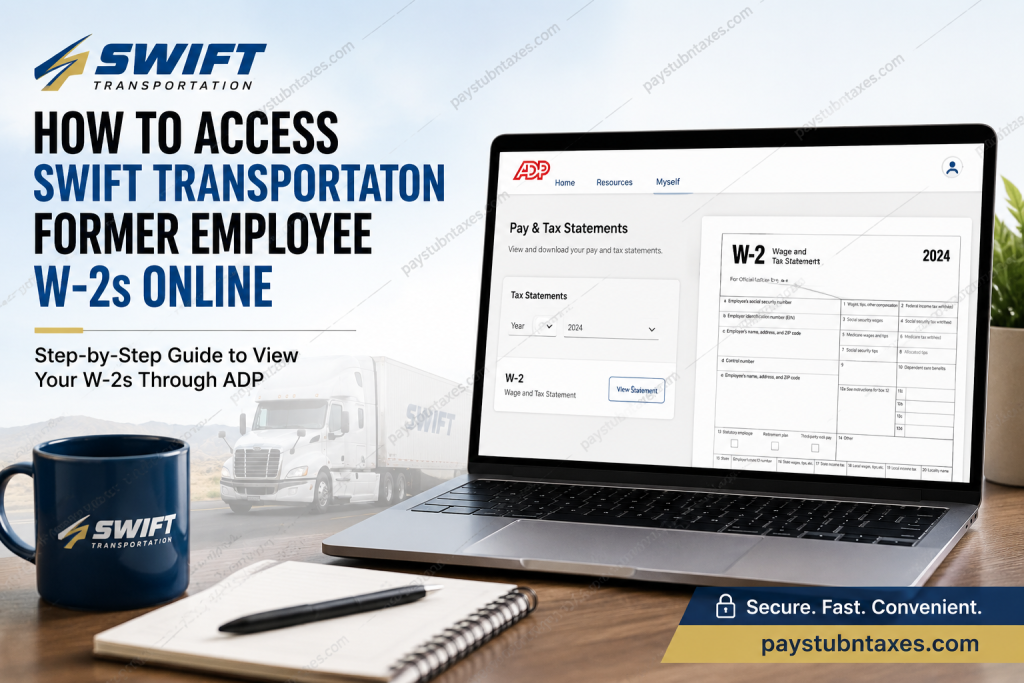
Former employees of Swift Transportation often need quick and secure access to their W-2 forms during tax season. Whether you are filing your federal income tax return, applying for financial assistance, verifying employment income, or maintaining personal tax records, obtaining your W-2 efficiently is essential. Fortunately, Swift Transportation provides electronic access to tax documents through the ADP self-service platform, allowing former employees to retrieve their W-2 statements online from virtually anywhere. As one of North America’s largest truckload carriers, Swift Transportation built a reputation for maintaining extensive operational networks across the United States and Mexico. After merging with Knight Transportation in 2017 to form Knight-Swift Transportation Holdings, the company continued offering payroll and employment-related services through trusted digital systems designed to streamline employee access to payroll records and tax statements. This comprehensive guide explains exactly how former Swift Transportation employees can access their W-2 forms online, create an ADP account, recover login credentials, troubleshoot common problems, and contact payroll support when additional assistance is required.
About Swift Transportation
Swift Transportation was founded in 1966 in Phoenix, Arizona, and rapidly evolved into one of the most recognized over-the-road trucking companies in the United States. The company specialized in a broad range of transportation and logistics services, including:
- Refrigerated freight
- Flatbed transportation
- Intermodal logistics
- Dedicated freight solutions
- Truckload shipping
- Cross-border transportation
Following its merger with Knight Transportation, Swift became part of Knight-Swift Transportation Holdings, now regarded as the largest full-truckload carrier in North America.
How Former Employees Can Access Swift Transportation W-2 Forms Online
Former employees generally receive their W-2 forms by mail no later than January 31 of each tax year. However, employees who enrolled in paperless delivery or previously created an ADP self-service account can conveniently retrieve electronic copies online.
Swift Transportation uses the ADP payroll platform for electronic tax statements and payroll access.
ADP Portal Login
Visit the ADP self-service portal:
- ADP Website: my.adp.com
Once logged in, former employees can view:
- W-2 forms
- Tax statements
- Payroll records
- Historical earnings information
Step-by-Step Guide to Retrieve Your Swift Transportation W-2
Step 1: Visit the ADP Portal
Open your preferred browser and navigate to the ADP employee portal.
Sign in using your:
- User ID
- Password
If you have not previously registered your account, you will need to create one before accessing tax documents.
Step 2: Navigate to Pay & Tax Statements
After logging in:
- Select the “Myself” tab
- Click “Pay”
- Choose “Pay & Tax Statements”
This section contains all available electronic tax forms and payroll statements.
Step 3: Select the Appropriate Tax Year
Within the Tax Statements section:
- Use the drop-down menu to choose the desired tax year
- Select the W-2 form you wish to access
- Click “View Statement”
The most recent tax year generally appears first.
Step 4: Verify Your Identity
For security purposes, ADP may request identity verification before allowing access to sensitive tax documents.
You may be asked to:
- Confirm your email address
- Verify a phone number
- Answer security questions
- Enter a verification code
Once verification is complete, your W-2 form will open in a secure window.
Step 5: Download or Print Your W-2
After opening the document, you may:
- Download the W-2 as a PDF
- Print a physical copy
- Save the document for future tax filing purposes
Keeping both digital and printed copies is strongly recommended for long-term financial recordkeeping.
How to Register for an ADP Account
If you are a former Swift Transportation employee who has never accessed ADP before, follow these instructions carefully.
Create Your ADP Login
1. Visit the Registration Portal
Go to: my.adp.com
You may also download the ADP Mobile Solutions app through the Apple App Store or Google Play Store.
2. Click “Get Started.”
Select: Get Started link next to New User?
Then choose:
- “I Have a Registration Code”
3. Enter Registration Information
You will be asked to provide identification details exactly as they appear in payroll records, including:
- Full legal name
- Social Security Number (SSN)
- Employee information on file
Accuracy is extremely important during this step.
4. Verify Your Identity
ADP will send a Personal Registration Code (PRC) or verification email.
You may also verify through:
- Email authentication
- Phone verification
- Security questions
5. Create Username and Password
After successful verification:
- Create a secure password
- Select security questions
- Finalize account setup
Once completed, your ADP account becomes active immediately.
What If You Forgot Your ADP Password?
If you cannot remember your ADP credentials:
- Visit the ADP login page
- Click “Forgot User ID/Password”
- Follow the verification instructions
- Reset your password securely
You may need access to your registered email address or phone number to complete recovery.
When Will Former Employees Receive Their W-2?
Swift Transportation typically mails paper W-2 forms on or before January 31 each year.
Electronic copies generally become available within the ADP portal around the same timeframe. Delivery timing may vary slightly depending on payroll processing schedules and state regulations.
What to Do If Your W-2 Is Missing
If your W-2 cannot be found online:
- Confirm your mailing address is current
- Verify your ADP account information
- Check whether paperless delivery was enabled
- Contact payroll support for assistance
Former employees may also request duplicate copies when necessary.
Swift Transportation Payroll Contact Information
For additional payroll or W-2 assistance, contact:
Swift Transportation Payroll Support
Phone: 1-800-771-6317
When contacting payroll, be prepared to verify:
- Full legal name
- Employee ID (if available)
- Last four digits of SSN
- Employment dates
For security reasons, avoid sending sensitive personal information through unsecured email channels.
Benefits of Accessing W-2 Forms Online
Using the ADP self-service portal provides several advantages:
Faster Access
Electronic forms are usually available immediately after release.
Secure Storage
Digital payroll systems reduce the risk of losing paper documents.
24/7 Availability
Former employees can access records from anywhere at any time.
Easy Tax Filing
Downloaded PDFs integrate easily with modern tax software platforms.
Common Issues Former Employees Encounter
Incorrect Login Credentials
Reset your password using the recovery tools provided by ADP.
Identity Verification Errors
Ensure your information matches payroll records exactly.
Expired Email or Phone Number
You may need payroll assistance to update outdated contact information.
W-2 Not Yet Posted
Allow additional processing time during late January and early February.
Tips for Keeping Your Payroll Records Secure
To protect sensitive tax information:
- Use strong passwords
- Enable multi-factor authentication whenever possible
- Avoid public Wi-Fi while accessing payroll systems
- Never share your login credentials
- Log out after each session
Cybersecurity remains especially important when handling tax and Social Security information.
Final Thoughts
Accessing your former Swift Transportation employee W-2 online is generally a straightforward process through the ADP self-service platform. Whether you need a current tax statement or historical payroll documentation, the digital portal provides a convenient and secure solution that eliminates unnecessary delays during tax season. By registering for an ADP account, maintaining updated contact information, and following the correct verification procedures, former employees can retrieve important tax documents quickly and efficiently whenever needed. For unresolved issues, Swift Transportation payroll support remains available to provide additional assistance and ensure employees receive the documentation necessary for accurate tax filing.
Frequently Asked Questions (FAQs)
1. Can former Swift Transportation employees access W-2 forms online?
Yes. Former employees can retrieve electronic W-2 forms through the ADP self-service portal if their payroll account remains active.
2. What website is used to access Swift Transportation W-2s?
Former employees can access tax documents through the ADP portal at my.adp.com.
3. When are W-2 forms available?
W-2 forms are generally mailed and uploaded electronically on or before January 31 each year.
4. What if I forgot my ADP password?
Use the “Forgot User ID/Password” option on the ADP login page to reset your credentials.
5. Can I print my W-2 from ADP?
Yes. Once logged in, you can view, download, and print your W-2 statement directly from the portal.
6. Do former employees still have ADP access?
In many cases, yes. Former employees often retain limited access to payroll and tax records.
7. What should I do if my W-2 is missing?
Contact Swift Transportation payroll support at 1-800-771-6317 for assistance.
8. Is the ADP portal secure?
Yes. ADP uses identity verification and secure encryption to protect employee payroll information.
9. Can I access older W-2 forms?
ADP commonly stores several years of tax documents, depending on employer retention policies.
10. Can I use the ADP mobile app?
Yes. Former employees may access payroll records through the ADP Mobile Solutions application.
11. Why does ADP ask for identity verification?
Verification procedures help protect sensitive financial and tax information from unauthorized access.
12. What information is required during registration?
You may need your full legal name, Social Security Number, and payroll information exactly as recorded in company systems.
13. Is paperless W-2 delivery available?
Yes. Employees who opted into electronic delivery may receive digital tax forms instead of mailed copies.
14. Can payroll resend my W-2?
Yes. Payroll departments can often issue duplicate copies upon request.
15. What happens if my mailing address changed?
Update your address through payroll support or ADP whenever possible to avoid delays receiving tax forms.

