
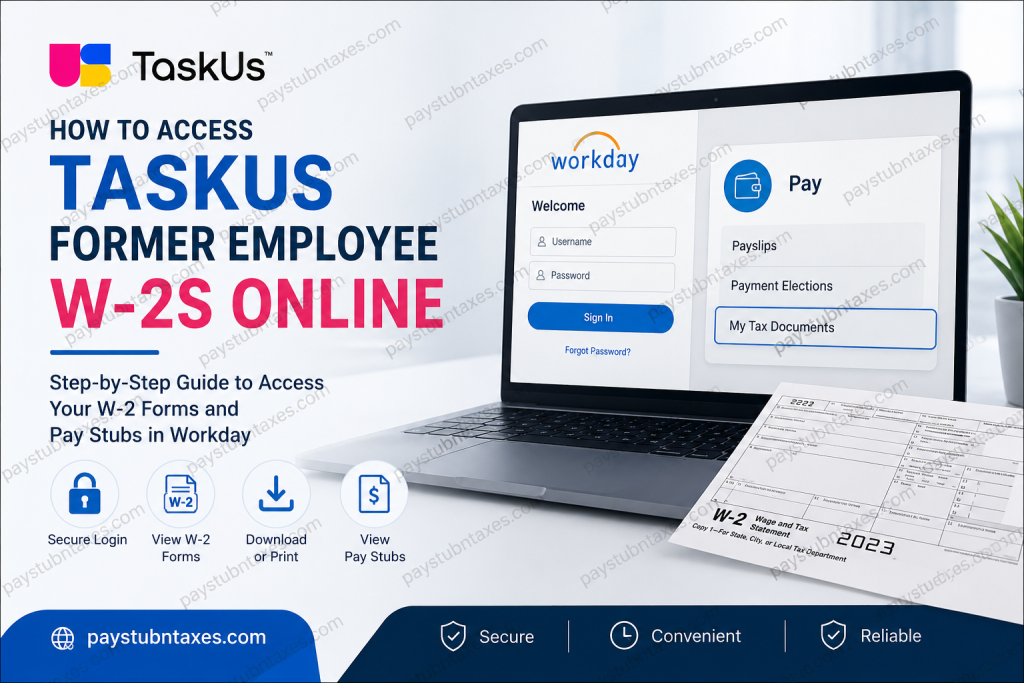
Former employees of TaskUs can conveniently access their W-2 forms and payroll records online through the Workday Self-Service portal. If you recently separated from the company, TaskUs provides temporary Workday credentials so you can securely retrieve your year-end tax documents, download previous payslips, and print copies whenever needed. TaskUs, a globally recognized outsourcing and customer experience company, supports thousands of employees across multiple countries and industries, including technology, e-commerce, gaming, fintech, healthcare, and social media. The company’s people-first culture and cloud-based systems make payroll and tax document access straightforward even after employment ends.
TaskUs Former Employee Workday Login
Former employees can access Workday using the dedicated login portal below:
Workday Portal:
TaskUs Former Employee Workday Login
After termination, your regular Single Sign-On (SSO) access is typically revoked. To ensure uninterrupted access to payroll records and tax documents, TaskUs sends a separate username and temporary password to your personal email address.
Before attempting to log in, make sure to:
- Check your personal email inbox
- Review your spam or junk folder
- Search for emails from Workday or TaskUs HR
- Save your temporary credentials securely
How to Access Your TaskUs W-2s Online
Once you receive your Workday login credentials, follow these steps carefully.
Step 1: Sign in to Workday
Open the TaskUs Workday login page and enter your assigned username and temporary password.
The Workday login interface includes standard username and password fields along with password recovery options.
If prompted, create a new secure password during your first login.
Step 2: Open the Pay Dashboard
After signing in successfully:
- Navigate to your Workday homepage
- Select the Pay application
- Open the payroll dashboard
Inside the Pay section, you can access:
- Payslips
- Tax documents
- Payment elections
- Payroll history
- Year-end forms
The Workday payroll interface stores W-2 forms under My Tax Documents.
Step 3: Access My Tax Documents
Within the Pay dashboard:
- Click My Tax Documents
- Locate the correct tax year
- Select your available W-2 form
- Click View/Print
Your W-2 may take a few moments to load depending on your connection speed.
The Workday system allows employees to:
- View W-2 forms online
- Print copies directly
- Download PDF versions
- Navigate multi-page tax documents easily
Step 4: Download or Print Your W-2
After opening the form:
- Use the printer icon to print your W-2
- Use the download icon to save a PDF copy
- Use navigation arrows to move between pages
- Select the accessible format option if needed
Downloading a digital copy is highly recommended for tax filing and personal recordkeeping.
How to View TaskUs Former Employee Pay Stubs
In addition to W-2 forms, former employees may also review historical payslips inside Workday.
To Access Payslips:
- Sign in to Workday
- Select Pay
- Click Payslips
- Choose the desired pay period
- Select View or Print
Your payslip details may include:
- Gross pay
- Net pay
- Tax deductions
- Direct deposit information
- Year-to-date earnings
- Federal and state withholding details
- Pre-tax and post-tax deductions
What If You Cannot Access Your W-2s Online?
If you experience issues logging in, resetting your password, or locating your tax forms, several options are available.
Contact TaskUs Support
Phone Support
TaskUs Support Number:
888-400-8275
Submit a Former Employee Support Request
TaskUs also provides a dedicated former employee support form:
TaskUs Former Employee Support Form
Use this form if you need help with:
- Lost Workday credentials
- Locked accounts
- Missing W-2 forms
- Payroll discrepancies
- Address updates
- Tax document reissues
When Are TaskUs W-2 Forms Mailed?
If you did not consent to electronic delivery, TaskUs will typically mail your paper W-2 form.
Paper W-2s are generally postmarked on or before January 31 of the following tax year, in accordance with federal payroll regulations.
To avoid delays:
- Ensure your mailing address is current
- Update your address with HR before separation if possible
- Monitor your mailbox during tax season
Benefits of Accessing Your W-2 Online
Using the Workday self-service portal offers several advantages:
Faster Access
Electronic W-2 forms are usually available earlier than mailed copies.
Secure Document Storage
Your tax records remain stored digitally for future reference.
Convenient Downloads
You can print or save copies anytime without contacting payroll.
Eco-Friendly Alternative
Digital access reduces paper consumption and supports sustainable practices.
Common TaskUs Workday Login Problems
Forgot Password
Use the password recovery option on the Workday login screen.
Temporary Password Expired
Contact TaskUs support to request a new temporary password.
Cannot Find W-2
Check the My Tax Documents section under the Pay dashboard.
SSO Access Disabled
This is normal after termination. Use the separate Workday credentials provided to former employees.
Final Thoughts
TaskUs makes it relatively simple for former employees to retrieve W-2 forms and payroll records online through Workday. By using the dedicated former employee login portal and temporary credentials provided after termination, you can quickly download tax documents, print payslips, and access payroll information securely from anywhere. If you encounter login problems or missing records, TaskUs offers dedicated support channels to help former employees regain access efficiently.
Frequently Asked Questions
1. Can former TaskUs employees still access Workday?
Yes. Former employees may receive temporary Workday credentials to access payroll and tax documents after separation.
2. Where can I find my TaskUs W-2 online?
Your W-2 form is available inside Workday under Pay > My Tax Documents.
3. What should I do if I never received login credentials?
Check your junk or spam folder first. If nothing is found, contact TaskUs support or submit a former employee request form.
4. Can I download my W-2 as a PDF?
Yes. Workday allows you to download and save your W-2 electronically.
5. Will TaskUs mail my W-2 automatically?
Yes, if you did not consent to electronic delivery, a paper W-2 should be mailed by January 31.
6. Can I access old pay stubs after leaving TaskUs?
Yes. Historical payslips may remain available through the Workday payroll section.
7. What information appears on a payslip?
Payslips typically include gross pay, deductions, taxes, net pay, and year-to-date totals.
8. Is the Workday portal secure?
Yes. Workday uses secure authentication and encrypted access for payroll records.
9. What if my account is locked?
Contact TaskUs payroll or former employee support for assistance.
10. Can I print my W-2 directly from Workday?
Yes. Use the printer icon after opening your tax document.

