
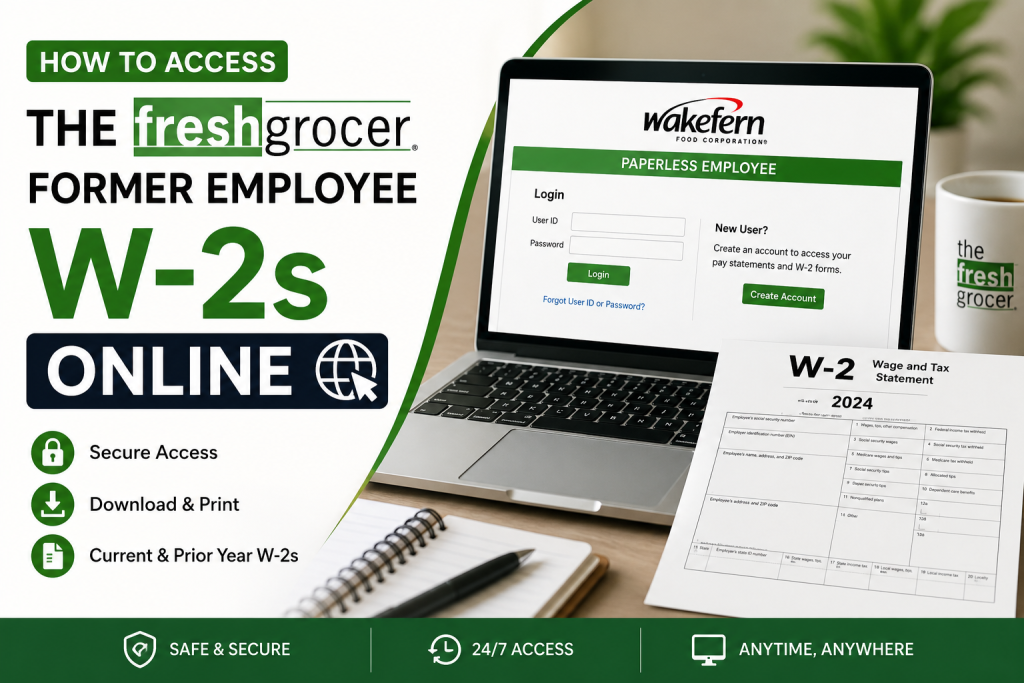
Former employees of The Fresh Grocer can conveniently access their W-2 forms online through the Wakefern Paperless Employee portal. Since The Fresh Grocer operates under the Wakefern Food Corporation family, ex-employees can use the same electronic tax statement system to retrieve current and prior-year W-2s securely from any device with internet access. The Fresh Grocer, a well-known supermarket chain operating across Pennsylvania, New Jersey, and New York, became part of Wakefern Food Corporation in 2013 and continues to provide employees with digital payroll and tax document services.
Official W-2 Portal for The Fresh Grocer Former Employees
Former associates can access their tax forms here:
Portal Link:
https://www.paperlessemployee.com/wakefern/PE/Login
The Paperless Employee platform allows users to:
- Access current and past W-2 forms
- Download and print tax statements
- Update notification preferences
- Retrieve electronic tax documents securely
- Manage account settings
The attached Paperless Employee user guides explain that employees can electronically access year-end tax statements, including current and prior-year W-2s, directly through the portal.
About The Fresh Grocer
The Fresh Grocer is a respected supermarket chain headquartered in Drexel Hill, Pennsylvania. Founded in 1996, the company later joined the Wakefern cooperative and expanded throughout Pennsylvania, New Jersey, and New York. The company is recognized for its commitment to community service, sustainability, customer satisfaction, and employee development.
The Fresh Grocer emphasizes:
- High-quality fresh foods
- Competitive pricing
- Strong community involvement
- Career development opportunities
- Employee-friendly workplace practices
Step-by-Step Guide to Access The Fresh Grocer Former Employee W-2s
Step 1: Visit the Wakefern Paperless Employee Portal
Go to:
https://www.paperlessemployee.com/wakefern/PE/Login
You will see the login screen for Paperless Employee.
Step 2: Log In to Your Account
Enter your:
- User ID
- Password
Then click Login.
If you previously registered for electronic tax statements, your W-2s should already be available once released by Wakefern.
First-Time Users: Create Your Account
If this is your first time using the portal, follow these steps.
According to the Paperless Employee user guide, first-time users must create an account before accessing payroll or tax documents.
Step 1: Click “Create Account”
On the login page, select Create Account.
Step 2: Verify Your Identity
You may need to provide:
- Employee ID
- Social Security Number (SSN)
- Date of Birth
The user guide explains that employees must authenticate using these details before creating an account.
Step 3: Create Login Credentials
Set up:
- A User ID
- A secure password
- Security questions and answers
Step 4: Verify Your Email Address
Add and verify your personal email address to activate your account.
The Paperless Employee system also allows optional phone number registration for notifications and verification purposes.
How to Access Current W-2 Forms
Once logged in:
- Click Year-End Tax Statements
- Select Access Current Year-End Statements
- Check the box beside the W-2 you want
- Click Review & Complete Order
- Download or print your W-2
The user guide confirms that employees can download and print W-2s directly from the portal once electronic delivery is enabled.
How to Access Prior-Year W-2s
Need older tax forms? The portal also stores historical W-2s.
Steps:
- Log into Paperless Employee
- Click Access Prior Year-End Statements
- Select the desired tax year
- Download or print the form
The guide specifically notes that prior-year W-2s are accessible through the “Access Prior Year-End Statements” option.
How to Register for Electronic W-2 Delivery
Electronic delivery ensures faster access to tax forms every year.
To Enable Electronic W-2s:
- Go to Manage Electronic Tax Statement Options
- Select Yes for electronic delivery
- Choose your notification method
- Save your settings
According to the guide, once electronic delivery is enabled, the preference carries forward automatically into future tax years.
Forgot Your Password?
If you forgot your login credentials:
- Use the Forgot User ID or Password option on the login page
- Follow the account recovery prompts
- Use your registered email or phone number for verification
If you continue experiencing issues, contact your former HR department or Wakefern payroll support.
Common Reasons You Cannot Access Your W-2
Here are several common issues former employees encounter:
| Problem | Solution |
| Forgotten password | Reset credentials using the recovery tool |
| Incorrect SSN or Employee ID | Re-enter information carefully |
| W-2 not yet available | Wait until tax forms are released |
| Account never created | Complete first-time registration |
| Browser issues | Clear cache or try another browser |
Benefits of Online W-2 Access
Using the online portal offers several advantages:
- Faster tax filing
- Secure digital storage
- 24/7 access
- Easy reprints
- Access to multiple years of tax forms
- Paperless convenience
Tips for Secure W-2 Access
To protect your tax information:
- Use a strong password
- Avoid public Wi-Fi when accessing payroll documents
- Log out after each session
- Enable email verification
- Keep your contact information updated
Final Thoughts
The Fresh Grocer former employees can easily retrieve W-2 forms online through the Wakefern Paperless Employee portal. Whether you need your latest tax statement or a prior-year W-2, the system provides a secure and convenient solution for accessing payroll documents anytime. By enabling electronic tax delivery and maintaining updated account information, former associates can simplify tax season and avoid delays in receiving important documents.
Frequently Asked Questions (FAQ)
1. Where can former employees access The Fresh Grocer W-2 online?
Former employees can access W-2 forms through the Wakefern Paperless Employee portal at:
https://www.paperlessemployee.com/wakefern/PE/Login
2. Is The Fresh Grocer part of Wakefern?
Yes. The Fresh Grocer joined Wakefern Food Corporation in 2013 and uses Wakefern’s payroll and tax document systems.
3. What information do I need to create a Paperless Employee account?
You may need:
- Employee ID
- Social Security Number (SSN)
- Date of Birth
- Personal email address
4. Can I access prior-year W-2 forms online?
Yes. The portal allows eligible former employees to access both current and previous W-2 statements.
5. What should I do if I forgot my password?
Use the “Forgot User ID or Password” option on the login page and follow the recovery instructions.
6. When are W-2 forms usually available online?
W-2 forms are generally released by the end of January each tax season.
7. Can I print my W-2 from the portal?
Yes. You can download and print PDF copies of your W-2 directly from the Paperless Employee system.
8. Is the Paperless Employee portal secure?
Yes. The portal uses secure authentication and verification measures to protect employee payroll and tax information.
9. What if I no longer remember my Employee ID?
Contact your former HR department or Wakefern payroll support for assistance recovering your account details.
10. Can I access The Fresh Grocer W-2s on my phone?
Yes. The Paperless Employee portal is accessible on smartphones, tablets, laptops, and desktop computers.
11. Why can’t I see my W-2 online?
Possible reasons include:
- Incorrect login information
- W-2 not yet released
- Incomplete account registration
- Browser or cache issues
12. Do former employees need to register for electronic W-2 delivery?
Yes. Employees typically need to opt into electronic tax statement delivery to access W-2s online.
13. Can I download multiple W-2 forms at once?
Yes. The system allows users to select and download multiple tax statements when available.
14. What browser works best with Paperless Employee?
Modern browsers such as Google Chrome, Microsoft Edge, Firefox, and Safari generally work best.
15. Who should I contact for W-2 support?
You should contact:
- Your former store HR department
- Wakefern payroll support
- Paperless Employee customer support
for assistance with account access or missing W-2 forms.

