
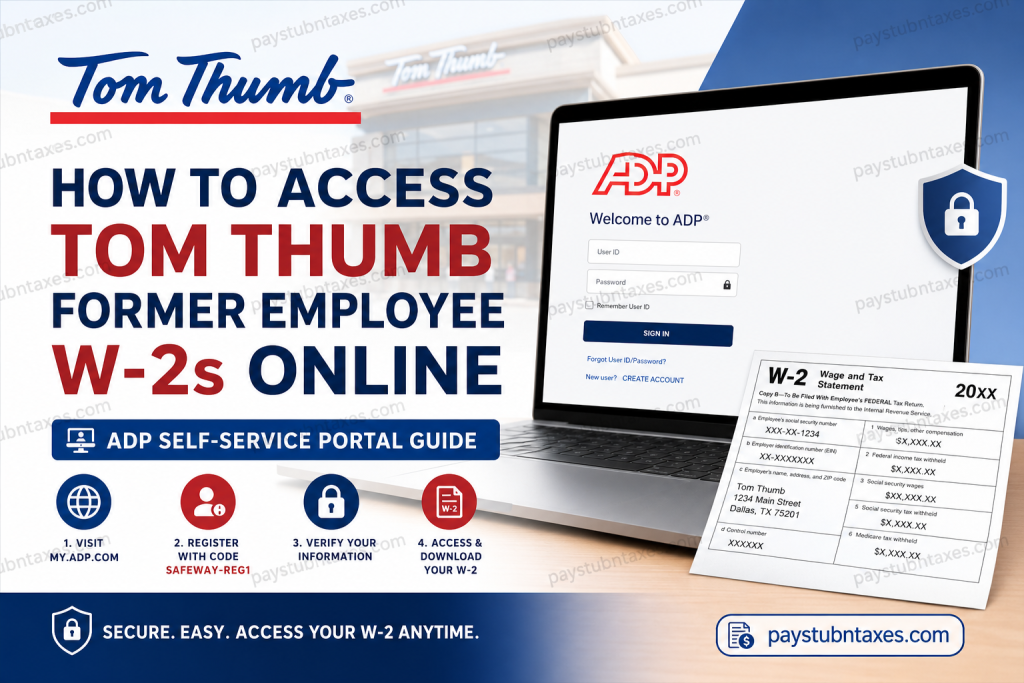
For former employees of Tom Thumb, obtaining your W-2 form online is a straightforward process through the ADP self-service portal. Whether you need your W-2 for tax filing, income verification, or personal financial records, ADP allows secure access to your year-end tax documents from virtually anywhere. Tom Thumb, a well-known supermarket chain operating throughout the Dallas–Fort Worth metroplex, is part of the Albertsons Companies family and has proudly served Texas communities for more than 75 years. Former associates can continue accessing payroll and tax information even after leaving the company by using the ADP portal.
Tom Thumb Former Employee W-2 Portal
Former employees can retrieve their W-2 forms online through the official ADP portal:
Portal Link:
ADP Self-Service Portal
The ADP platform provides secure access to:
- W-2 tax forms
- Payroll history
- Personal tax records
- Account management tools
Registration Code for Tom Thumb Former Employees
During account setup, you will need the Tom Thumb/Albertsons registration code:
Safeway-reg1This registration code connects your ADP account with your former employee records.
Step-by-Step Guide to Access Tom Thumb W-2 Forms Online
Step 1: Visit the ADP Portal
Go to the official ADP website:
https://my.adp.comYou may also download the ADP Mobile Solutions app for easier mobile access.
Step 2: Select “Create Account”
On the login page:
- Click “Create Account”
- Select “I Have a Registration Code”
Step 3: Enter the Registration Code
Type the Tom Thumb registration code:
Safeway-reg1Then click Continue.
Step 4: Verify Your Identity
The system will ask you to confirm your identity using information associated with your former employee records.
You may need:
- Employee ID number
- Date of birth
- Social Security Number
- Information connected to your old MyACI account
Make sure the details match your employment records exactly for successful verification.
Step 5: Complete Security Verification
ADP may send a verification code through:
- Mobile phone
- Security questions
Enter the code to continue registration.
Step 6: Create Your ADP Credentials
Next, create:
- A secure password
- Security questions
- Account recovery information
Once completed, your ADP account will be fully activated.
Step 7: Download Your W-2 Form
After logging in:
- Navigate to Pay & Taxes
- Select Tax Statements
- Choose the desired tax year
- Download or print your W-2 form
You can save a PDF copy for your records or submit it directly to your tax preparer.
Can Former Tom Thumb Employees Still Access ADP?
Yes. Former employees generally retain access to ADP for tax document retrieval even after separation from the company. If you previously created an ADP account during employment, simply reset your password if needed and log in normally.
If you never registered before, follow the registration steps above using the Safeway-reg1 code.
Troubleshooting Tom Thumb W-2 Login Issues
If you encounter login problems, try the following solutions:
Forgot Password
Use the “Forgot Password” option on the ADP login page to reset your credentials.
Registration Code Not Working
Double-check that you entered:
Safeway-reg1 exactly as shown.Verification Failure
Ensure your:
- Name
- Date of birth
- Employee information
- Social Security Number
match your employment records.
Browser Problems
Try:
- Clearing browser cache
- Using Chrome or Edge
- Switching devices
- Using private/incognito mode
Tom Thumb Payroll Support Contact
If you still cannot access your W-2 or ADP account, contact the service desk for assistance.
Tom Thumb / Albertsons Service Desk:
877-286-3200
Support representatives can help with:
- Account recovery
- Registration issues
- Password resets
- W-2 access problems
Benefits of Accessing Your W-2 Online
Using the ADP self-service portal offers several advantages:
- Faster access to tax forms
- Secure online document storage
- Ability to download copies anytime
- Reduced risk of lost mail
- Mobile-friendly access
Online delivery is also significantly more convenient during tax season, especially if you have moved or changed addresses after leaving Tom Thumb.
About Tom Thumb
Tom Thumb was founded in 1948 in Dallas, Texas, and has grown into one of the most recognized grocery chains in the Dallas–Fort Worth area. Today, the company operates as part of Albertsons Companies and continues serving Texas communities with grocery, pharmacy, and digital shopping services.
The company remains committed to innovation, customer service, and community engagement while providing associates with modern payroll and HR systems such as ADP for convenient employee self-service access.
Frequently Asked Questions (FAQs)
1. How do former Tom Thumb employees get W-2 forms online?
Former employees can access W-2 forms through the ADP self-service portal at my.adp.com using the registration code Safeway-reg1.
2. What is the Tom Thumb ADP registration code?
The registration code is:
Safeway-reg13. Can I access my W-2 after leaving Tom Thumb?
Yes. Former employees can still retrieve W-2 forms online through ADP.
4. What information do I need to register for ADP?
You may need your:
- Employee ID
- Date of birth
- Social Security Number
- Former MyACI account information
5. What should I do if I forgot my ADP password?
Use the “Forgot Password” feature on the ADP login page to reset your credentials securely.
6. Can I download my W-2 as a PDF?
Yes. ADP allows you to download and print your W-2 forms in PDF format.
7. Is the ADP portal secure?
Yes. ADP uses encrypted systems and identity verification measures to protect personal information.
8. Can I access my W-2 on a mobile phone?
Yes. You can use either the ADP website or the ADP Mobile Solutions app.
9. When are W-2 forms usually available online?
W-2 forms are typically available by the end of January each year.
10. Who do I contact for Tom Thumb payroll support?
Call the Service Desk at 877-286-3200 for assistance with W-2 access or account issues.

