
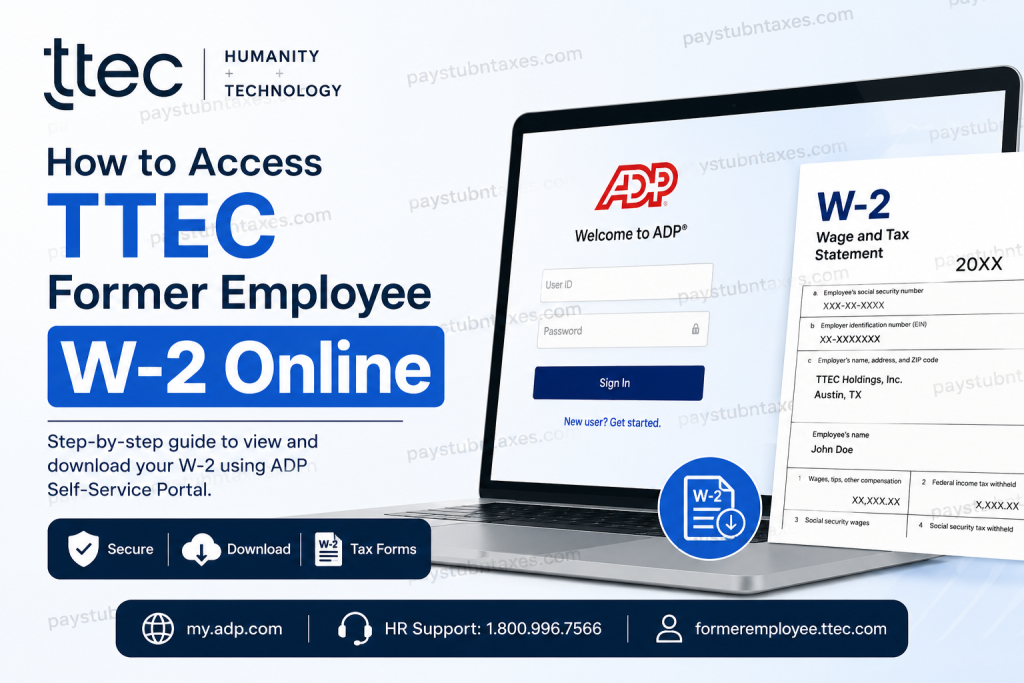
Former employees of TTEC can conveniently access their W-2 tax forms online through the ADP Self-Service Portal without contacting the HR department directly. If you previously worked at TTEC, your ADP access typically remains active for up to 36 months after termination, allowing you to retrieve important payroll and tax documents anytime. Whether you need your W-2 for tax filing, income verification, or personal records, this guide explains the complete process step by step.
About TTEC
TTEC Holdings, Inc., formerly known as TeleTech, is a global customer experience (CX) technology and services company headquartered in Austin, Texas. Founded by Kenneth D. Tuchman, TTEC has spent more than 40 years helping world-leading brands deliver exceptional customer experiences through a combination of human expertise and AI-powered technology. Today, TTEC operates across six continents and supports businesses with customer care, tech support, AI operations, sales, analytics, and trust & safety solutions.
Can Former TTEC Employees Access W-2 Online?
Yes. Former TTEC employees can continue using the ADP portal after leaving the company. In most cases, access remains available for up to 36 months following termination.
This means you can:
- Download your W-2 tax statements
- Access previous pay stubs
- Review payroll history
- Print tax documents instantly
You do not need to contact TTEC HR if your ADP account is still active.
TTEC Former Employee W2 Portal
To access your W-2 online, visit the official ADP Self-Service Portal:
ADP Login Portal https://my.adp.com
How to Log In to ADP as a Former TTEC Employee
If you already created your ADP account during employment, simply:
- Go to https://my.adp.com
- Enter your username and password
- Navigate to:
- Myself
- Pay
- Pay & Tax Statements
- Select your W-2 form
- Download or print the document
The ADP portal also allows users to access pay statements and tax records digitally.
First-Time ADP Registration for Former Employees
If this is your first time using ADP, you must complete account registration.
Step 1: Open the ADP Website
Visit: https://my.adp.com
You may also download the ADP Mobile Solutions app on your smartphone.
Step 2: Select “New User? Get Started”
On the login screen:
- Click New User? Get Started
- Choose:
- I Have a Registration Code
Step 3: Enter the TTEC Registration Code
Use the official TTEC registration code:
Registration Code: TTH1-iPay2
After entering the code, click Continue.
Step 4: Verify Your Identity
You will need to enter:
- Full legal name
- Social Security Number (SSN)
- Other identification details exactly as they appeared in TTEC payroll records
ADP requires the information to match payroll records precisely.
Step 5: Verify Your Email
ADP may send a Personal Registration Code (PRC) to your email for security verification.
Once received:
- Enter the verification code
- Continue setup
Step 6: Create Your Password and Security Questions
Next, you will:
- Create a secure password
- Set security questions
- Complete account activation
Once setup is complete, your account can be used to access:
- W-2 forms
- Pay stubs
- Payroll records
- Tax statements
How to Download Your W-2 from ADP
After logging in:
- Go to Myself
- Click Pay
- Select Pay & Tax Statements
- Choose the applicable tax year
- Open your W-2
- Click:
- Download PDF
- or Print PDF
ADP allows users to view, print, and export statements directly from the dashboard.
What If You Cannot access ADP?
If your ADP account is locked, expired, or inaccessible, you can contact TTEC Human Resources for assistance.
Former Employee Support Portal
https://formeremployee.ttec.com
HR Support Number
1-800-996-7566
Tips for Smooth ADP Access
To avoid login issues:
- Use a trusted computer or device
- Ensure your legal name matches payroll records
- Reset your password if necessary
- Keep your email and phone number updated
- Enable multi-factor authentication if prompted
ADP also recommends using secure devices to protect personal payroll data.
Final Thoughts
TTEC has streamlined the W-2 retrieval process for former employees through the ADP Self-Service Portal. Instead of waiting for mailed tax forms or contacting HR representatives, eligible former employees can securely access their payroll records online within minutes. As a global leader in customer experience and AI-enabled business solutions, TTEC continues to prioritize digital convenience for both current and former employees. With a few simple steps, you can register, log in, and download your W-2 whenever needed. If you encounter any issues, TTEC HR support and the former employee portal remain available to assist you.
Frequently Asked Questions
How long can former employees access ADP after leaving TTEC?
Typically, access remains available for up to 36 months after termination.
Can I get my W-2 without contacting HR?
Yes. If your ADP account is active, you can download your W-2 directly from the portal.
What if I forgot my ADP password?
Use the Forgot Password option on the ADP login page to reset your credentials.
Is the ADP mobile app available?
Yes. Former employees may use the ADP Mobile Solutions app for mobile access to tax and payroll records.

