
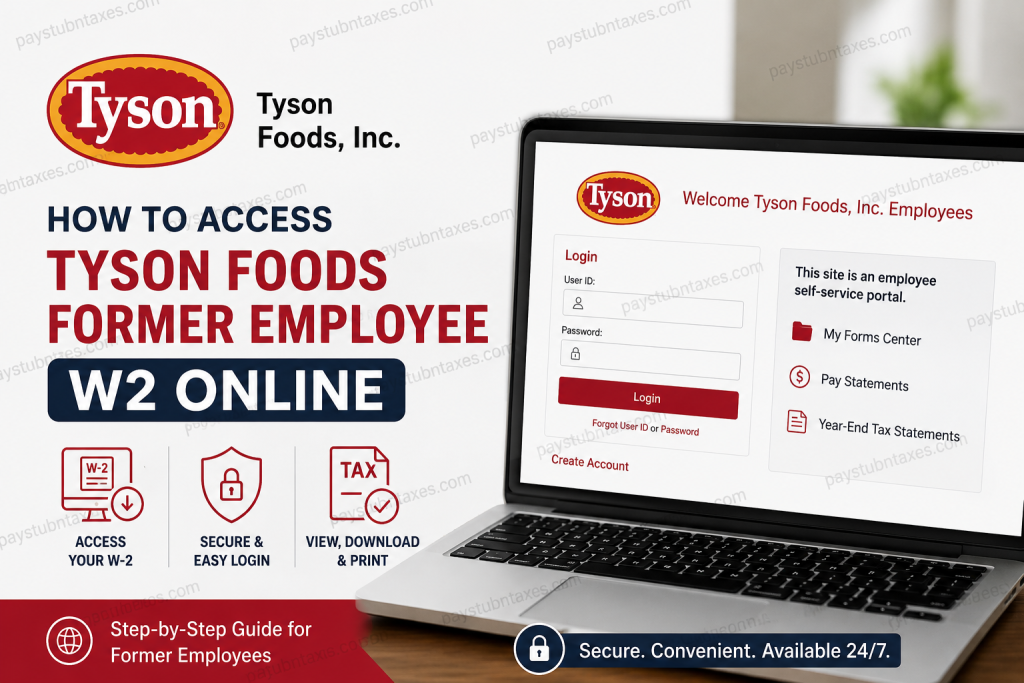
Former employees of Tyson Foods can conveniently access their W-2 tax forms online through the official Paperless Employee portal. Tyson Foods continues to provide electronic access to year-end tax statements for eligible former team members for up to 18 months after separation from the company. If you previously worked at Tyson Foods and need your W-2 for tax filing, loan applications, income verification, or personal recordkeeping, this comprehensive guide explains exactly how to retrieve your W-2 online quickly and securely.
Tyson Foods Former Employee W2 Access Portal
Tyson Foods uses the Paperless Employee platform to distribute electronic tax documents, including W-2s and 1095-C forms.
Official Tyson Foods W2 Portal: https://www.paperlessemployee.com/Tyson
Former employees can log in using their existing credentials or create a new account if they have not previously registered for electronic tax document access.
Can Former Tyson Foods Employees Access W-2 Online?
Yes. Tyson Foods allows former employees to access year-end tax statements electronically after leaving the company. Access generally remains active for up to 18 months following termination.
However, electronic access is only available to team members who are eligible for the Paperless Employee system.
Important Eligibility Information
Paperless Employee access is available to Tyson Foods team members, excluding employees associated with certain acquisitions, including:
- AdvancePierre
- Original Philly
Eligible team members may access:
- W-2 forms
- 1095-C tax documents
- Pay statements
- Year-end tax statements
How to Access Tyson Foods Former Employee W2 Online
Follow these simple steps to retrieve your Tyson Foods W-2 online.
Step 1: Visit the Tyson Paperless Employee Portal
Go to the official Tyson Foods Paperless Employee login page:
Tyson Paperless Employee Login
The portal supports English, Spanish, and French language options.
Step 2: Log In to Your Account
Enter:
- Your User ID
- Your Password
Then click the Login button.
If you forgot your credentials, use:
- “Forgot User ID”
- “Forgot Password”
to recover access to your account.
Step 3: Create an Account if You Are a First-Time User
If you have never used Paperless Employee before:
- Click Create Account
- Verify your identity
- Create login credentials
- Set up your security information
The system will then activate your employee self-service profile.
Step 4: Access Year-End Tax Statements
Once logged in:
- Navigate to Year-End Tax Statements
- Select the appropriate tax year
- Open your W-2 form
- Download or print the document for your records
The portal allows access to both current and previous year-end tax forms. The tax statement section also includes downloadable PDF copies.
How to Enroll in Electronic W-2 Delivery
If you are still within the eligible access period and want paperless delivery:
- Sign in to the Paperless Employee portal
- Open Manage Electronic Tax Statement Options
- Select “Yes” to electronic consent
- Confirm your preferred notification method
- Save your settings
After enrollment, Tyson Foods will notify you when your electronic tax statement becomes available online.
When Will Tyson Foods Send W-2 Forms?
Tyson Foods typically mails physical W-2 forms on or before January 31 of each tax year for employees who did not consent to electronic delivery.
Electronic W-2s are usually available online before or around the same period.
Tyson Foods W-2 Support Hotline
If you experience login problems or cannot access your W-2, Tyson Foods provides dedicated support.
W-2 Hotline
Phone: 1-877-824-0707
You may also contact the Human Resources department at your former Tyson Foods work location for assistance with:
- W-2 reprints
- Address updates
- Tax document corrections
Tyson Foods Paperless Employee Security Features
Tyson Foods emphasizes account security to protect employee tax information.
The platform may send login notification emails to the email address associated with your Paperless Employee account whenever you access the system.
For maximum security:
- Use a personal email address
- Update outdated contact information
- Create a strong password
- Avoid using shared or generic email accounts
Common Tyson Foods W2 Login Issues
Forgot Password
Use the Forgot Password link on the login page to reset your credentials.
Locked Account
Wait a few minutes and try again, or contact the W-2 hotline for assistance.
No Longer Have Access to Old Email
Contact Tyson Foods HR or the W-2 support line to update your account information.
W-2 Not Available
Current-year reprints may not become available until February.
Benefits of Accessing Tyson Foods W2 Online
Using the Paperless Employee portal offers several advantages:
- Faster access to tax forms
- Secure digital document storage
- Easy download and printing
- Access to historical W-2 forms
- Reduced risk of lost mail
- Convenient 24/7 availability
Final Thoughts
Accessing your Tyson Foods former employee W-2 online is a straightforward process through the official Paperless Employee portal. Whether you recently left the company or need a prior-year tax document, the online system provides a secure and efficient method for retrieving your W-2 forms. Keeping your contact information updated and opting into electronic delivery can make tax season significantly easier and faster. If you encounter any issues, Tyson Foods’ dedicated W-2 support hotline is available to help resolve account or document access problems promptly.
Frequently Asked Questions (FAQ)
1. How do I access my Tyson Foods former employee W-2 online?
Visit the official Tyson Paperless Employee portal, log in with your credentials, and open the “Year-End Tax Statements” section to download your W-2.
2. What is the official Tyson Foods W-2 website?
The official W-2 access portal is: https://www.paperlessemployee.com/Tyson
3. Can former Tyson Foods employees still access Paperless Employee?
Yes. Former employees generally retain access to Paperless Employee for up to 18 months after termination.
4. What if I forgot my Tyson Foods Paperless Employee password?
Use the “Forgot Password” link on the Paperless Employee login page to reset your password securely.
5. How do I create a Tyson Foods Paperless Employee account?
Click “Create Account” on the login page and follow the instructions to verify your identity and establish your account.
6. When will Tyson Foods mail my W-2?
Tyson Foods typically mails paper W-2 forms on or before January 31 if you did not consent to electronic delivery.
7. Can I download previous Tyson Foods W-2 forms online?
Yes. The portal may allow access to current and prior-year tax statements during your eligibility period.
8. Does Tyson Foods provide electronic W-2 delivery?
Yes. Eligible employees and former employees can enroll in electronic W-2 delivery through Paperless Employee.
9. What tax forms are available on the Tyson portal?
Eligible users may access:
- W-2 forms
- 1095-C forms
- Pay statements
- Year-end tax statements
10. Who cannot use Tyson Foods Paperless Employee?
Employees connected to certain acquisitions, including AdvancePierre and Original Philly, may not be eligible for online tax document access.
11. What should I do if my Tyson Foods W-2 is missing?
Contact Tyson Foods HR or call the W-2 Hotline at 1-877-824-0707 for assistance.
12. Can I print my Tyson Foods W-2 from home?
Yes. After downloading the PDF version of your W-2, you can print it directly from your computer or mobile device.
13. Is Tyson Foods Paperless Employee secure?
Yes. Tyson Foods uses security notifications and login verification measures to help protect employee tax information.
14. How do I update my email address on Paperless Employee?
Log in to your account and update your contact information in the account settings section to ensure you receive important notifications.
15. What if I no longer have access to my old email address?
You should contact Tyson Foods HR or the W-2 support hotline to verify your identity and update your account details.

