
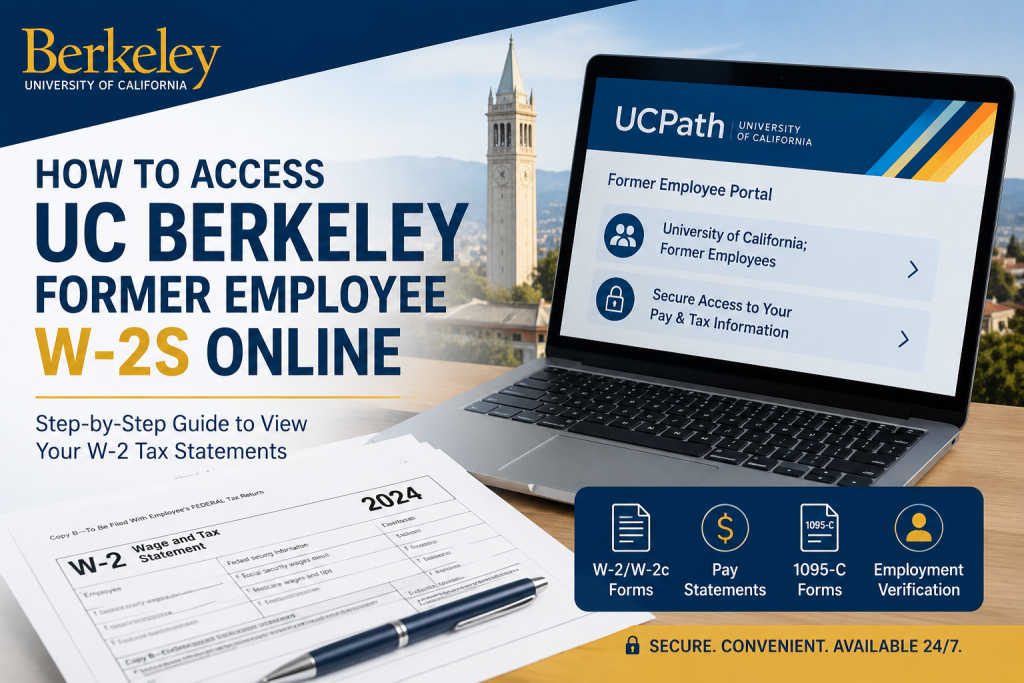
The University of California was founded in 1868, born out of a vision in the State Constitution of a university that would “contribute even more than California’s gold to the glory and happiness of advancing generations.” As the founding campus of the University of California system, UC Berkeley has established itself as one of the world’s leading public research universities, recognized globally for academic excellence, groundbreaking discoveries, and innovation. If you are a former employee of UC Berkeley, accessing your W-2 tax forms online is a straightforward process through the UCPath Former Employee Portal. This secure self-service platform allows separated employees to retrieve historical tax documents, review payroll records, and manage personal employment information conveniently from anywhere.
What Is the UCPath Former Employee Portal?
The UCPath Former Employee Portal is a dedicated online platform designed specifically for former University of California employees. Through this portal, eligible users can:
- Access W-2 and W-2c tax statements
- Review historical earnings statements
- Download pay stubs
- Access Form 1095-C documents
- Update certain personal information
- Generate employment verification summaries
The portal remains available for up to 36 months after separation from UC employment.
UC Berkeley Former Employee W2 Portal Login
Official Portal: UCPath Former Employee Portal
How to Access UC Berkeley Former Employee W2s Online
Follow these step-by-step instructions to retrieve your W-2 form online.
Step 1: Visit the UCPath Website
Go to the official UCPath portal: UCPath Login Portal
Step 2: Choose “University of California; Former Employees”
On the login screen:
- Select University of California
- Choose Former Employees
- Proceed to the Former Employee login page
Step 3: Sign In to Your Former Employee Account
Use the following credentials:
- Employee ID
- Password created during account activation
If this is your first time accessing the portal, UCPath will send an activation email to your personal email address after your employment status changes from Active to Inactive.
Step 4: Navigate to W-2 Forms
After signing in:
Menu > Income & Taxes > Tax Statements > View Online W-2/W-2c
Then:
- Select the desired tax year
- Open your W-2 form
- Download or print the document for your records
First-Time Account Activation
Before you can access your W-2 online, you must activate your Former Employee Portal account.
Important Setup Requirements
Before leaving UC Berkeley employment, you should:
- Update your personal email address
- Update your personal phone number
- Save your Employee ID
Activation Email
A few days after separation, UCPath sends an activation email containing:
- A secure activation link
- Instructions for account setup
- Temporary access details
Important notes:
- The activation link expires after 90 days
- Reminder emails are sent after 30 and 60 days
- Expired links require UCPath support assistance
Multi-Factor Authentication (MFA)
For account security, UCPath uses MFA verification during login.
You may verify your identity through:
- SMS text message
- Automated phone call
Please note:
- MFA requires a U.S.-based phone number
- International former employees may need direct UCPath assistance
Password Requirements
When creating your UCPath Former Employee account password, it must include:
- Minimum 12 characters
- At least 1 uppercase letter
- At least 1 lowercase letter
- At least 1 number
Special characters are optional but recommended for stronger security.
Forgot Your Password?
If you forget your password:
- Select Forgot Password
- Enter your Employee ID
- Provide your personal email address
- Follow the secure reset instructions sent via email
Important:
- Password reset links expire after 1 hour
- MFA verification is required during reset
Common UC Berkeley Former Employee W2 Login Issues
Didn’t Receive Activation Email
You may not receive an activation email if:
- No personal email was listed in UCPath before separation
- Your personal contact information was outdated
In this case, contact the UCPath Center for assistance.
No Access to U.S. Phone Number
Former employees living abroad may experience MFA verification issues because the portal requires a U.S.-based phone number.
If this applies to you, UCPath can securely email your payroll or tax documents after identity verification.
Employee ID Forgotten
You can retrieve your Employee ID directly from the login page by selecting:
Request Employee ID
The system will email your Employee ID after identity verification.
UCPath Contact Information
If you continue experiencing login or W-2 access issues, contact the UCPath Center.
UCPath Support
- Phone: 855-982-7284
- Hours: Monday–Friday, 8:00 AM–5:00 PM (PT)
- Email: ucpath@universityofcalifornia.edu
Why Former Employees Should Download W-2s Early
Former employees only retain access to the UCPath Former Employee Portal for a limited period. Downloading and saving your W-2 forms immediately helps avoid future access issues and ensures you have records available for:
- Tax filing
- Mortgage applications
- Financial aid verification
- Employment verification
- Immigration documentation
Final Thoughts
UC Berkeley former employees can conveniently access W-2 tax statements online through the secure UCPath Former Employee Portal. By maintaining updated personal contact information, activating your account promptly, and using the correct navigation path, you can retrieve historical tax documents quickly and securely. The UCPath system also provides additional payroll resources, making it an essential self-service platform for separated University of California employees.
Frequently Asked Questions (FAQ)
1. How can I access my UC Berkeley former employee W-2 online?
You can access your W-2 through the UCPath Former Employee Portal by logging in with your Employee ID and password.
2. What is the official UCPath website?
The official portal is: UCPath Portal
3. Where do I find my W-2 after logging in?
Navigate to: Menu > Income & Taxes > Tax Statements > View Online W-2/W-2c
4. Can former UC Berkeley employees still access UCPath?
Yes. Former employees can access the UCPath Former Employee Portal for up to 36 months after separation.
5. What credentials do I need to log in?
You need:
- Your Employee ID
- Your UCPath Former Employee password
6. What should I do if I forgot my Employee ID?
Select the Request Employee ID option on the login page and follow the identity verification process.
7. How do I reset my UCPath password?
Click Forgot Password on the login page and follow the reset instructions sent to your personal email.
8. Does UCPath use multi-factor authentication (MFA)?
Yes. UCPath requires MFA verification through a text message or phone call during login.
9. Can international former employees access UCPath?
Yes, but MFA may require a U.S.-based phone number. International users may need assistance directly from UCPath support.
10. What if I never received my activation email?
You should contact the UCPath Center if your personal email was not updated before separation or the activation email expired.
11. How long does the activation link remain valid?
The activation link expires after 90 days.
12. Can I download old pay stubs from UCPath?
Yes. Former employees can access historical earnings statements and pay stubs through the Income & Taxes section.
13. When are W-2 forms usually available?
W-2 forms are typically available by the end of January for the previous tax year.
14. What documents besides W-2s are available in the portal?
The portal may also provide:
- Pay stubs
- Form 1095-C
- Employment verification summaries
- Historical payroll records
15. How do I contact UCPath support?
You can contact the UCPath Center using the following:
- Phone: 855-982-7284
- Email: ucpath@universityofcalifornia.edu

