
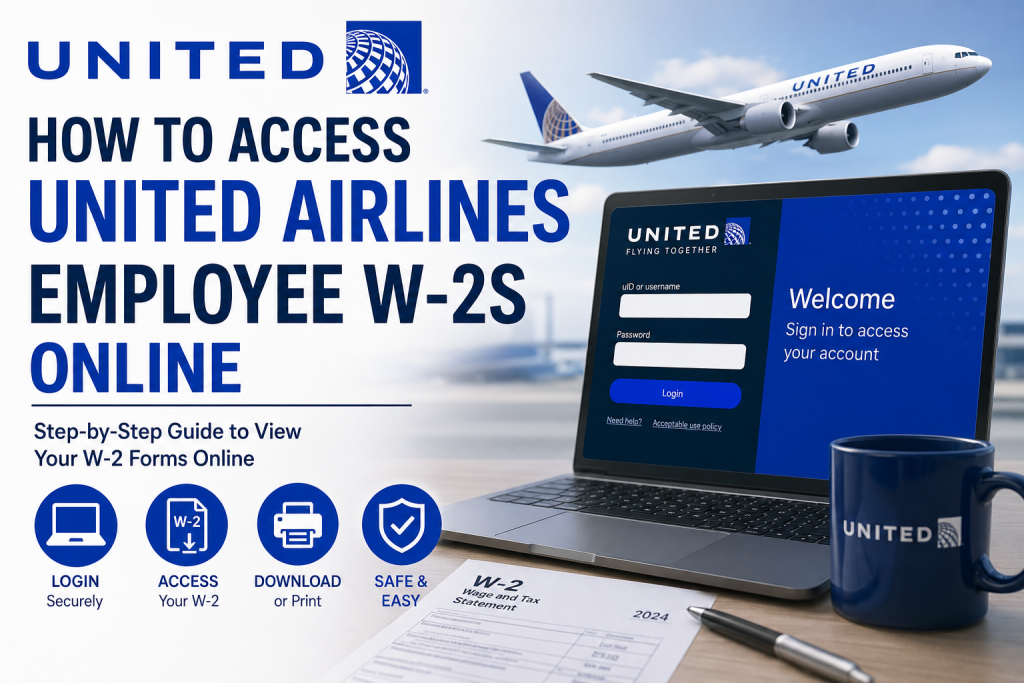
For employees of United Airlines, accessing your W-2 tax forms online is a straightforward process through the Flying Together and Paperless W-2 portals. Whether you need your current year’s tax statement for filing purposes or want to switch to paperless delivery, United Airlines provides secure digital access to your tax documents. United’s workforce of more than 100,000 employees operates across the globe, supporting one of the world’s largest airline networks. To simplify employee payroll and tax management, the company offers electronic W-2 access through its internal systems and secure authentication platform.
United Airlines Employee W-2 Portal
Employees can access their W-2 statements online through the official Paperless W-2 portal:
Official W-2 Access Link
Portal: United Airlines Paperless W-2 Portal
You may be redirected to the Flying Together login page for authentication.
Step-by-Step Guide to Access United Airlines W-2 Forms
Step 1: Visit the Official W-2 Portal
Open the United Airlines Paperless W-2 website: paperlessw2.ual.com
The system may automatically redirect you to the Flying Together sign-in page.
Step 2: Sign In to Flying Together
Enter your:
- uID or Username
- Password
Then click Login.
United Airlines uses secure authentication and DUO verification for employee access.
Step 3: Navigate to Your Tax Forms
Once logged in, follow this path inside Flying Together:
Flying Together → Employee Services → Tools and Resources → My Info → View Year End Tax Forms
Your available W-2 forms will appear for download or printing.
How to Download or Print Your W-2
After opening your tax document:
- Select the applicable tax year
- Open the PDF version of the W-2
- Download the file to your device
- Print a physical copy if needed for tax filing or personal records
Most employees receive electronic access before mailed copies arrive.
How to Sign Up for Paperless W-2 Delivery
United Airlines employees can choose electronic W-2 delivery instead of mailed paper copies.
To register for paperless W-2 delivery:
- Go to paperlessw2.ual.com
- Complete DUO and Flying Together authentication
- Follow the prompts to enroll in electronic delivery
Employees are encouraged to complete enrollment before the annual deadline to ensure digital delivery for the current tax year.
How to Verify or Update Your Mailing Address
If you still receive paper W-2 forms by mail, it is important to verify that your mailing address is correct.
Inside Flying Together, navigate to:
Employee Services → My Info → Personal Details
From there:
- Click your address
- Update any necessary information
- Save your changes
Employees unable to access Employee Services may contact HelpHub for assistance.
Forgot Your Flying Together Password?
If you cannot log in to Flying Together or need to reset your password, contact the United Airlines Digital Technology (DT) Service Desk.
DT Service Desk Numbers
- U.S. & Canada Toll-Free: 800-255-5801
- Direct Line: 847-700-5800
International employees can use the AT&T Direct Access Number for their country and then dial:
877-363-5800
You may be asked to verify your identity using a government-issued ID.
When Are United Airlines W-2 Forms Available?
United Airlines typically releases electronic W-2 forms in January each year.
Paper W-2 forms are generally mailed by January 31 for employees who selected physical delivery instead of electronic access.
Benefits of Accessing Your W-2 Online
Using the Flying Together portal offers several advantages:
- Faster access to tax documents
- Secure digital storage
- Convenient printing and downloading
- Reduced risk of lost mail
- Environmentally friendly paperless delivery
Electronic access also allows employees to retrieve forms anytime without waiting for postal delivery.
Common Issues and Troubleshooting Tips
Unable to Log In
- Verify your uID and password
- Complete DUO authentication correctly
- Reset your password through the DT Service Desk if needed
W-2 Form Not Showing
- Wait until official release dates in January
- Confirm you are in the correct tax year section
- Refresh the portal or try another browser
Locked Account
Too many failed login attempts may temporarily lock your account. Contact the DT Service Desk for assistance.
Address Incorrect
Update your mailing address immediately through Employee Services to avoid delays in receiving paper tax forms.
Final Thoughts
United Airlines makes employee tax document access simple through the secure Flying Together and Paperless W-2 systems. Whether you prefer digital delivery or mailed copies, employees can conveniently retrieve W-2 forms online, update delivery preferences, and manage personal information through the employee self-service portal. For the fastest and most secure experience, employees are encouraged to enroll in paperless W-2 delivery and regularly verify their contact information before tax season begins.
Frequently Asked Questions
Can United Airlines employees access W-2 forms online?
Yes. Employees can access W-2 forms online through the Flying Together and Paperless W-2 portals.
What is the official United Airlines W-2 portal?
The official portal is paperlessw2.ual.com
What login credentials are required?
Employees need their Flying Together uID/username and password.
Does United Airlines use DUO authentication?
Yes. Employees may need to complete DUO multi-factor authentication during login.
Where can I find my W-2 after login?
Navigate to:
Employee Services → Tools and Resources → My Info → View Year End Tax Forms
When are United Airlines W-2 forms available?
Electronic W-2 forms are generally available in January each year.
Are paper W-2 forms still mailed?
Yes. Employees who did not enroll in paperless delivery usually receive mailed forms by January 31.
How do I switch to paperless W-2 delivery?
Visit the Paperless W-2 portal and complete the enrollment process after authentication.
What should I do if I forgot my password?
Contact the United Airlines Digital Technology Service Desk for password reset assistance.
Can former employees access W-2 forms online?
Former employees may still have limited access depending on account status and authentication availability.
How do I update my mailing address?
Inside Flying Together, go to:
Employee Services → My Info → Personal Details
What browser works best with Flying Together?
Modern browsers such as Chrome, Edge, or Firefox typically provide the best experience.
Can I print my W-2 online?
Yes. Employees can download and print PDF copies directly from the portal.
Is online W-2 access secure?
Yes. United Airlines uses secure authentication and employee verification systems.
Who do I contact for technical support?
Contact the DT Service Desk at:
- 800-255-5801
- 847-700-5800

