
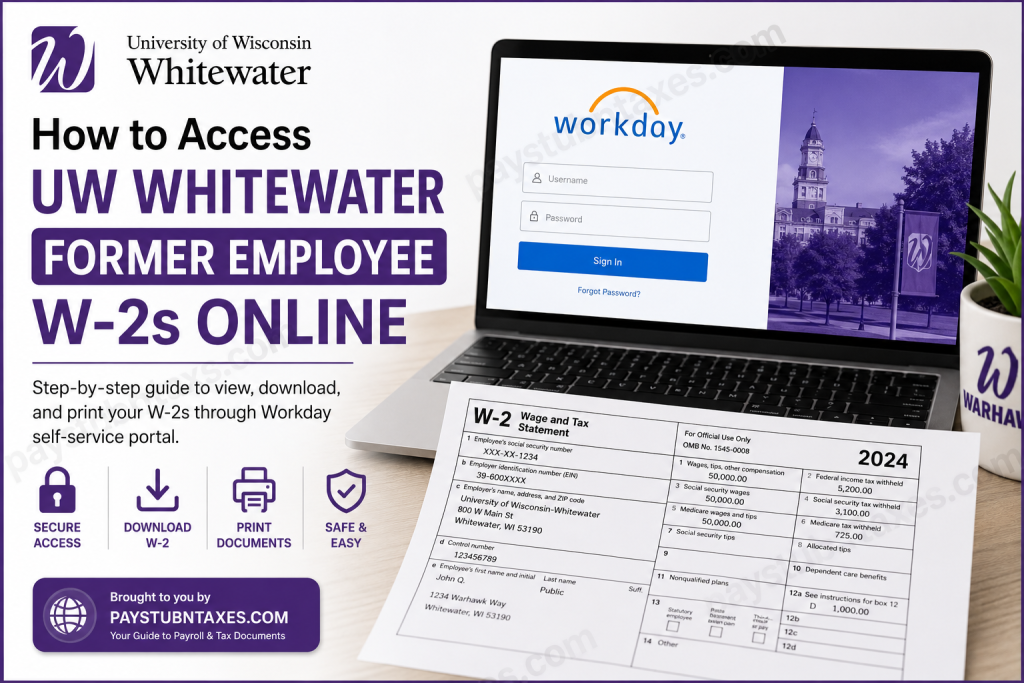
University of Wisconsin-Whitewater has built a strong reputation for academic excellence, student success, and community engagement since 1868. Known for its award-winning academic programs, nationally recognized athletics, and innovative learning environment, UW-Whitewater continues to support students, faculty, and staff long after employment ends. If you previously worked at UW-Whitewater, you can conveniently access your W-2 tax forms online through the Workday self-service portal. Former employees can also request duplicate tax statements through UW Shared Services if additional copies are needed.
UW Whitewater Former Employee W-2 Login Portal
Former employees can access their tax documents through the official Workday portal:
Workday Login:
UW Workday Former Employee Login
Former employees whose positions ended after July 1, 2025 must log in using a dedicated Workday username and password instead of their UW-Whitewater NetID. Access remains available for up to two years after separation from the university.
If you did not receive your credentials, check your personal email account or contact:
Support Email:
gethelpuw@support.wisconsin.edu
Who Can Access W-2 Forms Online?
You can access your W-2 electronically if:
- You are a former UW-Whitewater employee
- Your Workday access period has not expired
- You have your Workday username and password
- Your employment ended within the last two years
Former employees who are still enrolled as students should continue using their campus Single Sign-On (SSO) credentials instead of the terminated employee login method.
Step-by-Step Guide to Access UW-Whitewater Former Employee W-2s
Step 1: Open the Workday Portal
Visit the official Workday login page: https://wd1-identity.myworkday.com/wday/authgwy/wisconsin/upc/login?redirect=n
Step 2: Sign In to Your Account
Enter your:
- Workday username
- Password
If this is your first login after separation, Workday may require you to reset your password.
Step 3: Navigate to Tax Documents
After signing in:
- Select Benefits and Pay
- Click My Tax Documents
- Locate the desired tax year
- Select View/Print under Employee Copy
You may need to select Notify Me Later while the PDF generates. Once ready, the document link will appear in your Workday notifications.
How to Download and Print Your W-2
Once your W-2 opens:
- Review your tax information carefully
- Click the print icon to print a hard copy
- Save the PDF to your device for future use
Electronic W-2 delivery is generally available earlier than mailed paper copies.
How to Reset a Forgotten Workday Password
If you forgot your password:
- Open the Workday login page
- Click Forgot Password
- Enter your personal email address associated with Workday
- Follow the password reset instructions sent by email
Forgot Your Workday Username?
Former employees cannot recover usernames through self-service. If you forgot your username, contact:
Email: gethelpuw@support.wisconsin.edu
Requesting Duplicate W-2 Forms
If your W-2 is unavailable in Workday, you may request a duplicate copy through UW Shared Services.
Older documents from 2017 and earlier may require a processing fee.
Additional Workday Features for Former Employees
Former employees retain limited Workday access for up to two years after leaving UW-Whitewater. During that time, you can:
- Update personal contact information
- View payslips
- Access tax documents
- Manage personal email and phone information
Common UW Whitewater Workday Login Issues
Incorrect Username or Password
Double-check your Workday credentials carefully. Remember that your former UW-Whitewater NetID may no longer work.
Password Reset Email Not Received
Check your spam or junk folder. If necessary, contact UW support.
Locked Account
Multiple failed login attempts may temporarily lock your account.
W-2 Not Available Yet
Tax forms are typically released in January. Wait for official availability notifications if your form is missing.
Security Tips for Accessing Your W-2 Online
To protect your sensitive tax information:
- Use a secure internet connection
- Avoid public Wi-Fi when downloading tax documents
- Log out after accessing Workday
- Save files securely on password-protected devices
Why Electronic W-2 Access Is Beneficial
Using Workday to access your W-2 offers several advantages:
- Faster access to tax documents
- Secure online delivery
- Easy PDF downloads
- Convenient printing anytime
- Reduced risk of lost mail
Final Thoughts
The UW Whitewater Workday self-service portal makes it simple for former employees to access W-2 tax forms online. With secure login credentials and step-by-step navigation, you can quickly download, print, and manage your important tax documents from anywhere. If you encounter any issues accessing your account, UW Shared Services and the Workday support team are available to help you regain access and obtain duplicate statements when necessary.
Frequently Asked Questions (FAQs)
1. How do I access my UW-Whitewater former employee W-2 online?
Log in to the Workday portal using your Workday username and password, then go to Benefits and Pay > My Tax Documents.
2. Can I still use my UW-Whitewater NetID?
No. Former employees whose employment ended after July 1, 2025 must use Workday credentials instead.
3. How long do former employees keep Workday access?
Former employees can access Workday for up to two years after separation.
4. What if I forgot my Workday password?
Use the “Forgot Password” option on the Workday login page.
5. What if I forgot my Workday username?
Contact gethelpuw@support.wisconsin.edu for assistance.
6. Can I print my W-2 directly from Workday?
Yes. You can download and print the PDF version of your W-2.
7. When are W-2 forms available online?
W-2 forms are usually available by January each year.
8. Can I request duplicate W-2 forms?
Yes. Duplicate forms can be requested through UW Shared Services.
9. Is Workday access secure?
Yes. Workday uses secure authentication to protect employee information.
10. Can former student employees use Workday?
Former student employees who are still enrolled should use campus SSO credentials.
11. Can I update my address in Workday?
Yes. Former employees can update personal contact information during the access period.
12. Can I view old payslips in Workday?
Yes. Former employees can access and print previous payslips.
13. What happens if my Workday access expires?
You will need to request tax documents directly from UW Shared Services.
14. Are older tax forms available?
Yes, but documents from older years may require a fee.
15. Who do I contact for Workday login problems?
Contact UW Workday support at gethelpuw@support.wisconsin.edu.

