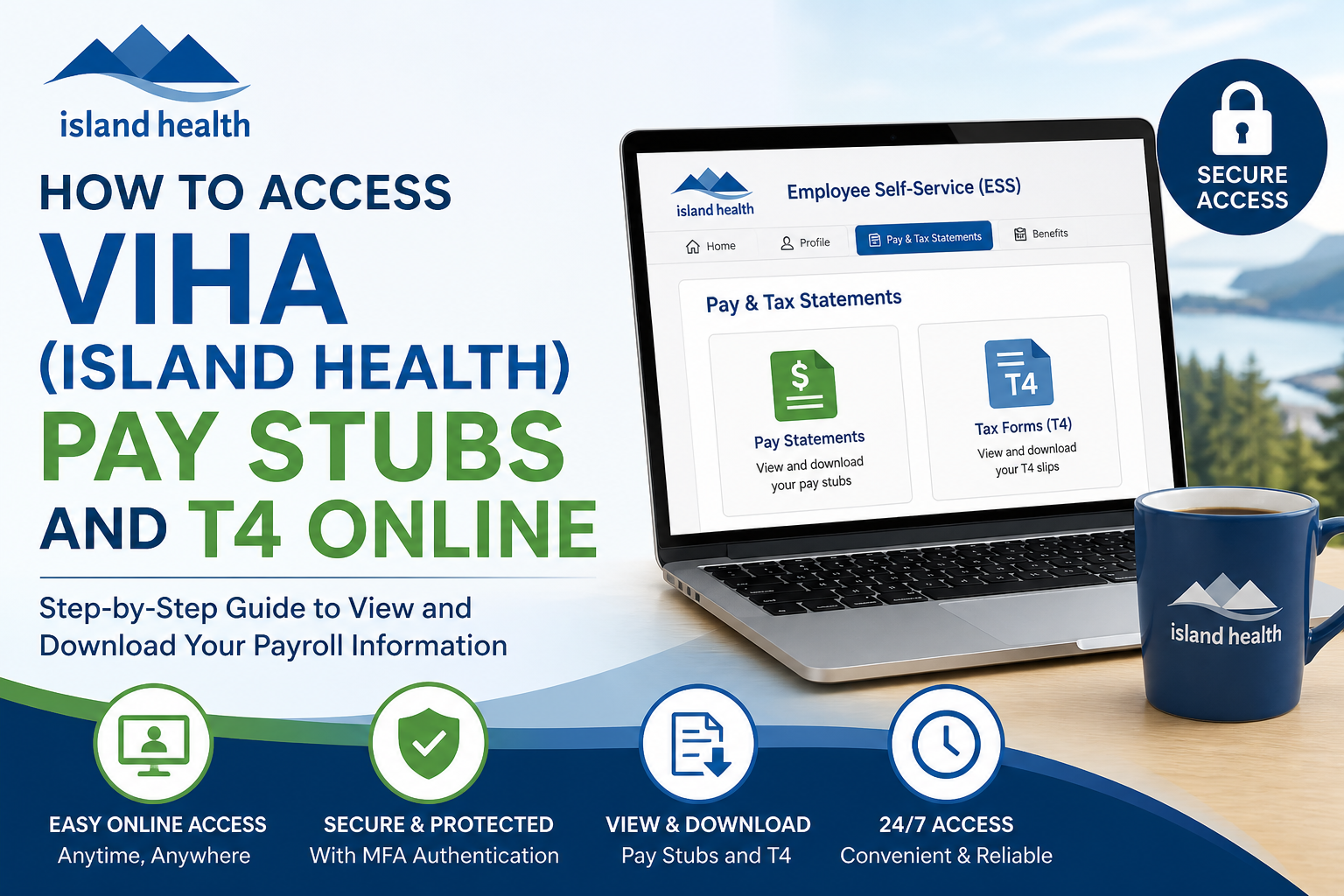
Island Health (formerly VIHA – Vancouver Island Health Authority) is one of British Columbia’s largest healthcare providers, supporting over 930,000 residents with a workforce of more than 31,000 employees. To streamline payroll and tax document management, Island Health offers a secure Employee Self-Service (ESS) system that allows staff to access pay stubs and T4 slips online anytime, anywhere. This comprehensive guide explains exactly how to access your VIHA pay statements and T4 forms securely and efficiently.
🔐 Official Portal for VIHA Payroll Access
To access your payroll documents, use the official Island Health Employee Self-Service portal:
👉 https://selfservice.islandhealth.ca/
📌 Key Requirements Before Access
Before you can log in and view your pay stubs or T4 forms, you must complete the following setup:
1. Island Health Login Credentials
You need a valid:
- Island Health username
- Network password
2. Multi-Factor Authentication (MFA)
MFA is mandatory, especially for remote access. It adds an extra layer of security by requiring:
- A mobile device (phone/tablet/computer)
- Microsoft Authenticator or similar verification
📄 Remote access requires both your login credentials and an MFA device as a second authentication factor.
🧭 Step-by-Step: Access VIHA Pay Stubs Online
Follow these steps to view your pay statements:
Step 1: Visit the ESS Portal
Go to:
👉 https://selfservice.islandhealth.ca/
Step 2: Enter Your Credentials
- Input your Island Health username and password
- Approve the login request via your MFA device
Step 3: Navigate to Employee Self-Service (ESS)
Once logged in:
- Access the Employee Self-Service (ESS) section
- Select “Pay & Tax Statements” or similar payroll option
Step 4: View or Download Pay Stubs
- Click on “View Pay Statements”
- Select the desired pay period
- Download or print your pay stub
📄 According to Island Health resources, employees can view pay stubs and vacation balances directly through ESS
🧾 How to Access Your T4 Slip (Tax Form)
Your T4 (Statement of Remuneration Paid) is also available through ESS.
Steps:
- Log into the ESS portal
- Go to Tax Forms / Pay & Tax Statements
- Select T4 for the required tax year
- Download or print for filing purposes
Additionally, tax-related documents such as TD1 forms and employment records are accessible via the same system
🌐 Accessing VIHA Payroll from Home
To log in remotely:
- Ensure MFA is fully set up
- Use a secure internet connection
- Access systems via:
- ESS portal
- Island Health Intranet (if required)
- Authenticate using your MFA device
📄 Remote access to internal systems is secured via Citrix and requires MFA authentication
🔑 Forgot Password? Use Self-Service Reset (SSPR)
If you cannot log in:
Reset Password:
- Visit: https://passwordreset.microsoftonline.com/
- Enter your Island Health email
- Answer your security questions
- Create a new password
📄 The SSPR system allows users to reset passwords or unlock accounts without contacting support
🛠️ Troubleshooting Login Issues
Common Issues & Solutions:
1. MFA Not Working
- Ensure your device is connected to internet
- Use Authenticator app or OTP code
2. Account Locked
- Use SSPR to unlock
- Or contact Service Desk
3. Cannot Access ESS
- Confirm login credentials
- Ensure MFA setup is complete
📞 Support Contacts
If you still need assistance:
- IMIT Service Desk: 1-877-563-3152
- HR Access: For payroll, benefits, and tax queries
📄 Employees can contact HR Access for assistance with benefits, pensions, and employment documents
🎯 Benefits of Online Payroll Access
Using Island Health’s ESS portal provides:
- 24/7 access to pay and tax documents
- Secure authentication with MFA
- Instant download of T4 and pay stubs
- Reduced paperwork and faster record-keeping
🧠 Final Thoughts
Island Health’s digital payroll system ensures that employees can easily and securely access their financial records. By setting up MFA and using the Employee Self-Service portal, you gain full control over your pay stubs, T4 slips, and HR documents—anytime and from anywhere. Whether you are a current employee or preparing for tax season, mastering the ESS platform will save time and enhance convenience.
❓ Frequently Asked Questions (FAQs)
1. What is the VIHA Employee Self-Service (ESS) portal?
The ESS portal is a secure online system where Island Health employees can access pay stubs, T4 slips, vacation balances, and HR documents.
2. Where can I log in to access my VIHA pay stubs?
You can log in at:
👉 https://selfservice.islandhealth.ca/
3. Do I need Multi-Factor Authentication (MFA) to access ESS?
Yes, MFA is required, especially for remote access, to ensure secure login using a second verification method
4. How do I view my pay stubs online?
After logging in to ESS:
- Go to Pay & Tax Statements
- Select Pay Statements
- Choose the pay period and download your stub
5. How can I download my T4 slip?
Log in to ESS, navigate to Tax Forms, select your T4 for the required year, and download or print it.
6. Can I access my VIHA pay stubs from home?
Yes, you can access them remotely using ESS, but you must have MFA set up and a secure internet connection.
7. What should I do if I forget my password?
Use the Self-Service Password Reset (SSPR) system at:
https://passwordreset.microsoftonline.com/
You’ll need to verify your identity using security questions
8. What is SSPR in Island Health?
SSPR (Self-Service Password Reset) allows employees to reset their password or unlock accounts without contacting IT support.
9. Why can’t I access the ESS portal?
Possible reasons include:
- Incorrect login credentials
- MFA not set up
- Account locked or expired password
10. How do I unlock my account if it is locked?
You can unlock it using the SSPR system or contact the IMIT Service Desk for assistance.
11. What devices can I use for MFA?
You can use a mobile phone, tablet, or computer with an authentication app such as Microsoft Authenticator.
12. Are pay stubs and T4 forms available year-round?
Yes, they are available anytime through ESS once they are issued.
13. Can former employees access their T4 forms?
Yes, former employees may still access tax documents or request them through HR Access.
14. Who should I contact for payroll or tax issues?
Contact HR Access for payroll, benefits, or tax-related inquiries
15. Is the VIHA ESS portal secure?
Yes, the system uses MFA and secure login protocols to protect employee data and ensure confidentiality.
