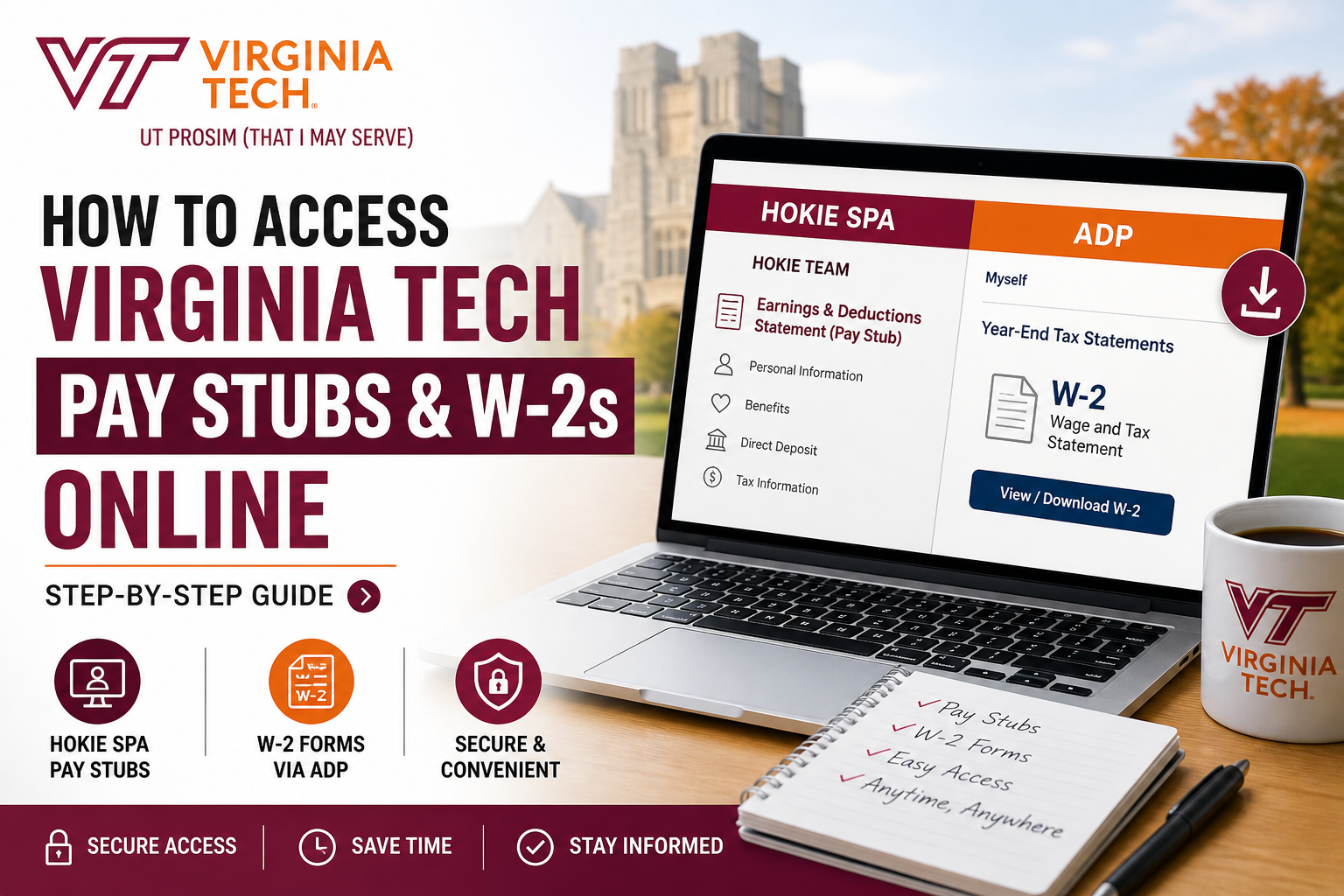
Dedicated to its motto Ut Prosim, Virginia Tech stands as a leading research institution, serving over 31,000 students and managing a robust $450 million research portfolio. Alongside its academic excellence, the university ensures efficient payroll services through modern digital platforms, enabling employees to securely access pay stubs and tax documents online. This comprehensive guide explains how to access Virginia Tech pay stubs and W-2s online, using official payroll procedures and systems.
🔐 Overview of Virginia Tech Payroll System
The Virginia Tech Payroll Department manages employee compensation, tax reporting, and W-2 processing. It provides digital access to payroll records through:
- HokieSpa (Employee Self-Service Portal)
- ADP Workforce Platform (for W-2 forms)
These platforms allow employees to:
- View pay stubs (earnings & deductions statements)
- Download W-2 tax forms
- Update tax and direct deposit information
👉 According to the official payroll document, employees can access their earnings and deductions statements online via HokieSpa under the Hokie Team tab
🧾 How to Access Virginia Tech Pay Stubs Online
Follow these simple steps to view your pay statements:
Step-by-Step Guide
- Visit the HokieSpa portal
- Log in using your Virginia Tech credentials
- Navigate to:
- Hokie Team tab
- Select:
- Earnings & Deductions Statement (Pay Stub)
- Choose the desired pay period
- View, download, or print your pay stub
💡 Key Features
- Access both current and past pay stubs
- View deductions, taxes, and benefits
- Update direct deposit and tax withholding details
👉 Pay stubs are updated regularly based on payroll cycles and are available anytime online.
📄 How to Access Virginia Tech W-2 Forms Online
Virginia Tech partners with ADP to distribute W-2 forms electronically.
✅ Method 1: Access via HokieSpa
- Log in to HokieSpa
- Go to:
- Hokie Team → Year-End Tax Statements (Banner 9)
- Select:
- W-2 Year-End Earnings Statement
- View or download your W-2
👉 Employees can directly navigate to ADP from this section if needed
✅ Method 2: Access via ADP Portal
If you prefer direct access or no longer have HokieSpa access:
Steps to Register/Login:
- Visit: https://my.adp.com
- Click “Create Account”
- Enter Registration Code:
- VAPOLYTECH-VTW2
- Provide verification details:
- First & Last Name
- Full SSN
- Date of Birth
- Complete identity verification
- Set username and password
👉 Once registered, you can:
- Download W-2 forms
- Opt for paperless delivery
- Import tax data into software like TurboTax or H&R Block
📅 When Are W-2 Forms Available?
- Online Availability: Mid-January
- Mailing Deadline: By January 31 (if paper copy selected)
👉 Federal law requires employers to provide W-2 forms by January 31 each year
👨🎓 Special Case: Form 1042-S (For Non-Residents)
International employees or students may receive Form 1042-S instead of or in addition to a W-2.
Key Points:
- Issued for non-resident tax purposes
- Reports scholarships, fellowships, or tax-exempt income
- Available by March 15
👉 This form is used to complete federal and state tax returns for non-residents
⚠️ Troubleshooting Access Issues
Can’t Access HokieSpa?
- Contact 4Help: 540-231-4357
Can’t Access ADP?
- Re-register using the code: VAPOLYTECH-VTW2
- Use “Register by Service” if identity is not found
- Email support: vtw2@vt.edu
🔒 Important Tips for Employees
- Keep your mailing address updated in HokieSpa
- Opt for paperless W-2 delivery for faster access
- Save copies of W-2 forms for at least 3 years
- Bookmark ADP portal for future use
👉 Keeping records is essential for tax filing and verification purposes
📌 Conclusion
Accessing your Virginia Tech pay stubs and W-2 forms online is a seamless process through HokieSpa and ADP. Whether you are a current employee, former staff member, or international worker, these platforms ensure secure and convenient access to your payroll and tax records. By following the steps outlined above, you can efficiently manage your financial documents, stay compliant with tax regulations, and maintain complete control over your payroll information.
❓ Frequently Asked Questions (FAQs)
1. How do I log in to view my Virginia Tech pay stubs?
Log in to HokieSpa using your VT credentials, go to the Hokie Team tab, and select Earnings & Deductions Statement.
2. Where can I download my Virginia Tech W-2 form?
You can download your W-2 from HokieSpa or directly from the ADP website (my.adp.com).
3. What is the ADP registration code for Virginia Tech employees?
The registration code is VAPOLYTECH-VTW2.
4. When are Virginia Tech W-2 forms available?
W-2 forms are available online in mid-January and mailed by January 31.
5. Can former Virginia Tech employees access their W-2s?
Yes, former employees can access W-2s through the ADP portal even without HokieSpa access.
6. What should I do if I cannot access HokieSpa?
Contact VT 4Help at 540-231-4357 for assistance with login issues.
7. What if ADP cannot find my account during registration?
Use the “Register by Service” option and provide your VT ID, company code (U8Z), and personal details.
8. Can I choose to receive my W-2 electronically instead of by mail?
Yes, you can opt for paperless delivery through your ADP account settings.
9. How do I update my mailing address for tax documents?
Update your address in HokieSpa under the Hokie Plus section.
10. Are pay stubs available for previous pay periods?
Yes, HokieSpa allows access to both current and past pay statements.
11. What is included in a Virginia Tech pay stub?
Pay stubs include earnings, deductions, taxes, and benefits details.
12. What is Form 1042-S and who receives it?
Form 1042-S is issued to non-resident employees for reporting certain types of taxable income.
13. When will I receive Form 1042-S?
Form 1042-S is typically issued by March 15 each year.
14. Can I import my W-2 directly into tax software?
Yes, ADP allows direct import into software like TurboTax and H&R Block.
15. How long should I keep my W-2 forms?
You should keep your W-2 forms for at least three years for tax and record-keeping purposes.
