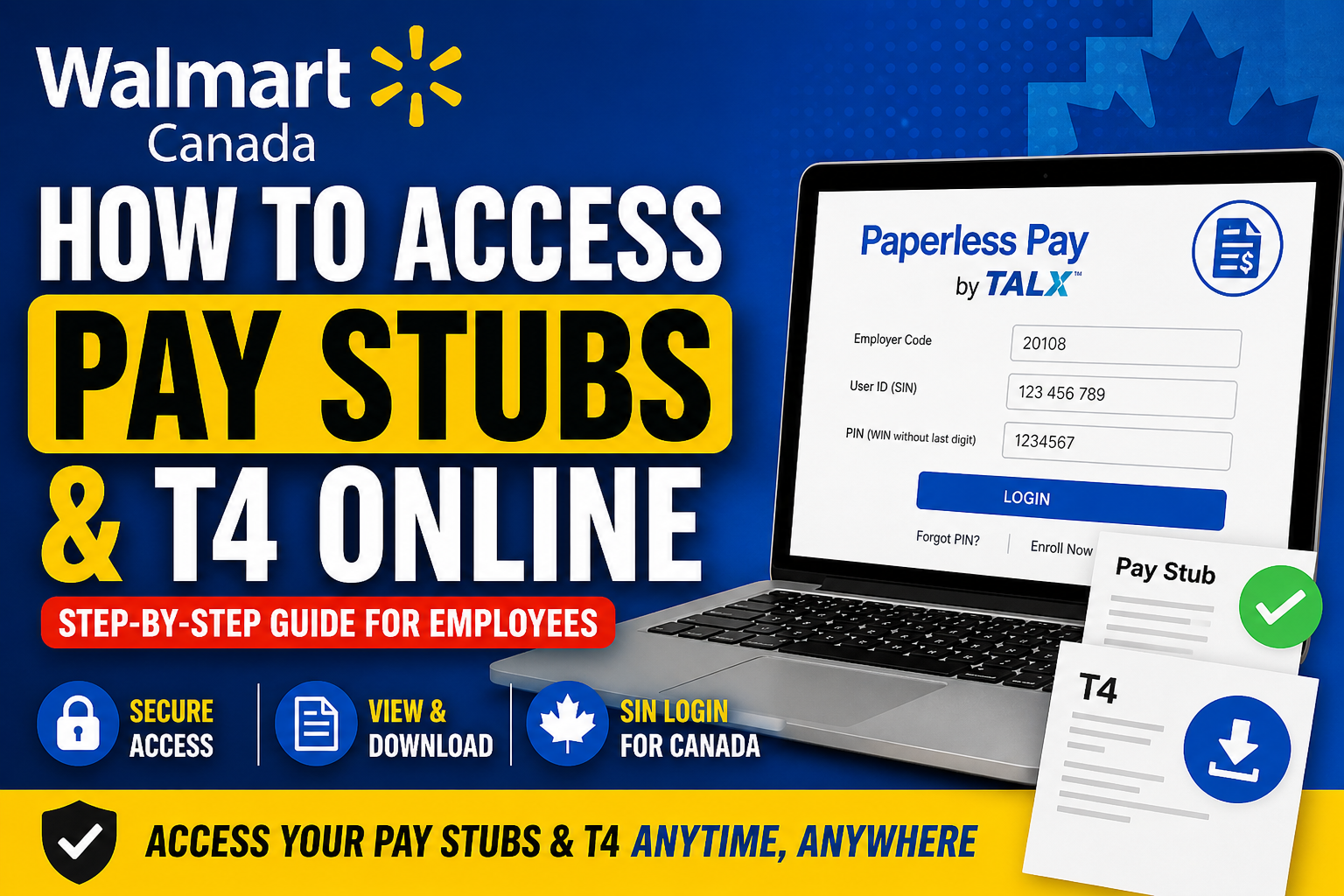
Accessing your payroll documents online is essential for managing your income records, tax filing, and financial planning. If you are an employee of Walmart Canada, you can conveniently view and download your pay stubs and T4 slips through the secure Paperless Pay system by TALX (Equifax). This comprehensive guide explains everything you need to know—from first-time login to retrieving your tax documents efficiently.
About Walmart Canada
Walmart Canada, established in 1994, is one of the country’s largest employers with over 100,000 associates nationwide. It operates as a subsidiary of Walmart Inc., offering omnichannel retail services across stores, online platforms, and mobile devices. With hundreds of locations across Canada, Walmart ensures employees have access to modern payroll systems, including secure digital pay statements.
Walmart Canada Pay Stub & T4 Portal
Employees can access their payroll documents via:
👉 Paperless Pay Portal:
https://paperlesspay.talx.com/
👉 Direct Walmart Canada login:
https://paperlesspay.talx.com/walmartcanada
This system allows you to:
- View current and past pay stubs
- Download and print earnings statements
- Access annual T4 tax slips
- Manage payroll-related information securely
Login Credentials for Walmart Canada Employees
To log in successfully, use the following credentials:
- Employer Code: 20108
- User ID: Your S.I.N (Social Insurance Number)
(Important: Use SIN, not SSN as used in the United States) - PIN: Your WIN (Walmart Identification Number) excluding the last digit
Step-by-Step Guide to Access Pay Stubs
Follow these steps carefully:
Step 1: Visit the Portal
Go to the official Paperless Pay website:
👉 https://paperlesspay.talx.com/walmartcanada
Step 2: Enter Login Details
- Input Employer Code: 20108
- Enter your SIN as User ID
- Enter your default PIN
Step 3: First-Time Login Setup
If this is your first time logging in:
- Click “Enroll Now”
- Set up security questions and answers
- Provide contact details
- Change your default PIN for security
📌 According to the onboarding instructions, the initial login process may take 10–15 minutes and must be completed on a PC or laptop before using mobile devices.
Step 4: Access Your Pay Stubs
Once logged in:
- Navigate to Pay Statements / Pay History
- Select the desired pay period
- Download or print your pay stub
How to Access Your T4 Online
Your T4 slip (Statement of Remuneration Paid) is available annually for tax filing.
Steps:
- Log in to the Paperless Pay portal
- Go to Tax Forms / Year-End Documents
- Select the relevant tax year
- Download or print your T4
Alternative Access Method (Internal Network)
Some associates may also access payroll through Walmart’s internal systems (e.g., OneWalmart Canada), which link directly to Paperless Pay for convenience.
Troubleshooting Login Issues
If you face difficulties:
- Ensure you are using SIN (not SSN)
- Double-check your WIN-based PIN
- Try first login on a desktop device
- Reset your PIN via the portal if needed
- Contact Walmart HR or payroll support
Key Security Tips
- Never share your SIN or PIN
- Always log out after accessing payroll data
- Use a private and secure internet connection
- Update your PIN regularly
Benefits of Using Paperless Pay
- Instant access to payroll records
- Environmentally friendly (paperless system)
- Secure and encrypted data protection
- Easy access for tax filing and loan applications
Final Thoughts
Walmart Canada’s Paperless Pay system provides a reliable and secure way for employees to manage their financial records. By following the steps outlined above, you can easily access your pay stubs and T4 forms anytime, anywhere. If you are logging in for the first time, take a few extra minutes to complete the setup properly—this ensures smooth and secure access in the future.
Frequently Asked Questions (FAQs)
1. What website do I use to access Walmart Canada pay stubs?
You can access your pay stubs through the Paperless Pay portal at:
https://paperlesspay.talx.com/walmartcanada
2. What is the employer code for Walmart Canada?
The employer code is 20108.
3. What should I use as my User ID?
Your Social Insurance Number (SIN) is used as your User ID.
4. What is the default PIN for login?
Your default PIN is your Walmart Identification Number (WIN) without the last digit.
5. Can I use SSN instead of SIN?
No. Walmart Canada employees must use SIN, not SSN.
6. How do I access my T4 slip online?
Log in to Paperless Pay, go to Tax Forms, select the year, and download your T4.
7. Do I need to register for first-time access?
Yes. First-time users must click “Enroll Now” and complete account setup.
8. Can I access my pay stubs on mobile?
Yes, but the first login must be done on a desktop or laptop. After that, mobile access is allowed.
9. What should I do if I forget my PIN?
Use the “Forgot PIN” option on the login page or contact payroll support.
10. How long does the initial login process take?
The first-time setup typically takes 10–15 minutes.
11. Can former employees access their pay stubs?
Yes, former employees can still access their payroll records through the same portal.
12. Are pay stubs available immediately after payday?
Pay stubs are usually available on or shortly after payday, depending on processing.
13. Is Paperless Pay secure?
Yes, the system uses secure encryption and authentication measures to protect your data.
14. Can I print my pay stubs and T4?
Yes, you can download and print both pay stubs and T4 forms anytime.
15. What should I do if I cannot log in?
Check your credentials (SIN, employer code, PIN), ensure correct formatting, and contact Walmart HR or payroll support if issues persist.
