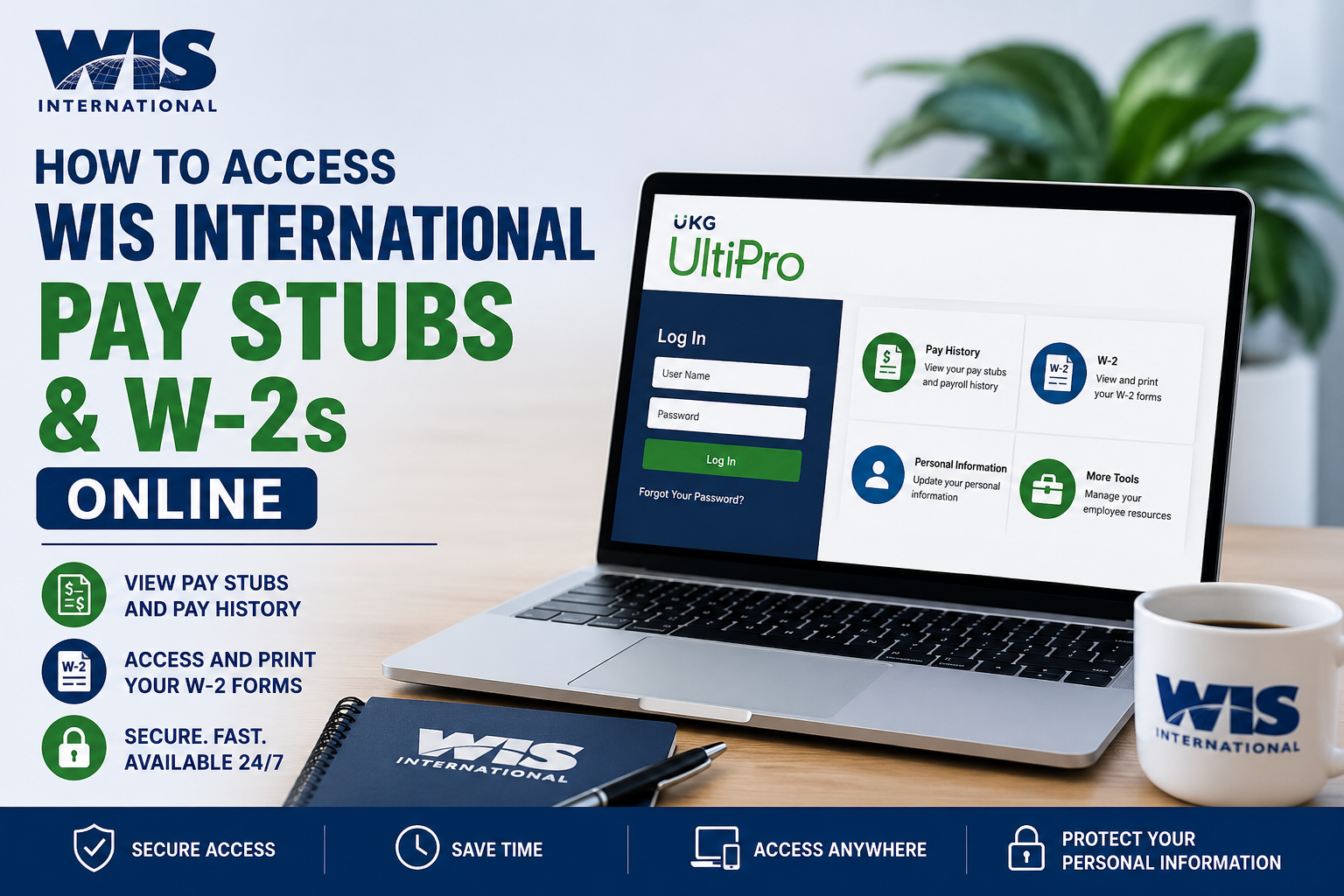
WIS International is a globally recognized inventory and retail solutions company serving businesses across retail, healthcare, manufacturing, warehouses, and specialty sectors. With more than 70 years of experience and a strong international presence, WIS International provides advanced inventory management and data collection solutions worldwide. As an employee of WIS International, you can conveniently access your pay stubs, payroll history, and W-2 tax forms online through the UKG UltiPro self-service portal. The platform allows employees to securely manage payroll documents, update credentials, and retrieve tax statements anytime.
WIS International UltiPro Login Portal
WIS International employees can access payroll and tax information through the UKG UltiPro portal:
https://n14.ultipro.com/Login.aspx?ReturnUrl=%2f
The login portal provides access to:
- Pay statements
- Payroll history
- W-2 tax forms
- Direct deposit details
- Tax withholding information
- Employee self-service tools
The provided tutorial explains how employees can log in, reset passwords, and download payroll documents from the UltiPro system.
How to Log In to WIS International UltiPro
Employees can access UltiPro in two ways:
- Through the WIS Intranet
- Directly via a web browser
Employees may log in through the WIS intranet by visiting the company website and selecting the UltiPro link from the main employee page.
Alternatively, employees can directly access the payroll system through the UltiPro portal using any compatible browser.
Step-by-Step Login Instructions
Step 1: Open the UltiPro Login Page
Visit:
Step 2: Enter Your Username
The username format depends on your hire date.
Employees Hired Before October 10, 2016
Your username is:
- First name with the first letter capitalized
- Plus the last 4 digits of your Social Security Number
Example:
John1234
Employees Hired On or After October 10, 2016
Your username is:
- Last name with the first letter capitalized
- Plus the first four digits (MMDD) of your date of birth
Example:
If your last name is Smith and your birthday is January 2, 1980:
Smith0102
Default Password Information
If this is your first time logging in or your password has been reset, your default password is your birth date in the following format:
MMDDYYYY
Example:
January 1, 1990 = 01011990
WIS International UltiPro Password Requirements
Your new password must meet the following requirements:
- 8 to 15 characters long
- At least one uppercase letter
- At least one lowercase letter
- At least one number
- At least one special character
Passwords expire every 90 days for security purposes.
How to Reset Your UltiPro Password
If you forget your password:
- Click “Forgot Your Password?” on the login page
- Enter your username
- Submit the request
- Check your email for the password reset link
- Answer your security questions
- Create a new password
After three failed login attempts, your account may become locked, and employees should contact the UltiPro support team for assistance.
WIS International UltiPro Support
For password resets or login issues, contact:
Email: UltiProHelp@wisintl.com
How to View WIS International Pay Stubs Online
Once logged into UltiPro:
- Hover over the Myself menu
- Click Pay History
- Select the desired pay date
- View or print your pay statement
The Pay History page displays payroll records beginning with the most recent pay date.
How to Access WIS International W-2 Forms
Employees can also retrieve W-2 tax documents online through UltiPro.
Steps to View Your W-2
- Log in to UltiPro
- Hover over the Myself menu
- Select W-2
- Click the tax year you want to review
- Download or print the W-2 form
W-2 forms become available within the UltiPro portal once released by payroll administrators.
Electronic W-2 Consent Program
WIS International also offers electronic W-2 delivery for employees who prefer online access instead of mailed paper copies.
Benefits of Electronic W-2 Delivery
Employees who choose electronic W-2 access can enjoy:
- Faster access to tax forms
- Secure online retrieval
- Reduced risk of lost mail
- Convenient printing from any computer
- Earlier availability before postal delivery
Employees who choose electronic delivery can generally access their W-2 online by early January.
Browser Compatibility for UltiPro
According to the tutorial guide, UltiPro is compatible with:
- Internet Explorer 8.0–9.0
- Mozilla Firefox 3.6 and 11.0
For the best experience today, employees may also try modern browsers such as Google Chrome or Microsoft Edge.
About WIS International
WIS International is one of the world’s leading inventory service companies, offering inventory counting, data collection, retail solutions, healthcare inventory management, and warehouse support services globally. The company operates across more than 200 offices and serves thousands of clients worldwide.
The organization focuses on innovation, integrity, teamwork, and operational excellence while helping businesses improve inventory accuracy and operational efficiency.
Final Thoughts
The WIS International UltiPro self-service portal makes it simple for employees to access payroll information, download pay stubs, retrieve W-2 forms, and manage account settings online. Whether you need your latest paycheck details or your annual tax documents, the UKG UltiPro system provides secure and convenient access anytime. Employees experiencing login or password issues should contact the WIS UltiPro support team for assistance.
Frequently Asked Questions (FAQ)
1. How do I access my WIS International pay stubs online?
You can access your pay stubs by logging into the UKG UltiPro portal and selecting Myself > Pay History from the dashboard menu.
2. What is the WIS International payroll portal link?
The official payroll login portal is:
WIS International Payroll Login
3. How do I view my WIS International W-2 online?
After logging into UltiPro, hover over the Myself menu and click W-2. Select the tax year to view or print your W-2 form.
4. What username should I use for UltiPro login?
Your username depends on your hire date:
- Employees hired before October 10, 2016: First name + last 4 digits of SSN
- Employees hired after October 10, 2016: Last name + MMDD of birth date
5. What is the default UltiPro password?
For first-time login or password reset, the default password is your birth date in MMDDYYYY format.
Example:
01011990
6. How do I reset my WIS International UltiPro password?
Click “Forgot Your Password?” on the login page, enter your username, and follow the email instructions to reset your password.
7. What should I do if my UltiPro account is locked?
After multiple failed login attempts, your account may become locked. Contact the WIS International UltiPro support team for assistance.
8. What is the WIS International UltiPro support email?
Employees can contact:
UltiProHelp@wisintl.com
for password resets and payroll assistance.
9. Can former employees access WIS International W-2 forms online?
Former employees may still be able to access W-2 forms through UltiPro if their account remains active. Otherwise, they should contact payroll support.
10. How do I print my WIS International pay stub?
Open the desired pay statement in Pay History and use the print icon or browser print option to print your payroll document.
11. When are W-2 forms available in UltiPro?
W-2 forms are generally available online by January each year once payroll processing is completed.
12. Does WIS International offer electronic W-2 delivery?
Yes. Employees can consent to electronic W-2 delivery and access tax forms online instead of receiving mailed paper copies.
13. Can I access UltiPro from my mobile device?
Yes. Employees can access the UKG UltiPro portal from smartphones, tablets, and desktop browsers with internet access.
14. What browser works best with UltiPro?
The tutorial recommends Internet Explorer and Firefox compatibility, but modern browsers like Chrome and Edge also work well.
15. What payroll information can I access through UltiPro?
Employees can access:
- Pay stubs
- Payroll history
- W-2 tax forms
- Direct deposit information
- Tax withholding details
- Employee self-service tools
