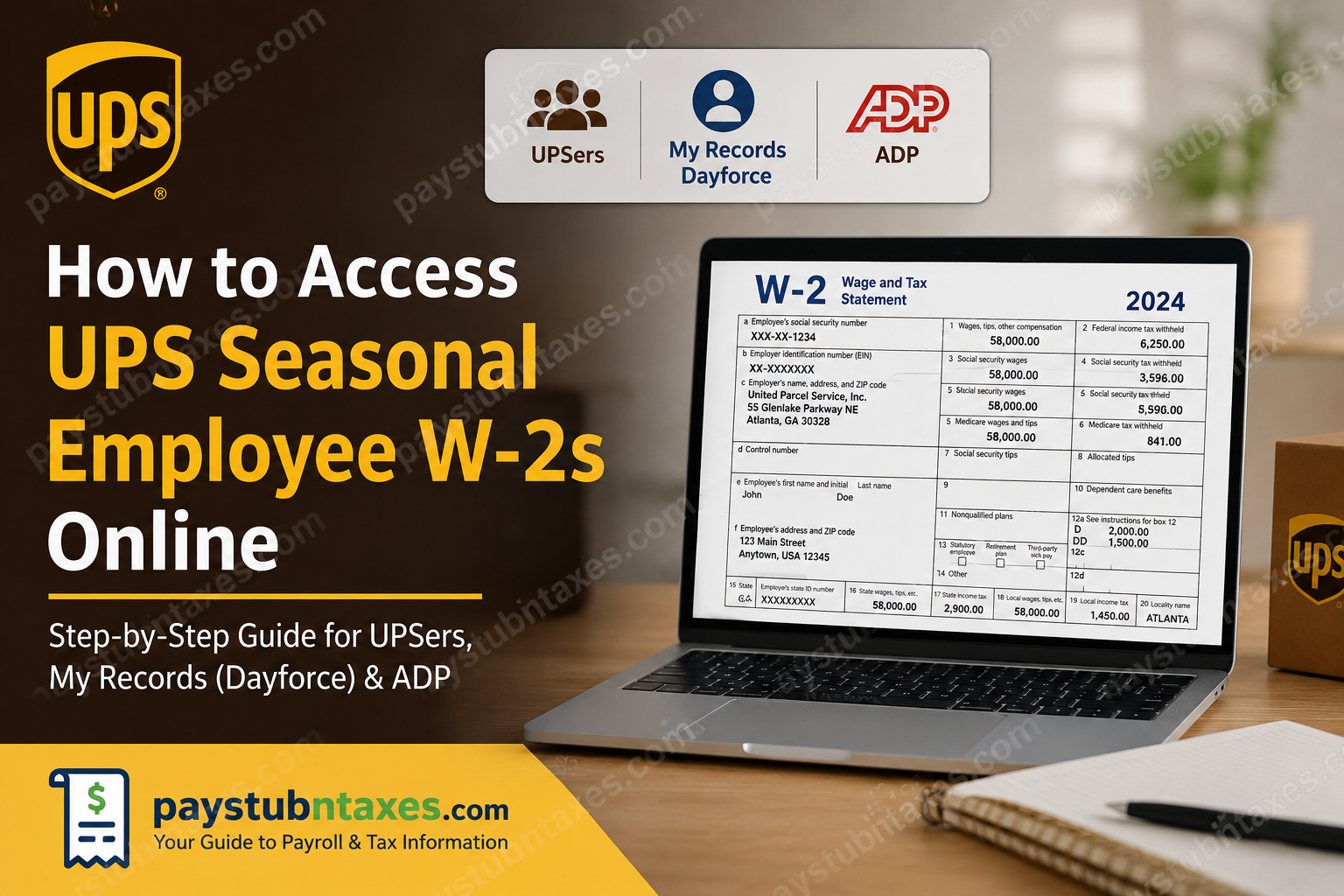
Operating in more than 200 countries and territories, UPS has grown from a small messenger company into one of the world’s most recognized transportation and logistics leaders. With nearly 500,000 employees worldwide, UPS continues to deliver innovative shipping, supply chain, and logistics solutions while supporting communities through global social impact initiatives. If you worked for UPS as a seasonal employee — whether as a Seasonal Support Driver, Driver Helper, Package Handler, or other temporary worker — you can still access your W-2 forms online even after your employment ends. UPS provides electronic W-2 access through designated employee self-service platforms such as UPSers Portal and Dayforce My Records. Seasonal employees, including terminated workers, may continue to retrieve tax documents online depending on their work region, tax year, and payroll system.
Which UPS W-2 Portal Should Seasonal Employees Use?
UPS seasonal workers do not all use the same W-2 portal. Access depends heavily on the employee’s RRDD (Region/Route/District designation) and tax year.
UPS W-2 Access Matrix
| Employee Type | 2025 | 2024 | 2023 |
| Full-Time Management | My Pay | My Pay | ADP |
| Specialists, Part-Time Management & Hourly Employees (Specific RRDD Locations) | My Pay | My Records | ADP |
| Specialists, Part-Time Management & Hourly Employees (Other RRDD Locations) | My Records | My Records | ADP |
UPS Locations and RRDD Codes Using My Pay
Seasonal and hourly employees in the following RRDD locations generally use the UPSers Portal for 2025 W-2 access:
| 0312 | 0313 | 0355 | 0356 | 0376 | 0377 | 0386 | 0390 |
| 0392 | 0395 | 1017 | 1019 | 1341 | 1345 | 1346 | 2040 |
| 2041 | 2082 | 2083 | 2087 | 2707 | 4340 |
These locations generally retrieve W-2s through:
- UPSers.com
- My Pay portal
UPS Locations and RRDD Codes Using My Records (Dayforce)
Seasonal employees in the following RRDD locations typically use My Records Dayforce for W-2 access:
| 0717 | 0720 | 0729 | 0732 | 0733 | 0735 | 0736 | 0740 | 0744 | 0745 |
| 0749 | 0763 | 0764 | 0771 | 1015 | 1021 | 2010 | 2028 | 2029 | 2037 |
| 2044 | 2213 | 2220 | 2221 | 2230 | 2265 | 2311 | 2323 | 2327 | 2332 |
| 2338 | 2339 | 2516 | 2580 | 2705 |
Employees in these locations generally access tax forms through:
How to Find Your UPS RRDD Location Code
UPS employees can identify their RRDD code directly from their paycheck.
Through My Pay
Open a paycheck and locate the digits under:
OpTypeCenterSort
Example format:
XXX_00_00_XXXXX_000_00X00_X
Through View Paycheck on UPSers
Inside UPSers:
- Open a paycheck
- Locate the Work Location section
- Find the four-digit RRDD code
How to Access UPS W-2s Through My Pay
Employees assigned to My Pay locations can retrieve W-2 forms using UPSers.
Step 1: Visit UPSers
Go to: UPSers Login Portal
Step 2: Open View Paycheck
Select:
- View Paycheck
- View Pay Details
Step 3: Open Year End Forms
Click:
- Year End Forms
- Select the W-2 tax year
Step 4: Download or Print W-2
Click the Print button in the upper-right corner to save or print your tax statement.
How to Access UPS W-2s Through My Records (Dayforce)
Employees assigned to Dayforce/My Records locations should use the My Records portal.
Step 1: Open My Records
Visit: UPS My Records
Step 2: Sign In or Register
Existing users:
- Enter email and password
- Click Sign In
New users:
- Click Sign up now
- Verify email
- Enter last four digits of SSN
- Create password and security questions
Step 3: Retrieve W-2 Documents
Inside My Records:
- Click My Documents
- Select W-2/W-2C
- Choose the tax year
- Click Search
How to Access Older UPS W-2 Forms Through ADP
UPS stores many older tax records inside ADP.
Step 1: Visit ADP
Go to: ADP Portal
Step 2: Register Your Account
Use:
- Registration code: UPS-Brown
- Company code: WWQ
Step 3: Verify Your Identity
ADP may request:
- Employee ID
- Social Security Number
- ZIP code
- Tax year
After verification, you can download and print your W-2 statement.
Can Terminated UPS Seasonal Employees Still Access W-2s?
Yes. UPS seasonal workers can often retrieve W-2 forms even after employment ends.
Former UPS seasonal employees have reported successful access through:
- UPSers
- Dayforce My Records
- ADP portals
However, some terminated seasonal workers may eventually lose UPSers access. In those cases, UPS typically mails paper W-2 forms to the employee’s address on file before the IRS deadline.
Final Thoughts
UPS makes it relatively straightforward for seasonal employees to retrieve W-2 tax forms online, whether they are active workers or former employees. Depending on your payroll region and employment year, your W-2 may be available through UPSers, My Records, or ADP. If online access becomes unavailable after seasonal employment ends, UPS will typically mail paper W-2 copies to your address on file before the federal tax deadline.
Frequently Asked Questions
What is the UPS ADP registration code?
The UPS ADP registration code is: UPS-Brown
What is the UPS ADP company code?
The UPS ADP company code is: WWQ
Which UPS employees use My Pay?
Employees in RRDD locations such as 0312, 0355, 0395, 2040, 2087, and 4340 generally use My Pay.
Which UPS employees use My Records?
Employees in RRDD locations such as 0717, 0732, 0744, 2029, 2230, 2327, and 2705 generally use My Records Dayforce.
Can seasonal UPS workers access W-2s after termination?
Yes. Many former seasonal employees can still access W-2s online or receive mailed copies.
How do I find my RRDD code?
You can locate your RRDD code inside your paycheck under:
- OpTypeCenterSort
- Work Location
Does UPS mail W-2 forms?
Yes. UPS generally mails W-2 forms by January 31 if online access is unavailable.
Can I print my UPS W-2 online?
Yes. UPSers, Dayforce, and ADP all allow PDF downloads and printing.
Why do I see multiple W-2 forms?
Employees working across multiple states or tax jurisdictions may receive multiple W-2 records.
What should I do if My Records registration fails?
You can contact: myrecords@ups.com for account verification assistance.
