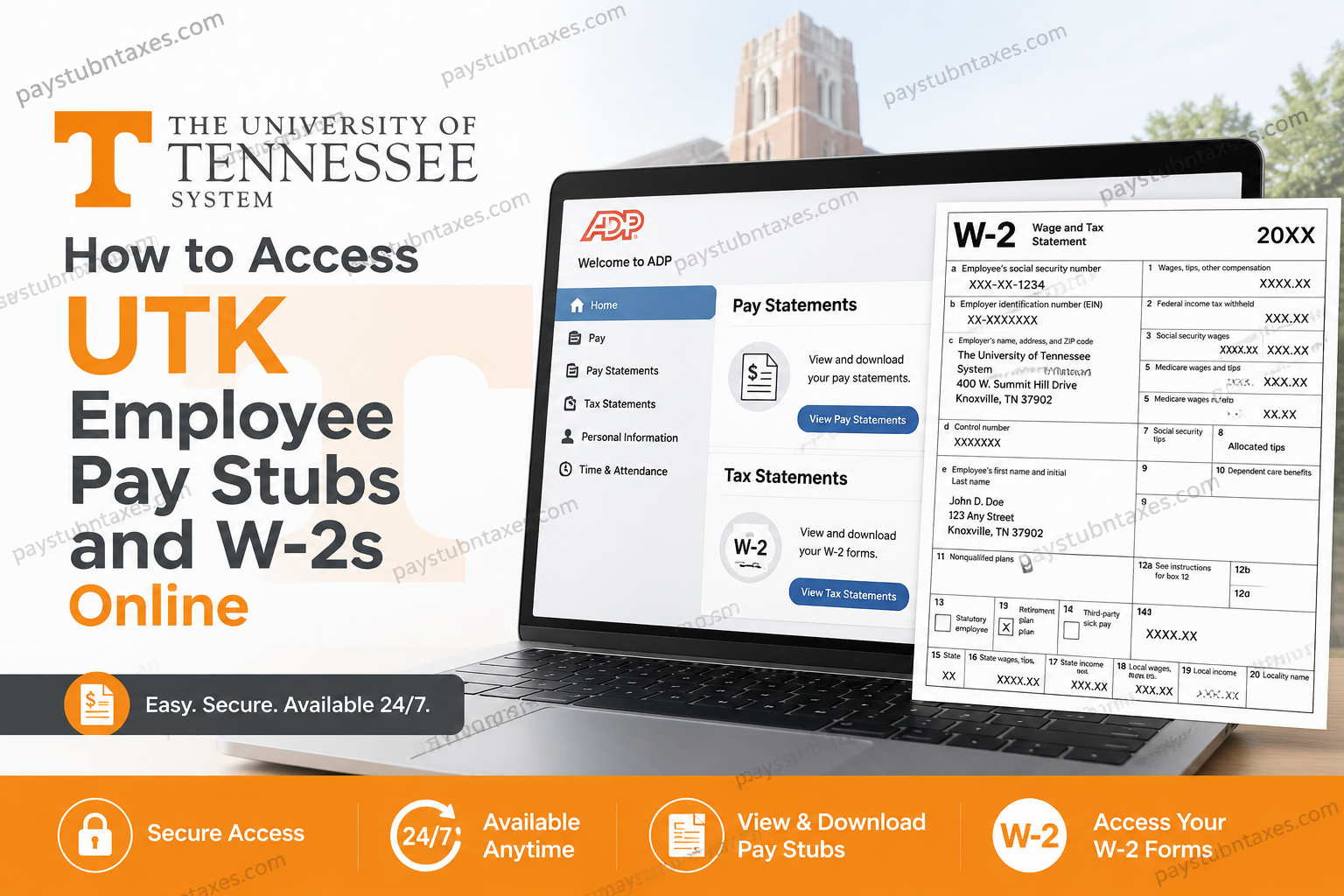
The University of Tennessee System is one of the most respected public university systems in the United States, serving students, researchers, businesses and communities across all 95 Tennessee counties. With campuses in Knoxville, Chattanooga, Martin, Southern, the Health Science Center, and multiple statewide institutes, the UT System continues to deliver excellence in education, innovation and public service. For employees of the University of Tennessee System, payroll and tax documents are conveniently available online through the ADP self-service portal. Employees can securely access digital pay stubs, W-2 statements and payroll-related information anytime, from virtually anywhere.
UTK Employee Payroll Portal
The University of Tennessee System uses the ADP payroll platform for employee payroll services and W-2 distribution.
ADP Login Portal
- Website: my.adp.com
- Registration Code: UTENN-REGISTER
Through this portal, employees can:
- View and download pay stubs
- Access current and previous W-2 forms
- Update account security settings
- Retrieve payroll tax documents online
- Access payroll services 24/7
How to Register for the UTK ADP Portal
If this is your first time using the ADP system, follow these steps carefully.
Step 1: Visit the ADP Website
Go to:
- my.adp.com
Click “Get Started” or “Create Account.”
Step 2: Choose Registration Option
Select:
- “I Have a Registration Code”
Enter the University of Tennessee registration code: UTENN-REGISTER
Step 3: Verify Your Identity
You will be asked to enter personal and employment information for verification purposes.
Prepare the following:
- Tax Year
- Employee ID (8-digit personnel number including leading zeros)
- Company Code: 56H
- ZIP Code
- Full Social Security Number
Step 4: Complete Additional Security Verification
ADP may ask for one extra verification step, such as:
- Mobile phone verification
- Email authentication
- Security questions
Some employees may use their university email address:
- NetID@tennessee.edu
if phone verification does not work properly.
Step 5: Create Your ADP Credentials
After verification:
- Create a secure password
- ADP will generate a User ID
- Save your login credentials securely for future access
Your ADP credentials are separate from your UT NetID login.
How to Access UTK Pay Stubs Online
Once logged into ADP:
- Navigate to the Pay section
- Select Pay Statements
- Choose the desired pay period
- View, download or print your pay stub
Employees can typically view:
- Gross earnings
- Taxes withheld
- Deductions
- Retirement contributions
- Direct deposit details
- Year-to-date earnings
How to Access UTK W-2 Forms Online
To retrieve your W-2 statement:
- Sign in to the ADP portal
- Open the Tax Statements section
- Select the desired tax year
- Download or print your W-2 form
The University of Tennessee System also mails paper W-2 forms to employees each January using the address on file.
Benefits of Using the ADP Self-Service Portal
Using the UTK ADP portal provides several advantages:
24/7 Access
Employees can securely access payroll records anytime.
Faster Tax Filing
Digital W-2 forms become available quickly during tax season.
Paperless Convenience
Online records reduce paperwork and simplify document management.
Mobile Access
Employees can also access payroll information using the ADP Mobile Solutions app.
Secure Payroll Management
ADP uses advanced security verification tools to protect employee data.
Common ADP Login Problems and Solutions
Invalid Phone Number During Registration
Some users may experience phone verification issues during account creation.
Solution
Use your university email address:
- NetID@tennessee.edu
as an alternative verification method.
Security Checkpoint Error
If you see a security checkpoint message immediately after registration:
Solution
Wait 10–15 minutes and attempt to log in again.
Forgot Password or User ID
Use the “Forgot User ID/Password” option on the ADP login page to recover your account.
UT System Payroll and Employee Support
The UT System payroll office manages:
- Payroll processing
- Direct deposit
- Tax withholding
- W-2 services
- Employee payroll support
Payroll Office Contact
Office of Payroll, Benefits and Retirement
UT Tower, 11th Floor
400 W. Summit Hill Drive
Knoxville, TN 37902
Phone: (865) 974-5251
Why UT Employees Prefer Online Payroll Access
The University of Tennessee System continues to modernize employee services through secure digital payroll solutions. By using ADP, employees gain instant access to important payroll records without waiting for mailed documents or contacting HR departments repeatedly.
Whether you need a recent pay stub for income verification or a previous year’s W-2 for tax filing, the ADP self-service portal provides a fast, reliable and secure solution for UT employees across all campuses and institutes.
Frequently Asked Questions (FAQs)
How do I access my UTK pay stubs online?
Employees can log into the ADP portal at my.adp.com and navigate to the Pay Statements section.
What is the UTK ADP registration code?
The registration code is: UTENN-REGISTER
Can former employees access W-2 forms?
Yes. Former employees may still access W-2 statements through ADP if their account remains active.
What company code does UT use for ADP verification?
The company code is: 56H
Is my ADP login the same as my UT NetID?
No. ADP credentials are separate from UT NetID credentials.
Can I access ADP from my smartphone?
Yes. Employees can use the ADP Mobile Solutions app.
What should I do if phone verification fails?
Use your university email address for verification instead.
When are W-2 forms available?
W-2 forms are generally available by the end of January each year.
Can I print my pay stubs?
Yes. Pay stubs can be downloaded or printed directly from ADP.
Is the ADP portal secure?
Yes. ADP uses multi-step authentication and encrypted security measures.
What information do I need to register?
You will need your Employee ID, ZIP code, Social Security Number and company code.
Who manages payroll for the UT System?
The Office of Payroll, Benefits and Retirement oversees payroll services.
Can I retrieve old pay stubs?
Yes. Historical pay statements are typically available within the ADP portal.
What if I forget my password?
Use the password recovery feature on the ADP login page.
Does UT still mail paper W-2 forms?
Yes. Paper copies are mailed to employees annually.
