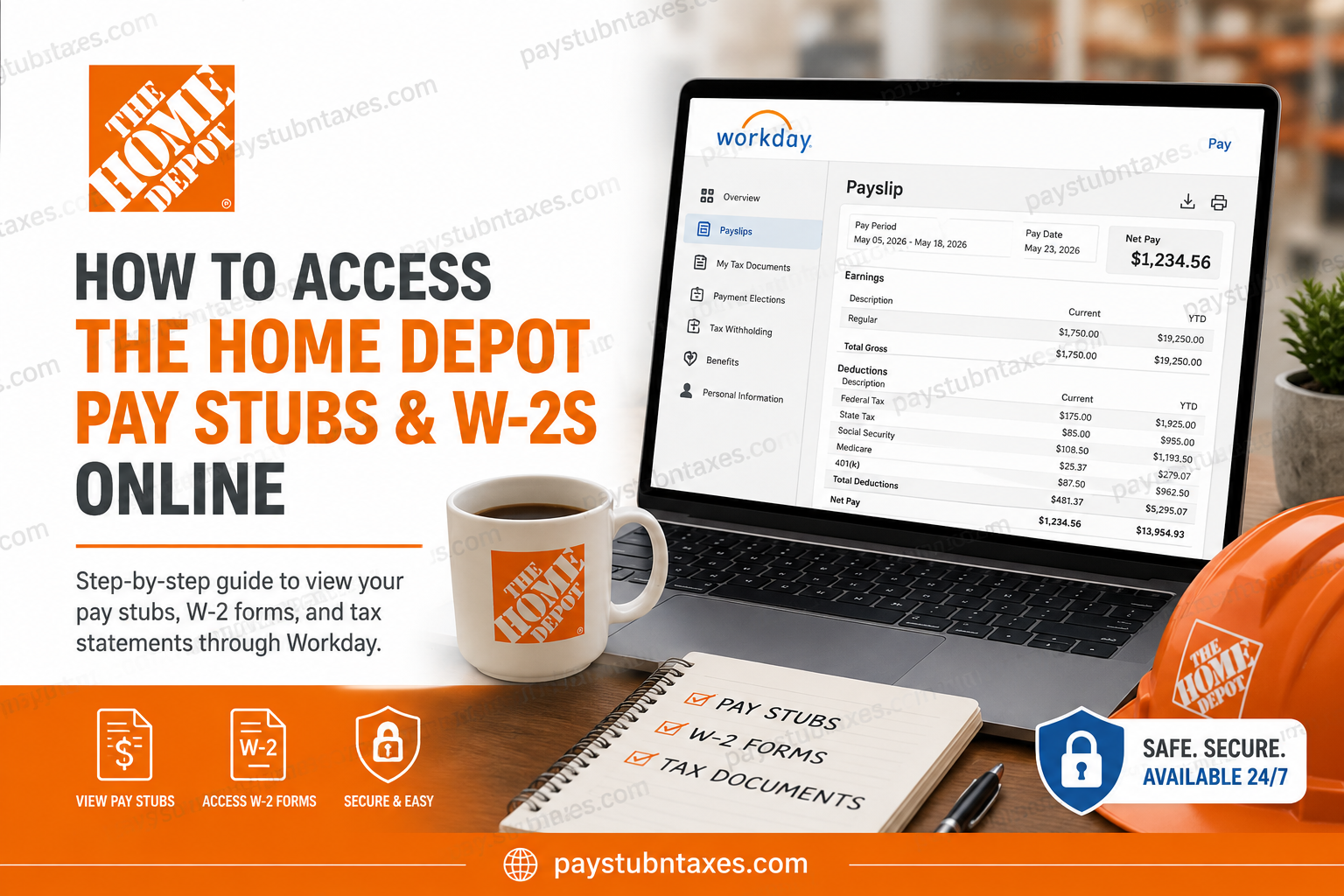
The Home Depot is the world’s largest home improvement specialty retailer, employing hundreds of thousands of associates across the United States, Canada, Mexico, Puerto Rico, Guam, and the U.S. Virgin Islands. The company empowers associates with convenient digital payroll and tax tools through the Workday self-service platform, enabling employees to access pay stubs, W-2s forms, tax documents, and direct deposit information anytime online. If you are a current Home Depot associate, this complete guide explains how to access your pay stubs and W-2s online through Workday, how to use the Workday mobile app, and what to do if you experience login or password issues.
Home Depot Workday Login Portal
Current employees can access payroll and tax documents through the official Workday portal:
Workday Login:
Home Depot Workday Login
Once you open the portal, you will be redirected to the THD Account Sign On page where you must enter your SSO User ID and password to continue.
What You Can Access Through Workday
Home Depot associates can use Workday Self-Service to manage and retrieve important payroll and tax information online, including:
- Current and previous pay stubs
- Year-end W-2 tax statements
- Tax withholding elections
- Direct deposit information
- Payment elections
- Payroll history
- Personal information updates
- Benefits and deductions information
The self-service system allows associates to securely manage payroll preferences from virtually anywhere.
How to Access Home Depot Pay Stubs Online
Follow these steps to retrieve your payslips through Workday:
Step 1: Visit the Home Depot Workday Portal
Go to the official Workday login page using the secure portal link above.
Step 2: Sign In Using Your THD Credentials
Enter your:
- SSO User ID
- Password
Then click Sign In.
Step 3: Open the Pay Application
After logging into Workday:
- Select View All Apps
- Open the Pay application
- Navigate to the Payslips section
Step 4: View or Print Your Pay Stub
Inside the Payslips area, you can:
- View current and previous payslips
- Print payslips
- Download copies for personal records
The payroll section typically displays:
- Pay period dates
- Gross pay
- Net pay
- Tax deductions
- Pre-tax deductions
- Direct deposit details
- Year-to-date totals
- Employer-paid benefits
How to Access Home Depot W-2 Forms Online
Home Depot associates can also retrieve year-end W-2 forms electronically through Workday.
Step-by-Step Instructions
- Log into Workday
- Open the Pay dashboard
- Select My Tax Documents
- Locate your W-2 form
- Click View/Print
- Download or print the document as needed
The system allows employees to securely access multiple years of tax forms online. Employees may also receive notification emails once W-2s become available.
Using the Workday Mobile App
Home Depot associates can also manage payroll information through the Workday mobile application.
Workday Mobile Organization Code
Organization ID: homedepot
After downloading the Workday app:
- Open the app
- Enter the organization code: homedepot
- Sign in with your THD SSO credentials
The mobile application allows employees to:
- View pay stubs
- Access W-2s
- Update direct deposit
- Review tax elections
- Check payment history
How to Reset Your Home Depot Password
If you forget your login credentials, the THD Account Sign On page includes options to:
- Reset password
- Recover account access
- Change PIN credentials
Depending on your account status, you may receive:
- Temporary passcodes
- PIN reset prompts
- Identity verification requests
Associates without updated contact information may need additional verification through customer support.
Home Depot Self-Service Payroll Features
The Home Depot employee self-service platform supports several payroll and HR functions, including:
- Viewing historical payslips
- Accessing tax statements
- Changing withholding elections
- Updating direct deposit
- Reviewing leave of absence information
- Managing payroll preferences
The system also supports paperless payroll delivery, helping associates receive payment information electronically and securely.
Benefits of Electronic Pay Statements
Using Workday payroll services provides several advantages:
1. 24/7 Online Access
Employees can retrieve payroll records anytime from desktop or mobile devices.
2. Faster W-2 Delivery
Electronic W-2s are usually available sooner than mailed copies.
3. Enhanced Security
Workday uses secure authentication and encrypted access controls.
4. Paperless Convenience
Digital records reduce paperwork and simplify tax preparation.
5. Easy Payroll Tracking
Associates can monitor deductions, taxes, and year-to-date earnings instantly.
Common Workday Login Issues
Incorrect Password
Use the “Forgot Password” option on the THD login page.
Locked Account
Multiple failed login attempts may temporarily lock your account.
Browser Compatibility
For best results, use updated browsers such as:
- Google Chrome
- Microsoft Edge
- Safari
Mobile Access Problems
Verify that the organization code entered is exactly: homedepot
Home Depot Payroll Contact Information
If you cannot access your pay stubs or W-2 forms online, contact Home Depot HR support.
myTHDHR Support
- Phone: 1-866-698-4347
- Email: myTHDHR@homedepot.com
Support Hours
- Monday–Friday: 8:00 AM – 6:00 PM (EST)
- Saturday–Sunday: Closed
Frequently Asked Questions
1. Can I access old Home Depot pay stubs online?
Yes. Workday stores historical payslips that employees can view and print online.
2. Does Home Depot provide electronic W-2 forms?
Yes. Current associates can retrieve W-2 forms through the Workday self-service portal.
3. What is the Workday organization code for Home Depot?
The organization code is: homedepot
4. Can I print my pay stubs from Workday?
Yes. Workday includes options to print or download pay statements as PDF files.
5. What should I do if my Workday account is locked?
Use the password recovery options or contact myTHDHR support for assistance.
6. Is the Workday mobile app secure?
Yes. Workday uses secure authentication protocols to protect employee payroll information.
7. Can I update my tax withholding online?
Yes. Employees can manage federal and state withholding elections through Workday.
8. Can I access payroll information on my phone?
Absolutely. The Workday mobile app supports payroll and tax document access.
9. What information appears on Home Depot pay stubs?
Typical details include:
- Gross pay
- Net pay
- Taxes
- Deductions
- YTD earnings
- Direct deposit details
10. Who do I contact for payroll assistance?
Contact myTHDHR at 1-866-698-4347 or email myTHDHR@homedepot.com.
