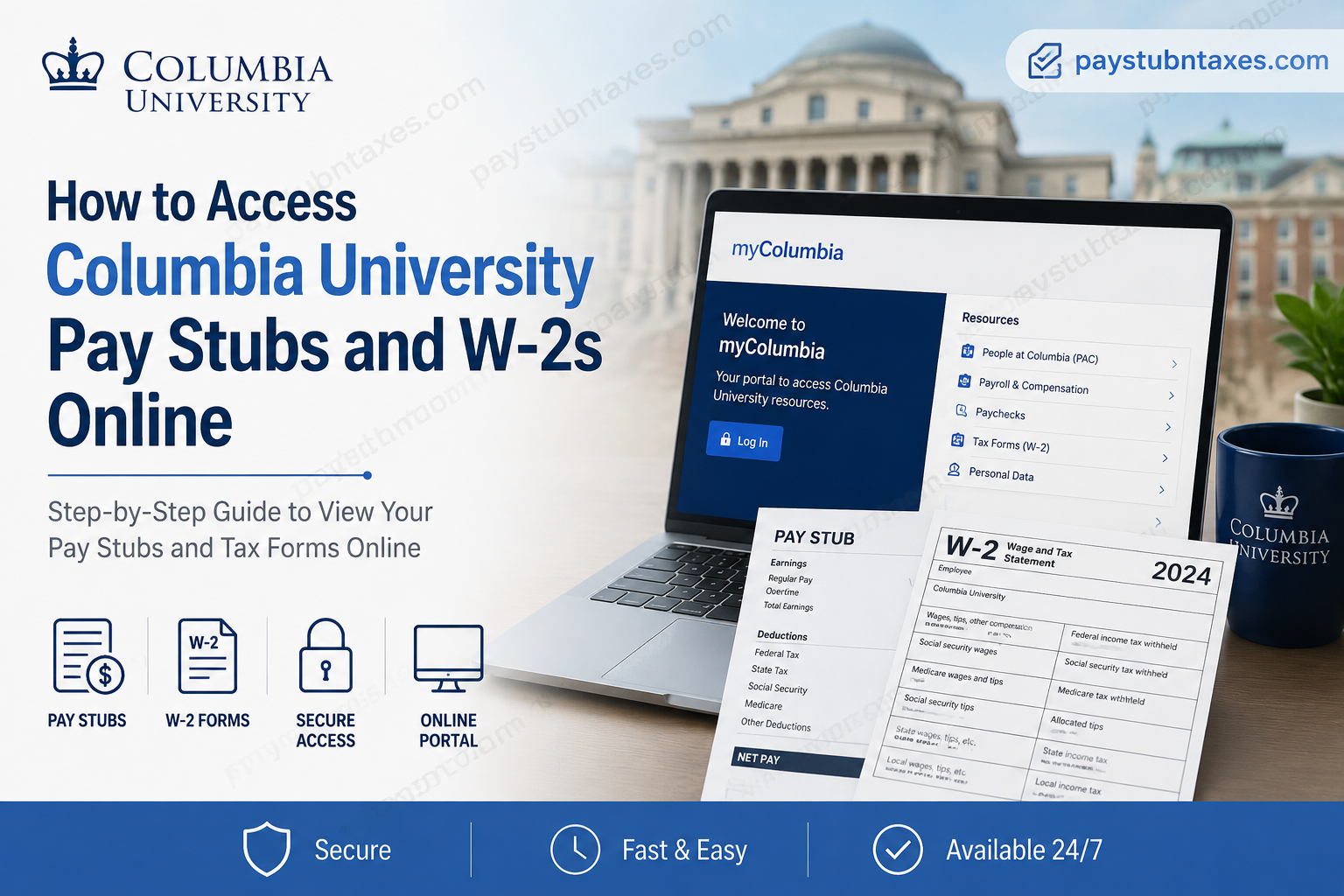
Columbia University has remained one of the world’s most prestigious academic institutions for more than 250 years, renowned for excellence in research, innovation, and higher education. To support its faculty and staff efficiently, the university provides a secure online employee self-service system that allows employees to access pay stubs, tax documents, payroll records, and employment-related resources anytime online. If you are a current employee of Columbia University, you can conveniently retrieve your pay stubs and W-2 forms through the myColumbia employee portal and the People@Columbia (PAC) system.
Columbia University Payroll Portal
Current employees can access payroll services through the official myColumbia portal:
Through this portal, employees can:
- View and download pay stubs
- Access year-end W-2 tax forms
- Manage direct deposit information
- Update payroll and tax withholding details
- Access payroll history and compensation records
- Navigate People@Columbia (PAC)
The system is secured with Columbia UNI credentials and multi-factor authentication (DUO) to protect employee payroll information.
How to Access Columbia University Pay Stubs Online
Employees can retrieve digital pay statements directly through the People@Columbia (PAC) employee self-service system.
Step-by-Step Guide to View Your Columbia Paycheck
Step 1: Visit the myColumbia Portal
Go to:
Step 2: Sign In
Log in using your:
- Columbia UNI
- UNI password
If prompted, complete DUO multi-factor authentication verification.
Step 3: Open People@Columbia (PAC)
Under the “Resources” section, select:
- People at Columbia
Step 4: Access Payroll & Compensation
Inside PAC:
- Click Payroll & Compensation
- Select Paychecks from the navigation menu
Step 5: View and Download Pay Stubs
You will see a list of recent paychecks and pay dates.
- Click the desired paycheck date
- Open the printable PDF version
- Download or print your pay advice
Step 6: Search Older Paychecks
To locate older payroll records:
- Click the Filter icon
- Enter a custom date range
- Select the paycheck you want to view
Employees can securely access their payroll history anytime online.
How to Access Columbia University W-2 Forms Online
Columbia University provides electronic W-2 access through the Paperless Employee platform integrated with myColumbia.
Steps to Retrieve Your W-2 Form
Step 1: Go to myColumbia
Visit: https://my.columbia.edu
Step 2: Log In Securely
Enter your:
- UNI
- Password
Complete DUO verification if required.
Step 3: Open Faculty and Staff Resources
At the top of the page:
- Click Faculty and Staff
Step 4: Navigate to Tax Forms
Under the “Resources” section:
- Select Personal Data
- Click Tax Forms (View your W-2 Tax Form via Paperless Employee)
Step 5: Access Paperless Employee
The system redirects you to Columbia University’s secure Paperless Employee portal where you can:
- View current-year W-2 forms
- Download PDF copies
- Print tax statements
- Access prior-year W-2 records
When Are Columbia W-2 Forms Available?
Current-year W-2 forms generally become available online beginning in February each year.
Important details include:
- Electronic W-2 copies remain free until October 15
- Employees receiving mailed paper W-2s receive one free online copy until April 15
- Additional copies may incur a fee after the free-access period
- Prior-year W-2 forms can also be requested online
Columbia University Former Employee W-2 Access
Former employees may still retrieve W-2 forms online.
Former Employee Access Steps
- Visit the myColumbia portal
- Log in with your UNI credentials
- Select Former Employee
- Click View W2
- Re-enter login credentials if prompted
Employees who no longer have portal access can create an account directly through: https://www.paperlessemployee.com/columbiau.
Columbia University Payroll Support
If you experience login problems, missing tax forms, payroll discrepancies, or require corrected W-2 forms, Columbia University provides payroll assistance through its HR Service Center.
Payroll Support Contacts
HR Service Center
- Phone: 212-851-2888
W-2 Vendor Support
- Phone: (800) 360-1265
The support team can assist with:
- W-2 corrections
- Payroll inquiries
- Access recovery
- Tax statement issues
- Duplicate W-2 requests
Columbia University Payroll Features
The Columbia payroll and employee self-service ecosystem offers several convenient features:
- Secure online payroll access
- DUO multi-factor authentication
- Electronic pay advice
- Direct deposit management
- Online W-2 retrieval
- Printable payroll records
- Historical paycheck access
- Self-service tax document management
The platform is designed to provide employees with secure, fast, and paperless payroll management.
Tips for Secure Payroll Access
When accessing payroll systems online, employees should always follow cybersecurity best practices:
- Use only official Columbia University websites
- Verify DUO authentication pages carefully
- Never share UNI passwords
- Log out after each session
- Use secure personal devices whenever possible
Employees should ensure that the DUO authentication page includes the official DUO security domain before entering authentication credentials.
Frequently Asked Questions (FAQs)
1. How do I access my Columbia University pay stubs?
Log in to the myColumbia portal, open People@Columbia (PAC), select Payroll & Compensation, and choose Paychecks.
2. Where can I download my Columbia W-2 online?
Employees can access W-2 forms through the Paperless Employee system linked inside the myColumbia portal.
3. What credentials do I need to log in?
You need your Columbia UNI and UNI password.
4. Does Columbia University use multi-factor authentication?
Yes. DUO multi-factor authentication is used to protect employee accounts and payroll information.
5. Can former employees access W-2 forms?
Yes. Former employees can access W-2 forms through the myColumbia portal or Paperless Employee website.
6. When are W-2 forms available?
Current-year W-2 forms are typically available online beginning in February.
7. Can I print my pay stubs?
Yes. Paychecks can be opened as PDFs and printed directly from PAC.
8. How do I access older paychecks?
Use the Filter option inside the Paychecks section to search older payroll records.
9. What if I forgot my UNI password?
Employees can recover or manage UNI credentials through Columbia’s UNI management services.
10. Is there a fee for older W-2 copies?
Yes. Additional or older copies may require a processing fee after the free-access window expires.
11. Can I update direct deposit online?
Yes. Employees can manage direct deposit through payroll self-service features.
12. What should I do if my W-2 contains errors?
Contact the HR Service Center immediately to request a correction.
13. Is the payroll system available off-campus?
Yes. Employees can securely access payroll systems online from anywhere.
14. Can employees access payroll records on mobile devices?
Yes. The myColumbia portal is accessible through modern web browsers on mobile devices.
15. Who do I contact for payroll support?
Employees can contact the HR Service Center at 212-851-2888.
