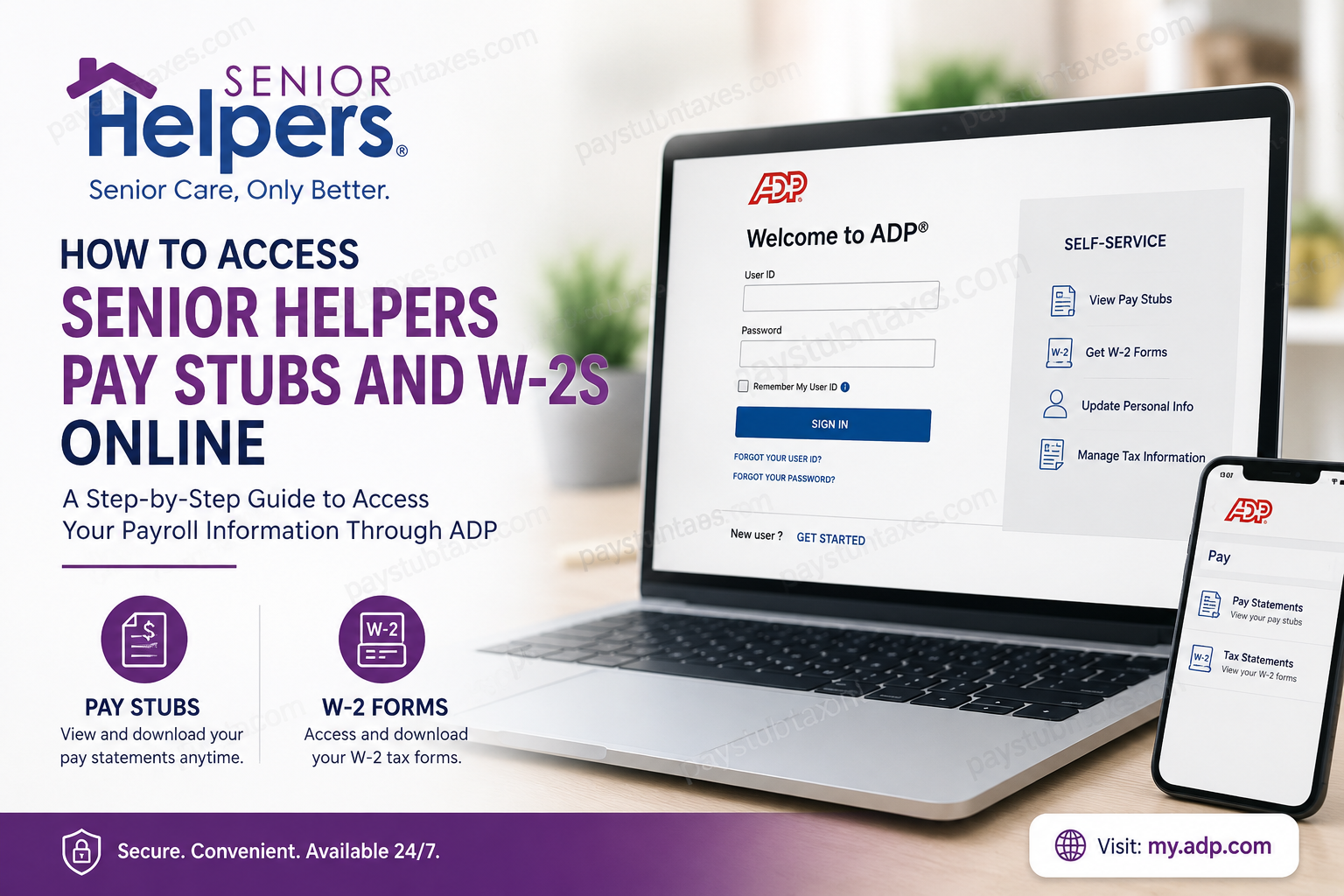
Senior Helpers is one of the most respected in-home senior care providers in North America, delivering compassionate and specialized support services to seniors across the United States, Canada, and Australia. With more than 320 locations and an industry-leading reputation in Alzheimer’s, dementia, and Parkinson’s care, Senior Helpers continues to provide meaningful employment opportunities for thousands of caregivers and administrative professionals. To ensure employees can conveniently manage their payroll records, Senior Helpers uses ADP as its official payroll and tax document platform. Through the ADP self-service portal, employees can securely access pay stubs, download W-2 forms, update personal information, manage tax details, and review payroll history online at any time. In this guide, you will learn exactly how to access your Senior Helpers pay stubs and W-2s online, how to register for an ADP account for the first time, and what to do if you encounter login problems.
Senior Helpers Payroll Provider
Senior Helpers employees receive their payroll services through ADP, one of the world’s largest and most secure payroll management providers. Employees can access:
- Weekly or biweekly pay statements
- Annual W-2 tax forms
- Tax withholding information
- Direct deposit details
- Personal profile updates
- Payroll history
The ADP employee login portal can be accessed at:
ADP Employee Portal
Senior Helpers employees are encouraged to use the portal regularly because local office administrators cannot directly modify sensitive payroll or tax information on behalf of employees.
How to Access Senior Helpers Pay Stubs Online
If you already have an ADP account, accessing your pay stubs is straightforward.
Step-by-Step Instructions
Step 1: Visit the ADP Website
Go to: my.adp.com
Step 2: Enter Your Login Credentials
Input your:
- User ID
- Password
Step 3: Open Payroll Information
After signing in:
- Select Myself
- Click Pay
- Choose Pay Statements
You will then be able to:
- View current and previous pay stubs
- Download PDF copies
- Print earnings statements
- Review deductions and tax withholdings
How to Access Senior Helpers W-2 Forms Online
Senior Helpers employees automatically receive paper W-2 forms by mail at the address listed in HR records. Electronic W-2 access is also available through ADP. According to payroll information provided to employees, W-2 forms are generally available by the end of January each year.
Steps to Retrieve Your W-2
- Log into your ADP account
- Navigate to Myself
- Select Pay
- Click Tax Statements
- Choose the desired tax year
- Download or print your W-2 form
Electronic access allows employees to obtain tax forms immediately without waiting for postal delivery.
How to Register for an ADP Account
First-time users must create an ADP Employee Access account before viewing payroll records.
Registration Instructions
Step 1: Open the ADP Registration Page
Visit: ADP Registration Portal
Step 2: Select “New User? Get Started”
On the login page, click:
New User? Get Started
Step 3: Enter Your Personal Information
Provide:
- First name
- Last name
- Date of birth
- Social Security Number
The information entered must exactly match the information stored in ADP payroll records.
Step 4: Verify Your Identity
Complete the security verification process and request your personal registration code via email.
Step 5: Create Your Login Credentials
Choose:
- A secure User ID
- A strong password
Because employers do not have access to employee passwords or login credentials, employees should store this information securely for future use.
Step 6: Configure Security Questions
For additional account protection, ADP requires users to select security questions and provide unique answers.
Step 7: Access Your Employee Dashboard
After completing registration, you will gain full access to:
- Pay stubs
- W-2 tax forms
- Payroll history
- Tax settings
- Personal information management
ADP Mobile App Access
Employees may also access Senior Helpers payroll information using the ADP Mobile Solutions app, which is available for both Android and iPhone devices.
Using the mobile app, employees can:
- Check pay statements instantly
- Download W-2 forms
- Update tax preferences
- Manage direct deposit settings
- Receive payroll notifications
The mobile platform provides convenient access for caregivers and field staff who may not regularly use desktop computers.
Forgot Your ADP Password?
If you cannot sign into your account:
- Visit the ADP login page
- Select Need Help Signing In?
- Follow the password recovery instructions.
- Verify your identity using security questions or email authentication
You may also be required to confirm additional personal information for security purposes.
Important Payroll Information for Senior Helpers Employees
Employees should remember the following payroll details:
- Payroll is processed every other Friday unless affected by a holiday
- Payroll cutoff occurs Sunday at midnight prior to payday
- Employees using personal vehicles for work-related errands should properly document mileage during clock-out procedures
Benefits of Online Payroll Access
Using the ADP employee portal provides several important advantages:
1. Instant Access
Employees can retrieve pay information anytime without contacting payroll staff.
2. Secure Tax Document Storage
W-2 forms remain securely archived for future tax filing needs.
3. Faster Payroll Management
Employees can independently update tax withholding and personal information.
4. Mobile Convenience
Payroll records can be accessed from smartphones, tablets, or computers.
5. Reduced Paperwork
Electronic delivery minimizes delays and eliminates dependence on mailed records.
Senior Helpers Contact Information
If you experience payroll or registration issues, contact the Senior Helpers office directly.
- Phone: 360-742-5300
- Email: sketter@seniorhelpers.com
Employees may also contact their payroll representative for payroll-specific concerns.
Final Thoughts
Senior Helpers has streamlined employee payroll management through ADP’s secure self-service platform, allowing caregivers and staff members to access essential payroll documents quickly and efficiently. Whether you need to retrieve recent pay stubs, download W-2 forms for tax season, or update personal payroll information, the ADP portal provides a reliable and user-friendly solution available 24/7. By completing your online registration and maintaining updated account credentials, you can ensure uninterrupted access to your payroll records whenever needed.
Frequently Asked Questions (FAQs)
1. How do I access my Senior Helpers pay stubs online?
You can access your pay stubs by logging into the ADP employee portal at: my.adp.com
After signing in, go to:
Myself > Pay > Pay Statements
2. Where can I download my Senior Helpers W-2 form?
Your W-2 can be downloaded through the ADP portal under:
Myself > Pay > Tax Statements
3. When will Senior Helpers W-2 forms become available?
Senior Helpers W-2 forms are generally available online by the end of January each year.
4. Does Senior Helpers mail paper W-2 forms?
Yes. Employees automatically receive a paper W-2 mailed to the address on file with HR.
5. What payroll company does Senior Helpers use?
Senior Helpers uses ADP for payroll processing, pay stubs, and tax document management.
6. How do I register for an ADP account?
Visit the ADP registration page, click “New User? Get Started,” and follow the verification process using your personal information and email authentication.
7. What information do I need to register for ADP?
You typically need:
- First and last name
- Date of birth
- Social Security Number
- Email access for verification
8. Can I access Senior Helpers pay stubs from my phone?
Yes. You can use the ADP Mobile Solutions app on Android and iPhone devices to access payroll records.
9. What should I do if I forget my ADP password?
Click “Need Help Signing In?” on the ADP login page and follow the account recovery instructions.
10. Can Senior Helpers office staff reset my ADP password?
No. For security reasons, employers do not have access to employee login credentials or passwords.
11. How often do Senior Helpers employees get paid?
Senior Helpers payroll is generally processed every other Friday unless affected by a holiday schedule.
12. Can I update my tax withholding information online?
Yes. ADP allows employees to update tax withholding and personal payroll information directly through the portal.
13. Is the ADP portal secure?
Yes. ADP uses multi-layer security features, including password protection and identity verification questions.
14. What if my W-2 is mailed to the wrong address?
You should update your mailing address in ADP as soon as possible to ensure future tax documents are delivered correctly.
15. Who should I contact for Senior Helpers payroll support?
For payroll or account-related assistance, contact the Senior Helpers office:
- Phone: 360-742-5300
- Email: sketter@seniorhelpers.com
