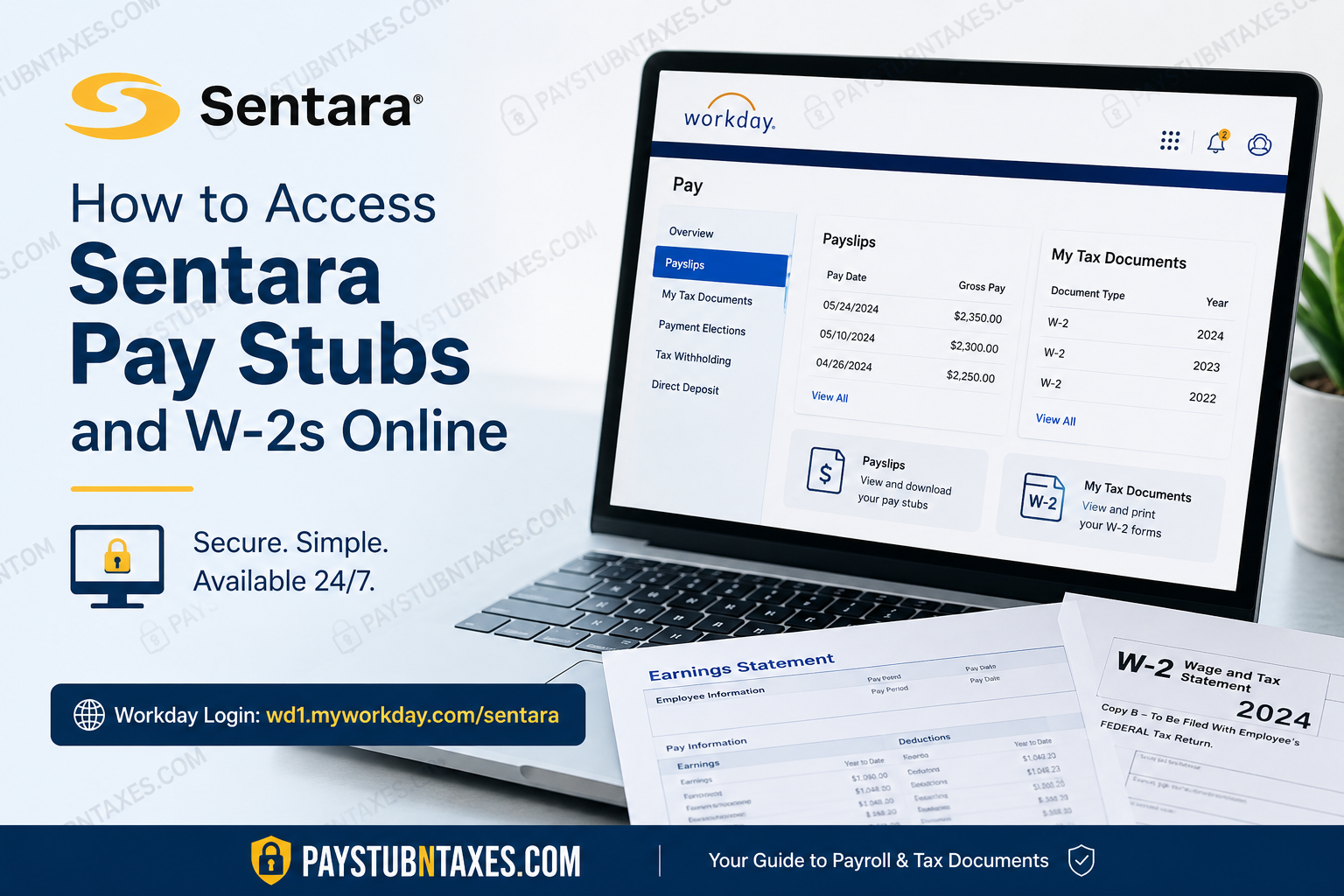
Employees of Sentara Health can securely access their pay stubs, payroll records, tax forms, and employment information online through the Workday employee portal. Whether you are a current associate, contractor, or healthcare professional affiliated with Sentara, the platform provides a streamlined and highly secure digital payroll experience. Sentara Health, a nationally recognized integrated healthcare delivery system, has spent more than 135 years advancing its mission of improving health every day. With hospitals, ambulatory services, health plans, and thousands of healthcare professionals across the Mid-Atlantic and Southeastern United States, Sentara continues to invest heavily in digital workforce solutions that enhance employee accessibility and operational efficiency.
Sentara Workday Login Portal
Employees can access their payroll and tax documents by visiting the official Sentara Workday login page:
Workday Login: https://wd1.myworkday.com/sentara/
To sign in successfully, employees must enter their organizational email in the following format:
username@sentara.com
Example:
abcdef@sentara.com
After entering your credentials, you may be prompted to complete multi-factor authentication for additional account security.
How to Access Sentara Pay Stubs Online
Sentara associates can retrieve their electronic payslips during every payroll cycle directly through Workday. The system allows employees to view, download, and print current and historical payroll records without contacting payroll administration.
Step-by-Step Guide to View Sentara Pay Stubs
Step 1: Log Into Workday
Open the Sentara Workday portal using your desktop browser or mobile device.
Enter:
- Your Sentara username
- Your password
- Microsoft Authenticator verification if prompted
Step 2: Open the Pay Dashboard
Once logged in, navigate to the homepage dashboard and locate the Pay application.
The Pay section contains payroll records, payment elections, tax forms, and compensation details.
Step 3: Select “Payslips”
Inside the Pay dashboard, click:
View → Payslips
A complete list of payroll periods will appear on your screen.
Step 4: Choose the Desired Pay Period
Locate the specific pay date you want to review.
You can then:
- Open the PDF version of the payslip
- Download the file
- Print the document for personal records
- Review gross pay, deductions, taxes, and net earnings
The digital payslip typically includes:
- Hours worked
- Shift differentials
- Overtime
- Tax withholdings
- Retirement deductions
- Direct deposit information
- Benefit deductions
How to Access Sentara W-2 Forms Online
Sentara distributes W-2 tax forms electronically through Workday by the end of January each year. Associates also receive a paper copy mailed to the address currently listed in Workday.
Employees are strongly encouraged to verify their mailing address before year-end to avoid delays in receiving tax documentation.
Steps to View and Print Your Sentara W-2
Step 1: Sign Into Workday
Access your employee account through the official Sentara Workday portal.
Step 2: Open the Pay Application
From the Workday home screen, select:
Pay
Step 3: Click “My Tax Documents”
Within the Pay dashboard, navigate to:
My Tax Documents
This section stores annual W-2 tax forms electronically.
Step 4: Select the Appropriate Tax Year
A list of available W-2 documents will appear, including prior tax years retained within the system.
Choose the desired tax year.
Step 5: View or Print the W-2
Click:
View/Print
You may then:
- Download the W-2 PDF
- Print a physical copy
- Save the file for tax filing purposes
- Access the accessible version if needed
Workday also includes navigation and zoom tools that make reviewing multi-page tax documents considerably easier.
Sentara Workday Features for Employees
The Sentara Workday platform offers significantly more than payroll access. Employees can also manage:
- Direct deposit elections
- Tax withholding preferences
- Benefits enrollment
- Paid time off balances
- Compensation details
- Learning and onboarding
- Internal job applications
- HR support cases
- Performance and development tools
The system is designed to centralize the employee experience while maintaining enterprise-grade security and compliance standards.
Sentara Employee Support Contacts
If you experience login difficulties, password issues, or payroll-related concerns, Sentara offers multiple support channels.
Employee and Contractor Helpdesk
Phone Numbers
- 757-857-8190
- 1-855-306-2252
Select Option 2 for technical assistance.
Physician and Community Office Support
- 757-388-5300
- 1-866-209-0998
Support representatives can assist with:
- Account recovery
- Password resets
- Multi-factor authentication
- Workday navigation
- Payroll access issues
- W-2 retrieval problems
Important Tips for Sentara Employees
To ensure uninterrupted payroll access, employees should follow several best practices:
Keep Your Address Updated
W-2 forms are mailed to the address listed in Workday. Incorrect addresses may delay tax document delivery.
Enable Multi-Factor Authentication
Sentara uses Microsoft Authenticator for enhanced security protection. Completing the authentication setup reduces account recovery problems.
Download Tax Forms Early
Employees are encouraged to save digital copies of W-2s and payslips for personal tax records and financial documentation.
Use Secure Devices
Avoid accessing payroll records through public Wi-Fi networks or shared devices to protect sensitive financial information.
Why Sentara Uses Workday
Workday is one of the leading cloud-based human capital management platforms used by major healthcare systems and Fortune 500 organizations. By implementing Workday, Sentara provides employees with:
- Secure cloud-based payroll access
- Faster tax form distribution
- Real-time HR updates
- Mobile accessibility
- Self-service payroll management
- Reduced administrative delays
The platform significantly improves efficiency while giving employees greater control over their payroll and employment information.
Final Thoughts
Accessing Sentara pay stubs and W-2 forms online is a straightforward process through the Workday employee portal. With secure self-service tools, employees can quickly retrieve payroll records, tax forms, and compensation details from virtually anywhere. Because Workday centralizes payroll, tax reporting, benefits, onboarding, and HR services into a single platform, Sentara employees benefit from a highly modernized digital workforce experience that prioritizes convenience, security, and accessibility.
Employees should regularly monitor their Workday account, maintain updated contact information, and securely store payroll records throughout the year to ensure seamless access whenever documentation is required.
Frequently Asked Questions (FAQs)
1. How do I log into Sentara Workday?
Visit the official Sentara Workday portal and sign in using your Sentara email credentials in the format username@sentara.com.
2. Where can I view my Sentara pay stubs?
After logging into Workday, navigate to the Pay application and select Payslips to access your payroll statements.
3. How can I download my Sentara payslip?
Open the desired pay period inside Workday and click the PDF or download icon to save your payslip.
4. When are Sentara W-2 forms available online?
Sentara W-2 forms are generally available in Workday by the end of January each year.
5. Does Sentara mail paper W-2 forms?
Yes. Employees automatically receive a paper W-2 mailed to the address listed in Workday.
6. How do I access my W-2 in Workday?
Log into Workday, open the Pay section, then select My Tax Documents to view available W-2 forms.
7. Can former Sentara employees access Workday?
Former employees may have limited access depending on account status. If access issues occur, contact Sentara HR or the Helpdesk.
8. What should I do if I forgot my Sentara password?
Use the password reset tools available through Sentara’s employee resources portal or contact the Helpdesk for assistance.
9. Does Sentara use multi-factor authentication?
Yes. Sentara uses Microsoft Authenticator and additional security measures to protect employee accounts.
10. What information appears on a Sentara pay stub?
Pay stubs typically include gross earnings, deductions, taxes, overtime, benefits, direct deposit details, and net pay.
11. Can I print my Sentara W-2 online?
Yes. Workday allows employees to view, download, and print W-2 tax documents directly from the portal.
12. Who do I contact for Sentara payroll support?
Employees and contractors can call:
- 757-857-8190
- 1-855-306-2252 (Option 2)
13. How do physicians or community office staff get support?
Physicians and community office staff may contact:
- 757-388-5300
- 1-866-209-0998
14. Why is my W-2 not showing in Workday?
Your W-2 may not yet be published, or there could be an account access issue. Verify your login credentials and contact support if needed.
15. Is Sentara Workday accessible on mobile devices?
Yes. Employees can securely access Workday from smartphones, tablets, and desktop devices with internet access.
