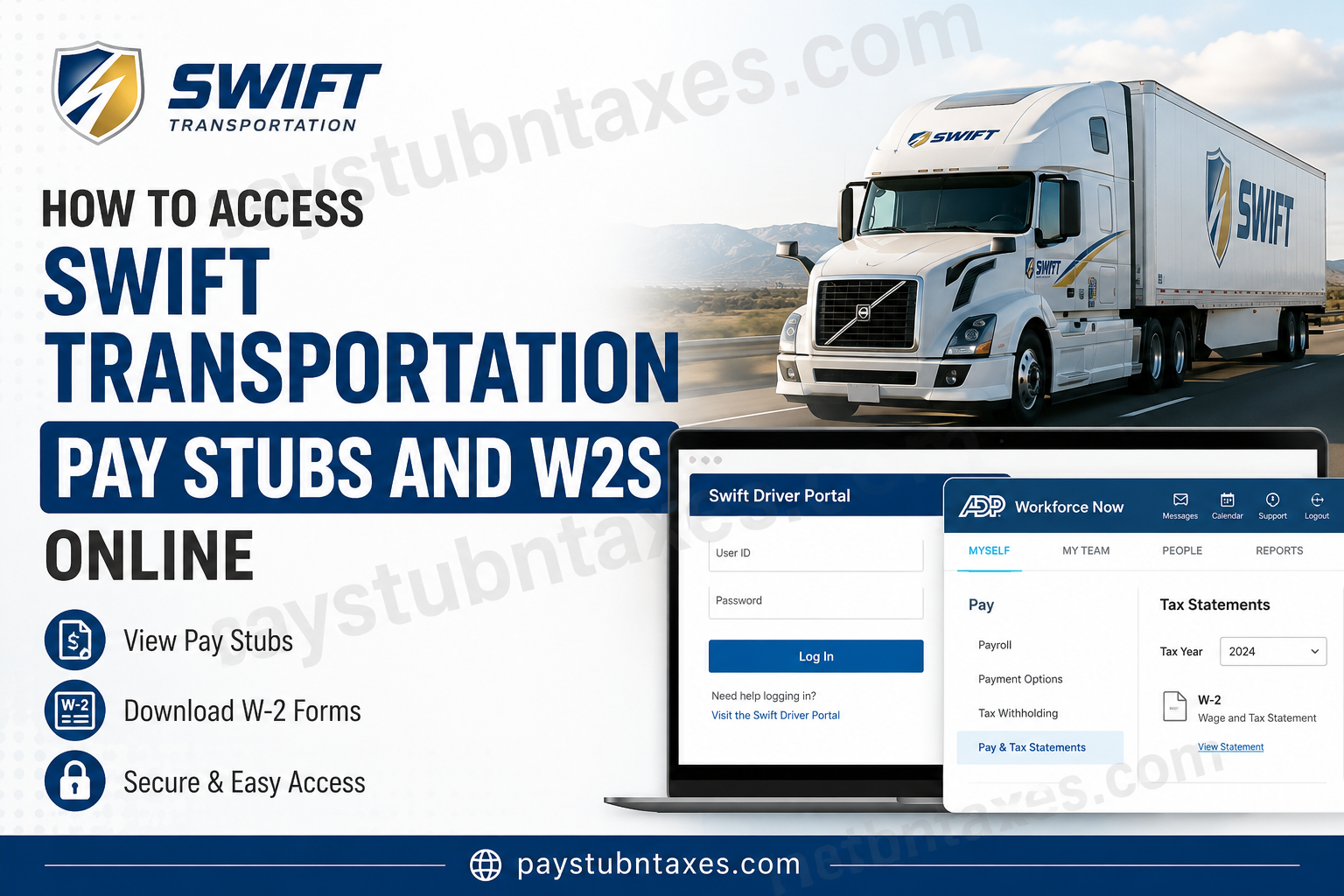
For thousands of drivers and corporate employees across North America, accessing payroll records efficiently is not merely a convenience—it is an operational necessity. Whether you need recent pay statements for loan verification, tax filing documents for the IRS, or archived payroll records for personal accounting, Swift Transportation provides secure digital platforms that simplify the process considerably. Founded in 1966 and later merged with Knight Transportation to form Knight-Swift Transportation Holdings, Swift Transportation remains one of the largest full-truckload carriers in North America, operating an expansive network of terminals and logistics services throughout the United States and Mexico. This comprehensive guide explains exactly how current and former employees can access Swift Transportation pay stubs, payroll information, and W-2 tax forms online.
Swift Transportation Employee Payroll Systems
Swift Transportation uses multiple digital platforms for employee payroll and HR services, depending on the employee’s role within the organization.
Driver Employees
Truck drivers and field employees typically use the Swift Driver Portal, which allows access to payroll information, settlements, and employment-related records from virtually anywhere with an internet connection.
Office Employees
Corporate and office-based staff generally access payroll resources through the internal Swift office network or VPN-connected employee systems.
Tax Documents and W-2 Forms
Electronic W-2 tax forms are commonly distributed through the ADP self-service payroll platform, enabling employees to download and print tax statements securely.
How to Access Swift Transportation Pay Stubs Online
Step 1: Open the Swift Driver Portal
Current drivers can access payroll information by visiting the official Swift Driver Portal:
Driver Portal:
https://www.swiftdrivers.com/wps/portal/driver
The portal is accessible on both desktop and mobile browsers and does not typically require a company VPN connection for drivers.
Office employees may instead need to use:
Office Employee Portal:
Swift Office Portal
Please note that the office portal usually requires access through the Swift network or an approved VPN connection.
Step 2: Enter Your Login Credentials
On the login screen, enter:
- Your Swift User ID
- Your Password
If you are logging in for the first time or have forgotten your password, use the password recovery or registration options provided on the portal homepage.
Step 3: Navigate to Payroll or Pay Statements
Once logged in, employees can typically access:
- Weekly pay stubs
- Driver settlements
- Payroll deductions
- Direct deposit information
- Tax withholding details
- Historical earnings records
Most payroll statements can be viewed online, downloaded as PDF files, or printed directly from the portal.
How to Access Swift Transportation W-2 Forms Online
Electronic W-2 Access Through ADP
Swift employees who elected paperless tax delivery can retrieve W-2 forms electronically through the ADP Workforce Now platform.
ADP Portal: my.adp.com
You may also access your payroll tax documents through:
ADP Self-Service:
ADP Self Service Portal
Step-by-Step Guide to Download Your Swift W-2
1. Sign In to ADP
Visit the ADP portal and log in using your registered credentials.
If you have not yet registered your account, complete the new-user registration process using your employee information.
2. Open the Payroll Section
After signing in:
- Click Myself
- Select Pay
- Choose Tax Statements
3. Locate Tax Statements
On the right-hand side of the screen, locate the Tax Statements section.
You can:
- Choose the tax year needed
- View available W-2 statements
- Access previous tax forms
- Download archived records
ADP generally stores tax documents for up to three years.
4. Open and Download Your W-2
Select:
- View Statement
or - Open Document
A secure verification prompt may appear before access is granted.
Once verified, your W-2 will open in a new window where you can:
- Download the document
- Print a copy
- Save it for tax filing purposes
When Are Swift Transportation W-2s Available?
Under federal regulations, W-2 forms must generally be issued by January 31 of the following tax year.
Swift Transportation typically:
- Mails paper W-2s to the employee’s home address
- Provides electronic access through ADP for paperless users
Employees should ensure that their mailing address and contact details remain updated in the employee portal to avoid delivery delays.
How Former Employees Can Retrieve Swift W-2s
Former employees may still access their W-2s online if their ADP account remains active.
If access is unavailable:
- Attempt password recovery through ADP
- Contact Swift Payroll Support
- Verify your mailing address on file
- Request a duplicate W-2 if necessary
Swift Transportation Payroll Contact Information
For payroll or tax-document assistance, employees may contact Swift payroll support directly.
Payroll Support
Phone: 1-800-771-6317
For benefit-related support, Swift also provides employee assistance through its benefits service center.
Additional Swift Employee Benefits and Resources
Swift Transportation offers employees access to extensive benefits programs, including:
- Medical insurance
- Prescription coverage
- Dental and vision plans
- Employee assistance programs (EAP)
- 401(k) retirement savings
- Wellness incentives
- Telehealth services
Employees can enroll and manage benefits online through: swift.benefitsnow.com
Swift’s benefits documentation also highlights wellness rewards, tobacco-free premium reductions, and digital enrollment tools for employees.
Common Issues When Accessing Swift Pay Stubs or W-2s
Forgotten Password
Use the “Forgot Password” feature on the login page to reset credentials securely.
Locked Account
Multiple failed login attempts may temporarily lock your account. Contact payroll or HR support for assistance.
Missing W-2
If your W-2 is unavailable online:
- Verify the correct tax year
- Confirm paperless enrollment
- Contact payroll support directly
VPN Restrictions
Office employees may require a Swift network connection or approved VPN to access internal systems.
Final Thoughts
Swift Transportation has modernized employee payroll access by integrating secure online systems for both drivers and office personnel. Through the Swift Driver Portal and ADP Workforce Now, employees can conveniently retrieve pay stubs, payroll records, and W-2 tax documents without waiting for mailed copies or contacting HR repeatedly. By maintaining updated account information and enabling paperless delivery, employees can ensure uninterrupted access to critical payroll and tax records throughout the year.
Frequently Asked Questions
1. How do I access my Swift Transportation pay stubs online?
You can access your pay stubs through the official Swift Driver Portal by logging in with your employee credentials.
2. What is the Swift Driver Portal website?
The official driver portal is: www.swiftdrivers.com/wps/portal/driver
3. Can former Swift employees access W-2 forms online?
Yes. Former employees may still retrieve W-2 forms through ADP if their account remains active.
4. Where can I download my Swift Transportation W-2?
W-2 forms can be downloaded from: my.adp.com
5. When are Swift Transportation W-2 forms available?
W-2 forms are generally available by January 31 of each tax year.
6. How do I reset my Swift Driver Portal password?
Use the “Forgot Password” option on the portal login page or contact payroll support for assistance.
7. Do office employees use the same Swift portal as drivers?
No. Office employees typically use the internal office portal through the Swift network or VPN.
8. What is the Swift office employee portal?
Office employees can access: https://office.swifttrans.com
9. Can I access Swift pay stubs from my phone?
Yes. The Swift Driver Portal is mobile-friendly and accessible through most smartphone browsers.
10. What information is available in the Swift payroll portal?
Employees can usually access pay stubs, payroll deductions, direct deposit details, tax withholding information, and earnings history.
11. How long does ADP keep W-2 records?
ADP commonly stores W-2 and tax records for approximately three years.
12. What should I do if my W-2 is missing?
Verify your mailing address, check the correct tax year in ADP, and contact Swift payroll support if necessary.
13. Does Swift Transportation mail paper W-2 forms?
Yes. Paper W-2s are generally mailed unless the employee opted for paperless delivery.
14. How can I contact Swift Transportation payroll support?
Employees can contact payroll support at: Phone: 1-800-771-6317
15. Is ADP used for Swift Transportation payroll services?
Yes. ADP Workforce Now is commonly used for electronic payroll and W-2 access.
