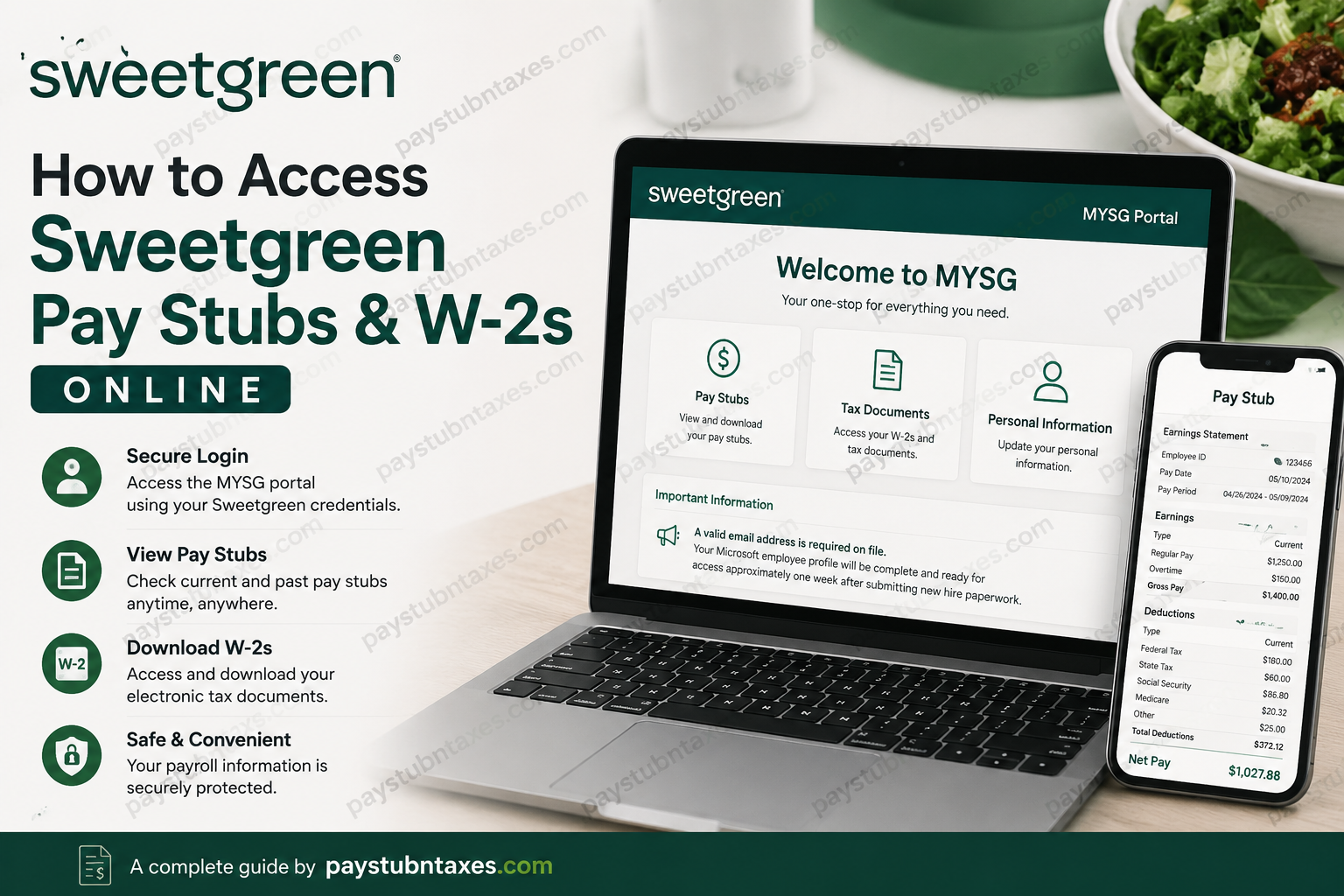
Sweetgreen has rapidly evolved into one of America’s most recognizable fast-casual restaurant brands, renowned for its commitment to real food, sustainability, and community-driven values. With thousands of employees working across restaurants, support centers, and corporate operations, Sweetgreen offers digital payroll access through its secure MYSG employee portal, enabling team members to retrieve pay stubs, tax documents, and employment-related resources online. Whether you are a current employee attempting to download your latest paycheck information or a former employee searching for your W-2 form during tax season, this guide explains everything you need to know about accessing Sweetgreen payroll documents online.
What Is the Sweetgreen MYSG App?
The MYSG portal is Sweetgreen’s centralized employee platform powered through Microsoft Online Services. Employees can securely log in from both desktop and mobile devices to access:
- Weekly or biweekly pay stubs
- Electronic W-2 tax forms
- Payroll history
- Employee information
- Company applications and internal tools
- Work-related resources
The portal is designed to simplify payroll access while maintaining a secure authentication process for all Sweetgreen employees.
How to Access Sweetgreen Pay Stubs Online
Employees can retrieve their pay statements online by following the steps below.
Step 1: Visit the Sweetgreen Employee Login Portal
Open your preferred browser and navigate to the official Sweetgreen Microsoft login page:
Sweetgreen Employee Login Portal
The portal works on both desktop computers and mobile devices.
Step 2: Enter Your Login Credentials
Sweetgreen uses different login formats depending on your employment role.
Field Team Members and Shift Leaders
Use your employee number without the leading zeros and add:
sweetgreen.com
Example:
123456@sweetgreen.com
Some employees may still be instructed to log in using their full employee number including the leading “000” depending on account configuration.
AC/HC, Restaurants, and SGSC Employees
Use your official Sweetgreen company email address to sign in.
Step 3: Complete Microsoft Authentication
After entering your username:
- Click Next
- Enter your password
- Complete any multi-factor authentication prompts if required
If you experience password issues, use the “Can’t access your account?” recovery option available on the login screen.
Step 4: Open the MYSG Application
Once signed in successfully:
- Locate the “mysg” application from your Microsoft apps dashboard
- Open the app
- Navigate to payroll or tax document sections
Inside the portal, employees can view and download:
- Current pay stubs
- Previous payroll statements
- Year-end W-2 tax forms
How to Access Sweetgreen W-2 Forms Online
Sweetgreen employees who elected electronic tax delivery can retrieve W-2 forms digitally through the MYSG portal.
To Download Your W-2:
- Sign into the MYSG portal
- Open the payroll or tax documents section
- Select the applicable tax year
- Download or print your W-2 form
Electronic W-2 access is often available before mailed copies arrive, making the portal particularly useful during tax season.
Former Employees: How to Get Your Sweetgreen W-2
If you no longer work for Sweetgreen, your W-2 form is typically mailed to your home address on or before January 31 of the following tax year.
To avoid delays:
- Ensure your mailing address was updated before leaving the company
- Contact your former restaurant or local HR representative if your address has changed
- Allow adequate mailing time during peak tax season
Former employees who still retain portal access may also be able to retrieve electronic tax forms online.
Troubleshooting Sweetgreen Login Problems
Employees occasionally encounter login or portal-access issues. Below are several common solutions.
MYSG App Not Opening
If the MYSG application fails to load properly:
- Try using desktop mode on your mobile browser
- Clear browser cache and cookies
- Attempt to log in from a different browser
- Disable pop-up blockers temporarily
Incorrect Username or Password
Double-check:
- Employee ID formatting
- Missing leading zeros
- Correct “@sweetgreen.com” domain
- Password capitalization
If necessary, reset your password using Microsoft’s recovery tools.
No Access to Payroll Documents
If pay stubs or W-2s are unavailable:
- Wait at least one week after completing onboarding paperwork
- Verify your email address is active in the system
- Contact your manager or local HR department for assistance
Benefits of the Sweetgreen Online Payroll System
The digital MYSG payroll platform offers several advantages to employees, including:
1. Convenient 24/7 Access
Employees can review payroll records anytime without contacting management.
2. Faster Tax Document Delivery
Electronic W-2 access eliminates delays caused by postal delivery.
3. Enhanced Security
Microsoft authentication helps protect sensitive payroll information.
4. Centralized Employee Resources
The MYSG platform consolidates payroll, tax forms, and workplace applications into one secure environment.
Sweetgreen Company Overview
Founded in 2006, Sweetgreen has grown into a leading fast-casual restaurant chain focused on healthy, sustainably sourced meals. The company operates hundreds of locations across the United States and employs thousands of workers nationwide. Sweetgreen is widely recognized for emphasizing locally sourced ingredients, environmentally conscious operations, and technology-driven customer experiences.
The company’s digital-first philosophy extends internally through systems like the MYSG portal, allowing employees streamlined access to payroll and employment information.
Final Thoughts
Sweetgreen’s MYSG employee portal provides a secure and efficient way for employees to access pay stubs and W-2 forms online. By using the Microsoft login platform and the MYSG application, current employees can quickly retrieve payroll records, while former employees can receive W-2 forms through mailed delivery or existing portal access. Employees experiencing difficulties should contact their local Sweetgreen management team or HR representative for additional assistance.
Frequently Asked Questions
1. How do I access my Sweetgreen pay stubs online?
Visit the Sweetgreen Microsoft login portal, sign in with your employee credentials, open the MYSG app, and navigate to the payroll section to view or download your pay stubs.
2. What is the Sweetgreen employee portal?
The Sweetgreen employee portal is an online system that allows employees to access pay stubs, W-2 forms, payroll history, tax documents, and other work-related resources securely.
3. Where can I log in to the Sweetgreen MYSG portal?
Employees can access the portal through the official Microsoft login page associated with Sweetgreen employee accounts.
4. What username should Sweetgreen employees use to log in?
Field Team Members and Shift Leaders typically use their employee number without leading zeros followed by “@sweetgreen.com.” Corporate and SGSC employees usually use their Sweetgreen company email address.
5. Can former Sweetgreen employees access W-2 forms online?
Some former employees may still have portal access; however, most W-2 forms are mailed to the employee’s home address by January 31 of the following tax year.
6. When are Sweetgreen W-2 forms mailed?
Sweetgreen generally mails W-2 tax forms on or before January 31 each year.
7. How do I reset my Sweetgreen employee password?
Employees can reset their password by selecting the “Can’t access your account?” option on the Microsoft login page.
8. Why can’t I access the MYSG app?
Access issues may occur because of incorrect login credentials, inactive employee profiles, browser compatibility problems, or incomplete onboarding processing.
9. How long does it take for a new employee account to become active?
Employee profiles are usually available approximately one week after new-hire paperwork has been completed.
10. Can I view Sweetgreen pay stubs on my phone?
Yes. The MYSG portal is mobile-friendly and can be accessed through most smartphone browsers.
11. What should I do if my W-2 was mailed to the wrong address?
Contact your former Sweetgreen location or HR department to update your mailing information and request assistance.
12. Does Sweetgreen provide electronic W-2 forms?
Yes. Employees enrolled in electronic tax delivery can download W-2 forms directly from the MYSG portal.
13. What payroll information is available in the MYSG app?
Employees can access current pay stubs, previous payroll statements, tax documents, and payroll history through the app.
14. Is the Sweetgreen employee portal secure?
Yes. The portal uses Microsoft authentication and secure login procedures to protect employee payroll and tax information.
15. Who should I contact for Sweetgreen payroll support?
Employees experiencing payroll or login issues should contact their local Sweetgreen management team or human resources department for assistance.
