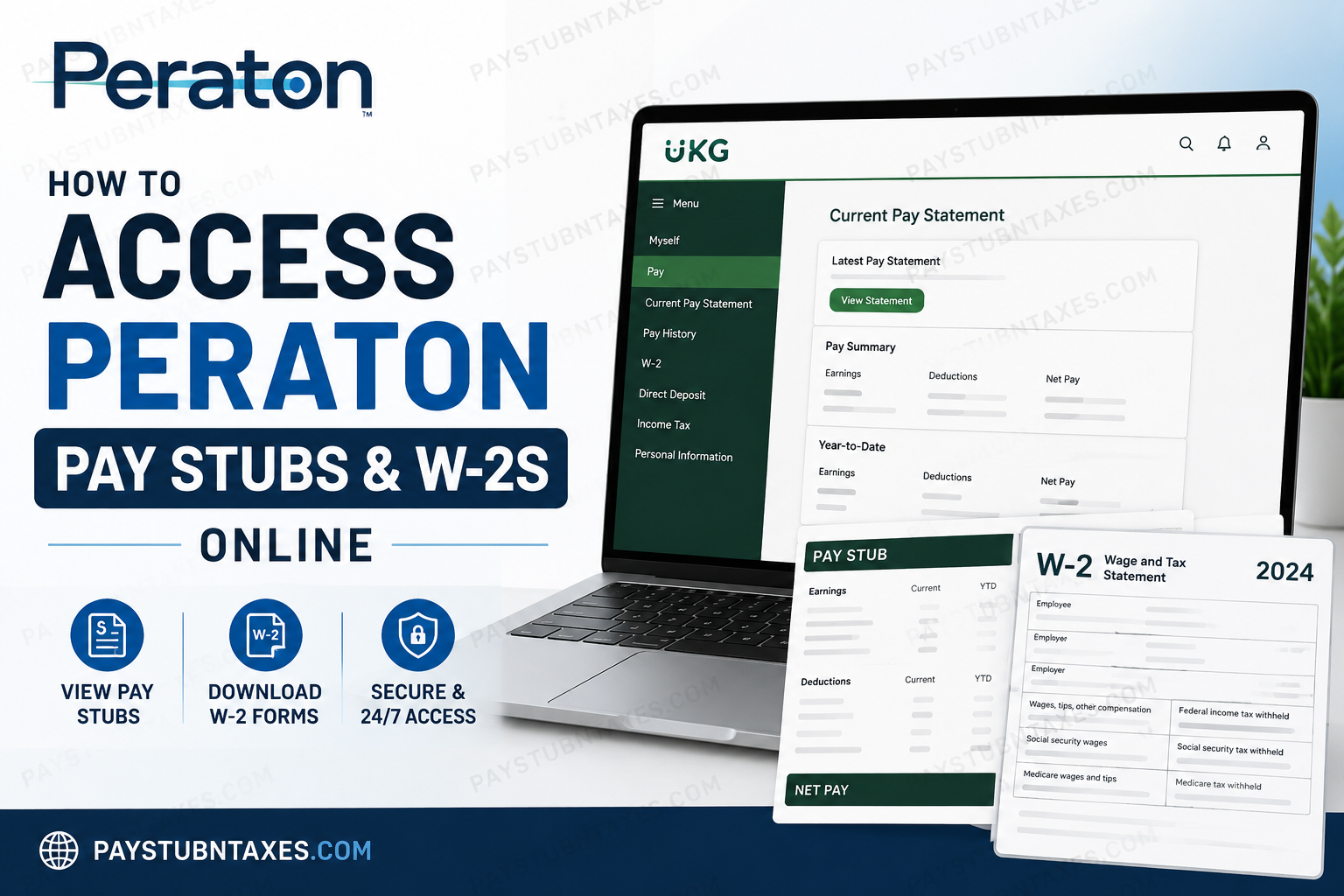
Managing your payroll and tax documents should never feel like navigating a labyrinth. Fortunately, Peraton provides employees with secure, round-the-clock access to their pay information through the UKG Pro (formerly UltiPro) Employee Self-Service Portal. Whether you need to download your latest pay stub, review your pay history, update direct deposit details, or retrieve your annual W-2 form, everything is available in one convenient online location. As one of the nation’s leading providers of advanced technology and national security solutions, Peraton equips its workforce with digital tools that simplify administrative tasks and empower employees to manage their information independently. In this comprehensive guide, you’ll learn exactly how to access your Peraton pay stubs and W-2s online, troubleshoot login issues, and make the most of the UKG Pro platform.
About Peraton
Peraton is a premier government services and technology company that delivers innovative solutions across cybersecurity, defense, intelligence, space, and citizen security. The company supports some of the most critical missions in the United States and is renowned for solving complex challenges through cutting-edge technology and exceptional talent.
Beyond its technological achievements, Peraton offers employees an extensive benefits package that includes:
- Medical, dental, and vision insurance
- Retirement and 401(k) savings plans
- Paid time off
- Parental leave
- Mental health and wellness programs
- Life and disability insurance
- Financial well-being programs
What Is Peraton’s Payroll Portal?
Peraton uses UKG Pro (formerly UltiPro) as its Human Resources and Payroll Management System. The platform serves as a centralized hub where employees can:
- View and print pay statements
- Access W-2 tax forms
- Manage direct deposit information
- Update personal details
- Review benefits information
- Modify tax withholding elections
- View employment records and department information
Employees receive portal access beginning on their first day of employment.
Peraton UKG Pro Login Information
Employee Portal URL
https://ew43.ultipro.com/login.aspx
Username Format
Your login ID depends on your employment division:
| Employee Group | Username |
| hPeraton and hNG Employees | EID@peraton.com |
| hPerspecta Employees | EID@perspecta.com |
| RDG Employees | EID@rdg.peraton.com |
Temporary Password
Your initial password is: MMDDYYYY
Example: Date of Birth: March 15, 1990
Temporary Password: 03151990
Upon your first login, you will be required to:
- Create a new secure password.
- Set up three security questions.
- Save your answers for future password recovery.
How to Access Peraton Pay Stubs Online
Follow these simple steps:
Step 1: Sign In to UKG Pro
Visit: https://ew43.ultipro.com/login.aspx
Enter:
- Username
- Password
Click Sign In.
Step 2: Access Your Current Pay Statement
After logging in: Menu → Myself → Pay → Current Pay Statement
Your latest paycheck details will appear on screen.
You can:
- View earnings
- Review deductions
- Verify taxes withheld
- Print or save your pay stub as a PDF
Step 3: View Pay History
To access previous paychecks: Menu → Myself → Pay → Pay History
Then:
- Select the desired pay date.
- Open the statement.
- Print or download a copy.
The system stores historical payroll records, making it easy to retrieve older pay stubs whenever necessary.
How to Access Peraton W-2 Forms Online
Annual W-2 forms are available directly inside UKG Pro.
Steps:
- Log in to UKG Pro.
- Navigate to: Menu → Myself → Pay → W-2
- Select the tax year.
- Download or print your W-2 form.
Electronic access allows employees to file taxes quickly and securely without waiting for paper copies.
How to Change Direct Deposit Information
UKG Pro also allows employees to manage their banking information.
Navigate to: Menu → Myself → Pay → Direct Deposit
From here, you can:
- Add a new bank account
- Modify existing accounts
- Update routing numbers
- Change deposit allocations
It is advisable to review your direct deposit details periodically to ensure your pay is deposited correctly.
How to Update Tax Withholding Information
To modify federal or state tax elections:
Navigate to: Menu → Myself → Pay → Income Tax
Employees can:
- Update W-4 information
- Adjust withholding allowances
- Change filing status
- Review tax elections
Accessing Peraton Payroll Information Through the Mobile App
Peraton employees can also use the UKG Pro Mobile App.
Download the App
Available on:
- Apple App Store
- Google Play Store
Company Access Code: hkqg5n
Login Steps
- Install the UKG Pro app.
- Enter Company Access Code: hkqg5n
- Enter your username and password.
- Sign in.
Important: You must log into the desktop portal at least once before using the mobile app for the first time.
Forgot Your Password?
If you’ve forgotten your password:
- Visit the login page.
- Click Forgot your password?
- Enter your username.
- Answer your security questions.
- Reset your password.
Unable to Access Your Account?
If you experience login issues or have payroll questions, contact:
Email: payroll@peraton.com
The payroll team can assist with:
- Password resets
- Account lockouts
- W-2 issues
- Direct deposit concerns
- General payroll inquiries
Benefits of Using Peraton’s UKG Pro Portal
The Employee Self-Service system offers several advantages:
24/7 Access
View payroll information anytime, anywhere.
Secure Document Storage
Access pay records and tax forms in one secure location.
Faster Tax Preparation
Download W-2s immediately when available.
Mobile Convenience
Manage payroll information directly from your smartphone.
Self-Service Management
Update personal and banking information without paperwork.
Final Thoughts
Peraton’s UKG Pro Employee Self-Service portal places payroll management firmly in employees’ hands. From reviewing pay statements and downloading W-2 forms to updating direct deposit information and managing tax elections, the platform provides a seamless and secure experience. By logging in regularly and keeping your information current, you can ensure that your payroll records remain accurate and readily accessible whenever you need them.
FAQs
1. How do I access my Peraton pay stubs online?
Log in to the UKG Pro portal and go to Menu → Myself → Pay → Current Pay Statement.
2. What is the Peraton employee login website?
The official payroll portal is: https://ew43.ultipro.com/login.aspx
3. What payroll system does Peraton use?
Peraton uses UKG Pro (formerly UltiPro) for payroll, benefits, and HR management.
4. How do I view previous pay stubs?
Navigate to Menu → Myself → Pay → Pay History and select the desired pay date.
5. Where can I find my Peraton W-2 form?
Go to Menu → Myself → Pay → W-2 after signing into UKG Pro.
6. What is the UKG Pro company access code for Peraton?
The company access code is: hkqg5n
7. What is my temporary password for first-time login?
Your initial password is your date of birth in MMDDYYYY format.
8. How do I reset my Peraton password?
Click Forgot your password? on the login page and answer your security questions.
9. Can I access Peraton payroll information on my phone?
Yes. Download the UKG Pro mobile app from the Apple App Store or Google Play Store.
10. Can I print my pay stubs?
Yes. Open the pay statement and click Print or download it as a PDF.
11. How do I change my direct deposit information?
Go to Menu → Myself → Pay → Direct Deposit to update banking information.
12. Can I update my tax withholding information online?
Yes. Navigate to Menu → Myself → Pay → Income Tax to modify your tax elections.
13. Why can’t I log in to my Peraton account?
Common reasons include incorrect credentials, expired passwords, or account lockouts.
14. Can former employees access their W-2 online?
Former employees may still have limited access. If not, contact Peraton Payroll for assistance.
15. Who should I contact for payroll assistance?
For payroll questions or login issues, email: payroll@peraton.com
