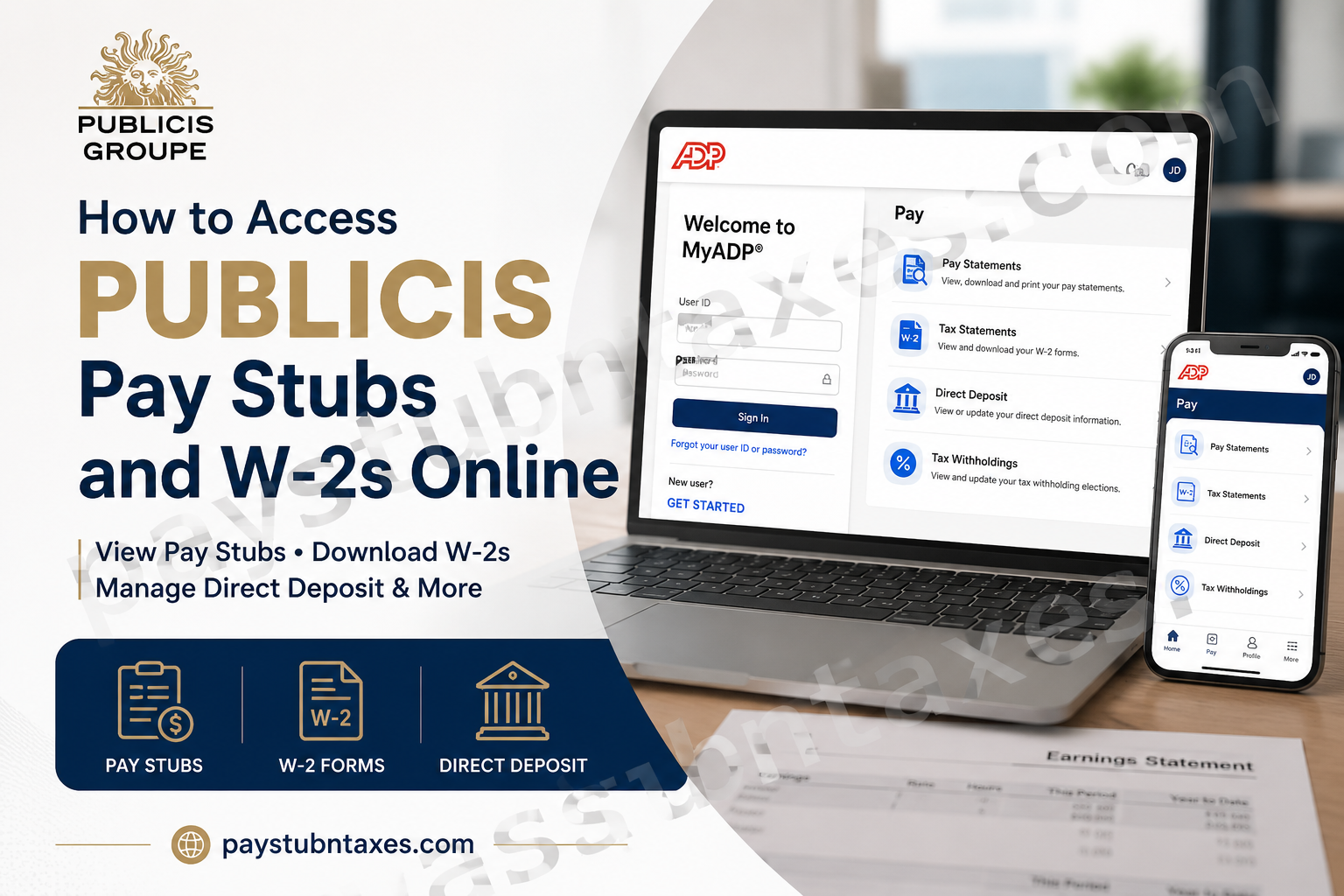
For Publicis Groupe employees, keeping track of payroll records, tax documents, and direct deposit information has never been easier. Through the MyADP portal, employees can securely access their pay statements, annual W-2 forms, tax withholding elections, and banking information anytime and anywhere. Publicis employees can also use the ADP Mobile app to manage payroll information on the go. Whether you’re a current employee looking for your latest pay stub or a former employee searching for a copy of your W-2, this guide explains everything you need to know about accessing Publicis payroll information online.
What Is Publicis Groupe?
Publicis Groupe Official Website is one of the world’s largest communications and marketing organizations. Founded in 1926 by Marcel Bleustein-Blanchet, the company operates in more than 100 countries and employs approximately 114,000 professionals worldwide. Publicis specializes in advertising, media, technology, data analytics, and digital business transformation.
Publicis MyADP Login Portal
Portal: https://my.adp.com
Preferred Browser: Google Chrome
Mobile Access: ADP Mobile App (iOS and Android)
The MyADP portal allows employees to:
- View and download pay stubs
- Access annual W-2 forms
- Update direct deposit information
- Modify tax withholding elections
- Go paperless for tax documents
- Review wage garnishment information
How to Register for MyADP as a New Employee
New employees must create an account before accessing payroll information.
Step 1: Visit: https://my.adp.com
Step 2: Click: Get Started
Step 3: Choose: I Have a Registration Code
Step 4: Enter your personal registration code from the ADP Security Services email.
Step 5: If your personal registration code has expired, use the generic registration code: publicis-entry
Step 6: Verify your personal information and create your login credentials.
Step 7: Set security questions and complete account setup.
How to View Publicis Pay Stubs Online
After logging into MyADP:
Step 1: Click the Pay icon.
Step 2: Select: Pay Statements
Step 3: Choose the pay period.
Step 4: View, download, or print your earnings statement.
Pay statements remain available electronically and can be accessed whenever needed.
How to Download Your Publicis W-2 Online
Publicis employees can receive W-2 forms electronically through MyADP.
Step 1: Log into MyADP.
Step 2: Select: Pay → Tax Statements
Step 3: Choose the desired tax year.
Step 4: Download or print your W-2.
W-2 forms for the previous tax year are generally available no later than January 31 of each year.
How to Enroll in Paperless W-2 Delivery
To receive your W-2 electronically:
- Log into MyADP.
- Navigate to: Settings → Go Paperless
- Accept electronic consent.
- Save your preferences.
Electronic delivery provides faster access and reduces the risk of lost tax documents.
How to Update Direct Deposit Information
Publicis employees can manage direct deposit information without submitting paper forms.
Step 1: Sign in to MyADP.
Step 2: Click: Pay
Step 3: Select: Direct Deposit
Step 4: Add, edit, or remove bank accounts.
Step 5: Save changes.
Updates generally take effect during the next available payroll cycle.
Understanding Publicis Pay Frequency
Publicis employees are paid according to their employment classification.
Semi-Monthly Employees
Paid:
- On the 15th of the month
- On the last business day of the month
If a payday falls on a weekend or federal holiday, payment is issued on the preceding business day.
Bi-Weekly Employees
Paid every two weeks on Friday following the pay period end date.
Understanding Your Publicis Pay Stub
Gross Pay
Your total earnings before deductions.
Net Pay
The amount deposited into your bank account after all deductions.
Statutory Deductions May Include:
- Federal income tax
- State income tax
- Local taxes
- Social Security taxes
- Medicare taxes
- State disability insurance
- Paid family leave contributions
- Workers’ compensation
- Wage garnishments
Understanding Social Security and Medicare Taxes
Under the Federal Insurance Contributions Act (FICA):
- Social Security Tax: 6.2%
- Medicare Tax: 1.45%
- Additional Medicare Tax: 0.9% for high-income earners.
These deductions help fund retirement, disability, and healthcare programs.
Why Does My W-2 Box 1 Differ from My Final Pay Stub?
Employees often notice that the amount shown in:
W-2 Box 1
does not match:
Total Gross Earnings on the Final Pay Stub.
This occurs because:
- Pay stubs display gross earnings.
- W-2 Box 1 reports only Federal Taxable Wages, after certain pre-tax deductions have been excluded.
This difference is completely normal.
How Many W-2 Forms Will I Receive?
Employees working under multiple Publicis legal entities or payroll groups may receive:
- One W-2 for each employer/pay group.
Employees who worked in multiple states may also receive additional state pages attached to the same W-2.
How to Request an Older W-2
MyADP generally provides electronic access to:
- Pay statements
- W-2 forms issued within the last three years.
For older records, employees should contact their HR representative.
What If My W-2 Contains Errors?
Contact your HR representative immediately if you notice:
- Incorrect Social Security Number
- Incorrect wages
- Incorrect taxes withheld
- Incorrect employer information
Payroll Services can issue corrections if necessary.
Multi-State Tax Information
Publicis Groupe operates throughout the United States. Employees who:
- Work remotely,
- Travel between states,
- Work in multiple jurisdictions,
may have state income tax withholding obligations in more than one state.
This can affect:
- State wages reported
- State withholding amounts
- Number of state pages on the W-2
Publicis Employee Benefits Overview
Publicis offers an extensive benefits package for eligible employees, including:
- Medical plans administered by UnitedHealthcare
- Prescription coverage through CVS Caremark
- Health Savings Accounts (HSA)
- Dental and vision insurance
- Life and disability insurance
- Flexible Spending Accounts (FSA)
- Transportation reimbursement benefits
- Employee Assistance Program (EAP)
- Health Advocate services
- Publicis 401(k) Plan with company matching
- Bright Horizons backup care services
Publicis Payroll Contact Information
ADP Solution Center
Phone: 1-866-324-5191
Payroll Portal
Website: https://my.adp.com
HR Support
Contact your local Human Resources representative for:
- W-2 corrections
- Historical payroll records
- Payroll discrepancies
- Tax questions
Final Thoughts
Publicis Groupe has streamlined payroll administration by integrating its compensation and tax reporting services into the MyADP platform. Employees can conveniently access pay statements, manage direct deposits, update tax elections, and retrieve W-2 forms without completing cumbersome paperwork or waiting for mailed documents. By activating electronic delivery and maintaining accurate payroll information, employees can ensure seamless access to their compensation records throughout the year.
Frequently Asked Questions
1. How do I access my Publicis pay stubs online?
Log in to MyADP at my.adp.com, click Pay, and select Pay Statements to view, download, or print your earnings statements.
2. Where can I download my Publicis W-2 form?
After logging into MyADP, navigate to Pay → Tax Statements to access and download your W-2.
3. What is the Publicis MyADP login website?
The official payroll portal is https://my.adp.com.
4. What is my Publicis username for ADP?
Your User ID typically ends with @publicis, such as jsmith@publicis.
5. How do new employees register for MyADP?
Click Get Started on the MyADP login page and enter your registration code to create an account.
6. What is the generic registration code for Publicis employees?
The generic registration code is: publicis-entry
7. Can I access my Publicis pay stubs from my phone?
Yes. Employees can use the ADP Mobile App on iOS and Android devices.
8. When are Publicis W-2 forms available?
W-2 forms for the previous tax year are generally available by January 31 each year.
9. How do I update my direct deposit information?
Log into MyADP, click Pay, then Direct Deposit, and add or edit your bank account information.
10. Can I change my tax withholding online?
Yes. Federal and state tax withholding elections (W-4) can be updated directly through MyADP.
11. How long are W-2 forms available electronically?
MyADP typically provides access to W-2 forms and pay statements issued during the past three years.
12. What should I do if I forgot my ADP password?
Select Forgot Your Password on the MyADP sign-in page and follow the verification instructions.
13. Why is my W-2 amount different from my final pay stub?
Your final pay stub shows gross earnings, while W-2 Box 1 displays only your federal taxable wages after certain pre-tax deductions.
14. Will I receive multiple W-2 forms if I worked in different states?
You may receive one W-2 per employer or pay group, and your W-2 may contain multiple state pages showing state-specific wages and taxes.
15. Who should I contact if my W-2 contains errors?
Contact your Human Resources representative immediately to request corrections to wages, taxes, or personal information.
