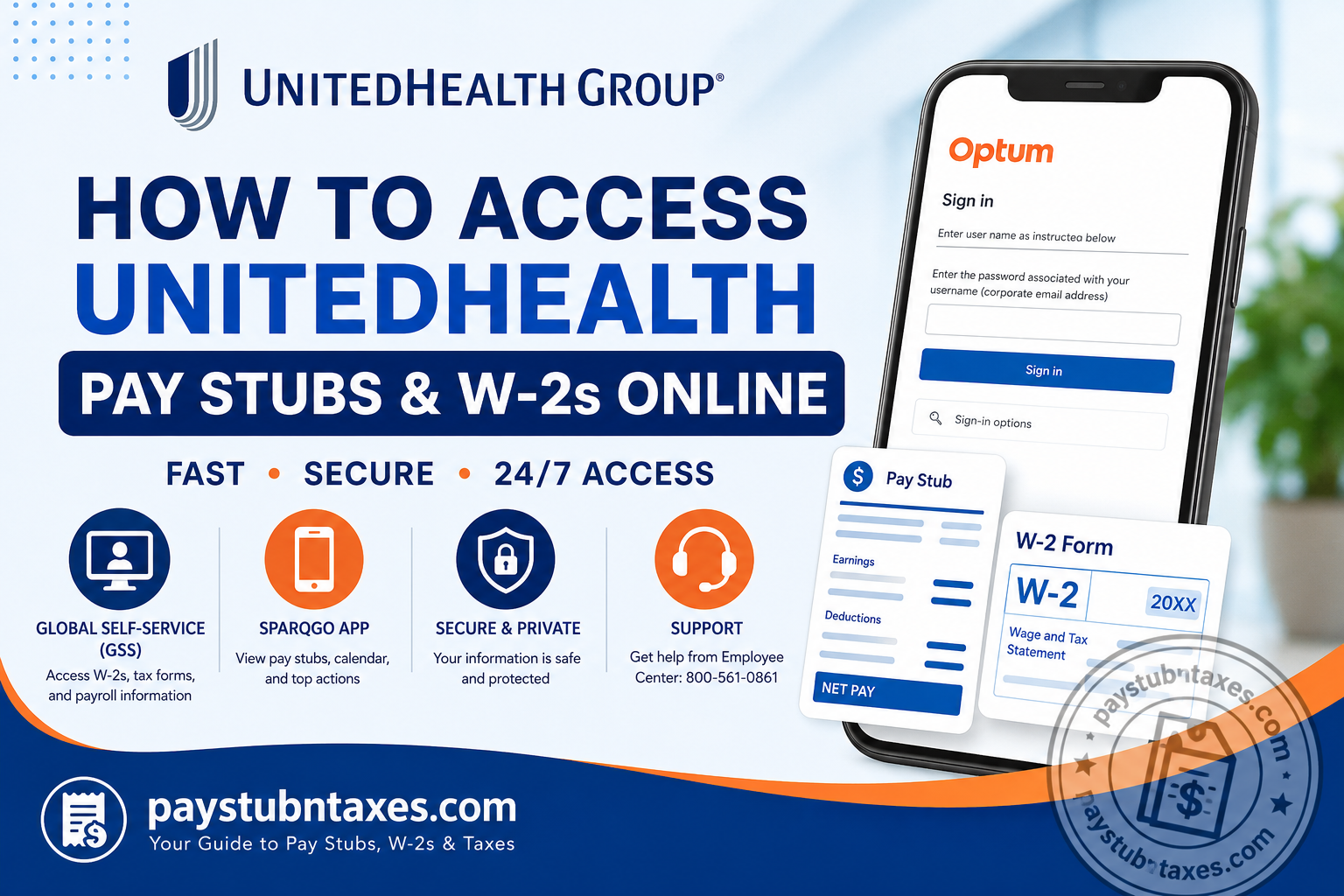
As one of the world’s largest healthcare and insurance organizations, UnitedHealth Group employs hundreds of thousands of professionals across the globe through its two primary business segments—UnitedHealthcare and Optum. The company provides a robust digital ecosystem that enables employees to manage payroll information, tax documents, benefits, and personal employment records with remarkable ease. If you are a current or former employee of UnitedHealth Group, Optum, or UnitedHealthcare, accessing your pay stubs and W-2 forms is a straightforward process through the company’s Global Self-Service (GSS) portal and the SparqGo mobile application. This comprehensive guide explains everything you need to know.
UnitedHealth Payroll and Tax Portal Information
| Resource | Purpose | Access |
| Global Self-Service (GSS) | W-2 forms, tax documents, payroll information, direct deposit | https://globalselfservice.unitedhealthgroup.com |
| SparqGo App | Paychecks, schedules, payroll calendar, employee resources | https://www.unitedhealthgroup.com/content/sparq/sparq.html |
| Employee Center | Payroll and HR assistance | 800-561-0861 |
| IT Service Desk | Login and account issues | 888-848-3375 |
What Is Global Self-Service (GSS)?
Global Self-Service (GSS) is UnitedHealth Group’s employee self-service platform that enables team members to manage various employment-related activities, including:
- Accessing W-2 forms
- Viewing payroll information
- Completing tax forms
- Entering paid time off (PTO)
- Updating personal information
- Managing direct deposit details
- Accessing employment verification resources
The platform serves as the company’s primary HR transaction system for both employees and managers.
How to Access Your UnitedHealth W-2 Online
Follow these steps to download your W-2 tax form.
Step 1: Visit the Global Self-Service Portal
Go to: https://globalselfservice.unitedhealthgroup.com
Step 2: Sign In
Enter:
- Corporate email address or username
- Password associated with your account
You may also be required to complete multi-factor authentication (MFA).
Step 3: Navigate to Tax Documents
After signing in: Menu → Pay & Benefits → Tax Forms → W-2 Forms
Step 4: Select Tax Year
Choose the desired tax year from the available list.
Step 5: Download or Print
Click:
- View
- Download PDF
Keep a digital copy for tax filing and future reference.
How to Access UnitedHealth Pay Stubs Online
UnitedHealth employees can conveniently view their paychecks using the SparqGo App, which provides personalized access to payroll information and other employee services.
Step 1: Download the SparqGo App
The app is available on:
- Apple App Store
- Google Play Store
Step 2: Sign In
Log in using:
- Corporate credentials
- Employee authentication method
Step 3: Open the Payroll Section
From the dashboard: Payroll → View Paycheck
Step 4: Select Pay Period
Choose the desired pay date to view:
- Gross earnings
- Federal and state taxes
- Benefit deductions
- Retirement contributions
- Net pay
- Year-to-date earnings
Step 5: Download or Save
You may:
- Download a copy
- Print your pay stub
- Save it for loan applications or employment verification purposes.
What Information Is Included on Your Pay Stub?
Your UnitedHealth paycheck generally includes:
Employee Information
- Name
- Employee ID
- Pay period
- Department
Earnings
- Regular hours
- Overtime
- Bonuses
- Incentives
Deductions
- Federal taxes
- State taxes
- Medicare taxes
- Social Security taxes
- Health insurance premiums
- Retirement contributions
Net Pay
- Amount deposited
- Direct deposit information
- Year-to-date totals
How to Update Direct Deposit Information
Through Global Self-Service, employees can:
- Sign in to GSS.
- Navigate to: Pay & Benefits → Direct Deposit
- Add or update bank account details.
- Save changes.
Changes generally become effective during the next payroll cycle.
How to Update Tax Withholding
Employees can modify federal and state withholding information by:
- Logging into GSS.
- Opening: Tax Forms → Withholding Elections
- Updating W-4 information.
- Submitting changes electronically.
How Former Employees Can Obtain W-2 Forms
Former employees may still need their tax documents after separation from the company.
You can:
Option 1: Access Global Self-Service if your credentials remain active.
Option 2: Contact the Employee Center:
Phone: 800-561-0861
Option 3: Request employment verification through:
The Work Number
Former employees may also access: https://employees.theworknumber.com for employment and salary verification.
What If You Forgot Your Password?
If you cannot sign in:
- Select “Can’t access your account?”
- Complete identity verification.
- Reset your password.
- Sign back in.
For additional support, contact the:
IT Service Desk: 888-848-3375.
Common UnitedHealth Payroll Issues and Solutions
| Problem | Solution |
| Cannot log in | Reset password or contact IT Service Desk |
| W-2 not available | Wait until annual release or contact Employee Center |
| Incorrect direct deposit | Update banking information in GSS |
| Missing paycheck | Contact Employee Center |
| Tax information incorrect | Submit updated W-4 through GSS |
Employee Support Contacts
Employee Center (formerly HRdirect)
Phone: 800-561-0861
Hours: Monday–Friday, 7:00 a.m.–7:00 p.m. CT
IT Service Desk
Phone: 888-848-3375
Availability: 24/7
Final Thoughts
UnitedHealth Group has invested heavily in digital employee tools that simplify payroll and tax management. Whether you need to review a recent paycheck, download your W-2 for tax season, update direct deposit information, or verify employment, the company’s Global Self-Service (GSS) portal and SparqGo App provide a secure and efficient self-service experience. By keeping your login credentials current and familiarizing yourself with these platforms, you can manage your employment information with confidence and convenience throughout your career with UnitedHealth Group.
Frequently Asked Questions
1. How do I access my UnitedHealth pay stubs online?
Download the SparqGo App and sign in using your employee credentials to view and download your pay stubs.
2. Where can I find my UnitedHealth W-2 form?
You can access your W-2 through the Global Self-Service (GSS) portal.
3. What is the UnitedHealth Global Self-Service portal?
GSS is the company’s employee self-service platform for payroll, tax forms, direct deposit, and HR transactions.
4. Can former UnitedHealth employees access W-2 forms?
Yes. Former employees may access their W-2s through GSS or request assistance from the Employee Center.
5. What is the website for UnitedHealth Global Self-Service?
The official website is https://globalselfservice.unitedhealthgroup.com.
6. Is the SparqGo App available for iPhone and Android?
Yes. SparqGo can be downloaded from both the Apple App Store and Google Play Store.
7. How do I update my direct deposit information?
Sign into GSS and navigate to the Direct Deposit section under Pay & Benefits.
8. How do I reset my UnitedHealth employee password?
Click “Can’t access your account?” on the login page and follow the password recovery instructions.
9. When are UnitedHealth W-2 forms available?
W-2 forms are typically issued and available electronically by the end of January each year.
10. Can I print my UnitedHealth pay stubs?
Yes. Both the SparqGo App and GSS allow you to download and print payroll documents.
11. How do I change my tax withholding information?
Log into Global Self-Service and update your W-4 information under Tax Forms.
12. What should I do if my paycheck is incorrect?
Contact the Employee Center at 800-561-0861 for payroll assistance.
13. Can I access my payroll information on my smartphone?
Yes. The SparqGo App provides mobile access to paychecks, schedules, and payroll resources.
14. How do I get employment verification from UnitedHealth?
You can obtain employment verification through The Work Number or request a signed verification through GSS.
15. Who do I contact for UnitedHealth payroll or HR questions?
Contact the Employee Center (formerly HRdirect) at 800-561-0861, Monday through Friday, from 7:00 a.m. to 7:00 p.m. CT.
