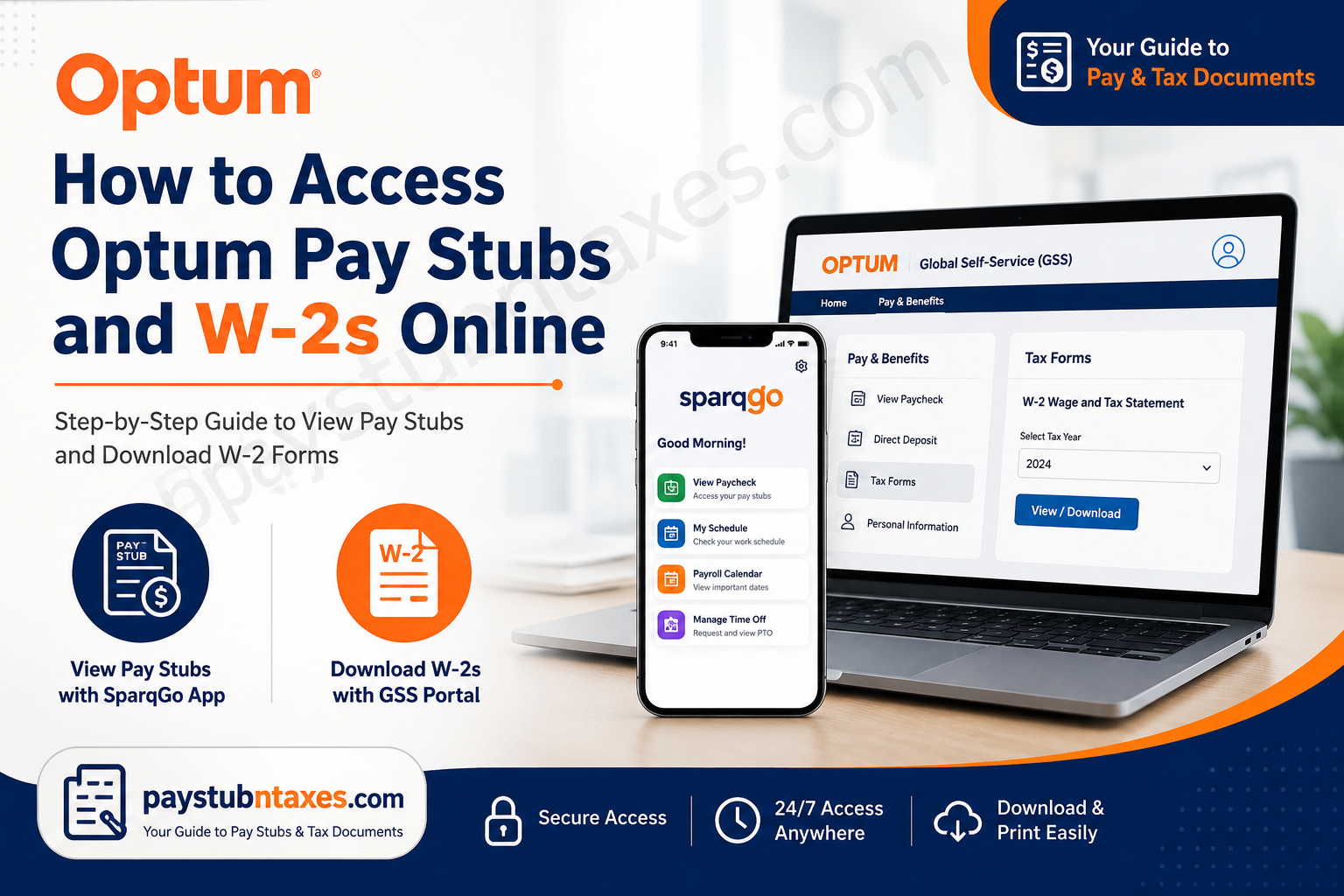
Healthcare is becoming increasingly digital, and so is the way employees manage their payroll and tax documents. If you work for Optum, accessing your pay stubs and W-2 forms has never been more convenient. Through the Global Self-Service (GSS) portal and the SparqGo mobile app, employees can view pay information, download tax forms, update personal details, and manage essential employment resources from virtually anywhere. This comprehensive guide explains exactly how Optum employees can access their pay stubs and W-2s online, troubleshoot common login issues, and contact support when assistance is needed.
About Optum
Optum is a leading American healthcare services and technology company and a subsidiary of UnitedHealth Group. Since its establishment in 2011, the company has grown into one of the largest healthcare organizations in the world, delivering pharmacy care services, healthcare technology solutions, and direct patient care through its three primary divisions:
- OptumHealth
- OptumInsight
- OptumRx
Today, Optum serves millions of individuals, healthcare providers, employers, and government agencies while continuing its mission of making healthcare more connected, affordable, and accessible.
How Optum Employees Access Pay Information
Optum utilizes two primary platforms:
1. Global Self-Service (GSS)
Used primarily for:
- Accessing W-2 forms
- Viewing payroll information
- Updating personal information
- Managing direct deposit
- Completing tax forms
- Entering paid time off (PTO)
2. SparqGo Mobile App
Used primarily for:
- Viewing paychecks
- Accessing work schedules
- Viewing payroll calendars
- Managing employee resources on mobile devices
Both platforms are designed to provide secure and convenient access to employment information.
How to Access Optum Pay Stubs Online
Method 1: Using the SparqGo App
The SparqGo app gives employees quick access to their paychecks directly from their smartphones.
Step 1: Download the SparqGo App from:
- Apple App Store
- Google Play Store
Step 2: Open the application.
Step 3: Sign in using your:
- Corporate email address
- Network password
Step 4: Navigate to: Payroll Calendar → View Paycheck
Step 5: Select the desired pay period.
Step 6: View or download your pay stub.
Information Available on Your Optum Pay Stub
Your paycheck statement generally includes:
- Employee ID
- Pay period dates
- Gross earnings
- Federal and state tax withholdings
- Retirement deductions
- Insurance deductions
- Paid time off balances
- Net pay amount
- Direct deposit information
Reviewing your pay statement regularly helps ensure that your compensation and deductions are accurate.
How to Access Optum W-2 Forms Online
Optum employees can retrieve their W-2 tax statements through the Global Self-Service (GSS) portal.
Step-by-Step Instructions
Step 1: Visit the GSS login page: https://globalselfservice.unitedhealthgroup.com/
Step 2: Sign in using:
- Corporate email address
- Network password
Step 3: Alternatively, you can access it through the Employee Center; Navigate to: Pay & Benefits → Global Self-Service
Step 4: Click: Tax Forms
Step 5: Select: W-2 Wage and Tax Statement
Step 6: Choose the tax year.
Step 7: Download or print your W-2.
How Former Optum Employees Can Obtain W-2 Forms
Former employees may still be able to access certain employment verification and payroll resources online. If you cannot sign in to GSS, contact the Employee Center for assistance.
You may need to provide:
- Employee ID
- Social Security Number
- Date of birth
- Employment dates
- Updated mailing address
How to Enroll in Direct Deposit
Global Self-Service also allows employees to manage banking information.
Steps:
- Log into GSS.
- Select Pay & Benefits.
- Choose Direct Deposit.
- Add or update bank account information.
- Save your changes.
Forgot Your Password?
If you cannot access your account:
- Visit the login page.
- Select Can’t access your account?
- Follow the password recovery instructions.
- Verify your identity using company security procedures.
Common Issues and Solutions
| Problem | Solution |
| Cannot log in | Verify your username and password |
| Locked account | Reset password or contact IT |
| W-2 unavailable | Wait until annual release date |
| Incorrect pay stub | Contact Employee Center |
| Direct deposit issue | Verify banking information |
| App not loading | Update the SparqGo application |
Optum Employee Support Contacts
Employee Center (Formerly HRdirect)
Phone: 800-561-0861
Available for assistance with:
- Pay questions
- Human resources policies
- Payroll deductions
- HR transactions
- Training assistance
IT Service Desk
Phone: 888-848-3375
Available 24 hours a day for:
- Password resets
- Login issues
- System access problems
- Secure access requests
Benefits of Using Optum’s Online Payroll Systems
The digital payroll platforms provide numerous advantages:
- 24/7 access to pay information
- Secure document storage
- Faster tax document delivery
- Mobile access through SparqGo
- Paperless payroll management
- Convenient download and printing options
- Easy management of personal information
Final Thoughts
Optum’s digital payroll ecosystem has transformed what was once a cumbersome administrative process into a remarkably straightforward experience. Whether you need to review your latest paycheck, retrieve a prior-year W-2, update direct deposit information, or manage employment records, the Global Self-Service (GSS) portal and SparqGo app place these essential resources at your fingertips. By taking advantage of these self-service tools, employees can save time, reduce paperwork, and maintain immediate access to their payroll and tax information whenever the need arises.
Frequently Asked Questions
1. How do I access my Optum pay stubs online?
You can access your pay stubs by signing into the SparqGo mobile app and selecting View Paycheck.
2. Where can I find my Optum W-2 form?
Your W-2 is available through the Global Self-Service (GSS) portal at https://globalselfservice.unitedhealthgroup.com/.
3. What is the Optum Global Self-Service (GSS) portal?
GSS is the employee self-service platform used to access W-2 forms, update personal information, manage direct deposit, and perform HR-related tasks.
4. Is the SparqGo app available for iPhone and Android?
Yes. SparqGo can be downloaded from both the Apple App Store and Google Play Store.
5. Can former Optum employees access their W-2 forms?
Yes. Former employees may still be able to obtain W-2 forms through GSS or by contacting the Employee Center.
6. What information do I need to log into GSS?
You need your corporate email address and password to access the system.
7. Can I print my Optum pay stubs?
Yes. Pay stubs can be viewed, downloaded, and printed from the SparqGo app.
8. How do I update my direct deposit information?
Log into Global Self-Service and navigate to the Direct Deposit section under Pay & Benefits.
9. When are Optum W-2 forms available?
W-2 forms are generally available by the end of January each year.
10. What should I do if I forgot my password?
Use the Can’t access your account? link on the login page or contact the IT Service Desk.
11. Can I view previous pay statements?
Yes. Historical pay statements are usually available within your employee account.
12. Who should I contact for payroll questions?
Contact the Employee Center at 800-561-0861.
13. Who can help with login problems?
For technical assistance, contact the IT Service Desk at 888-848-3375.
14. Is my payroll information secure?
Yes. Optum uses secure authentication and encrypted systems to protect employee information.
15. Can I access my pay stubs and W-2s from home?
Yes. Employees can access payroll information remotely using the GSS portal and SparqGo app with valid login credentials.
