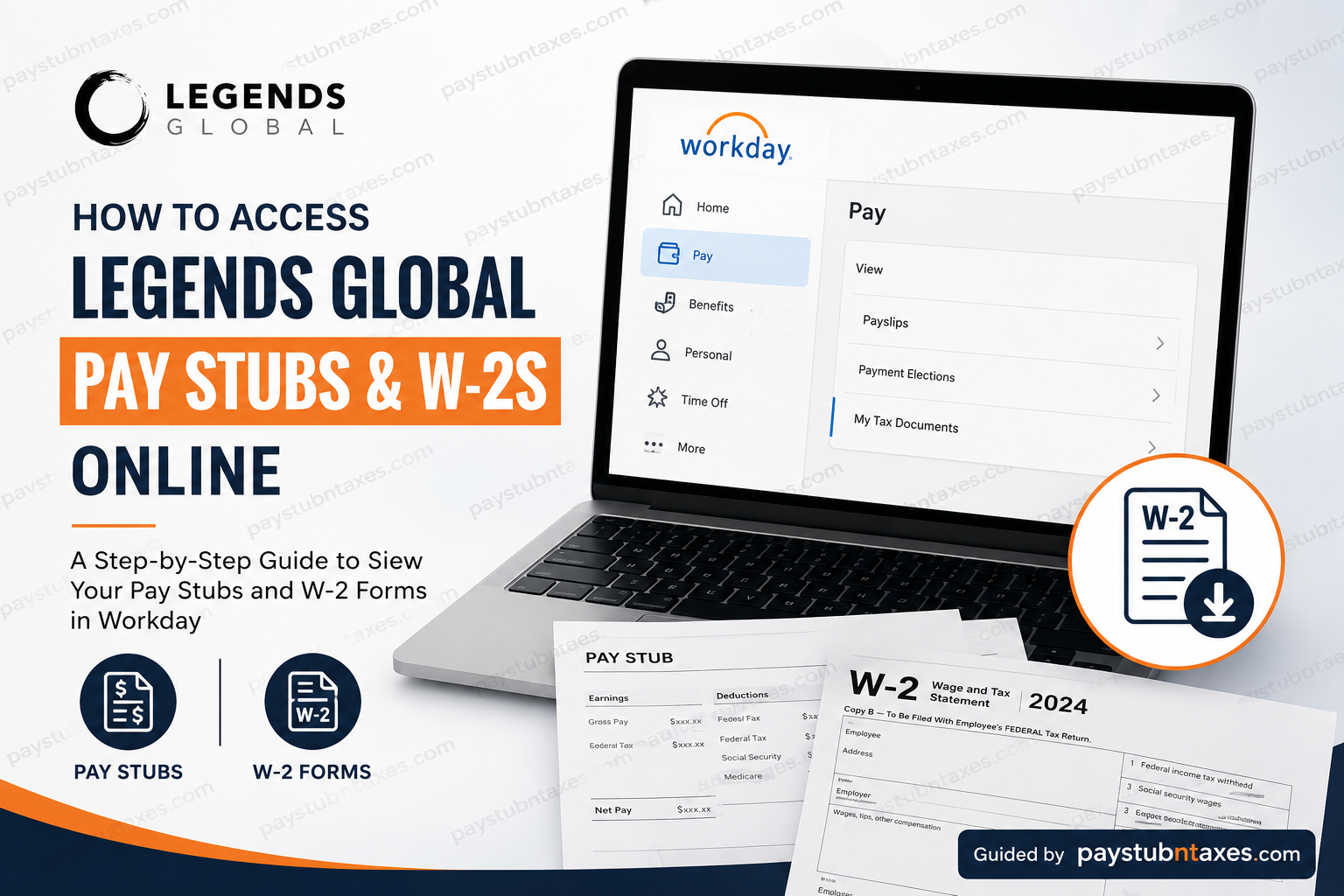
Managing payroll records should be effortless, particularly in a fast-paced global organization such as Legends Global. Whether you need to verify your earnings, download a recent pay stub, or retrieve your annual Form W-2 for tax filing, Workday provides a secure self-service platform that allows eligible employees to access these documents anytime and from virtually anywhere. This comprehensive guide explains how current and former Legends Global employees can access their pay stubs and W-2 forms, the differences between Single Sign-On (SSO) and Non-SSO login methods, and what to do if you no longer have access to Workday.
About Legends Global
Legends Global is a premier sports, entertainment, hospitality, and venue management company headquartered in New York City. Since its establishment in 2008, the company has evolved into a global leader by delivering integrated solutions across hospitality, merchandising, ticket sales, venue operations, partnerships, planning, and technology for professional sports organizations, colleges, entertainment venues, conventions, and attractions worldwide.
With operations spanning multiple continents, Legends combines decades of industry expertise with data-driven strategies to create exceptional guest experiences while maximizing value for its partners.
Workday at Legends Global
Legends Global uses Workday Human Capital Management (HCM) as its primary employee self-service platform. Through Workday, eligible employees can:
- View current and historical pay stubs
- Download payroll statements
- Access annual W-2 tax forms
- Update direct deposit information
- Manage tax withholding elections
- Review personal information
- Access employment records
Because Workday contains confidential payroll and tax information, employees must authenticate using either the company’s Single Sign-On (SSO) system or their Workday Employee ID and password.
Legends Global Workday Login Options
Employees will notice two authentication methods on the Workday login page.
Option 1: Single Sign-On (SSO)
This option is designed for:
- Active Legends employees
- Employees with a company-issued email address
- Employees who regularly access Microsoft 365 and other company systems
Selecting Single Sign-On redirects users to the Microsoft authentication page, where they sign in using their Legends Global corporate credentials.
Option 2: Non-SSO Login
The Non-SSO option is intended for:
- Newly hired employees
- Temporary employees without a company email
- Administrators
- Certain former employees whose Workday credentials remain active
Instead of Microsoft authentication, users enter their:
- Workday Employee ID
- Workday password
This method provides direct access to the Workday tenant.
How to View Your Legends Global Pay Stubs
Once you have successfully signed into Workday, accessing your pay statements takes only a few minutes.
Step 1: Sign in to the Legends Global Workday portal.
Choose either:
- Single Sign-On (current employees)
- Non-SSO Login (eligible users)
Step 2: From the Workday Home page, open the Pay application.
Step 3: Select Payslips.
Step 4: A complete list of available pay periods will appear.
Step 5: Select the desired pay period.
Step 6: Open the PDF version of your pay statement.
Step 7: Download, print, or save the document for your personal records.
Information Included on Your Pay Stub
Each pay statement generally contains:
- Employee name
- Employee ID
- Pay period
- Payment date
- Gross earnings
- Net pay
- Federal tax withholding
- State tax withholding (where applicable)
- Social Security deductions
- Medicare deductions
- Retirement contributions
- Benefit deductions
- Paid leave balances
- Direct deposit information
How to Access Your Legends Global W-2 Online
Every January, Legends Global publishes W-2 forms for eligible active employees inside Workday.
When the forms become available:
Step 1: Log into Workday.
Step 2: Open the Pay application.
Step 3: Select My Tax Documents.
Step 4: Locate your W-2 for the desired tax year.
Step 5: Choose View/Print.
Step 6: Download the PDF.
Step 7: Print a paper copy if needed for tax filing or financial documentation.
The general Workday workflow for accessing tax forms follows this navigation through Pay → My Tax Documents, where employees can view, download, and print available W-2 forms.
When Will W-2 Forms Become Available?
Legends Global generally follows the federal tax filing schedule.
Active employees can typically expect:
- W-2 forms become available online in late January.
- Payroll is required by federal law to issue W-2 forms by January 31.
- Employees may receive notification once electronic forms are available.
Former Employees
Former employees usually lose access to Workday after separation.
If your Workday account has been disabled:
- Your W-2 will generally be mailed to your home address.
- Human Resources or Payroll can provide a reprinted copy upon request.
- A completed W-2 Reprint Request Form may be required before Payroll issues another copy.
If your Workday account remains active after termination, you may still be able to retrieve your W-2 through Workday before your access expires.
What If You Forgot Your Password?
SSO Users
Use the Microsoft password recovery process or contact your internal IT department.
Non-SSO Users
Use the Workday password reset option or contact your system administrator for assistance.
Troubleshooting Workday Login Problems
If you cannot sign in:
- Confirm you selected the correct login option (SSO or Non-SSO).
- Verify your Employee ID.
- Check that your password is correct.
- Ensure your internet connection is stable.
- Try another browser or clear your browser cache.
- Disable browser extensions that may interfere with authentication.
- Contact Payroll or IT Support if your account remains inaccessible.
Payroll Support
If you require assistance with payroll records or tax forms, contact Legends Global.
Headquarters
61 Broadway, Suite 2400
New York, NY 10006
Phone: 1-866-921-6714
Email: help@legends.com
The company also maintains employee support resources and ethics reporting services for workforce assistance.
Conclusion
Workday provides Legends Global employees with a secure, efficient, and convenient way to manage payroll records and tax documentation throughout the year. Whether you need to review a recent pay statement, download your annual W-2, update payroll preferences, or verify earnings for financial purposes, the self-service platform streamlines the entire process while maintaining robust security standards. Current employees can simply sign in using either Single Sign-On or Non-SSO credentials, while former employees who no longer have Workday access should request mailed or reprinted tax documents through Payroll. By understanding the appropriate login method and following the navigation outlined above, you can quickly access the payroll information you need with minimal effort.
Frequently Asked Questions
1. How do I log in to the Legends Global Workday portal?
Visit the Legends Global Workday login page and choose either Single Sign-On (SSO) or Non-SSO Login, depending on your employment status and credentials.
2. Who should use the Single Sign-On (SSO) login?
Current Legends Global employees with a company-issued email address should use the SSO Login option.
3. Who can use the Non-SSO Login?
The Non-SSO option is intended for newly hired employees, temporary workers without a company email, administrators, and certain former employees whose Workday accounts remain active.
4. Where can I find my pay stubs in Workday?
After logging in, navigate to Pay and select Payslips or Pay History to view and download your payroll statements.
5. How do I download my Legends Global pay stub?
Open the desired pay period in Workday and select the PDF version to download or print your pay stub.
6. Where are W-2 forms located in Workday?
Your W-2 forms are available under Pay > My Tax Documents once they are released by Payroll.
7. When are Legends Global W-2 forms available?
W-2 forms are generally available in late January and are issued no later than January 31, in compliance with federal tax regulations.
8. Can I print my W-2 directly from Workday?
Yes. Workday allows you to view, download, and print your W-2 form in PDF format.
9. Can former employees access their W-2 online?
Former employees may access Workday only if their account remains active. Otherwise, they must request a mailed or reprinted W-2 from Payroll.
10. What should I do if I forgot my Workday password?
SSO users should reset their password through the Microsoft sign-in process, while Non-SSO users should use the Workday password reset option or contact their administrator.
11. Can I access Workday from my mobile device?
Yes. Employees can access Workday through a supported web browser or the Workday mobile app, if enabled by Legends Global.
12. What information appears on my pay stub?
A pay stub typically includes gross pay, net pay, taxes withheld, deductions, benefits, retirement contributions, and direct deposit details.
13. What if my Workday account is locked?
Contact the Legends Global IT Help Desk or Human Resources to unlock your account or restore access.
14. Who should I contact if I have payroll or W-2 questions?
You can contact Legends Global Payroll or Human Resources for assistance with pay stubs, tax forms, or Workday access issues.
15. Why can’t I see my W-2 in Workday?
If your W-2 is not yet available, wait until Payroll releases the forms in late January. If it should already be available, contact Payroll or HR for assistance.
