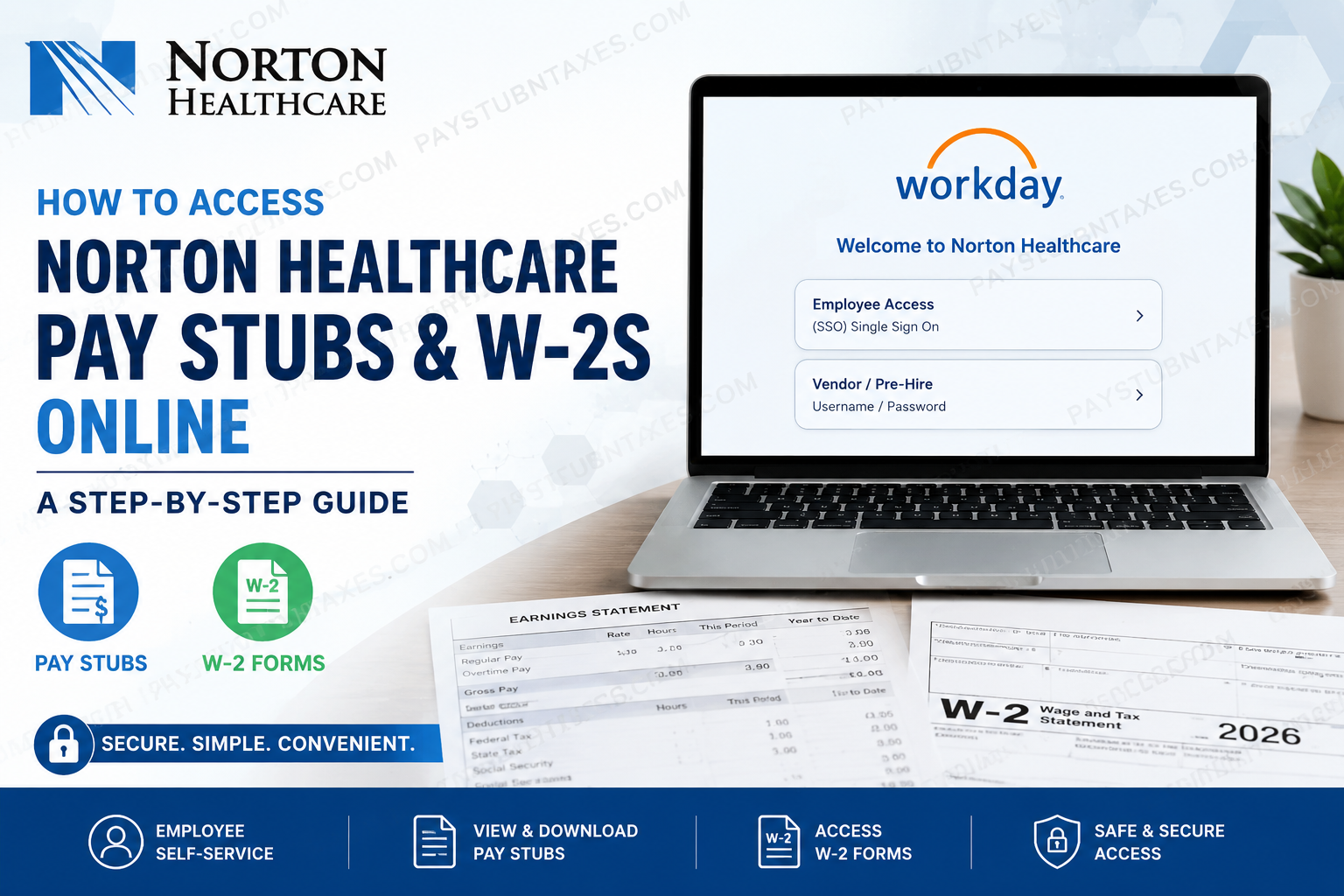
Norton Healthcare is one of the largest not-for-profit healthcare systems in Kentucky, serving patients across Greater Louisville, Southern Indiana, and surrounding communities. With nearly 24,000 employees, more than 1,750 employed medical providers, over 3,000 medical staff members, and hundreds of care locations, the organization has established itself as a regional leader in patient care, medical research, and employee development. Its extensive network includes multiple hospitals, outpatient centers, immediate care facilities, telehealth services, and specialty institutes dedicated to delivering exceptional healthcare. To streamline payroll, human resources, benefits administration, and financial operations, Norton Healthcare uses Workday as its primary Human Capital Management (HCM) platform. Through Workday Self-Service, employees can securely access payroll information, download pay stubs, retrieve W-2 tax forms, update personal information, manage direct deposit, and review tax withholding elections from virtually anywhere. Whether you are a current employee looking for your latest paycheck or preparing your annual tax return, this comprehensive guide explains everything you need to know about accessing your Norton Healthcare pay stubs and W-2 forms online.
Norton Healthcare Workday Portal
Workday Portal:
https://www.myworkday.com/nortonhealthcare/d/home.htmld
When visiting the login page, you’ll see two sign-in options:
- Employee Access (SSO Single Sign-On) – For current Norton Healthcare employees.
- Vendor / Pre-Hire – For vendors, suppliers, and newly hired employees using a username and password.
Workday supports Duo Mobile two-factor authentication to help safeguard employee accounts and sensitive payroll information.
Why Employees Use Workday
Workday serves as Norton Healthcare’s centralized employee self-service platform where staff members can:
- View current and historical pay stubs
- Download annual W-2 tax forms
- Update direct deposit information
- Change tax withholding elections
- Review compensation history
- Access benefits information
- Manage personal and emergency contact information
- View employment records
- Access payroll documents securely
How to Access Your Norton Healthcare Pay Stubs
Follow these steps to locate your paycheck information.
Step 1: Visit the Workday Portal
Open the Norton Healthcare Workday login page.
Step 2: Choose Your Login Method
Select:
- Employee Access if you’re an active employee.
- Vendor / Pre-Hire if instructed during onboarding.
Step 3: Complete Authentication
Log in using your Norton Healthcare credentials.
If prompted, complete Duo Mobile multi-factor authentication.
Step 4: Open the Pay Application
After signing in:
- Navigate to Pay
- Select Payslips
Step 5: View Your Pay Stub
Choose the desired payroll date to:
- View your earnings
- Check deductions
- Review taxes withheld
- Download or print the PDF copy
Reviewing your payslip regularly helps ensure that your earnings and benefit deductions are accurate. The employee enrollment guidance also encourages employees to verify their Workday payslips after benefit elections to confirm payroll deductions.
How to Download Your Norton Healthcare W-2 Online
Each January, Payroll publishes electronic W-2 forms inside Workday.
To access them:
- Log into Workday.
- Open the Pay application.
- Select My Tax Documents.
- Choose the appropriate tax year.
- Open the W-2.
- Download or print a copy for your records.
Active employees can retrieve their W-2 directly from Workday once it becomes available.
When Will W-2 Forms Be Available?
Norton Healthcare follows the standard federal payroll schedule.
- Electronic W-2 forms become available in late January.
- Federal regulations require employers to issue W-2 forms no later than January 31.
- Employees receive access through Workday when Payroll publishes the forms.
What Happens If You Leave Norton Healthcare?
Former employees typically lose access to Workday after separation.
If you no longer have Workday access:
- Human Resources or Payroll will mail your W-2 to the home address on file.
- If you need another copy, complete the W-2 Reprint Request Form and fax it to Payroll Services.
- Payroll typically makes printed copies available within approximately two business days after processing the request.
If your Workday access remains active after termination, you may still be able to download your W-2 electronically before access expires.
Understanding Your Pay Stub
Each Norton Healthcare payslip generally contains:
- Employee information
- Pay period dates
- Gross earnings
- Regular and overtime pay
- Shift differentials (when applicable)
- Pre-tax deductions
- Retirement contributions
- Benefit deductions
- Federal, state, and local taxes
- Net pay
- Direct deposit information
- Year-to-date totals
Benefits Accessible Through Workday
Beyond payroll, Workday also supports benefit-related functions.
Employees can review:
- Medical coverage
- Dental insurance
- Vision insurance
- Life insurance
- Disability benefits
- Spending accounts
- Retirement plans
- Paid time off
- Employee assistance resources
Norton Healthcare offers a comprehensive benefits package designed to support employees’ health, financial well-being, and professional development.
Troubleshooting Workday Login Issues
If you’re unable to sign in:
Verify Your Credentials
Ensure you’re selecting the correct login option:
- Employee Access
- Vendor /Pre-Hire
Complete Duo Authentication
Approve the login request through Duo Mobile.
Forgot Your Password?
Use your organization’s password recovery process or contact your department administrator.
Contact the Norton Service Center
If you’re a Norton Healthcare employee, supplier, or newly hired employee experiencing login problems, contact:
Norton Service Center
Phone: (502) 629-8911
Option 7 for Workday login assistance.
Payroll Tips
To ensure uninterrupted payroll access:
- Keep your home address updated.
- Review every payslip for accuracy.
- Update direct deposit promptly after changing banks.
- Download your W-2 as soon as it becomes available.
- Save electronic copies of important payroll documents.
- Enable Duo Mobile notifications for smoother authentication.
Conclusion
Workday provides Norton Healthcare employees with a secure and efficient way to manage payroll and tax records online. From downloading current and historical pay stubs to accessing annual W-2 forms, updating direct deposit, and reviewing payroll deductions, the platform centralizes essential employment information in one convenient location. By becoming familiar with Workday’s self-service features and keeping your account information up to date, you can quickly access the payroll documents you need throughout the year while minimizing administrative delays.
Frequently Asked Questions
1. How do I access my Norton Healthcare pay stubs online?
Log into the Norton Healthcare Workday portal using your Employee Access credentials, complete Duo authentication, and navigate to Pay > Payslips to view, download, or print your pay statements.
2. Where can I find my Norton Healthcare W-2?
Your W-2 is available in Workday under Pay > My Tax Documents once Payroll publishes it for the tax year.
3. When are Norton Healthcare W-2 forms available?
Electronic W-2 forms are typically available in late January, and paper copies are mailed by January 31, as required by federal law.
4. What is the Norton Healthcare Workday portal?
Workday is Norton Healthcare’s Human Capital Management (HCM) system used for payroll, HR, benefits, scheduling, and employee self-service.
5. Can I access Workday from home?
Yes. Employees can securely access Workday from any internet-connected device using their login credentials and Duo Mobile authentication.
6. How do I print my Norton Healthcare pay stub?
Open the desired payslip in Workday and use the Download or Print option to save or print a PDF copy.
7. What should I do if I forget my Workday password?
Use your organization’s password recovery process or contact the Norton Service Center for login assistance.
8. Is Duo Mobile required to access Workday?
Yes. Norton Healthcare recommends Duo Mobile for two-factor authentication to improve account security.
9. Can former employees access their W-2 online?
Only if their Workday access remains active after termination. Otherwise, they must request a W-2 reprint from Payroll Services.
10. How do terminated employees request a W-2?
Former employees without Workday access must complete and submit the W-2 Reprint Request Form to Payroll Services.
11. Can I update my direct deposit information in Workday?
Yes. Active employees can update their banking information through the Workday Self-Service portal.
12. What payroll information is included on my payslip?
Your payslip includes gross pay, net pay, tax withholdings, benefit deductions, retirement contributions, direct deposit information, and year-to-date earnings.
13. Who do I contact if I cannot log into Workday?
Contact the Norton Service Center at (502) 629-8911 (Option 7) for Workday login assistance.
14. Can I download previous pay stubs?
Yes. Active employees can access historical payslips within Workday while they retain system access.
15. Why should I review my pay stub regularly?
Reviewing your payslip helps ensure your wages, taxes, benefit deductions, retirement contributions, and direct deposit information are accurate before payroll issues become more difficult to resolve.
