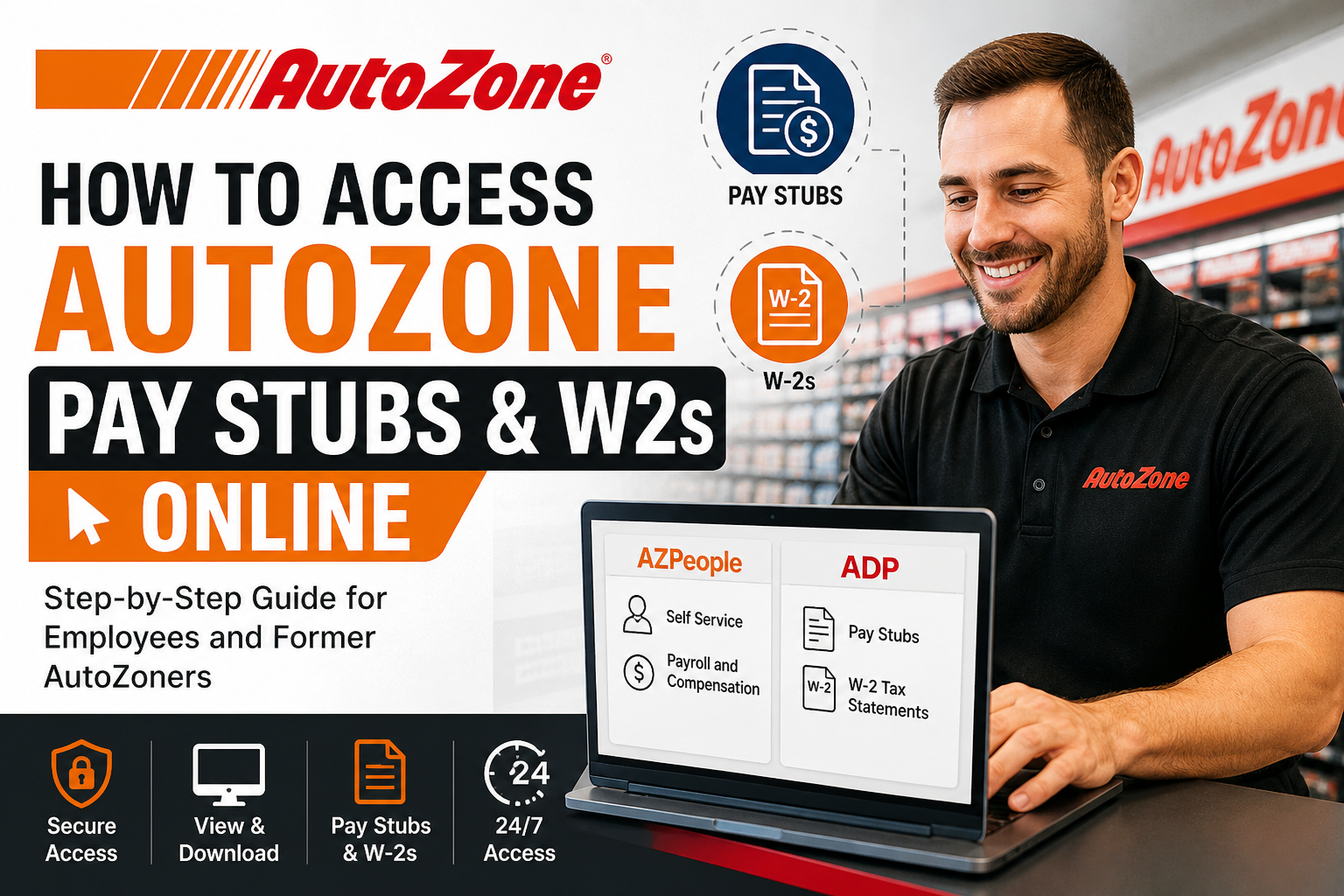
AutoZone, Inc. is the largest aftermarket automotive parts retailer in the United States, operating more than 7,000 stores across the U.S., Mexico, Brazil, and Puerto Rico. Headquartered in Memphis, Tennessee, the company empowers its workforce—known as AutoZoners—with modern digital tools to manage payroll and tax documents efficiently. If you are an AutoZone employee (current or former), you can easily access your pay stubs and W-2 tax forms online through dedicated portals such as AZPeople and ADP. This comprehensive guide walks you through each step with clarity and precision.
How to Access AutoZone Pay Stubs Online
Method 1: Access via AZPeople Self-Service Portal
AutoZone employees can retrieve their pay statements through the internal AZPeople Self-Service system.
Step-by-Step Instructions
- Go to the official portal:
👉 https://azpeople.autozone.com - Log in using:
- Employee ID
- Ignition Password (AutoZone login credentials)
- Once logged in, navigate as follows:
- Click Self Service
- Select Payroll and Compensation
- View, download, or print your pay stubs
💡 According to the internal guide, employees can also access AZPeople through the company intranet or DOC system
Key Features of AZPeople Portal
- Secure access to payroll information
- Real-time pay statement updates
- Easy download and printing options
- Accessible from both workplace and home devices
How to Access AutoZone W-2 Forms Online
AutoZone uses ADP for tax document management.
For Current Employees
Current AutoZoners can access W-2 forms through:
- AZPeople Portal → ADP Integration
- Direct access to ADP via single sign-on (SSO)
For Former Employees (Step-by-Step)
If you no longer work at AutoZone, follow these steps:
First-Time ADP Users
- Visit: www.MyADP.com
- Click “Get Started”
- Select “I have a registration code”
- Enter the registration code:
👉 AutoZone-MyADP - Enter your personal information:
- Must match AutoZone records (legal name required)
- Verify identity (email or mobile code)
- Create your account and password
- Log in and navigate:
- Click Tax Statements
- Select View W-2
Returning ADP Users
- Go to www.MyADP.com
- Enter your User ID and Password
- Click:
- Tax Statements → View
Important Notes
- Ensure your personal details match AutoZone records exactly
- Verification codes are time-sensitive (usually valid for 15 minutes)
- You can also access pay statements via ADP under the “Pay” section
Troubleshooting Common Issues
Forgot Password (AZPeople)
- Use the “Forgot Password” option on the Ignition login page
ADP Login Issues
- Click “Forgot User ID/Password” on ADP
- Re-enter your verified information
Account Not Found
- Ensure:
- Legal name matches company records
- Correct registration code is used
Security Tips
- Never share your login credentials
- Always log out after accessing payroll data
- Use secure and private networks when logging in
Benefits of Online Payroll Access
- 24/7 availability
- Faster tax filing with instant W-2 access
- Reduced paperwork
- Environmentally friendly
Conclusion
AutoZone provides a seamless and secure digital experience for accessing payroll and tax documents. Whether you are a current employee using AZPeople or a former AutoZoner accessing ADP, the process is straightforward, efficient, and user-friendly. By following this guide, you can quickly retrieve your pay stubs and W-2 forms without hassle—saving both time and effort.
Frequently Asked Questions (FAQs)
1. Where can I access my AutoZone pay stubs?
You can access them via the AZPeople portal under Self Service → Payroll and Compensation.
2. What is AZPeople?
It is AutoZone’s internal employee self-service portal for payroll, benefits, and HR information.
3. How do I get my W-2 from AutoZone?
You can download it from ADP at www.MyADP.com.
4. What is the ADP registration code for AutoZone?
The code is AutoZone-MyADP
5. Can former employees access W-2s?
Yes, former AutoZoners can register and log in to ADP to retrieve W-2 forms.
6. What login credentials are required for AZPeople?
You need your Employee ID and Ignition password.
7. Can I access pay stubs from home?
Yes, AZPeople is accessible from any internet-connected device.
8. What should I do if my ADP account isn’t recognized?
Ensure your personal details match your AutoZone employment records exactly.
9. Are pay stubs available on ADP too?
Yes, you can view them under the Pay section in ADP.
10. Is it safe to access payroll online?
Yes, both AZPeople and ADP use secure systems, but always follow best security practices.
11. Can I download and print my W-2?
Absolutely. ADP allows you to view, download, and print tax forms.
12. What if I forgot my ADP password?
Use the “Forgot Password” option on the ADP login page.
