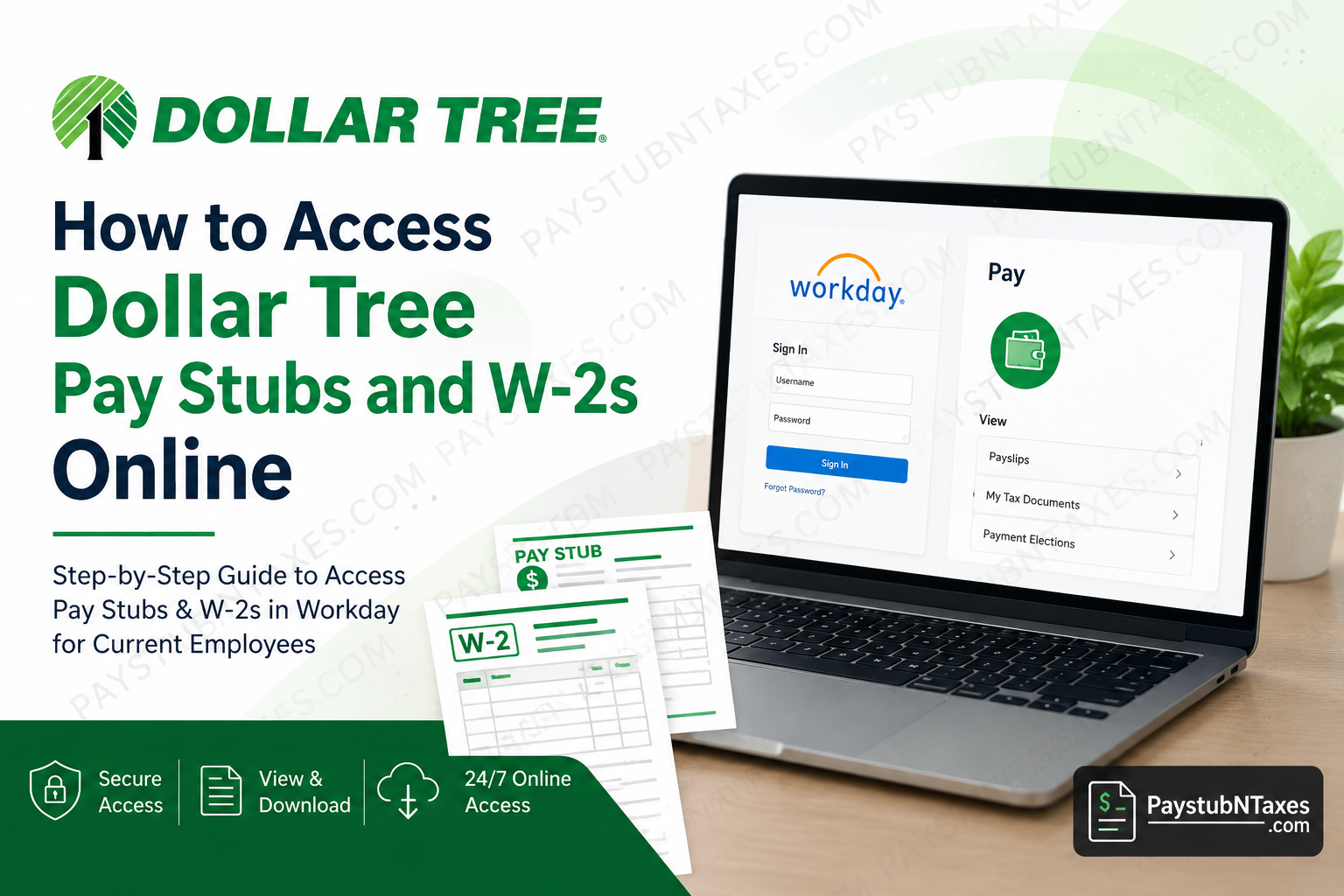
Employees of Dollar Tree can conveniently access their payroll and tax information online through secure digital platforms, including Workday and MyDoculivery. Whether you are a current associate seeking your latest pay stub or a former employee attempting to retrieve previous W-2 forms, Dollar Tree provides streamlined self-service options designed to simplify payroll management. As one of America’s leading discount retail chains, Dollar Tree operates thousands of stores across the United States and Canada while employing a substantial workforce across retail, logistics, and corporate operations. To enhance employee accessibility and administrative efficiency, the company has transitioned much of its payroll documentation to online systems, enabling associates to retrieve important financial records anytime and from virtually anywhere.
About Dollar Tree
Dollar Tree, Inc. is a Fortune 500 retail corporation headquartered in Chesapeake, Virginia. The company operates more than 15,000 stores throughout the United States and Canada and is widely recognized for offering affordable household products, seasonal merchandise, food items, health and beauty products, party supplies, and everyday essentials.
Dollar Tree continues to modernize its employee support systems through digital workforce solutions such as Workday and Okta Single Sign-On authentication. These platforms allow associates to securely manage payroll records, tax forms, direct deposit details, and personal information online.
Dollar Tree Payroll Portal Overview
Dollar Tree currently uses two different systems for payroll document access depending on the pay period:
- Workday Self-Service Portal — For current associates accessing pay stubs and W-2s after August 26, 2025.
- MyDoculivery Portal — For former and current associates retrieving payroll documents dated prior to August 26, 2025.
The company has centralized employee payroll management through Workday, which now serves as the primary payroll and HR platform for active associates.
Dollar Tree Workday Login Portal
Current associates may access their payroll records through the official Dollar Tree Workday portal:
Workday Login: Dollar Tree Workday Portal
Employees must sign in using their Dollar Tree Okta Single Sign-On credentials.
The secure Okta authentication page enables associates to log in using their company-issued username and password.
How to Access Dollar Tree Pay Stubs Online
Accessing pay stubs through Workday is relatively straightforward. Associates can retrieve current and historical earnings statements in only a few minutes by following the steps below.
Step-by-Step Instructions
Step 1: Visit the Workday Portal
Open the official Dollar Tree Workday login page in your browser.
Step 2: Sign In with Okta SSO
Enter your Dollar Tree username and password through the secure Okta authentication system.
Step 3: Open the Pay Application
Once logged in, navigate to the homepage dashboard and select the Pay application from the available menu options.
Step 4: Select “Payslips”
Under the “View” section, click on Payslips to access your payroll history.
Step 5: View or Download Your Pay Stub
Locate the desired pay period and click View. Employees can print or download the pay stub in PDF format for personal records, loan applications, tax preparation, or employment verification.
Information Available on Dollar Tree Pay Stubs
Each pay statement typically includes:
- Employee earnings
- Gross and net pay
- Current and year-to-date totals
- Federal and state tax withholdings
- Pre-tax and post-tax deductions
- Employer-paid benefits
- Direct deposit details
- Hours worked and pay rate
Digital payroll records allow employees to maintain accurate financial documentation without relying on printed copies.
How to Access Dollar Tree W-2 Forms Online
Dollar Tree associates may also retrieve year-end tax documents electronically through Workday.
Steps to Download Your W-2
Step 1: Log into Workday
Access your Workday employee account using your secure login credentials.
Step 2: Open the Menu
Click the menu icon located at the top-left or top navigation bar.
Step 3: Navigate to the Pay Section
Select the Pay application from the Workday dashboard.
Step 4: Open “My Tax Documents”
Under the “View” category, choose My Tax Documents to locate available W-2 forms.
Step 5: View or Print Your W-2
Click View/Print to download the document as a PDF file for tax filing purposes.
Accessing Older Pay Stubs and W-2s Through MyDoculivery
Dollar Tree associates requiring payroll records dated before August 26, 2025 may use the MyDoculivery platform.
MyDoculivery Portal: Dollar Tree MyDoculivery Portal
This portal remains available for both former and current associates needing access to historical payroll records.
Store Associates: Alternative Pay Stub Access
Dollar Tree store associates may additionally retrieve their current and recent pay stubs directly through Dollar Tree POS terminals available at store locations. According to company guidance, store employees can typically access their current and last four pay statements through the in-store system.
How to Update Direct Deposit and Tax Elections
Workday also allows employees to manage several payroll-related settings, including:
- Direct deposit enrollment
- Bank account changes
- Home address updates
- Electronic W-2 consent
- Tax withholding elections
Associates are encouraged to keep their personal and banking information updated to prevent payroll delays or tax document issues.
What to Do If You Cannot Log In
Employees occasionally experience login difficulties due to forgotten passwords, expired credentials, or inactive accounts.
Common troubleshooting steps include:
- Resetting your password through Okta
- Clearing browser cache and cookies
- Using an updated browser
- Verifying your employee ID and username
- Attempting login from a different device
If access issues persist, employees should contact Dollar Tree payroll support directly.
Dollar Tree Payroll Support Contact Information
For payroll assistance, associates may contact the Payroll Department using the following information:
Email:
Phone:
1-855-245-7994
Support Hours:
Monday through Friday
8:00 AM – 8:00 PM EST
Payroll representatives can assist with:
- Missing pay stubs
- W-2 retrieval issues
- Workday login problems
- Direct deposit concerns
- Historical payroll records
- Tax document corrections
Benefits of Using the Dollar Tree Online Payroll System
The transition to digital payroll access offers several advantages for associates:
1. Instant Access
Employees may retrieve payroll documents at any time without visiting HR departments.
2. Enhanced Security
Workday and Okta authentication provide secure, encrypted access to sensitive financial information.
3. Paperless Convenience
Electronic payroll systems reduce paperwork and simplify record management.
4. Faster Tax Preparation
Employees can instantly download W-2 forms during tax season.
5. Self-Service Flexibility
Associates can independently update banking details, addresses, and tax preferences without requiring manual HR intervention.
Final Thoughts
Dollar Tree has modernized its payroll infrastructure through Workday and digital self-service technologies, enabling employees to access essential payroll records with greater efficiency, security, and convenience. Whether retrieving current pay stubs, downloading W-2 tax forms, updating direct deposit information, or reviewing payroll history, associates can complete nearly every payroll-related task online within minutes. Current associates should primarily use Workday for payroll management, while former employees and individuals seeking older payroll documents may continue accessing records through MyDoculivery. By maintaining updated login credentials and personal information, Dollar Tree employees can ensure uninterrupted access to their financial and tax documentation throughout the year.
Frequently Asked Questions
1. How do I access my Dollar Tree pay stubs online?
You can access your Dollar Tree pay stubs through the official Workday portal by signing in with your Okta SSO credentials and navigating to the Pay section.
2. Where can former Dollar Tree employees get old pay stubs?
Former associates can retrieve older pay stubs through the MyDoculivery portal, especially for records dated before August 26, 2025.
3. How do I download my Dollar Tree W-2 form?
Log into Workday, go to the Pay application, select “My Tax Documents,” and click “View/Print” to download your W-2 as a PDF.
4. What is the Dollar Tree Workday login portal?
The official Dollar Tree Workday portal is used by active employees to manage payroll, tax documents, direct deposit information, and HR services online.
5. Can I access Dollar Tree pay stubs on my phone?
Yes. Employees can access Workday through mobile browsers and compatible Workday applications on smartphones and tablets.
6. What login credentials do I need for Dollar Tree Workday?
Employees must use their Dollar Tree Okta Single Sign-On username and password to access the Workday system securely.
7. What should I do if I forgot my Dollar Tree Workday password?
Use the password recovery option on the Okta login page or contact Dollar Tree payroll support for assistance.
8. Can store associates access pay stubs in-store?
Yes. Store associates may access their current and recent pay stubs through Dollar Tree POS terminals available at store locations.
9. How far back can I access my pay stubs?
Current associates can access recent payroll records in Workday, while historical payroll records prior to August 26, 2025, are available through MyDoculivery.
10. Does Dollar Tree offer electronic W-2 enrollment?
Yes. Employees can opt into paperless W-2 delivery through Workday’s tax election settings.
11. How do I update direct deposit information at Dollar Tree?
Employees can update banking and direct deposit information through the Workday payroll settings section.
12. Why can’t I log into Dollar Tree Workday?
Login problems may occur because of incorrect credentials, expired passwords, inactive accounts, or browser-related issues.
13. Is Dollar Tree Workday secure?
Yes. Dollar Tree uses Okta authentication and secure encryption technologies to protect employee payroll and personal information.
14. What information appears on a Dollar Tree pay stub?
Pay stubs typically include gross pay, net pay, tax withholdings, deductions, employer benefits, year-to-date totals, and direct deposit information.
15. How do I contact Dollar Tree payroll support?
You can contact Dollar Tree Payroll Support by emailing paystub@dollartree.com or calling 1-855-245-7994 during business hours.

Im locked out, how can i get unlock