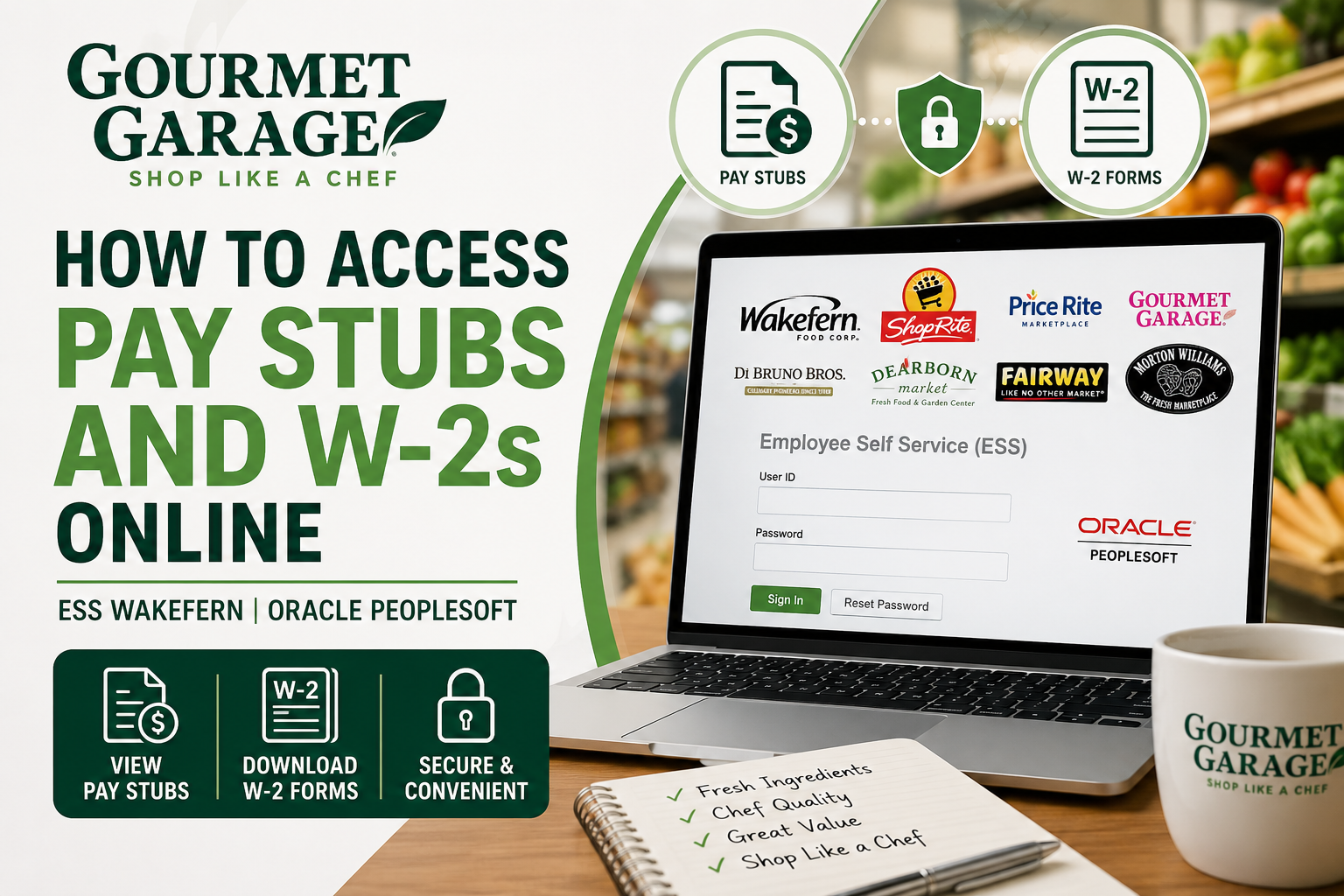
Gourmet Garage has become one of Manhattan’s most respected specialty grocery destinations, widely recognized for its chef-quality ingredients, premium produce, artisan products, and exceptional customer service. Founded from the legacy of Flying Foods International in 1981, Gourmet Garage expanded into retail and became a trusted destination for both professional chefs and everyday food lovers seeking fresh, gourmet ingredients. As an active employee of Gourmet Garage, you can conveniently access your pay stubs, payroll details, and W-2 tax forms online through the Oracle PeopleSoft Employee Self-Service (ESS) portal provided by Wakefern Food Corp.
The official ESS portal is:
ESS Wakefern Portal:
https://ess.wakefern.com/
This detailed guide explains how to log in, retrieve your payroll documents, print W-2 forms, troubleshoot login issues, and securely manage your employee payroll information online.
What Is the Gourmet Garage ESS Portal?
The Employee Self-Service (ESS) portal is an Oracle PeopleSoft-based system that enables Gourmet Garage employees to:
- View current and previous pay stubs
- Download and print W-2 tax forms
- Access payroll and compensation history
- Update employee information
- Review deductions and tax withholdings
- Manage payroll-related records online
The portal supports multiple Wakefern-affiliated brands, including Gourmet Garage, ShopRite, Fairway Market, Price Rite, Dearborn Market, Morton Williams, and others.
How to Access Gourmet Garage Pay Stubs Online
Follow these steps to view your Gourmet Garage pay stubs online:
Step 1: Visit the ESS Wakefern Portal
Open your browser and go to:
You will arrive at the Oracle PeopleSoft Employee Self-Service login page.
Step 2: Enter Your Login Credentials
Input your:
- User ID
- Password
Then click “Sign In.”
If you forgot your password, use the Reset Password option available on the login page.
Step 3: Navigate to Payroll and Compensation
After signing in:
- Select Self Service
- Choose Payroll and Compensation
- Click View Paycheck
This process is consistent with standard Oracle PeopleSoft payroll navigation.
Step 4: View or Download Your Pay Stub
You will see a list of available paychecks arranged chronologically.
To access a specific paycheck:
- Select the paycheck date
- Click View Paycheck
- Enable the View PDF option if available
- Download or print the pay stub for your records
The system may open the PDF in a new browser window, so ensure pop-up blockers are disabled.
How to Access Gourmet Garage W-2 Forms Online
Employees can also retrieve annual W-2 tax forms directly through the ESS portal.
Steps to Download Your W-2:
- Log into the ESS Wakefern portal
- Navigate to:
- Self Service
- Payroll and Compensation
- Select:
- View W-2/W-2c Forms
- Choose the desired tax year
- Download or print your W-2 form
The PeopleSoft system supports secure W-2 access for employees working remotely or from home.
Important Information Found on Your Pay Stub
Your Gourmet Garage pay stub typically includes:
- Gross earnings
- Net pay
- Hours worked
- Overtime pay
- Federal tax withholdings
- State tax deductions
- Social Security contributions
- Benefit deductions
- Retirement contributions
The pay stub also provides a detailed earnings breakdown and deduction summary.
How to Review Your W-2 for Accuracy
When reviewing your W-2 form, verify:
- Legal name
- Address
- Social Security Number
- Total wages
- Federal and state tax withholdings
- Retirement contributions
- Benefit deductions
If discrepancies appear, contact your HR or payroll department immediately for correction assistance.
Troubleshooting ESS Wakefern Login Problems
If you experience login issues:
Reset Your Password
Use the Reset Password link on the ESS login screen.
Browser Troubleshooting
- Clear browser cache
- Enable cookies
- Disable pop-up blockers
- Use updated browsers such as Chrome or Edge
Contact HR or Payroll Support
If your account is locked or inaccessible, contact your Gourmet Garage HR department or Wakefern payroll administrator.
Can Former Employees Access W-2 Forms?
In many cases, former employees may still retain limited ESS access for tax document retrieval. However, access policies can vary depending on employment status and account activity.
If you cannot log in, contact HR support for assistance obtaining your W-2 form.
Benefits of the Gourmet Garage ESS Portal
Using the ESS portal offers several advantages:
- 24/7 payroll access
- Instant W-2 downloads
- Secure online document storage
- Reduced paperwork
- Faster payroll verification
- Easy paycheck history tracking
Employees can access the portal from virtually any internet-connected device.
Final Thoughts
The Gourmet Garage Employee Self-Service portal simplifies payroll management by allowing employees to securely access pay stubs, W-2 forms, and payroll records online through Oracle PeopleSoft ESS. Whether you need a recent paycheck, tax documentation, or payroll history, the ESS Wakefern system provides a reliable and user-friendly solution accessible anytime and anywhere. For the best experience, regularly review your payroll information, download important tax records early, and keep your login credentials secure.
Frequently Asked Questions (FAQ)
1. How do I access my Gourmet Garage pay stubs online?
Visit the ESS Wakefern portal at https://ess.wakefern.com/, sign in with your employee credentials, and navigate to Self Service > Payroll and Compensation > View Paycheck.
2. Where can Gourmet Garage employees download W-2 forms?
Employees can download W-2 forms directly from the Oracle PeopleSoft ESS portal under View W-2/W-2c Forms.
3. What is the official Gourmet Garage ESS login portal?
The official Employee Self-Service portal is:
https://ess.wakefern.com
4. Can I access Gourmet Garage pay stubs from home?
Yes. The ESS portal is accessible from any internet-connected computer, tablet, or smartphone.
5. What login credentials are required for ESS Wakefern?
You need your assigned User ID and password provided by Gourmet Garage or Wakefern HR.
6. What should I do if I forget my ESS password?
Use the Reset Password option available on the ESS login page to recover or update your credentials.
7. How can I print my Gourmet Garage pay stub?
After opening your paycheck in PeopleSoft, select the PDF option and use the print function from your browser or PDF viewer.
8. Are previous pay stubs available in the ESS portal?
Yes. Employees can typically access both current and historical paychecks through the payroll section.
9. When are W-2 forms available online?
W-2 forms are usually uploaded to the ESS portal during January each year for the previous tax year.
10. Can former Gourmet Garage employees access W-2 forms?
In many cases, former employees may still access tax forms online, but account availability depends on company policy and account status.
11. What information appears on a Gourmet Garage pay stub?
Pay stubs generally include:
- Gross pay
- Net pay
- Hours worked
- Overtime
- Tax deductions
- Benefit deductions
- Retirement contributions
12. Why is my pay stub PDF not opening?
Your browser may be blocking pop-ups. Disable pop-up blockers or try another browser such as Chrome or Microsoft Edge.
13. Who owns Gourmet Garage?
Gourmet Garage operates under Village Super Market and Wakefern Food Corp., one of the largest retailer-owned supermarket cooperatives in the United States.
14. Is the ESS Wakefern portal secure?
Yes. Oracle PeopleSoft ESS uses secure login protocols to protect employee payroll and tax information.
15. Who should I contact for payroll or W-2 issues?
Contact your Gourmet Garage HR department or Wakefern payroll support team for assistance with login issues, missing pay stubs, or tax form corrections.
