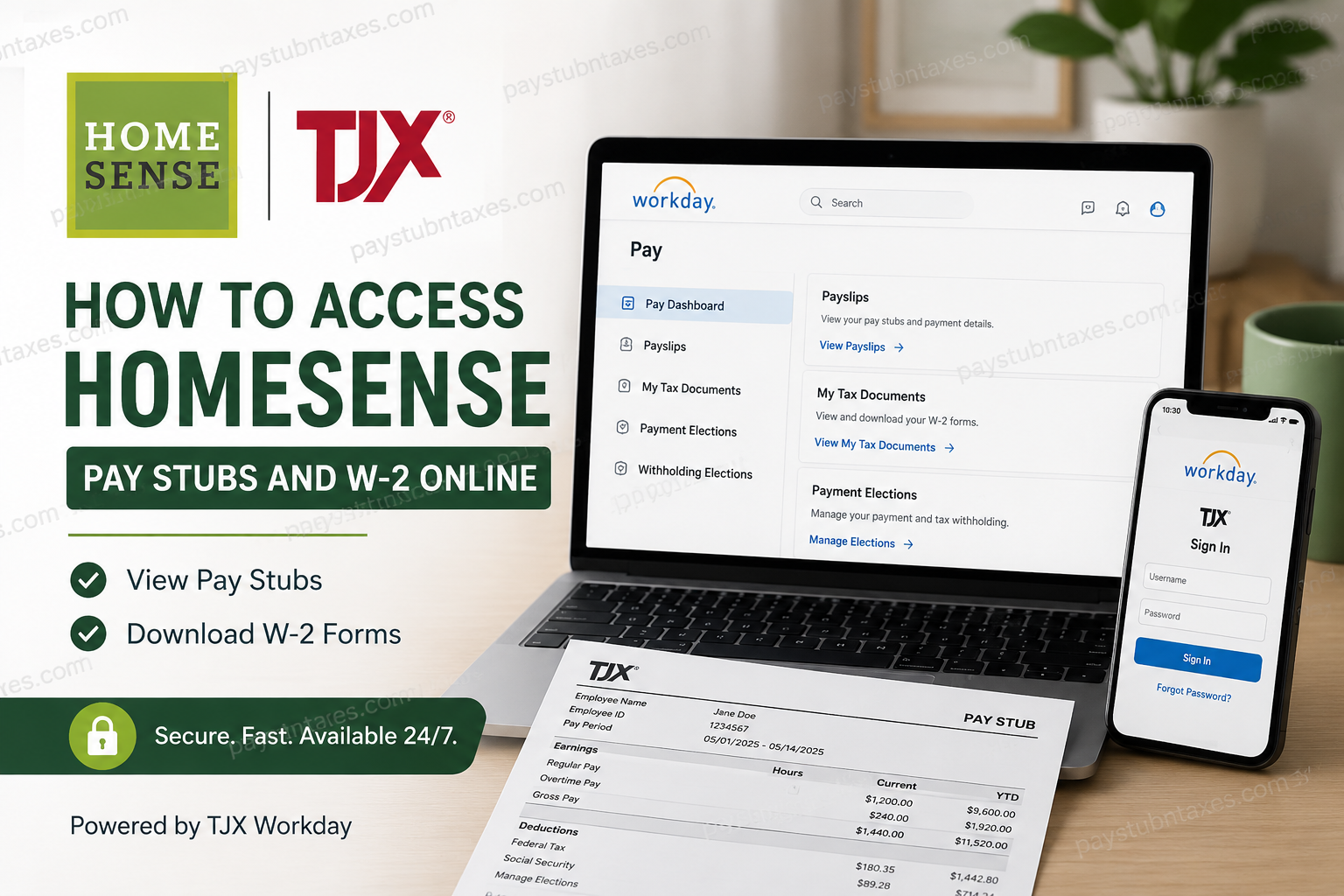
Employees of Homesense can now access payroll and tax documents more conveniently than ever through the TJX Workday self-service platform. Since April 2025, TJX has fully transitioned its HR and U.S. payroll systems to Workday, allowing active associates to securely view pay stubs, payroll history, and year-end tax forms online. Whether you are a current Homesense associate or a former employee looking for an old W-2, this guide explains exactly how to access your payroll records, troubleshoot login issues, and retrieve historical tax documents quickly.
Homesense Employee Payroll System Transition
TJX Companies officially migrated payroll and HR services to Workday in April 2025. As a result, Homesense associates now use Workday for:
- Viewing pay stubs
- Downloading W-2 tax forms
- Managing direct deposit information
- Updating tax withholding elections
- Accessing payroll history
- Viewing compensation records
Current employees can log in directly through the TJX Workday portal using their organizational credentials. Former employees who separated after April 2025 may still access tax forms through the updated Paperless Employee portal.
Homesense Workday Login Portal
Current Homesense employees may access Workday through the TJX employee login page:
Workday Login URL
Mobile Access
TJX associates may also use the Workday mobile application on Android or iPhone devices. The organizational ID for the Workday app is: TJX
The mobile onboarding guide indicates that associates can log in using their TJX user ID and password, and multi-factor authentication may be required for added security.
How to Access Homesense Pay Stubs Online
Accessing your payroll statements through Workday is straightforward. Follow these steps carefully.
Step 1: Log Into Workday
Visit the TJX Workday portal and sign in using your employee credentials.
You may need:
- TJX employee ID
- Corporate email
- Password
- MFA verification code
Step 2: Open the Pay Dashboard
After logging in:
- Navigate to your Workday homepage
- Select the Pay application
- Open the payroll dashboard
Workday stores payroll records under the Pay section.
Step 3: View Your Payslips
Inside the Pay dashboard:
- Select Payslips
- Choose the desired pay period
- Open the PDF version of your pay statement
- Download or print the payslip for your records
The payroll section allows associates to review earnings, deductions, taxes, overtime, and direct deposit details electronically.
Step 4: Download or Print Pay Stubs
Once the payslip opens:
- Use the download icon to save the PDF
- Use the printer icon to print your pay stub
- Store copies securely for tax or loan verification purposes
Workday provides digital payroll access 24/7 from computers, tablets, or smartphones.
How to Access Homesense W-2 Forms Online
TJX associates may also retrieve year-end W-2 tax statements online.
For Active Employees
Current Homesense employees should use Workday.
Steps to Retrieve Your W-2
- Log in to Workday
- Open the Pay application
- Click My Tax Documents
- Locate the correct tax year
- Select View/Print
- Download or print your W-2
Tax forms are stored electronically within Workday under the tax documents section.
Former Homesense Employees W-2 Access
Former employees separated after April 2025 should use the updated Paperless Employee portal.
Updated Paperless Employee Portal
Paperless Employee TJXCompanies Portal
This portal allows terminated associates to:
- Access W-2 forms
- Retrieve tax statements
- Download historical payroll documents
Historical W-2 Forms Prior to 2024
TJX previously used an older Paperless Employee domain. Employees needing older W-2s may still retrieve them through the legacy portal.
Legacy Portal
Legacy TJX Paperless Employee Portal
This is especially useful for associates who worked at Homesense before the Workday migration.
What If You Forgot Your Password?
If you cannot access Workday or Paperless Employee:
- Use the password recovery option
- Contact your store manager
- Reach out to TJX IT support
- Verify your employee information
The Workday mobile instructions also advise employees to contact the TJX IT Service Desk if login credentials are unavailable.
Homesense Payroll and HR Support
For payroll issues, tax document requests, or account recovery, contact TJX HR support directly.
TJX HR Phone Number: 1-888-627-6299
Support representatives can assist with:
- W-2 delivery issues
- Payroll discrepancies
- Workday access problems
- Direct deposit questions
- Former employee account access
Benefits of Online Payroll Access
The TJX Workday system provides several advantages for Homesense associates:
- Secure cloud-based payroll access
- Faster W-2 delivery
- Mobile-friendly access
- Reduced paper documentation
- Easy payroll history tracking
- Convenient PDF downloads
- Real-time payroll updates
Employees can access documents anytime without waiting for mailed copies.
About Homesense
Homesense is a TJX-owned off-price home furnishing retailer known for offering premium home décor, furniture, lighting, rugs, and accessories at discounted prices. The brand operates across the United States, Canada, Ireland, and the United Kingdom and continues expanding globally.
Homesense operates within the broader TJX family alongside brands such as:
- TJ Maxx
- Marshalls
- HomeGoods
- Sierra
The company is widely recognized for its collaborative culture, flexible career opportunities, and fast-paced retail environment.
Final Thoughts
The transition to Workday has significantly improved payroll accessibility for Homesense employees. Current associates can instantly retrieve pay stubs and W-2 forms through Workday, while former employees may continue accessing tax documents through the Paperless Employee portal. By following the steps outlined above, you can securely download payroll records, print tax forms, and manage your employee payroll information online without unnecessary delays. If you experience login difficulties, TJX HR support remains available to assist with account recovery and payroll inquiries.
Frequently Asked Questions (FAQ)
1. How do I access my Homesense pay stubs online?
Log in to the TJX Workday portal, open the Pay dashboard, and select Payslips to view or download your payroll statements.
2. What is the Homesense Workday login portal?
The official TJX Workday portal is: www.myworkday.com/tjx/login.htmld
3. Can former Homesense employees access W-2 forms online?
Yes. Former employees separated after April 2025 can retrieve W-2 forms through the updated Paperless Employee portal.
4. What is the Paperless Employee portal for TJX?
The updated portal for TJX former employees is: paperlessemployee.com/tjxcompanies
5. Where can I find historical Homesense W-2 forms before 2024?
Historical W-2 forms prior to 2024 may still be available through the legacy TJX Paperless Employee website.
6. What is the legacy TJX W-2 portal?
The older TJX Paperless Employee portal is: www.paperlessemployee.com/tjx
7. How do I download my W-2 in Workday?
After logging into Workday:
- Open Pay
- Select My Tax Documents
- Choose the tax year
- Click View/Print
- Download the PDF copy
8. Can I print my Homesense pay stubs?
Yes. Workday allows associates to print or download pay stubs directly from the payroll dashboard.
9. Does Homesense use Workday for payroll?
Yes. TJX fully transitioned Homesense payroll and HR systems to Workday in April 2025.
10. What information appears on a Homesense pay stub?
A pay stub usually includes:
- Gross pay
- Net pay
- Taxes withheld
- Deductions
- Overtime
- Direct deposit details
- Pay period information
11. Can I access Homesense payroll records on my phone?
Yes. Employees may use the Workday mobile app on Android or iPhone devices using the organization ID “TJX.”
12. What should I do if I forgot my Workday password?
Use the password recovery option or contact the TJX IT Service Desk or your store manager for assistance.
13. When are W-2 forms available online?
W-2 forms are generally available electronically by late January each year after payroll processing is completed.
14. Who do I contact for Homesense payroll support?
Contact TJX HR support at: 1-888-627-6299
15. Can terminated employees still access Workday?
In many cases, direct Workday access may end after separation. Former employees should instead use the Paperless Employee portal to retrieve tax documents.
