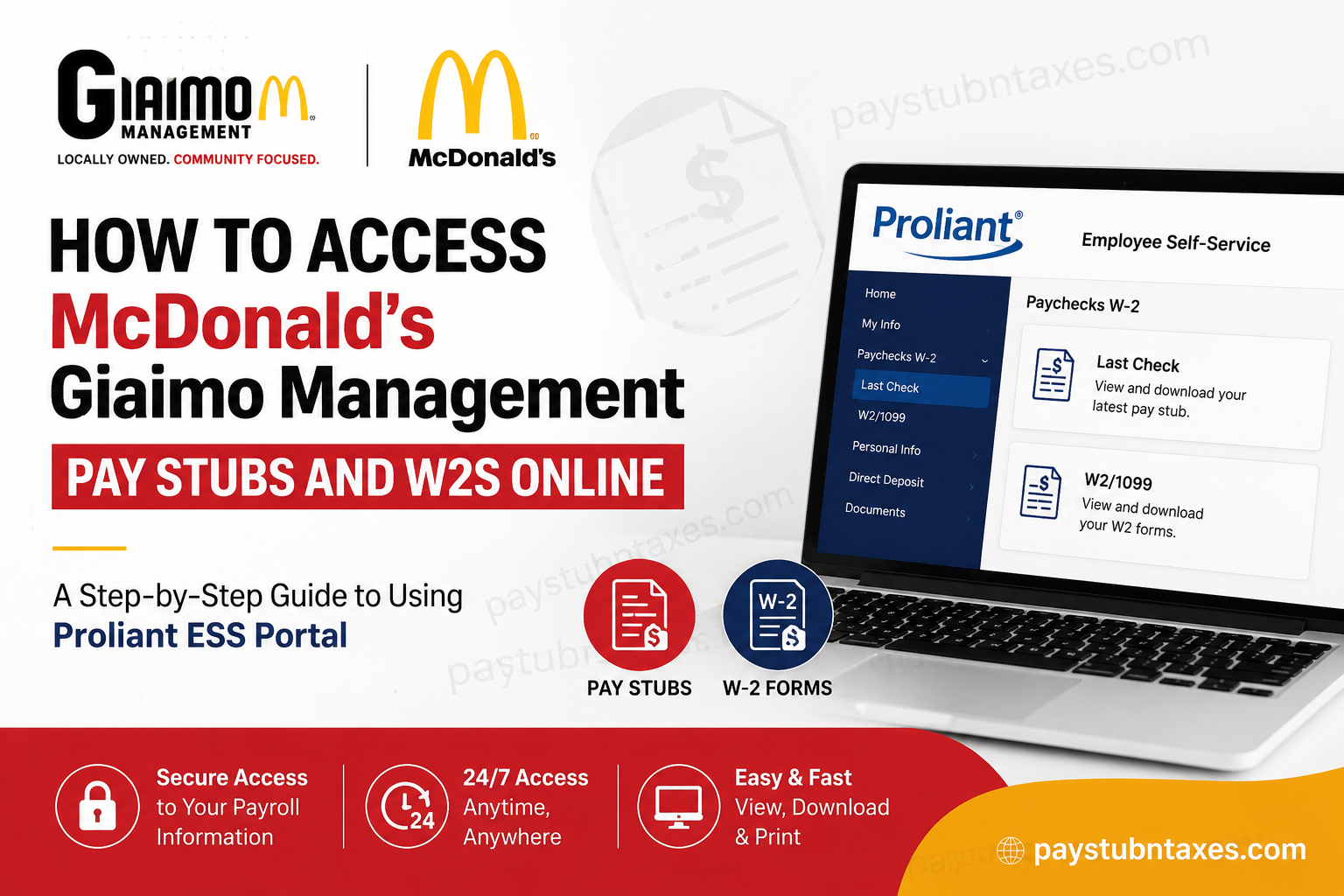
If you work for a Giaimo Management-owned McDonald’s restaurant in Virginia, accessing your payroll records has never been easier. Through the Proliant Employee Self-Service (ESS) Portal, employees can securely view, download, and print their pay stubs, W-2 forms, and other payroll-related documents whenever they need them. Whether you’re applying for a loan, filing your income taxes, verifying employment income, or simply keeping track of your earnings, this guide explains everything you need to know about registering for the portal, logging in, retrieving your pay stubs and W-2s, and resolving common account issues.
About Giaimo Management
Giaimo Management is a locally owned and operated McDonald’s franchise serving communities across Hampton, Newport News, Toano, and West Point, Virginia. Led by owner and operator Giuseppe Giaimo, the organization has built a reputation for combining operational excellence with meaningful community involvement, investing in employee development, leadership opportunities, education, and neighborhood engagement. The company emphasizes career growth, appreciation, and a people-first culture that extends well beyond restaurant operations.
Which Payroll System Does Giaimo Management Use?
Giaimo Management uses Proliant ReadyPay Online Employee Self-Service (ESS) as its official payroll platform.
Through the portal, employees can:
- Access current and previous pay stubs
- Download annual W-2 tax forms
- View payroll history
- Update certain employee information
- Access payroll-related documents
The portal is available online 24 hours a day, allowing employees to retrieve payroll records whenever required.
Employee Self-Service Portal:
https://www.readypayonline.com/Proliant/Login/Login.aspx
How to Register for Giaimo Management Employee Self-Service (ESS)
If you are using the portal for the first time, you must complete a one-time registration before accessing your payroll records.
Step 1: Visit the ESS Portal
Navigate to the Proliant ReadyPay Online login page.
Step 2: Select Register
On the login page, click the Register button to begin creating your account.
Step 3: Verify Your Identity
You’ll be asked to enter:
- Company ID: VA1008
- Last Name
- Full Social Security Number
- Residential ZIP Code
These details are used solely to verify your identity before creating your account.
Step 4: Create Your Login Credentials
After verification:
- Choose a unique username.
- Create a secure password.
Your password must:
- Be at least six characters long.
- Include at least one number or one special character.
Once registration is complete, your ESS account is ready to use.
How to Log In
Returning employees can log in using their username and password.
- Open the Proliant ReadyPay Online portal.
- Enter your username.
- Enter your password.
- Click Login.
After authentication, you’ll be taken directly to your Employee Self-Service dashboard.
How to View and Download Pay Stubs
To access your latest paycheck information:
- Log in to your Employee Self-Service account.
- Select My Info.
- Choose Paychecks W-2.
- Click Last Check.
- Open your paycheck.
- Download or print the pay stub for your records.
Important: The company recommends completing this process on a desktop or laptop computer rather than a mobile phone for the best experience.
How to Download Your W-2 Form
When annual tax forms become available:
- Sign in to the Employee Self-Service portal.
- Navigate to: My Info → Paychecks W-2 → W-2/1099
- Select the appropriate tax year.
- Download the PDF copy.
- Print or save it for tax filing purposes.
Electronic W-2 access allows employees to obtain their forms immediately without waiting for paper delivery.
Benefits of Using the Proliant ESS Portal
Using the online payroll portal provides several advantages:
- Secure access from virtually anywhere
- Instant download of pay statements
- Convenient W-2 retrieval during tax season
- Reduced paperwork
- Access to payroll history
- Faster payroll record verification
- Safe storage of important employment documents
ReadyPay Today: Early Wage Access
Giaimo Management also offers ReadyPay Today, a Proliant benefit that gives eligible employees access to earned wages before their regular payday.
With ReadyPay Today, employees can:
- Access earned wages daily
- Avoid high-cost payday loans
- Request available earnings through the Proliant mobile app or desktop portal
- Receive funds quickly when eligible
Forgot Your Password?
If you cannot access your account:
- Use the Forgot Password option on the login page.
- Verify your identity.
- Create a new password.
- Sign back into your account.
If you’re still unable to log in, contact your restaurant manager or Giaimo Management payroll support.
Need Assistance?
If you experience problems accessing your pay stubs or W-2 forms, or if you need to update your W-2 delivery preferences, begin by speaking with your restaurant manager.
You may also contact Giaimo Management Payroll directly:
Phone: (877) 427-1310
Email: giaimomanagement@gmail.com
Conclusion
Giaimo Management has simplified payroll administration by providing employees with secure online access to pay stubs, W-2 tax forms, and payroll history through the Proliant ReadyPay Online Employee Self-Service portal. After completing a one-time registration, employees can conveniently retrieve payroll documents, monitor their earnings, and manage important tax records whenever needed. Coupled with employee-focused benefits such as ReadyPay Today and a workplace culture centered on professional development and community engagement, Giaimo Management continues to provide its McDonald’s team members with practical tools that support both their careers and financial well-being.
Frequently Asked Questions
1. How do I access my Giaimo Management McDonald’s pay stubs?
Log in to the Proliant ReadyPay Online Employee Self-Service (ESS) portal and navigate to My Info → Paychecks W-2 → Last Check to view or download your pay stub.
2. Where can I find my W-2 form?
After signing in, go to My Info → Paychecks W-2 → W-2/1099, select the appropriate tax year, and download your W-2 form.
3. What payroll system does Giaimo Management use?
Giaimo Management uses Proliant ReadyPay Online Employee Self-Service (ESS) to manage employee payroll records, pay stubs, and tax documents.
4. What is the Company ID for ESS registration?
The Company ID required during registration is VA1008.
5. How do I register for the Employee Self-Service portal?
Visit the Proliant ESS login page, click Register, then enter your Company ID, last name, Social Security Number, ZIP code, and create your username and password.
6. Can I download my pay stubs as PDF files?
Yes. Each pay stub can be opened, downloaded, saved, or printed directly from the ESS portal.
7. Can I access my W-2 electronically?
Yes. Eligible employees can download electronic W-2 forms directly from the Proliant ESS portal once they become available.
8. Can I access the payroll portal from my mobile phone?
You can log in using a mobile device, but Giaimo Management recommends using a desktop or laptop computer when downloading pay stubs and tax forms.
9. What should I do if I forgot my ESS password?
Click Forgot Password on the Proliant login page and follow the account recovery instructions. If necessary, contact your payroll administrator for assistance.
10. How long are previous pay stubs available online?
Employees can generally access current and historical pay stubs through their Proliant Employee Self-Service account.
11. Does Giaimo Management offer early access to earned wages?
Yes. Eligible employees may enroll in ReadyPay Today, allowing them to access earned wages before their scheduled payday.
12. Who should I contact if my pay stub or W-2 is missing?
First, speak with your restaurant manager. If additional help is needed, contact Giaimo Management Payroll at (877) 427-1310 or giaimomanagement@gmail.com.
13. Is the Proliant ESS portal secure?
Yes. The portal uses secure authentication and encrypted login credentials to protect employee payroll and tax information.
14. Can former employees access their W-2 forms online?
Former employees may still be able to access their W-2s if their ESS account remains active. If access is unavailable, they should contact Giaimo Management Payroll for assistance.
15. Why should I use the Proliant Employee Self-Service portal?
The portal provides convenient 24/7 access to pay stubs, W-2s, payroll history, and other employment records, eliminating the need to request paper copies while keeping important payroll information securely stored online.
