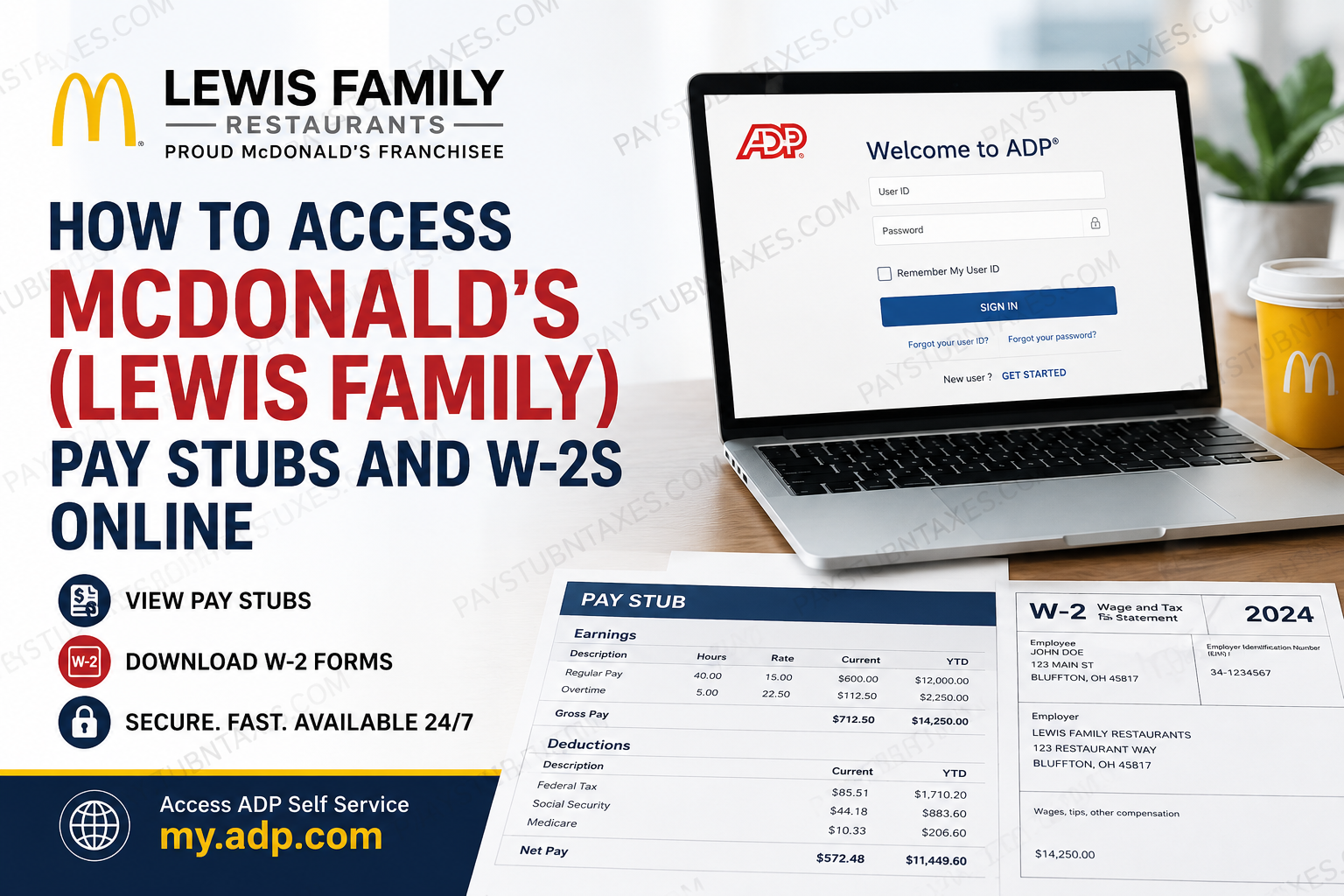
If you are employed by Lewis Family Restaurants, one of the largest McDonald’s franchise organizations in West Central Ohio, accessing your payroll documents is remarkably straightforward. Whether you need your latest pay stub to verify your earnings or your annual Form W-2 for tax filing, the company provides secure online access through the ADP Self Service Portal. This comprehensive guide explains how current employees can register for ADP, access pay statements, download W-2 forms, troubleshoot login issues, and contact the appropriate department for assistance.
About Lewis Family Restaurants
Lewis Family Restaurants is a family-owned McDonald’s franchise organization operating 19 McDonald’s restaurants across Allen, Defiance, Hancock, Hardin, Putnam, Van Wert, and Wyandot counties in West Central Ohio. Founded in 1987 by Jerry Lewis with a single restaurant in Bluffton, Ohio, the company has grown into an organization employing more than 1,000 team members while maintaining a strong commitment to employee development, operational excellence, and community engagement.
Today, the business continues to be led by multiple McDonald’s Owner/Operators within the Lewis family, carrying forward a culture centered on opportunity, leadership, and exceptional customer service.
Where Can Lewis Family Employees Access Pay Stubs and W-2s?
Lewis Family Restaurants uses ADP Self Service as its payroll and tax reporting platform.
Employees can securely access:
- Current and previous pay statements
- Annual W-2 tax forms
- Tax withholding information
- Direct deposit details
- Personal payroll records
ADP Self Service Portal
Website: https://my.adp.com
The portal is available 24 hours a day from any computer, tablet, or smartphone with internet access.
When Will Your W-2 Be Available?
Lewis Family Restaurants publishes electronic W-2 forms through ADP before the IRS January 31 deadline.
Once your W-2 becomes available, ADP sends an email notification from: DONOTREPLY@ADP.com
If you have elected electronic delivery, you can immediately view, download, or print your tax statement after receiving the notification.
How to Log in to ADP
- Visit https://my.adp.com.
- Enter your username and password.
- Complete any required identity verification.
- Select Myself from the main menu.
- Navigate to the payroll section.
If you’ve forgotten your credentials, use the recovery options on the login page.
First-Time ADP Registration
New employees must create an ADP account before accessing payroll information.
Step 1: Visit: https://my.adp.com
or install the ADP Mobile App.
Step 2: Choose: New User? Get Started
Or Don’t have a User ID? (app)
Step 3: Enter the personal registration code provided by Human Resources.
If you never received your registration code, email: hr@mclewis.net
using your personal email address.
Step 4: Verify your identity using the requested personal information.
Step 5: Create your:
- Username
- Password
- Security questions
After registration is complete, you can securely sign in to ADP at any time.
How to View Your Pay Stubs
Once logged into ADP:
- Select Myself
- Choose Pay
- Click Pay Statements
- Select the desired pay period
- Open, download, or print your earnings statement
This section includes detailed payroll information, including:
- Gross wages
- Net pay
- Taxes withheld
- Hours worked
- Deductions
- Direct deposit details
The ADP interface also allows employees to revisit previous pay periods whenever needed.
How to Download Your W-2
After your W-2 has been released:
- Sign in to ADP.
- Select Myself.
- Click Pay.
- Open Tax Statements.
- Select View All Statements.
- Choose the appropriate tax year.
- Open the document.
- Download or print your W-2 for your records.
The downloaded PDF can be used when preparing your federal and state income tax returns.
Using the ADP Mobile App
Employees may also access payroll information through the ADP Mobile Solutions application.
After signing in, simply:
- Tap Pay
- View pay statements
- Access tax documents
- Download available W-2 forms
The mobile app offers nearly the same functionality as the desktop version, making it convenient to retrieve payroll records while away from a computer.
Electronic Employee Documents
Besides payroll records, ADP also allows employees to electronically review and sign employment documents.
To sign documents:
- Log in to ADP.
- Click Myself.
- Select Employment.
- Open My Documents.
- Review pending forms.
- Electronically sign and submit the document.
This helps employees complete HR paperwork without printing physical forms.
What If You Cannot Access Your ADP Account?
If you encounter login issues:
Didn’t receive your registration code?
Email: hr@mclewis.net
Locked out of ADP?
Email: hr@mclewis.net
The HR team can assist with account recovery, registration, and login-related problems.
Need Help With Your Pay or W-2?
If you have questions regarding:
- Missing paychecks
- W-2 corrections
- Direct deposit
- Payroll deductions
- Tax withholding
- Payment methods
You should first speak with your restaurant manager.
Alternatively, contact Human Resources:
Phone: 419-225-5916
Email: hr@mclewis.net
Tips for Keeping Your Payroll Records Secure
To protect your personal and financial information:
- Use a strong, unique ADP password.
- Enable multifactor authentication if available.
- Never share your login credentials.
- Always sign out when using a shared device.
- Download payroll documents only to trusted devices.
- Regularly review your pay statements for accuracy.
Conclusion
Lewis Family Restaurants has simplified payroll management by offering secure online access through the ADP Self Service Portal. Employees can conveniently retrieve pay statements, download annual W-2 forms, review tax information, and manage essential payroll records from virtually anywhere. With electronic notifications, mobile accessibility, and responsive HR support, obtaining payroll documents has become a seamless process. Whether you are registering for ADP for the first time or simply downloading your latest pay stub, the platform provides an efficient, secure, and user-friendly experience throughout the year.
Frequently Asked Questions
1. How do I access my Lewis Family McDonald’s pay stubs online?
Log in to the ADP Self Service Portal at my.adp.com, then select Myself → Pay → Pay Statements to view and download your pay stubs.
2. Where can I download my Lewis Family McDonald’s W-2?
After logging into ADP, go to Myself → Pay → Tax Statements, choose the applicable tax year, and download your W-2.
3. What payroll system does Lewis Family Restaurants use?
Lewis Family Restaurants uses ADP Self Service to manage employee payroll, pay statements, tax forms, and other payroll-related information.
4. When will my W-2 be available?
Electronic W-2 forms are generally available before January 31, in accordance with IRS deadlines.
5. How will I know when my W-2 is ready?
You’ll receive an email notification from DONOTREPLY@ADP.com once your W-2 has been posted to your ADP account.
6. How do I register for ADP as a new employee?
Visit my.adp.com, click New User? Get Started, and enter the personal registration code provided by Lewis Family Restaurants HR.
7. What if I never received my ADP registration code?
Email hr@mclewis.net from your personal email account to request your registration code.
8. I forgot my ADP password. What should I do?
Use the password recovery option on the ADP login page. If you’re locked out, contact hr@mclewis.net for assistance.
9. Can I access my pay stubs from my smartphone?
Yes. Download the ADP Mobile Solutions app for iOS or Android and log in using your ADP credentials.
10. Can I print my W-2 directly from ADP?
Yes. After opening your W-2 in ADP, you can print or download it as a PDF for your records.
11. Can I view previous pay statements?
Yes. ADP stores your available payroll history, allowing you to access prior pay statements anytime.
12. Who should I contact if my paycheck or W-2 is incorrect?
First, speak with your restaurant manager. If additional assistance is needed, call 419-225-5916 or email hr@mclewis.net.
13. Can I change my direct deposit or payment method?
Yes. Contact your restaurant manager or the Human Resources department to update your payroll preferences.
14. Can I electronically sign employment documents in ADP?
Yes. ADP allows employees to review and electronically sign HR documents through Myself → Employment → My Documents.
15. Is the ADP Self Service Portal available 24/7?
Yes. Employees can securely access their payroll information, pay statements, and W-2 forms online anytime using the ADP website or mobile app.
