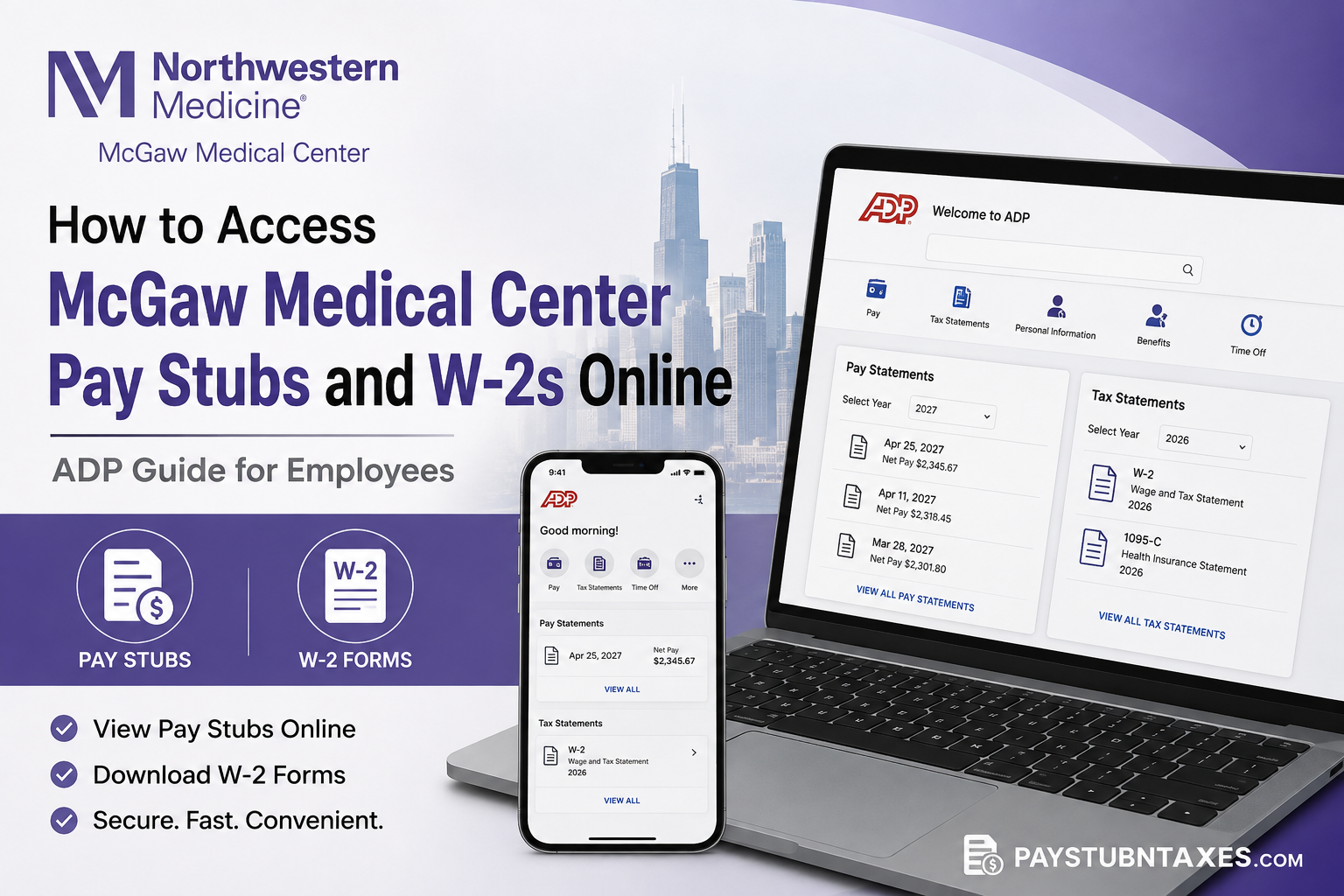
McGaw Medical Center of Northwestern University equips its residents and fellows with secure digital payroll services through ADP, enabling eligible employees to access pay statements, W-2 tax forms, and other payroll documents anytime, from virtually any location. Whether you need to verify your earnings, prepare your annual tax return, or download historical payroll records, ADP provides a streamlined self-service experience that eliminates the need for paper copies. This comprehensive guide explains how current McGaw Medical Center employees can register for ADP, retrieve pay stubs, download W-2 tax forms, and resolve common login issues. It also outlines the process available for former employees who require copies of prior-year tax documents.
About McGaw Medical Center of Northwestern University
McGaw Medical Center serves as the graduate medical education sponsor for Northwestern University Feinberg School of Medicine. Founded to support physician training at one of America’s leading academic medical institutions, McGaw administers more than 180 accredited and non-ACGME residency and fellowship programs, supporting over 1,200 residents and fellows across a diverse network of clinical training sites affiliated with Northwestern Medicine.
Beyond medical education, Feinberg School of Medicine is internationally recognized for excellence in biomedical research, patient care, innovation, and community engagement, making McGaw an integral component of one of the nation’s foremost academic healthcare systems.
Does McGaw Medical Center Use ADP?
Yes. McGaw Medical Center uses ADP as its primary Human Capital Management (HCM) and payroll platform. Through ADP, eligible employees can securely access:
- Electronic pay statements
- W-2 tax forms
- Tax withholding information
- Payroll history
- Payroll-related documents
Employees typically receive access to their electronic pay statements several days before each scheduled payday, allowing them to review earnings, deductions, tax withholdings, and benefit contributions in advance.
McGaw Medical Center ADP Login Information
Employee Portal
ADP: https://my.adp.com
Registration Code: McGawNU-GME
How to Register for ADP
If you are logging into ADP for the first time, complete the following registration process:
Step 1: Visit my.adp.com.
Step 2: Select New User? Get Started.
Step 3: Choose I Have a Registration Code.
Step 4: Enter the McGaw Medical Center registration code: McGawNU-GME
Step 5: Verify your identity by providing the requested personal information exactly as it appears in payroll records.
Step 6: Complete identity verification through email or another available verification method.
Step 7: Create:
- Username
- Strong password
- Security questions
Once registration is complete, you can securely access your payroll information from any compatible desktop browser or the ADP mobile application. The ADP registration process requires identity verification before granting access to payroll information.
How to View McGaw Medical Center Pay Stubs Online
After successfully signing in to ADP:
Step 1: Log in to your ADP account.
Step 2: Navigate to Pay Statements.
Step 3: Select the calendar year from the available drop-down menu.
Step 4: Choose the desired pay statement.
Step 5: Open, view, download, or print the statement for your records.
Each pay statement contains important payroll information, including:
- Gross earnings
- Net pay
- Federal income tax withholding
- State tax withholding
- Medicare tax
- Social Security deductions
- Retirement contributions
- Benefit deductions
- Paid leave balances (when applicable)
How to Download Your McGaw Medical Center W-2
Once annual tax forms become available:
Step 1: Sign into ADP.
Step 2: Open the Tax Statements section.
Step 3: Select View beside your W-2.
Step 4: Open the electronic document.
Step 5: Download or print your W-2 for tax filing.
Within ADP Workforce Now, W-2 forms are available under Myself → Pay → Pay & Tax Statements → View All Statements, where employees can open and download the selected tax year.
When Are McGaw Medical Center W-2 Forms Available?
For the 2026 tax year:
- Paper W-2 forms were mailed to retirees and other eligible employees at the end of January 2027.
- Form 1095-C was mailed to arrive by March 3, 2027.
- Electronic tax statements become available through ADP once processing has been completed.
Employees who elected electronic delivery can simply log into ADP and download their forms without waiting for mailed copies.
Former Employee W-2 Access
Former Northwestern Medicine employees who require prior-year W-2 forms may retrieve them electronically through MyTaxForm.
The process includes:
- Visit mytaxform.com
- Enter Employer Code 10589
- Complete identity authentication
- Provide electronic consent
- Download the W-2
Please note:
- Copies of prior-year W-2 forms may require an administrative fee.
- Login assistance is available through the support numbers provided during the authentication process.
Benefits of Using ADP
Using ADP provides several advantages, including:
- Secure payroll access 24 hours a day
- Early access to pay statements before payday
- Instant W-2 downloads
- Mobile device compatibility
- Secure tax document storage
- Reduced reliance on paper records
- Faster payroll verification for lenders or government agencies
Troubleshooting ADP Login Problems
If you experience difficulties signing in:
- Confirm you are using the correct registration code.
- Verify your username and password.
- Reset your password using Forgot User ID or Forgot Password.
- Clear your browser cache and cookies if login issues persist.
- Use an updated version of Chrome, Microsoft Edge, or Firefox.
- Ensure you are logging in from a secure internet connection.
Payroll Contact Information
If you need assistance with payroll, W-2 forms, benefits, or electronic pay statements, contact the McGaw Benefits & Payroll Office:
Phone: 888-449-0016
Email: mcgawpayroll@ey.com
The Benefits & Payroll Office assists employees with payroll questions, leave-related payroll matters, medical benefits, and access to electronic pay stubs and W-2 documents through ADP.
Conclusion
McGaw Medical Center has simplified payroll administration by leveraging ADP’s secure self-service platform, giving residents, fellows, and eligible employees immediate access to essential payroll records whenever they need them. From reviewing pay statements before payday to downloading W-2 tax forms during tax season, ADP provides a reliable and efficient solution that minimizes paperwork while enhancing convenience. By registering with the McGawNU-GME registration code and maintaining an active ADP account, employees can manage their payroll information confidently, securely, and entirely online.
Frequently Asked Questions
1. Does McGaw Medical Center use ADP for payroll?
Yes. McGaw Medical Center uses ADP as its payroll and human capital management platform, allowing employees to securely access pay stubs, W-2s, and payroll information online.
2. What is the McGaw Medical Center ADP login website?
The official employee portal is https://my.adp.com.
3. What is the ADP registration code for McGaw Medical Center?
The registration code is McGawNU-GME.
4. How do I register for an ADP account?
Visit the ADP portal, select Create Account, choose I Have a Registration Code, enter McGawNU-GME, verify your identity, and create your login credentials.
5. How can I view my McGaw Medical Center pay stubs?
After logging into ADP, navigate to Pay Statements, choose the appropriate year, and select the pay stub you want to view or download.
6. When are pay statements available in ADP?
Electronic pay statements are generally available early in the week before each scheduled payday.
7. How do I download my W-2 from ADP?
Sign in to ADP, open the Tax Statements section, select your tax year, and download or print your W-2.
8. When are McGaw Medical Center W-2 forms available?
Paper W-2s are typically mailed by the end of January following the tax year, while electronic copies become available in ADP after processing.
9. Can former employees access their W-2 online?
Yes. Former employees can access eligible W-2 forms through MyTaxForm using Employer Code 10589.
10. Is there a fee for requesting older W-2 forms?
Prior-year W-2 requests through MyTaxForm may require an administrative fee, depending on the tax year requested.
11. Can I print my pay stubs and W-2s?
Yes. ADP allows employees to view, download, and print PDF copies of both pay statements and tax forms.
12. What should I do if I forget my ADP username or password?
Use the Forgot User ID or Forgot Password links on the ADP login page to reset your credentials securely.
13. Can I access ADP from my mobile phone?
Yes. Employees can use the ADP Mobile Solutions app to securely access payroll and tax information from compatible mobile devices.
14. Who should I contact for payroll or W-2 assistance?
Contact the McGaw Benefits & Payroll Office by calling 888-449-0016 or emailing mcgawpayroll@ey.com for payroll-related support.
15. Is my payroll information secure in ADP?
Yes. ADP uses secure authentication and encryption technologies to protect employee payroll records and personal information.
