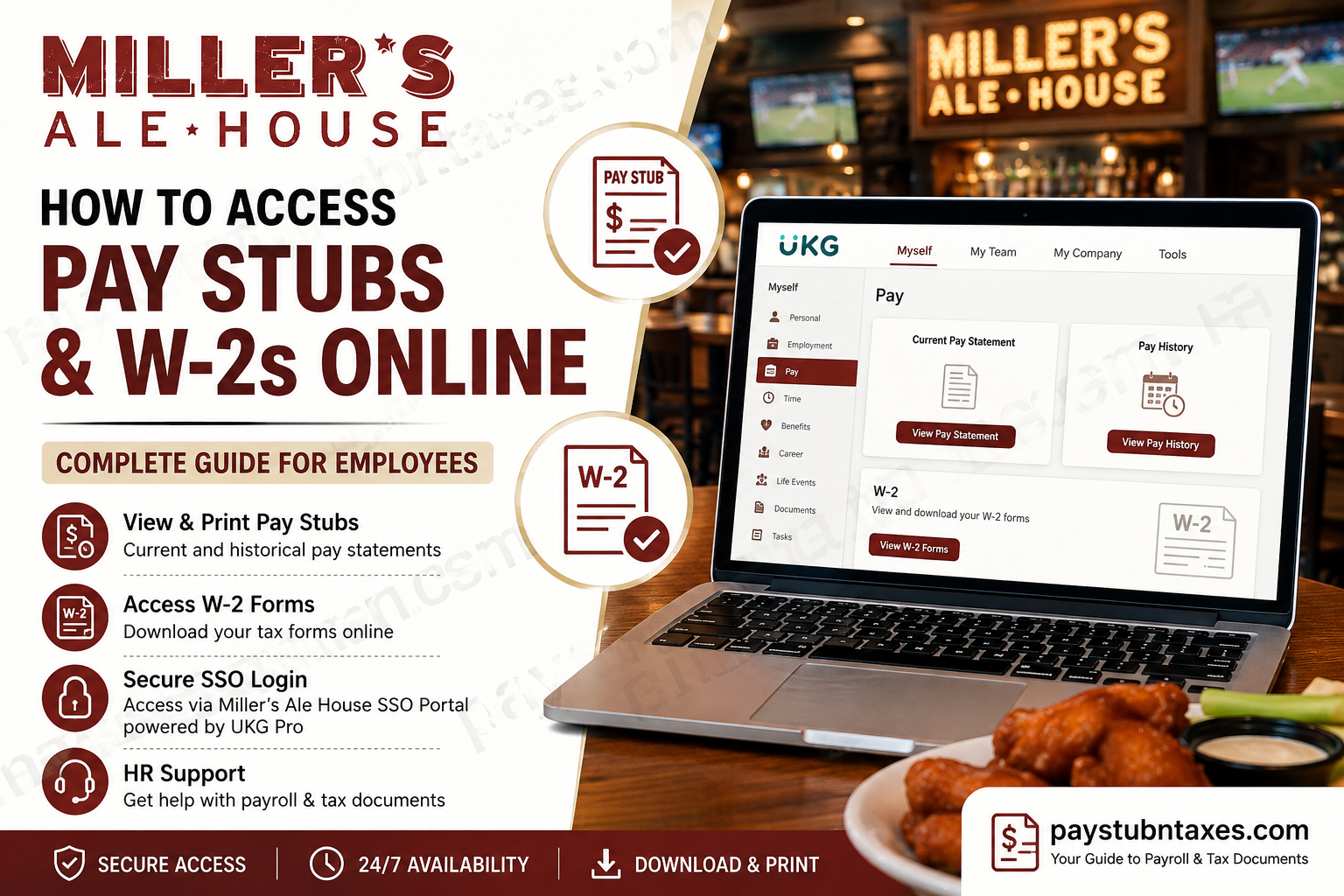
Miller’s Ale House provides employees with convenient digital access to payroll records, tax documents, and HR resources through its secure employee authentication system and UKG Pro (formerly UltiPro) payroll platform. Whether you need your latest paycheck, historical pay statements, or annual W-2 tax forms, the process is straightforward once you know where to look. This comprehensive guide explains how current and former Miller’s Ale House employees can securely access pay stubs and W-2 forms online, troubleshoot common login issues, and contact Human Resources if additional assistance is required.
About Miller’s Ale House
Founded in 1988 in Jupiter, Florida, Miller’s Ale House has grown into one of America’s leading casual dining and sports bar restaurant chains. The company operates more than 100 restaurants across numerous states, serving signature dishes including Zingers®, burgers, steaks, seafood, salads, sandwiches, and a wide selection of beverages. Today, the restaurant continues expanding while employing thousands of team members throughout the United States.
How Miller’s Ale House Employees Access Payroll Information
Current employees access payroll services through the Miller’s Ale House Single Sign-On (SSO) Portal, which authenticates users before redirecting them into the company’s UKG Pro Human Capital Management platform.
Within UKG Pro, employees can:
- View current pay stubs
- Access historical pay statements
- Download or print payroll records
- View W-2 tax forms
- Manage direct deposit information
- Review payroll deductions
- Access tax withholding information
Miller’s Ale House Employee Login Portal
SSO Portal: https://sso.millersalehouse.com/adfs/ls/idpinitiatedsignon
Sign in using your:
- Miller’s Ale House company email address
- Company password
Once authenticated, you’ll be redirected into UKG Pro to access your payroll and HR information.
How to View Your Current Pay Stub
After signing into UKG Pro:
Navigation: Myself → Pay → Current Pay Statement
Your latest processed paycheck will appear automatically.
From this screen, you can:
- View gross earnings
- Review taxes withheld
- Check deductions
- Verify direct deposit
- Download a PDF copy
- Print your pay statement
If payroll has already been processed but payday has not yet arrived, you may still see your upcoming pay statement before the official pay date.
How to View Historical Pay Stubs
Need an older paycheck?
UKG stores previous payroll records inside Pay History.
Navigate to: Myself → Pay → Pay History
Then:
- Enter your search criteria.
- Select Search.
- Choose the desired pay date.
- Open the pay statement.
- Download or print the document.
You may also browse multiple payroll periods using the navigation arrows beside the displayed pay date.
How to Print Your Pay Statement
Printing a paycheck is equally simple.
While viewing your pay statement:
- Click the Print icon.
- Choose how your Social Security Number should appear:
- Show full number
- Show only the last four digits
- Hide the number completely
- Select Finish.
- A printer-friendly version will open for printing or saving as a PDF.
Understanding Your UKG Pay Statement
Your pay statement contains far more than your take-home pay. It provides a detailed financial snapshot of each payroll cycle, including:
Pay Details
Displays:
- Employee information
- Home address
- Department
- Employee ID
- Pay rate
Because your address appears on your W-2, it is important to ensure this information remains accurate.
Earnings
Shows:
- Regular hours
- Overtime
- Holiday pay
- Holiday worked
- Shift differential
- On-call pay
- Call time
- Current earnings
- Year-to-date earnings
Deductions
Includes deductions such as:
- Health insurance
- HSA contributions
- Retirement contributions
- Uniform deductions
- Charitable contributions
- Other authorized payroll deductions
Taxes
Displays:
- Federal withholding
- State withholding
- Current tax totals
- Year-to-date tax totals
Paid Time Off
Review:
- PTO accrued
- PTO used
- Remaining balance
Net Pay Distribution
Confirms how your paycheck was distributed among your direct deposit accounts.
How to Access Your Miller’s Ale House W-2 Online
Current employees can retrieve tax documents directly through UKG.
Navigate to: Myself → W-2
Then:
- Select the desired tax year.
- Click Preview W-2.
- Review your tax form.
- Select Download PDF.
- Save or print your W-2.
Former Employees: How to Access Your W-2
After leaving Miller’s Ale House, your SSO account is typically disabled during the offboarding process.
However, former employees may still be able to access payroll documents directly through the UKG/UltiPro platform using their eligible account credentials, if access remains available.
If you previously did not opt out of paper delivery, UKG Payroll Services will mail your W-2 to your home address no later than January 31 each year.
If you cannot access your online account or your mailing address has changed, contact Human Resources for assistance.
Common Login Problems
You may be unable to sign in if:
- Your password has expired
- Your SSO account has been disabled
- Multi-factor authentication fails
- Your employment has ended
- Your browser has stored outdated login information
Possible solutions include:
- Reset your password.
- Clear your browser cache.
- Try another browser.
- Use your company email account.
- Contact HR or IT Support.
Miller’s Ale House Human Resources Contact Information
If you need assistance accessing payroll records, W-2 forms, employment verification, benefits, or employee services, contact Human Resources.
HR Phone
561-743-2299
Corporate Address
612 N. Orange Avenue
Suite C
Jupiter, FL 33458
United States
Conclusion
Accessing your Miller’s Ale House pay stubs and W-2 forms online is simple and secure through the company’s Single Sign-On (SSO) Portal and UKG Pro employee self-service platform. Current employees can conveniently view, download, and print current or historical pay statements, manage payroll information, and retrieve annual W-2 tax forms in just a few clicks. Former employees whose SSO access has been disabled may still be eligible to obtain payroll records through the UKG platform or receive their W-2 by mail if paper delivery was not suppressed. To avoid delays during tax season, it is advisable to keep your personal information, including your mailing address and tax withholding details, up to date within UKG Pro. If you encounter login issues or need assistance with payroll, benefits, employment verification, or tax documents, Miller’s Ale House Human Resources is available to help. By taking advantage of the company’s digital payroll tools, employees can securely access important financial records anytime they need them.
Frequently Asked Questions
1. How do I log in to the Miller’s Ale House employee payroll portal?
Visit the Miller’s Ale House SSO Portal and sign in using your company email address and password. The portal authenticates your credentials before redirecting you to UKG Pro.
2. What payroll system does Miller’s Ale House use?
Miller’s Ale House uses UKG Pro (formerly UltiPro) as its Human Capital Management (HCM) and payroll platform.
3. Where can I find my current pay stub?
After logging into UKG Pro, go to Myself > Pay > Current Pay Statement to view your latest paycheck.
4. How can I view previous pay stubs?
Navigate to Myself > Pay > Pay History, search by pay date, and open any historical pay statement for viewing, downloading, or printing.
5. Can I download my pay stub as a PDF?
Yes. UKG Pro allows employees to download and save pay statements as PDF files for personal records.
6. How do I print my pay statement?
Open your current pay statement, click the Print icon, choose your preferred Social Security Number display option, and generate a printer-friendly version.
7. Where do I find my W-2 form?
In UKG Pro, navigate to Myself > W-2, select the desired tax year, preview the form, and download the PDF.
8. When are Miller’s Ale House W-2 forms available?
Electronic W-2 forms are generally available before the annual tax filing deadline, while paper copies are mailed no later than January 31 if paper delivery has not been suppressed.
9. Can former employees access their W-2 online?
Yes. Former employees may still be able to access payroll documents directly through UKG if their account remains eligible. Otherwise, they should contact Human Resources for assistance.
10. Why can’t I access the SSO portal?
Common reasons include an expired password, a disabled employee account, Multi-Factor Authentication (MFA) issues, or termination of employment.
11. What information is included on my pay stub?
Your pay statement typically includes gross pay, net pay, taxes withheld, deductions, overtime, direct deposit information, paid time off balances, and year-to-date earnings.
12. Can I access payroll documents on my mobile device?
Yes. You can sign in to the Miller’s Ale House SSO Portal using a supported mobile browser to access UKG Pro features.
13. How do I update my payroll or direct deposit information?
Eligible employees can manage payroll-related settings, including direct deposit information, through UKG Pro’s employee self-service features.
14. Who should I contact if I have payroll or W-2 issues?
Contact Miller’s Ale House Human Resources at 561-743-2299 for assistance with payroll, tax forms, employment verification, benefits, or account access.
15. Is the Miller’s Ale House payroll portal secure?
Yes. The SSO Portal uses secure authentication and company-issued credentials to protect employee payroll and tax information before granting access to UKG Pro.
