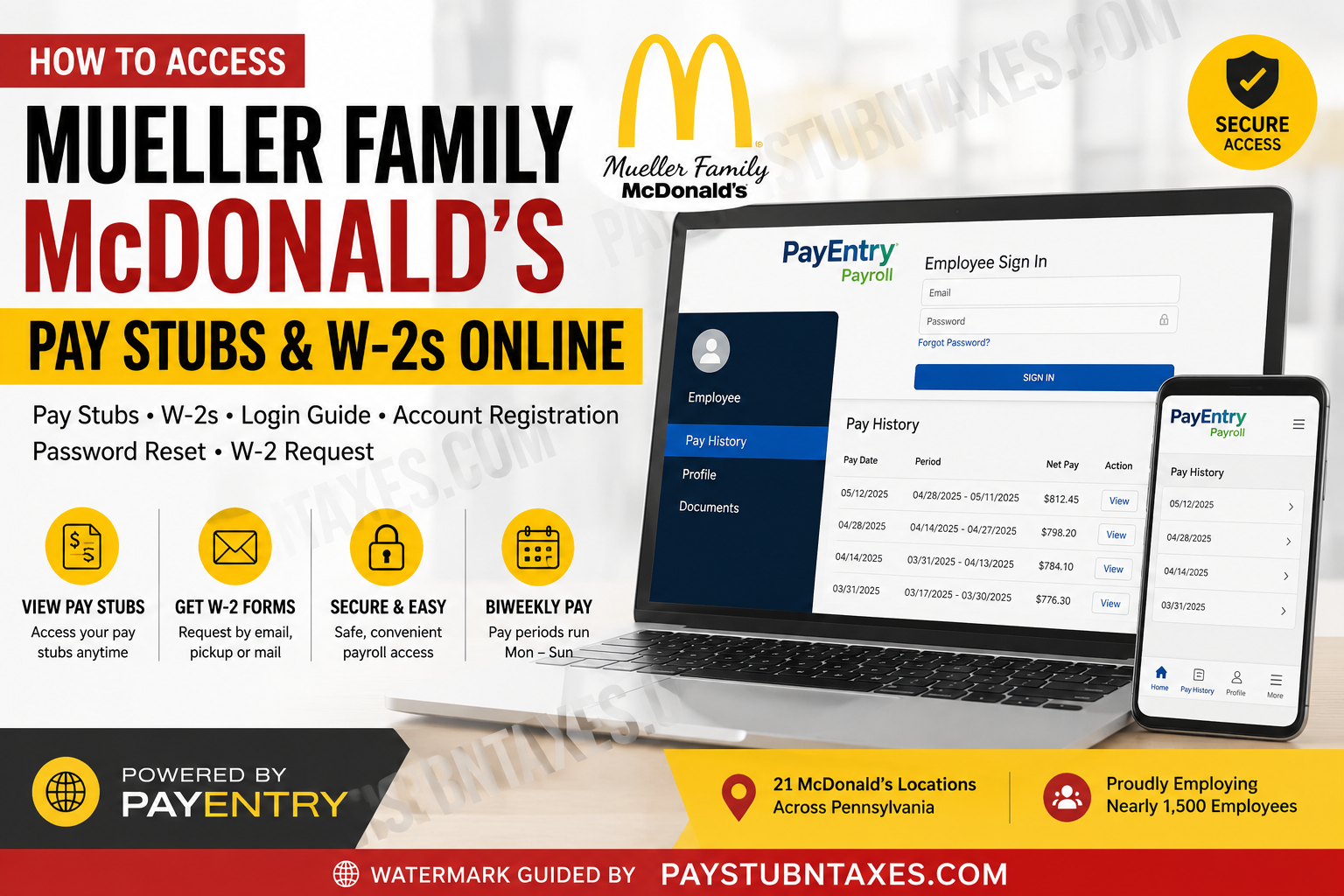
Working for a Mueller Family McDonald’s restaurant in Pennsylvania means you have access to convenient online payroll services through the PayEntry platform. Whether you need to download your latest pay stub, recover your login credentials, register for a new payroll account, or request a copy of your annual Form W-2, the entire process can be completed online with minimal effort. This comprehensive guide explains everything current and former Mueller Family McDonald’s employees need to know about accessing payroll records, understanding pay periods, retrieving W-2 forms, and contacting Human Resources when assistance is required.
About Mueller Family McDonald’s
Mueller Family McDonald’s is one of Pennsylvania’s largest McDonald’s franchise organizations, operating 21 restaurant locations and employing approximately 1,500 team members. Since opening its first restaurant in 1972, the company has expanded throughout Northeastern Pennsylvania while emphasizing career development, internal promotion, leadership training, and employee growth opportunities.
Payroll System Used by Mueller Family McDonald’s
Mueller Family McDonald’s uses PayEntry Payroll as its employee self-service payroll platform.
Through PayEntry, eligible employees can securely:
- View current and previous pay stubs
- Download payroll statements
- Review pay history
- Access earnings information
- Manage payroll account credentials
Employees may also use the PayEntry mobile application, available for both Android and iPhone.
Mueller Family McDonald’s Pay Period Schedule
Before checking your paycheck, it’s helpful to understand how payroll is processed.
Pay Period Information
- Payroll operates on a biweekly schedule
- Each pay period begins on Monday
- Each pay period ends on Sunday
- Individual restaurants may have different payday schedules
- Employees can verify their store’s payroll calendar through the Employee Resources section of the company website.
Attendance Reminder
If you miss work because of illness, doctor documentation should generally be submitted before the pay period closes to remain eligible for applicable attendance-related pay programs. When an absence occurs during the final weekend of a pay period, employees typically have until the following Wednesday to submit their documentation.
How to Access Mueller Family McDonald’s Pay Stubs Online
Current employees can retrieve their payroll statements in just a few minutes.
Step 1: Visit the PayEntry Portal
Open your web browser and navigate to: https://my.payentry.com
Alternatively, install the PayEntry Payroll App from the Apple App Store or Google Play Store.
Step 2: Sign In
Enter your:
- Email address
- Password
Click Sign In.
Step 3: Forgot Your Password?
If you’ve forgotten your password:
- Click Forgot Password
- Enter the email address associated with your Crew Account
- Follow the instructions sent to your email
- Create a new password
- Log back into PayEntry
Step 4: Activate Your Account (First-Time Users)
If no password reset email arrives, your payroll account may not yet be activated.
Complete the online PayEntry Account Registration form by providing:
- First name
- Last name
- Email address
- Restaurant location
- Verification (reCAPTCHA)
The registration form notes that activation requests may require up to three business days for processing.
Step 5: View Your Pay History
After signing in:
- Select Employee
- Open Pay History
- Choose the desired pay period
- View or download your pay stub as a PDF
How to Register for a PayEntry Account
If this is your first time accessing payroll:
- Complete the online PayEntry registration form.
- Wait for account activation.
- Receive your login information.
- Visit the PayEntry portal.
- Sign in using your registered email address.
- Begin accessing your payroll information online.
How to Access Mueller Family McDonald’s W-2 Forms
Each year, employees may choose from multiple delivery methods for receiving their Form W-2.
Available options include:
- Email (fastest option)
- Restaurant pickup
- Postal mail
Requesting Your W-2 Online
If you need another copy of your W-2:
Complete the online W-2 Request Form.
You’ll generally be asked to provide:
- Restaurant location
- Full name
- Last four digits of your Social Security Number
- Email address
- Phone number
- Tax year requested
- Preferred delivery method
- Mailing address (if requesting postal delivery)
Former employees may also update their mailing address for the current tax year through the same form.
Employee Resources Available Online
Mueller Family McDonald’s maintains an employee resources portal containing helpful payroll and employment tools, including:
- PayEntry Account Registration
- Duplicate Pay Stub Request
- Duplicate W-2 Request
- Direct Deposit Enrollment
- Pay Period Information
- Employee Handbook
- Vacation and PTO Information
- McDonald’s Employee App
- Learning resources and training materials
- Payroll mobile app downloads
New Employee Payroll Setup
During onboarding, new employees receive account credentials for company systems through the email address provided during hiring. Employees are instructed to save these credentials and verify their McDonald’s account before their first shift, as those credentials are used to access various employee systems.
Need Help?
If you experience problems accessing your PayEntry account, resetting your password, or obtaining your W-2, begin by speaking with your restaurant manager.
You may also contact Human Resources:
Taylor Noldy
Human Resources
Email: taylor@muellermcd.com
Phone: 570-586-2255 ext. 5
Conclusion
Mueller Family McDonald’s makes payroll management straightforward by providing employees with secure online access through the PayEntry platform. Whether you need to download your latest pay stub, register for a new payroll account, recover your password, or request a replacement W-2, nearly every payroll-related task can be completed online in just a few steps. Should any issues arise, your restaurant management team and Human Resources are available to help ensure you receive timely access to your payroll and tax documents.
People Also Ask
1. How do I view my Mueller Family McDonald’s pay stubs?
Log in to the PayEntry employee portal, select Employee, then open Pay History to view, print, or download your pay stubs.
2. What payroll system does Mueller Family McDonald’s use?
Mueller Family McDonald’s uses the PayEntry Payroll system for employee pay stubs and payroll management.
3. Where is the Mueller Family McDonald’s PayEntry login?
Employees can sign in through the official PayEntry portal at https://my.payentry.com or by using the PayEntry mobile app.
4. How do I register for a PayEntry account?
Complete the online PayEntry Account Registration form with your name, email address, restaurant location, and verification. Account activation typically takes up to three business days.
5. What should I do if I forgot my PayEntry password?
Click Forgot Password on the PayEntry login page and enter the email address associated with your employee account to receive password reset instructions.
6. Why didn’t I receive a password reset email?
Your payroll account may not yet be activated. Complete the PayEntry registration form or contact Human Resources for assistance.
7. Can I access my pay stubs from my phone?
Yes. Download the PayEntry Payroll app from the Apple App Store or Google Play Store and sign in with your employee credentials.
8. How often are Mueller Family McDonald’s employees paid?
Employees are paid on a biweekly payroll schedule, with each pay period running from Monday through Sunday.
9. Can I download or print my pay stubs?
Yes. PayEntry allows employees to download, save, and print PDF copies of current and previous pay statements.
10. How do I get my Mueller Family McDonald’s W-2?
Submit the online W-2 Request Form and choose your preferred delivery method: email, restaurant pickup, or postal mail.
11. What is the fastest way to receive my W-2?
Email delivery is the quickest option available after submitting a W-2 request.
12. Can former employees request a W-2?
Yes. Former employees can submit the online W-2 request form and update their mailing address if necessary.
13. Where can I find my store’s payroll schedule?
Your restaurant’s specific payday schedule is available on the Mueller Family McDonald’s Employee Resources page.
14. Who should I contact if I have payroll or W-2 questions?
Start by speaking with your restaurant manager. If additional assistance is needed, contact Mueller Family McDonald’s Human Resources.
15. What information is available in the PayEntry portal?
Employees can securely access pay stubs, payroll history, earnings records, and downloadable payroll documents through the PayEntry employee self-service portal.
