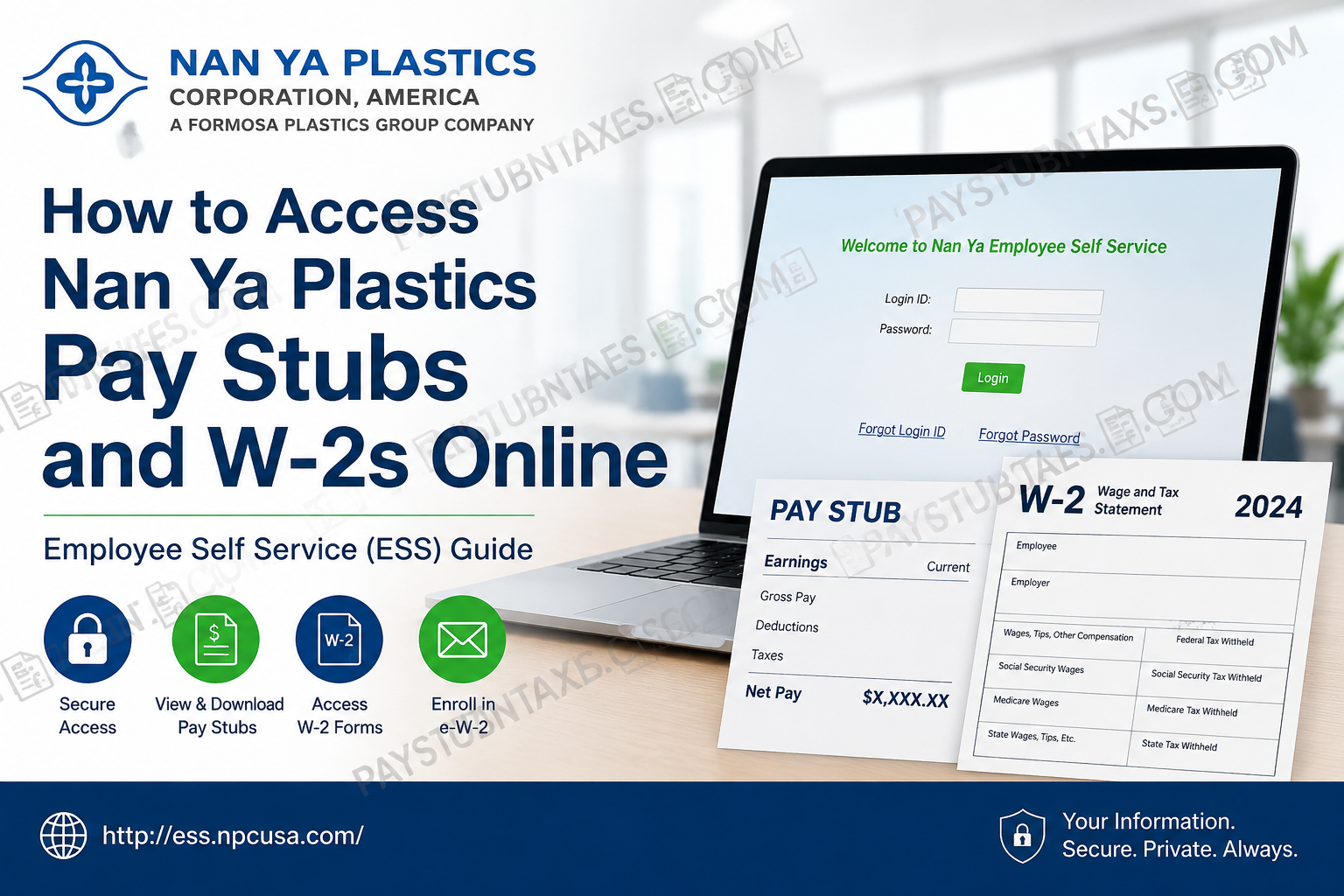
Whether you work for Nan Ya Plastics Corporation, USA, or Formosa Plastics Corporation, USA, accessing your payroll records has become significantly more convenient through the company’s Employee Self Service (ESS) portal. Instead of relying solely on printed payroll documents, employees can securely retrieve pay stubs, tax forms, and other employment-related information online at any time. This comprehensive guide explains how to log in to the Employee Self Service portal, download your pay stubs, access your W-2 forms, enroll in electronic W-2 delivery, and troubleshoot common login issues.
About Nan Ya Plastics Corporation, America
Established in 1989, Nan Ya Plastics Corporation, America is a wholly owned subsidiary of Nan Ya Plastics Corporation, Taiwan, one of the core companies within the globally recognized Formosa Plastics Group. With manufacturing facilities across the United States and an extensive international presence, the company produces a diverse portfolio of plastic materials, including PVC rigid films, APET films, polyester products, and specialty polymers serving industries worldwide.
Nan Ya Plastics USA has continually expanded its manufacturing capabilities while maintaining a strong commitment to innovation, quality assurance, environmental responsibility, and employee development. As part of this commitment, the company provides employees with a secure Employee Self Service platform that simplifies payroll and tax document management.
Employee Self Service (ESS)
Nan Ya Plastics maintains an Employee Self Service (ESS) portal that allows employees to manage many employment-related records without contacting Human Resources.
Through ESS, employees can:
- View current and historical pay stubs
- Download W-2 tax forms
- Access payroll information
- Complete electronic W-2 consent
- Update certain employment records
- Print payroll documents whenever needed
The system is maintained by the Nan Ya Plastics Human Resources Department and uses secure login authentication.
Nan Ya Plastics Employee Self-Service Login
Employee Self-Service Portal
Website: http://ess.npcusa.com/
After opening the portal:
- Enter your Employee Login ID.
- Enter your Password.
- Select Login.
- Navigate to the payroll section.
- Choose the desired pay period.
- View or download your pay stub as a PDF.
The login page also provides options to:
- Reset your password
- Recover your Login ID
- Recover a forgotten password
The portal notes that both Employee Self Service (ESS) and FPG Workflow use the same User ID and Password, so changing credentials in one system automatically updates the other. Contractors with FPG Workflow access may not necessarily have ESS access.
How to View and Download Nan Ya Pay Stubs
After signing into Employee Self Service:
- Open the Payroll or Pay Stub section.
- Select the desired pay period.
- Review your earnings and deductions.
- Download the pay stub.
- Print a copy for your records if necessary.
The system keeps payroll transactions available online for several years, allowing employees to retrieve previous pay statements whenever needed.
How to Access Your Nan Ya Plastics W-2 Online
Employees who have elected electronic W-2 delivery can retrieve their tax forms directly through Employee Self Service.
Steps include:
- Log in to Employee Self Service.
- Open the W-2 section.
- Select the applicable tax year.
- Download the electronic W-2.
- Print the form using Adobe Reader if required.
Electronic W-2 forms remain available online for up to five years, making it easy to retrieve prior-year tax documents whenever necessary.
How to Enroll for Electronic W-2 Delivery
Federal regulations require employees to provide consent before receiving electronic W-2 forms.
To enroll:
- Log into Employee Self Service.
- Select Consent Forms.
- Choose W-2 Consent Form.
- Print the consent form.
- Complete and sign the form.
- Submit the signed document to your local Human Resources department.
Once your consent has been processed:
- An email notification will be sent when your W-2 becomes available.
- Your consent automatically remains effective each year unless you revoke it or your employment ends.
Advantages of Receiving Electronic W-2 Forms
Choosing electronic delivery offers several important benefits:
- Faster availability than mailed copies
- Secure online access from virtually anywhere
- Reduced risk of lost or delayed mail
- Convenient access while traveling or working internationally
- Ability to print multiple copies whenever needed
- Long-term online storage for up to five years
What Happens If You Do Not Choose Electronic W-2 Delivery?
Employees who do not provide electronic consent will continue receiving paper W-2 forms.
Typically:
- Human Resources distributes paper W-2 forms during the final week of January.
- Mailed W-2 forms are generally postmarked by January 31 (or the next business day when applicable).
Forgot Your Employee Self Service Password?
If you cannot access your account:
- Select Forgot Password on the ESS login page.
- Follow the password recovery instructions.
- If your Login ID has been forgotten, choose Forgot Login ID.
- Since ESS and FPG Workflow share the same credentials, resetting the password updates access for both systems.
Payroll Security Tips
To help protect your payroll information:
- Never share your login credentials.
- Use a strong, unique password.
- Sign out after every session.
- Avoid accessing ESS on public computers.
- Keep your email address current to receive W-2 notifications promptly.
- Store downloaded tax documents securely.
Contact Human Resources
If you experience login issues or have payroll-related questions, contact your local Human Resources department.
Nan Ya Plastics Corporation USA
Address:
2081 FM 102 Road
Wharton, Texas 77488
Phone: 281-727-7300
Email: info@npcusa.com
Conclusion
Nan Ya Plastics Corporation, America has streamlined payroll management by providing employees with a secure and user-friendly Employee Self Service (ESS) portal. Whether you need to download your latest pay stub, retrieve historical payroll records, or access your annual W-2 form, ESS offers convenient 24/7 access from virtually anywhere. Employees who opt for electronic W-2 delivery benefit from earlier availability, enhanced security, and the flexibility to print additional copies whenever needed. By familiarizing yourself with the ESS platform and keeping your login credentials up to date, you can efficiently manage your payroll information throughout your employment.
Frequently Asked Questions
1. How do I log in to the Nan Ya Plastics Employee Self Service portal?
Visit http://ess.npcusa.com/ and sign in using your Employee Login ID and password. Once logged in, you can access payroll information, pay stubs, and W-2 forms.
2. Where can I find my Nan Ya Plastics pay stubs?
After logging into Employee Self Service, navigate to the Payroll or Pay Stub section to view, download, or print your current and previous pay statements.
3. How can I access my W-2 online?
Sign into the Employee Self Service portal, select the W-2 section, choose the applicable tax year, and download your electronic W-2.
4. Do I need to enroll to receive an electronic W-2?
Yes. Federal regulations require employees to provide consent before receiving W-2 forms electronically. You must complete and submit the W-2 Consent Form through ESS.
5. How do I submit my electronic W-2 consent?
Log into Employee Self Service, click Consent Forms, print the W-2 Consent Form, complete and sign it, then submit it to your local Human Resources department.
6. What are the benefits of receiving an electronic W-2?
Electronic W-2s provide earlier access, enhanced security, reduced risk of lost mail, convenient online availability, and the ability to print multiple copies whenever needed.
7. How long are W-2 forms available online?
Electronic W-2 forms remain accessible through Employee Self Service for up to five years.
8. What happens if I do not enroll for electronic W-2 delivery?
If you do not provide consent, you will continue receiving a paper W-2 distributed by Human Resources or mailed to your address.
9. When are paper W-2 forms mailed?
Paper W-2 forms are generally distributed during the final week of January and mailed no later than January 31, or the next business day if required.
10. Can I access ESS while working outside the United States?
Yes. Employees with internet access can securely log into Employee Self Service from virtually anywhere in the world.
11. What should I do if I forgot my ESS password?
Select the Forgot Password option on the Employee Self Service login page or contact your Human Resources department for assistance.
12. Are my ESS and FPG Workflow login credentials the same?
Yes. Employee Self Service and FPG Workflow share the same User ID and password. Updating your password in one system automatically updates the other.
13. Can former employees access their W-2s through ESS?
Access may vary depending on employment status and company policy. Former employees who cannot log in should contact Human Resources for assistance in obtaining tax documents.
14. Can I print multiple copies of my W-2?
Yes. Employees who receive electronic W-2s can download and print multiple copies whenever needed.
15. Who should I contact if I have payroll or W-2 questions?
For payroll, login, or tax form assistance, contact your local Human Resources department or Nan Ya Plastics Corporation USA at 281-727-7300 or info@npcusa.com.
