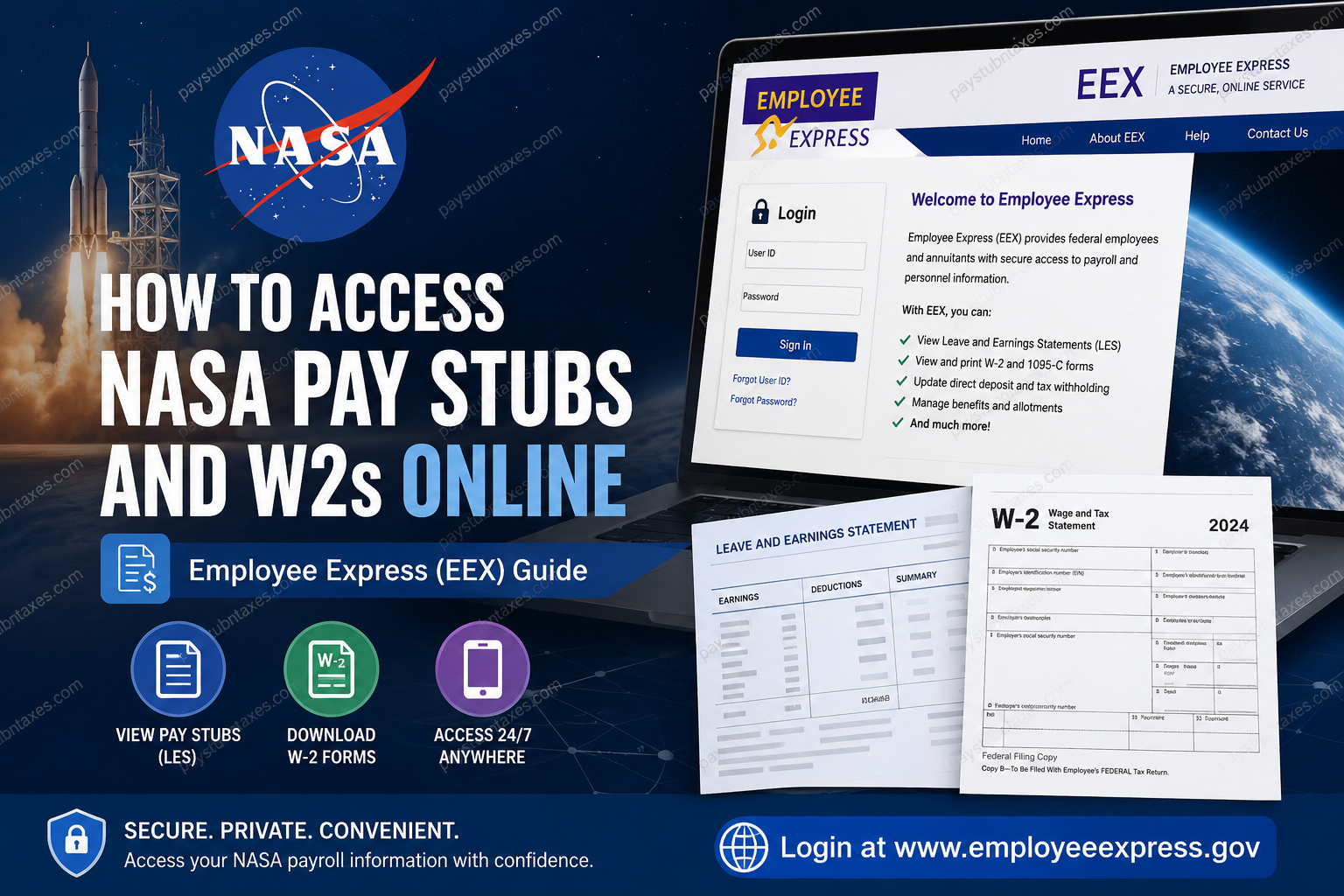
For employees of the National Aeronautics and Space Administration (NASA), accessing payroll records is a straightforward process through Employee Express (EEX), the federal government’s secure self-service payroll and personnel portal. Whether you need to download your latest Leave and Earnings Statement (LES), retrieve a Form W-2 for tax filing, update your direct deposit information, or modify tax withholdings, Employee Express provides secure, 24/7 online access from virtually anywhere. NASA’s payroll operations are administered by the NASA Shared Services Center (NSSC) Payroll Office (NPO), which coordinates payroll processing with the Department of the Interior’s Interior Business Center (IBC). This system ensures that employees receive timely payroll services while maintaining the highest standards of security and compliance. If you are a current NASA employee, this guide explains exactly how to access your NASA pay stubs (LES), W-2 tax forms, payroll records, and Employee Express account, along with solutions to common login problems.
About NASA
For more than six decades, NASA has remained at the forefront of scientific innovation and space exploration. Operating across more than 20 centers and facilities throughout the United States, the agency advances research in Earth science, climate, aeronautics, astrophysics, planetary science, and human spaceflight. NASA also manages the International Space Station and continues expanding humanity’s presence in space through the Artemis Program, which aims to establish a sustainable return to the Moon before venturing onward to Mars.
Behind these extraordinary missions is a workforce of scientists, engineers, researchers, astronauts, and administrative professionals whose payroll and personnel services are supported through the NASA Shared Services Center.
How NASA Payroll Works
NASA’s payroll administration is managed by the NASA Shared Services Center Payroll Office (NPO).
The Payroll Office is responsible for:
- Reviewing employee time and attendance
- Validating payroll information
- Processing payroll through the Department of the Interior’s Business Center (IBC)
- Managing payroll corrections
- Processing supplemental payments
- Handling prior pay period adjustments (PPPA)
- Coordinating settlement agreements
- Assisting employees with payroll-related inquiries
Employees access nearly all payroll documents electronically through Employee Express (EEX).
What is Employee Express (EEX)?
Employee Express is a secure self-service payroll and personnel management system used by many U.S. federal agencies, including NASA.
Using Employee Express, employees can:
- View Leave and Earnings Statements (LES)
- Download W-2 tax forms
- Update direct deposit information
- Change federal and state tax withholdings
- Modify financial allotments
- Update emergency contacts
- Manage health insurance elections
- Review Thrift Savings Plan (TSP) information
- Access retirement benefit information
- View personnel records
The portal is available 24 hours a day through both desktop and mobile devices.
NASA Employee Express Login
Employee Express Portal:
https://www.employeeexpress.gov
After logging in, employees can securely access all available payroll and personnel records from a single dashboard.
How to Access NASA Pay Stubs (Leave and Earnings Statements)
Follow these steps:
Step 1: Visit: https://www.employeeexpress.gov
Step 2: Sign in using your:
- Employee ID
- Password or PIN
First-time users typically receive their login credentials approximately 3–4 weeks after beginning employment.
Step 3: From the Employee Express homepage, select: Payroll / Personnel
Step 4: Choose: Earnings and Leave Statement
Step 5: Select the desired pay period.
Step 6: Download, print, or save your Leave and Earnings Statement (LES) as a PDF for your records.
Employee Express also stores historical LES records, allowing employees to retrieve previous statements whenever necessary.
How to Access NASA W-2 Online
Employees can obtain their annual wage and tax statements electronically through Employee Express.
Step 1: Log into Employee Express.
Step 2: Navigate to: Payroll / Personnel
Step 3: Select: View Your W-2 Information
Step 4: Choose the desired tax year.
Step 5: Download or print your W-2 for tax filing.
Paper W-2 Delivery
If you have not opted out of paper delivery, NASA automatically mails your W-2 to the address on file by January 31 each year.
Employees who elect electronic-only delivery will not receive a paper copy and must retrieve their W-2 through Employee Express.
How to Consent to Electronic W-2 Delivery
Employees who prefer paperless tax documents can disable mailed copies.
Steps
- Log into Employee Express.
- Select Payroll / Personnel.
- Choose W-2 Hard Copy On/Off.
- Select Off.
- Click Save.
After saving this preference, future W-2 forms will be available electronically only.
How to Stop Receiving Paper Leave and Earnings Statements
NASA employees may also opt out of mailed Leave and Earnings Statements.
Steps:
- Log into Employee Express.
- Select Payroll – Personnel Actions.
- Choose Earnings and Leave Hardcopy On/Off.
- Select Off.
- Save your changes.
Electronic LES access offers earlier availability, enhanced privacy, printable archives, and reduced paper usage.
First-Time Employee Express Login
New NASA employees generally receive their Employee Express credentials by mail several weeks after their employment begins.
To activate your account:
- Obtain your Employee Express ID.
- Request or receive your Personal Identification Number (PIN).
- Sign in at Employee Express.
- Change your temporary PIN.
- Review your first Leave and Earnings Statement.
- Add your emergency contact information.
- Verify your payroll and benefits information.
If you have not received your PIN, contact Employee Express support to request one.
Employee Express Mobile Access
Employee Express offers a mobile-friendly version compatible with most smartphones.
Using the mobile site, employees can:
- View Leave and Earnings Statements
- Check payroll information
- Access their account anytime
- Use either the mobile interface or switch to the full desktop version
The mobile experience requires the same Employee Express login credentials used on the desktop portal.
Forgot Your Employee Express PIN?
If you cannot log in because you forgot your PIN, request a replacement by contacting Employee Express.
Support numbers:
- 478-757-3030
- 1-888-353-9450
After receiving your new PIN, you can update it online for future access.
Benefits of Employee Express
Employee Express provides numerous advantages, including:
- Secure online payroll access
- Electronic W-2 retrieval
- Historical payroll records
- Faster access to Leave and Earnings Statements
- Direct deposit management
- Tax withholding updates
- Health benefits management
- Thrift Savings Plan administration
- Emergency contact updates
- Reduced paper documentation
Troubleshooting Employee Express Login Issues
If you experience login problems:
- Verify your Employee ID and PIN.
- Reset your PIN if necessary.
- Clear your browser cache and cookies.
- Try another web browser.
- Use the official Employee Express website.
- Confirm that your account has been activated.
- Contact Employee Express technical support if issues persist.
NASA Payroll Support
For payroll-related questions:
NASA Shared Services Center (NSSC)
Phone: 1-877-677-2123 (1-877-NSSC123)
Employee Express Technical Support
For login or account assistance:
Phone: 1-888-353-9450
Alternate: 478-757-3030
Help is generally available during normal business hours for federal employees.
Conclusion
NASA employees enjoy convenient, secure, and around-the-clock access to payroll information through Employee Express (EEX). Whether you need to download your latest Leave and Earnings Statement, retrieve an annual W-2, update direct deposit details, or manage payroll preferences, the platform centralizes essential payroll and personnel services in one protected portal. By opting for electronic statements and tax forms, employees benefit from faster access, improved security, and reduced paperwork, making Employee Express the most efficient way to manage NASA payroll records throughout the year.
Frequently Asked Questions
1. How do I access my NASA pay stubs online?
Log in to Employee Express (EEX) at www.employeeexpress.gov, select Payroll/Personnel, then click Earnings and Leave Statement (LES) to view or download your pay stub.
2. Where can I find my NASA W-2 tax form?
After signing into Employee Express, navigate to Payroll/Personnel and select View Your W-2 Information to access your electronic W-2.
3. What is Employee Express (EEX)?
Employee Express is the federal government’s secure self-service payroll and personnel portal that allows NASA employees to manage payroll records, tax documents, direct deposit, benefits, and personnel information online.
4. When will my NASA W-2 be available?
Electronic W-2 forms are generally available by the end of January each year. Paper copies are mailed by January 31 unless you have opted for electronic-only delivery.
5. Can I stop receiving a paper copy of my W-2?
Yes. Sign in to Employee Express, select W-2 Hard Copy On/Off, choose Off, and save your preference to receive electronic W-2s only.
6. How do I receive my Leave and Earnings Statement electronically?
Within Employee Express, select Earnings and Leave Hardcopy On/Off, choose Off, and save your settings to receive your LES electronically.
7. Can I access NASA pay stubs on my smartphone?
Yes. Employee Express offers a mobile-friendly website that allows employees to securely access Leave and Earnings Statements and other payroll information from most smartphones.
8. What should I do if I forget my Employee Express PIN?
Contact the Employee Express Help Desk at 1-888-353-9450 or 478-757-3030 to request a new PIN.
9. When do new NASA employees receive Employee Express login credentials?
Most new employees receive their Employee Express ID and temporary PIN by mail approximately 3 to 4 weeks after their first day of employment.
10. Can I download previous NASA pay stubs?
Yes. Employee Express stores historical Leave and Earnings Statements, allowing employees to download previous payroll records whenever needed.
11. Can I update my direct deposit information online?
Yes. Employee Express allows employees to securely update direct deposit accounts, tax withholdings, financial allotments, and other payroll information.
12. Who manages NASA payroll services?
NASA payroll is administered by the NASA Shared Services Center (NSSC) Payroll Office, working in partnership with the Department of the Interior’s Interior Business Center (IBC).
13. Who should I contact for NASA payroll questions?
For payroll-related assistance, contact the NASA Shared Services Center (NSSC) at 1-877-677-2123 (1-877-NSSC123).
14. Who can help with Employee Express login issues?
For technical support, account recovery, or login assistance, contact the Employee Express Help Desk at 1-888-353-9450.
15. Is Employee Express secure for accessing payroll records?
Yes. Employee Express is a secure federal payroll system that protects employees’ payroll, tax, and personnel information using government security standards, providing safe 24/7 access to payroll records and benefits.
