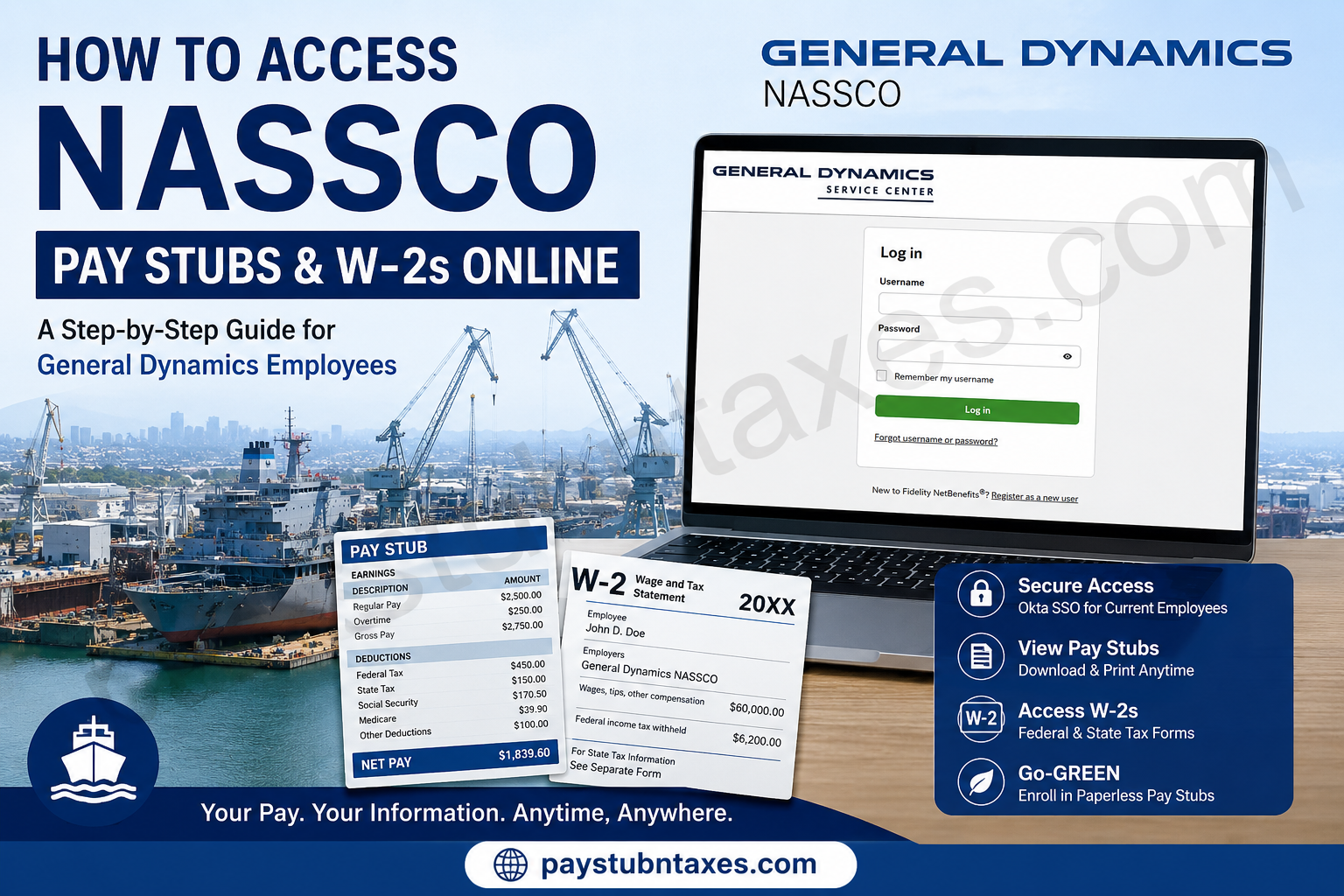
General Dynamics NASSCO has stood at the forefront of American shipbuilding since 1960, establishing itself as the only full-service shipyard on the West Coast of the United States. Headquartered in San Diego, California, the company designs and constructs auxiliary and support vessels for the U.S. Navy, commercial oil tankers, and dry cargo carriers while providing world-class ship repair services from facilities in San Diego, Norfolk, Mayport, and Bremerton. With thousands of employees supporting critical maritime and defense operations, General Dynamics NASSCO offers secure digital payroll services through its General Dynamics Employee Self-Service (GD ESS) Portal, enabling employees to conveniently access pay stubs, tax forms, and payroll records at any time. Whether you need your latest paycheck, wish to enroll in paperless payroll, or need a previous year’s W-2 for tax filing, this comprehensive guide explains every step required to access your payroll documents quickly and securely.
What Is the General Dynamics GD ESS Portal?
The General Dynamics Employee Self-Service (GD ESS) portal is the company’s secure online payroll system where employees can:
- View current and historical pay stubs
- Access Federal and State W-2 tax forms
- Enroll in Go-GREEN Paperless Pay Stub
- Update payroll-related personal information
- Modify tax withholding elections
- Manage direct deposit information
- Access various payroll and tax services
The portal is protected through Okta Single Sign-On (SSO) for active employees, while former employees gain access through the General Dynamics Benefits website.
Who Can Access GD ESS?
The portal supports two categories of users:
Current Employees
Active NASSCO employees sign in using their General Dynamics Okta Single Sign-On (SSO) credentials.
GD ESS Portal:
Former Employees
Former employees should access the system through:
http://www.gdbenefits.com
After successfully signing in:
- Log into your GD Benefits account.
- Scroll to the bottom of the homepage.
- Select the GD ESS tile.
- Click Go to GD ESS.
- The system securely transfers you into the Employee Self-Service portal without requiring another login.
How to Log Into the NASSCO Employee Self-Service Portal
Current Employees
- Visit the GD ESS portal.
- Select Current Employee Login.
- Authenticate using your Okta SSO credentials.
- Complete any required multi-factor authentication.
- The Employee Self-Service dashboard will open.
Former Employees
- Visit www.gdbenefits.com.
- Sign in with your Fidelity NetBenefits username and password.
- Locate the GD ESS tile.
- Click Go to GD ESS.
- Access payroll and tax information.
How to View Your NASSCO Pay Stubs
Once logged into GD ESS:
- Open the dashboard.
- Locate Payroll & Tax Information.
- Select My Pay Stub.
- Choose the desired pay period.
- View, download, or print your earnings statement.
Your pay stub typically includes:
- Gross earnings
- Net pay
- Federal tax withholding
- State tax withholding
- Social Security deductions
- Medicare deductions
- Retirement contributions
- Direct deposit details
- Leave balances (where applicable)
Enroll in Go-GREEN Paperless Pay Stubs
If this is your first time using GD ESS, you should enroll in Go-GREEN: Paperless Pay Stub.
Benefits include:
- Faster access to payroll
- Secure online storage
- Reduced paper usage
- Printable electronic copies
- Immediate availability on payday
Paperless delivery eliminates the need for printed paycheck statements while ensuring secure access whenever you need your payroll records.
How to Access Your W-2 Online
To retrieve your annual tax statement:
- Sign in to GD ESS.
- Open Payroll & Tax Information.
- Select Federal/State W-2.
- Choose the required tax year.
- Download or print your W-2.
Electronic W-2 forms are especially useful when filing federal and state income taxes or applying for loans, mortgages, and financial aid.
Other Payroll Features Available in GD ESS
Beyond payroll documents, employees may also manage:
- Direct Deposit
- Federal W-4 Withholding
- State W-4 Withholding
- W-2 Reconciliation
- W-2 Detailed Reconciliation
- 1095-C Health Insurance Forms
- Personal Information
- Employment History
- Emergency Contacts
- Military/Veteran Status
- Section 503 Disability Status
How Former Employees Access Payroll Records
Former NASSCO employees do not access payroll directly through the company network.
Instead:
- Visit www.gdbenefits.com.
- Sign in using your Fidelity NetBenefits credentials.
- Select the GD ESS tile.
- Click Go to GD ESS.
- Open Payroll & Tax Information.
- Access pay stubs and W-2 forms.
Forgot Your Username or Password?
If you cannot sign in:
- Select Forgot Username or Password on the login page.
- Follow the account recovery prompts.
- New users should choose Register as a New User to establish online access.
- Existing users can change usernames or passwords through the Security Center after signing in.
- If assistance is needed with workplace accounts, Fidelity representatives are available by phone.
GD ESS Login Tips
For a smoother login experience:
- Use a modern web browser.
- Enable cookies and JavaScript.
- Complete multi-factor authentication when prompted.
- Avoid using shared or public computers.
- Sign out after every session.
- Keep your browser updated for optimal security.
Troubleshooting Common Login Problems
Okta authentication errors
Verify your network connection and ensure your authentication method is functioning correctly before trying again.
Locked account
Too many unsuccessful login attempts may temporarily lock your account. Wait for the lockout period to expire or reset your password.
Missing payroll records
Confirm you are viewing the correct pay period or tax year. Some payroll information may not appear immediately after processing.
Browser issues
Clear your browser cache and cookies or try another supported browser.
Contact Payroll Support
If you experience technical issues accessing GD ESS:
General Dynamics ESS Support
Phone: 1-888-432-3633
For questions related to Fidelity NetBenefits accounts, workplace account assistance is also available through Fidelity customer support.
Security Best Practices
To help protect your payroll information:
- Create a strong, unique password.
- Enable multi-factor authentication.
- Never share your login credentials.
- Review payroll records regularly.
- Log out after each session.
- Update your recovery information whenever it changes.
These simple precautions reduce the risk of unauthorized access to your personal and financial data.
Final Thoughts
General Dynamics NASSCO has streamlined payroll administration through the GD Employee Self-Service (GD ESS) portal, giving both current and former employees secure, around-the-clock access to essential payroll records. Whether you need to download a recent pay stub, retrieve a W-2 for tax season, enroll in paperless payroll, or update payroll-related information, the platform offers a centralized and efficient solution. By following the steps outlined above and maintaining your account security, you can manage your payroll documents with confidence and convenience throughout your employment and beyond.
Frequently Asked Questions
1. How do I access my General Dynamics NASSCO pay stubs?
Current employees should sign in to the GD ESS portal using their Okta SSO credentials. From the dashboard, select Payroll & Tax Information and then My Pay Stub to view or print your pay statements.
2. Where can former NASSCO employees retrieve pay stubs?
Former employees should log into GDBenefits.com, click the GD ESS tile, and then access Payroll & Tax Information to retrieve available pay stubs and tax documents.
3. What is the GD ESS portal?
GD ESS (General Dynamics Employee Self-Service) is the secure online portal where employees can access payroll information, tax forms, direct deposit details, personal information, and other HR services.
4. What login credentials do current employees use?
Active employees use their General Dynamics Okta Single Sign-On (SSO) username and password to access the GD ESS portal.
5. How do I view my W-2 online?
After logging into GD ESS, navigate to Payroll & Tax Information and select Federal/State W-2. Choose the desired tax year to download or print your W-2.
6. Can former employees access their W-2 forms online?
Yes. Former employees can sign in through GDBenefits.com, open the GD ESS portal, and access available W-2 forms under Payroll & Tax Information.
7. How do I enroll in paperless pay stubs?
First-time users can enroll in Go-GREEN: Paperless Pay Stub from the payroll section of the GD ESS portal to receive electronic pay statements instead of paper copies.
8. Can I print my pay stubs?
Yes. Each pay stub can be viewed online and downloaded or printed as a PDF for personal records, loan applications, or income verification.
9. What information appears on a NASSCO pay stub?
A typical pay stub includes gross earnings, net pay, taxes withheld, retirement contributions, deductions, direct deposit information, and year-to-date totals.
10. What should I do if I forget my login credentials?
Select the Forgot Username or Password option on the login page and follow the account recovery instructions. If additional help is needed, contact payroll or Fidelity support.
11. Can I update my direct deposit information through GD ESS?
Yes. Employees can manage direct deposit information from the Payroll & Tax Information section within the Employee Self-Service portal.
12. Is the GD ESS portal available 24/7?
Yes. The portal is generally available around the clock, allowing employees to access payroll records whenever they need them, except during scheduled maintenance periods.
13. Is my payroll information secure?
Yes. GD ESS uses secure authentication, including Okta Single Sign-On for active employees, to help protect sensitive payroll and personal information.
14. Who do I contact if I cannot access GD ESS?
If you experience technical issues with the Employee Self-Service portal, contact GD ESS Support at 1-888-432-3633 for assistance.
15. Besides pay stubs and W-2s, what else can I access through GD ESS?
Employees can also manage direct deposit, tax withholding elections, 1095-C forms, employment information, emergency contacts, military/veteran status, disability self-identification, and other HR-related services through the portal.
