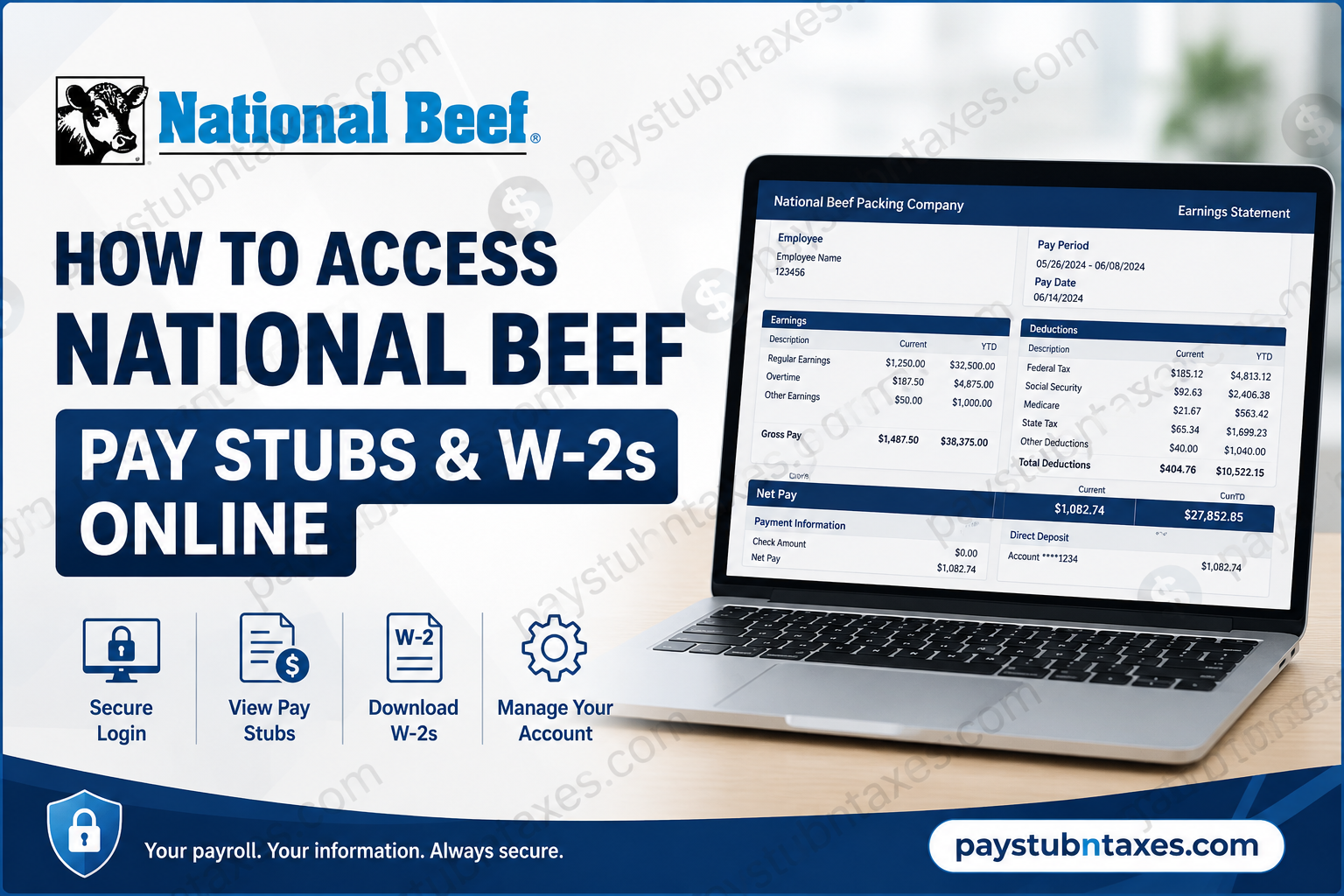
Managing payroll records should be effortless, particularly when tax season arrives or proof of income is required. Fortunately, National Beef Packing Company, LLC provides employees with secure online access to their payroll documents through the National Beef Wage Statement portal. Whether you need to download your latest pay stub, review previous earnings, or retrieve your annual Form W-2, the platform enables you to access these records anytime, from virtually anywhere. This comprehensive guide explains everything current employees need to know—from first-time registration and account activation to viewing wage statements, downloading tax forms, troubleshooting login issues, and maintaining account security.
About National Beef Packing Company
National Beef Packing Company, LLC is one of America’s largest beef processors and a recognized leader in premium beef production. Headquartered in Kansas City, Missouri, the company operates processing, fabrication, packaging, leather, and transportation facilities across multiple states while employing more than 9,800 team members. National Beef emphasizes workplace safety, employee development, leadership training, and long-term career advancement, investing heavily in professional growth and workforce development.
Because payroll information is highly confidential, National Beef distributes employee pay statements and tax documents electronically through the secure Wage Statement portal powered by Netspend Skylight.
National Beef Wage Statement Login
Employee Portal
https://www.onlinewagestatements.com/nationalbeef
Through this secure portal, eligible employees can:
- View current pay stubs
- Access previous wage statements
- Download and print pay stubs
- Receive electronic W-2 tax forms
- Update notification preferences
- Manage account security settings
- Change passwords
- Review payroll history
How to Log In to National Beef Wage Statement
Accessing your payroll records only takes a few moments.
Step 1: Open your browser and visit:
https://www.onlinewagestatements.com/nationalbeef
Step 2: Enter your:
- Username
- Password
Step 3: Click Login.
After authentication, you’ll arrive at your personal Wage Statement dashboard where payroll documents are organized by pay period.
First-Time User Registration
If you have never signed in before, you’ll need to activate your account.
Generally, the first login process requires you to:
- Visit the Wage Statement portal.
- Sign in using your employer-provided login credentials.
- Verify your identity using employee information requested during setup.
- Create a strong new password.
- Configure security questions.
- Add your preferred email address.
- Complete your account setup.
During the initial login, employees are also prompted to choose whether they wish to receive future W-2 forms electronically. The portal requests an email address for electronic delivery and sends a confirmation after the election is submitted.
How to View Your Current Pay Stub
Once logged in:
- Sign into the Wage Statement portal.
- Navigate to Current Pay Period.
- Select the most recent paycheck.
- Review your earnings, deductions, taxes, and net pay.
- Download or print the statement if needed.
The current wage statement displays detailed payroll information, including gross earnings, deductions, tax withholdings, direct deposit details, and year-to-date totals.
How to View Previous Pay Stubs
Historical payroll records are also available.
Simply:
- Log in.
- Select Statement History.
- Choose the desired pay period.
- Open the wage statement.
- Download or print a PDF copy for your records.
The Statement History section allows employees to retrieve multiple previous wage statements whenever necessary.
How to Access Your W-2 Online
When annual tax forms become available:
- Log into the Wage Statement portal.
- Select Tax Documents or W-2 History.
- Choose the appropriate tax year.
- Open your Form W-2.
- Download or print the document for tax filing.
Employees who previously consented to electronic W-2 delivery can conveniently retrieve their tax forms directly through the portal.
Electronic W-2 Enrollment
During your first login, National Beef employees may elect to receive future W-2 forms electronically.
To enroll:
- Read the electronic consent agreement.
- Enter a valid email address.
- Select Accept.
- Save your preferences.
If you decline electronic delivery, paper W-2 forms will continue to be provided, and the portal may ask you to make your election again during future logins.
Update Your Profile
The My Profile section allows employees to manage important account settings.
You can:
- Update your email address
- Modify security questions
- Change your password
- Update W-2 preferences
- Manage notification settings
Keeping your profile current helps ensure uninterrupted access to payroll information and electronic tax documents.
Forgot Your Password?
If you’re unable to sign in:
- Click Forgot your password?
- Complete identity verification.
- Answer your security questions if prompted.
- Reset your password.
- Log in using your new credentials.
If you’re still unable to access your account, contact your local Human Resources or Payroll department for assistance.
Common Login Issues
You may encounter access problems for several reasons.
Incorrect username or password
Double-check your login credentials before attempting again.
Locked account
Too many unsuccessful login attempts may temporarily lock your account.
Browser problems
Try:
- Clearing browser cache
- Using Chrome, Edge, Firefox, or Safari
- Enabling cookies and JavaScript
Missing W-2
Annual tax forms are generally published after payroll completes year-end processing. If your W-2 isn’t visible, contact Payroll for assistance.
Payroll Information Available on Your Pay Stub
Each wage statement typically includes:
- Employee information
- Employer information
- Pay period dates
- Gross earnings
- Regular hours
- Overtime
- Bonuses (if applicable)
- Federal income tax
- State tax
- Social Security
- Medicare
- Retirement deductions
- Insurance deductions
- Direct deposit details
- Net pay
- Year-to-date totals
Benefits of Using the National Beef Wage Statement Portal
Employees enjoy several advantages by accessing payroll documents online.
These include:
- Secure 24/7 access
- Faster payroll document delivery
- Immediate W-2 availability
- Reduced paper records
- Easy document printing
- Mobile accessibility
- Historical payroll archive
- Enhanced account security
Employee Development at National Beef
Beyond payroll convenience, National Beef is committed to fostering an engaging workplace where employees can build long-term careers. The company invests nearly 500,000 training hours annually, offers leadership development programs, internship opportunities, comprehensive safety initiatives, and encourages employee feedback through programs designed to improve workplace culture and professional growth.
National Beef Payroll Contact Information
National Beef Packing Company, LLC
Mailing Address
P.O. Box 20046
Kansas City, MO 64195-0046
Phone
1-800-449-BEEF (2333)
Employees experiencing payroll, tax form, or Wage Statement login issues should contact their Human Resources representative or National Beef Payroll support for additional assistance.
Conclusion
National Beef’s online Wage Statement portal streamlines payroll management by giving employees secure, around-the-clock access to pay stubs, wage history, and annual W-2 tax forms. Rather than waiting for paper documents or contacting Payroll for routine requests, employees can retrieve essential payroll records in just a few clicks. By keeping your login credentials secure, updating your profile regularly, and opting for electronic W-2 delivery, you can simplify tax preparation and maintain convenient access to your employment records throughout the year.
Frequently Asked Questions
1. How do I access my National Beef pay stubs online?
Visit the National Beef Wage Statement portal, sign in with your username and password, and select Current Pay Period or Statement History to view your pay stubs.
2. What is the National Beef Wage Statement login website?
The official employee payroll portal is:
https://www.onlinewagestatements.com/nationalbeef
3. Can I download my National Beef W-2 online?
Yes. Eligible employees can download and print their W-2 forms from the Wage Statement portal once they become available.
4. How do first-time users register?
New users must log in using their employer-provided credentials, verify their identity, create a new password, configure security questions, and complete their profile.
5. How can I view previous pay stubs?
After logging in, click Statement History to access and print earlier wage statements.
6. Can I receive my W-2 electronically?
Yes. During your first login, you can elect electronic W-2 delivery by accepting the consent agreement and providing a valid email address.
7. What should I do if I forget my password?
Select Forgot your password? on the login page and complete the identity verification process to reset your password.
8. Can former employees access the Wage Statement portal?
Former employees may retain access for a limited period, depending on National Beef’s payroll policies. If access is unavailable, contact Human Resources or Payroll.
9. Can I print my pay stubs?
Yes. Every pay statement can be viewed, downloaded, and printed directly from the portal.
10. Is the National Beef payroll portal secure?
Yes. The Wage Statement system uses secure authentication to protect employees’ payroll and tax information.
11. What information appears on my pay stub?
Pay stubs generally include gross pay, net pay, taxes withheld, deductions, overtime, direct deposit details, and year-to-date earnings.
12. How do I update my email address or profile?
After logging in, navigate to My Profile to update your email address, notification preferences, password, and security questions.
13. When will my W-2 become available?
Annual W-2 forms are typically posted after year-end payroll processing and before the IRS filing deadline.
14. Can I access the Wage Statement portal from my phone?
Yes. The portal is mobile-friendly and can be accessed using most modern smartphone and tablet browsers.
15. How do I contact National Beef Payroll or Human Resources?
You can contact National Beef Headquarters using the following information:
Phone: 1-800-449-BEEF (2333)
Mailing Address:
National Beef Packing Company, LLC
P.O. Box 20046
Kansas City, MO 64195-0046
