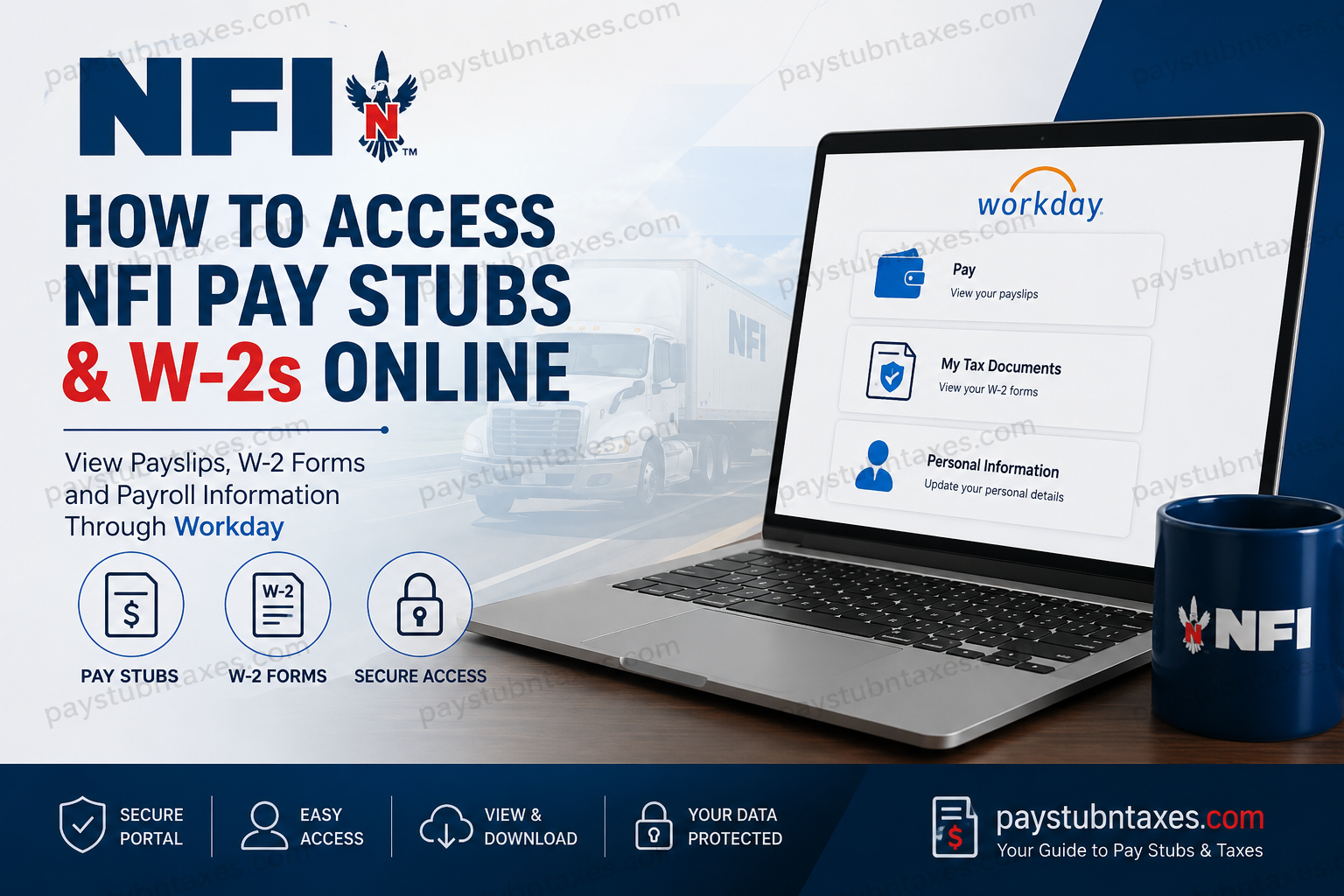
NFI Industries has evolved from a single truck operation founded in Vineland, New Jersey, into one of North America’s premier third-party logistics providers. Remaining proudly family-owned since 1932, the company now delivers integrated supply chain solutions across the United States and Canada, offering dedicated transportation, warehousing and distribution, port drayage, brokerage, integrated logistics, industrial real estate, and innovative technology solutions. Today, NFI generates more than $3.7 billion in annual revenue, employs over 17,000 associates, and continues to build its reputation on six enduring values: family, integrity, safety, customers, teamwork, and social responsibility. For active employees, NFI provides convenient access to payroll, tax documents, benefits, and personal employment information through the NFI Workday Employee Portal, secured by Okta Single Sign-On (SSO). Employees who elect electronic tax document delivery can conveniently retrieve their W-2 forms online, while those who prefer paper delivery—or who have not opted into electronic consent—will receive their W-2 by mail. Former employees generally receive their W-2 forms via postal mail, although online access may still be available by contacting NFI’s Workday support team for terminated employee credentials. This guide explains everything you need to know about accessing your NFI pay stubs and W-2 forms online.
NFI Employee Workday Portal
Workday Login Portal
https://wd501.myworkday.com/nfiindustries/login.htmld
Authentication Method
- Log in using your NFI Okta Single Sign-On (SSO) credentials.
- After authentication, select the Workday Production application from your Okta dashboard if it does not open automatically.
How to View NFI Pay Stubs Online
Once you have successfully signed into Workday, your payroll information is available within the Pay application.
Step 1: Visit the NFI Workday portal.
Step 2: Sign in using your NFI username and password through Okta SSO.
Step 3: If Workday does not launch automatically, select Workday Production from your Okta dashboard.
Step 4: From the Workday homepage, open the Pay application.
Step 5: Select Payslips.
Step 6: Choose the desired pay period.
Step 7: Open the PDF version of your payslip to:
- View earnings
- Review deductions
- Check taxes withheld
- Download a copy
- Print for your personal records
How to Access NFI W-2 Forms Online
Employees who previously consented to receive their tax documents electronically can retrieve their W-2 forms directly through Workday.
Follow these steps:
Step 1: Log into the NFI Workday portal.
Step 2: Open the Pay application.
Step 3: Navigate to My Tax Documents.
Step 4: Locate the current tax year’s W-2 Form.
Step 5: Select View/Print.
Step 6: Download or print the document for your records.
Electronic vs. Paper W-2 Delivery
NFI distributes W-2 forms according to each employee’s delivery preference.
Employees enrolled in electronic delivery
- W-2 becomes available within Workday.
- Employees can view, download, and print their forms online.
Employees without electronic consent
- Paper W-2 forms are mailed to the employee’s home address.
- Forms are generally postmarked no later than January 31, in accordance with IRS deadlines.
Former NFI Employees
Former associates typically receive their W-2 forms by postal mail.
If you would rather retrieve your tax document online, contact Workday Login Assistance. NFI can issue separate credentials that provide access to the terminated employee’s Workday portal.
Workday Login Assistance
Phone: 877-696-3409
Forgot Your Workday Password?
Because Workday authentication is handled through Okta, password resets are completed through the Okta sign-in page.
The general process is:
- Visit the NFI Okta login page.
- Enter your username.
- Select Forgot Password.
- Receive a verification code by SMS.
- Enter the verification code.
- Create your new password.
- Sign back into Workday.
Note: Employees working remotely may need to connect to the company VPN before updating their password on company-managed Windows devices to ensure the new credentials synchronize correctly.
How to Unlock Your Okta Account
If multiple unsuccessful login attempts lock your account, you can unlock it without being connected to the NFI network.
Simply:
- Open the NFI Okta login page.
- Select Unlock Account.
- Enter your username.
- Verify your identity using SMS.
- Enter the verification code.
- Return to the sign-in page and log in normally.
NFI Employee Benefits Available Through Workday
Besides payroll and tax documents, Workday also provides access to numerous HR resources and benefit information, including:
- Medical, dental, and vision insurance
- 401(k) retirement plan with company matching
- Paid time off
- Paid maternity and parental leave
- Life insurance
- Short- and long-term disability coverage
- Health Savings Account (HSA)
- Flexible Spending Accounts (FSA)
- Employee Assistance Program (EAP)
- Employee discount programs
- Wellness initiatives
- Telemedicine services
- Financial wellness resources
- Legal and identity theft protection
- Emergency relief programs
- Training and professional development opportunities
Need Help?
If you’re experiencing problems accessing Workday, resetting your password, or locating payroll information, contact the NFI Employee Inquiry HR Service Center.
Employee Inquiry HR Service Center
Workday Login Assistance: 877-696-3409
Additional HR resources, employment verification services, and employee support are also available through the NFI HR contact center.
Conclusion
NFI has streamlined payroll administration by integrating Workday with Okta Single Sign-On, enabling employees to securely manage their pay information, tax documents, and HR resources from virtually anywhere. Whether you need to review your latest payslip, download your annual W-2, reset a forgotten password, or unlock your account, the platform offers a secure and user-friendly experience. Should you encounter any access issues, the Employee Inquiry HR Service Center is available to help ensure you regain access quickly and efficiently.
Frequently Asked Questions
1. How do I log in to the NFI Workday portal?
Visit the NFI Workday login page, sign in using your Okta Single Sign-On (SSO) credentials, and open the Workday Production application if it does not launch automatically.
2. Where can I find my NFI pay stubs?
After logging into Workday, navigate to Pay > Payslips to view, download, or print your current and previous pay statements.
3. How do I download my NFI payslip?
Open the desired pay period under Payslips and click the PDF file to download or print your pay stub.
4. How can I access my NFI W-2 online?
Employees who consented to electronic tax document delivery can log into Workday, open the Pay application, and select My Tax Documents to view and download their W-2.
5. What if I did not choose electronic W-2 delivery?
Your W-2 form will be mailed to your home address on file, generally by January 31.
6. Can former NFI employees access their W-2 online?
Yes. Former employees can contact Workday Login Assistance at 877-696-3409 to obtain terminated employee login credentials if online access is available.
7. When will NFI mail W-2 forms?
Paper W-2 forms are typically postmarked no later than January 31 each year.
8. How do I reset my NFI Workday password?
On the Okta login page, click Forgot Password, verify your identity using the registered authentication method, and create a new password.
9. What should I do if my Okta account is locked?
Select Unlock Account on the Okta login page, verify your identity, and follow the prompts to restore access.
10. Can I access NFI Workday from home?
Yes. Employees can securely access Workday remotely using an internet connection and their Okta login credentials.
11. What payroll information is available in Workday?
Employees can access pay stubs, W-2 forms, tax withholding information, direct deposit details, payroll history, and other HR-related resources.
12. Can I print my NFI W-2 from Workday?
Yes. Once your electronic W-2 is available, you can download and print it directly from the Workday portal.
13. Does NFI Workday include employee benefits information?
Yes. Workday provides access to benefits such as medical, dental, vision, 401(k), paid time off, life insurance, wellness programs, and additional employee resources.
14. Who should I contact if I cannot log in to Workday?
For Workday login issues or HR application support, contact the Employee Inquiry HR Service Center at 877-696-3409.
15. Is the NFI Workday portal secure?
Yes. NFI secures Workday with Okta Single Sign-On and identity verification measures to help protect employee payroll and personal information.
