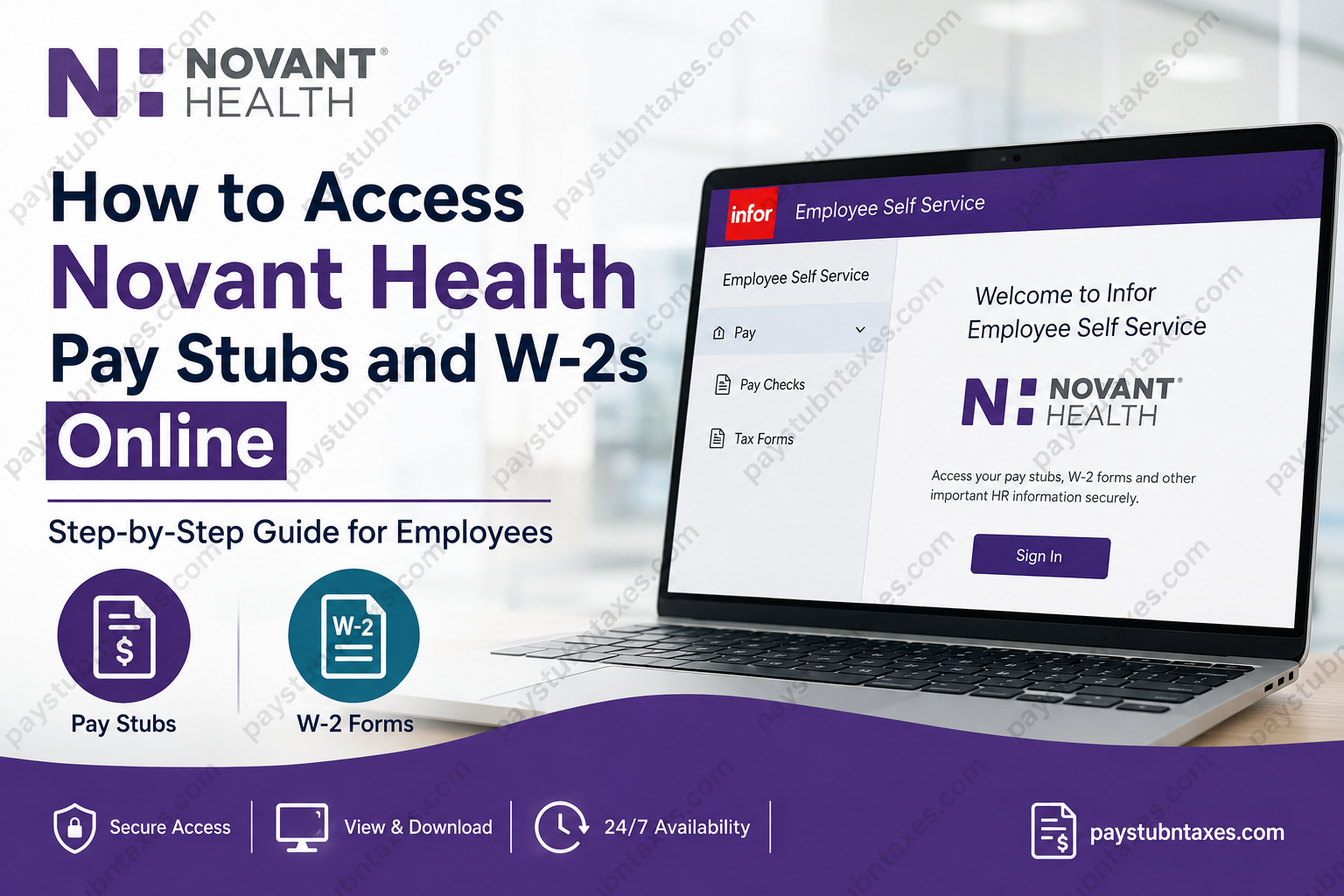
For more than four decades, Novant Health has remained at the forefront of patient-centered healthcare, serving millions of residents across North Carolina and South Carolina through an expansive network of hospitals, physician practices, urgent care centers, outpatient facilities, imaging centers, pharmacies, and virtual care services. Today, the organization encompasses more than 850 healthcare locations, including 19 hospitals, supported by approximately 41,000 team members and 8,600 employed and independent clinicians dedicated to delivering exceptional care. Beyond its clinical excellence, Novant Health is equally committed to supporting its workforce through modern digital solutions that simplify everyday employment tasks. Team members can securely access payroll information, tax documents, benefits, scheduling resources, and HR services through the Infor Employee Self Service (ESS) portal, enabling employees to manage important employment records from virtually anywhere. Whether you need to download your latest paycheck, print a previous pay statement, or retrieve your annual Form W-2 for tax filing, this guide explains every step required to access your payroll information quickly and securely.
Novant Health Employee Payroll Portal
Novant Health uses the Infor Employee Self Service (ESS) platform as its primary payroll and HR self-service system. The portal allows employees to:
- View and print electronic pay stubs
- Access annual W-2 tax forms
- Review payroll history
- Update certain payroll-related information
- Access HR resources and employment services
- Manage benefits and employment records
Infor Employee Self Service Login
Portal: https://novant-prd.ic.infor.com/
How to Log Into the Novant Health Infor Employee Self-Service Portal
Follow these steps to sign in securely:
Step 1: Open your web browser and visit: https://novant-prd.ic.infor.com/
Step 2: Enter your:
- Novant Health User ID
- Password
Step 3: If you are accessing the portal from outside the Novant Health network, complete the Microsoft Authenticator verification process before continuing. Remote access requires multi-factor authentication to protect employee accounts and payroll information.
Step 4: After authentication, you’ll arrive at the Employee Self Service dashboard.
How to View Novant Health Pay Stubs
After signing into Employee Self Service:
- Open Employee Self Service
- Select Pay
- Click Pay Checks
- Choose the desired pay period
- View your pay statement
- Download or print a PDF copy for your records
Your pay stub typically includes:
- Gross earnings
- Net pay
- Federal and state tax withholding
- Retirement deductions
- Health insurance deductions
- Paid time off balances (if applicable)
- Direct deposit information
- Year-to-date earnings
How to Download Your Novant Health W-2 Online
When W-2 forms become available, usually in late January, employees can access them online through Employee Self Service.
Steps
- Log into Infor Employee Self Service
- Select Pay
- Click Tax Forms
- Choose the appropriate tax year
- Open your W-2
- Download or print a copy for tax filing
Electronic access provides immediate availability without waiting for postal delivery.
What Happens If You Are a Former Novant Health Employee?
Former employees follow a slightly different process.
If you no longer have active network access:
- Visit the Infor Employee Self Service portal.
- During your first login after separation, select Create Account to establish access.
- After completing registration, future logins will use your User ID and password.
If you are unable to access your account, Novant Health Human Resources prints W-2 forms for terminated employees and mails them to the home address on file. Active employees are expected to print their own W-2 from Employee Self Service once it becomes available in late January.
Accessing Employee Self-Service from Home
Current employees can securely access Infor from home.
If connecting outside the Novant Health network:
- Use your regular employee credentials.
- Complete Microsoft Authenticator verification.
- Continue into Employee Self Service after successful authentication.
This additional verification protects sensitive payroll and personal information.
Microsoft Authenticator Requirements
For off-site access, Novant Health requires Microsoft Authenticator for multi-factor authentication.
The application is available for:
- iPhone (App Store)
- Android (Google Play)
After installation, employees register their Novant Health account and approve sign-in requests whenever accessing protected systems remotely.
What Information Can You Access Through Employee Self-Service?
Infor Employee Self Service provides convenient access to numerous employment records, including:
- Current pay stubs
- Previous pay statements
- Annual W-2 forms
- Payroll history
- Tax withholding documents
- Benefits information
- Employment records
- HR resources
HR Service Center Contact Information
If you experience problems accessing your payroll information or have payroll-related questions, contact the Novant Health HR Service Center.
HR Service Center
Phone: 800-890-5420
Email: AskHR@NovantHealth.org
The HR Service Center assists with:
- Payroll questions
- Benefits
- Employment policies
- Employee records
- General Human Resources support
IT Support
If you cannot sign in, encounter authentication problems, or need assistance with Microsoft Authenticator, contact the IT Service Desk.
IT Service Desk
Phone: 866-966-8268
Support is available for:
- Password issues
- Login failures
- Multi-factor authentication
- Remote access
- Employee portal technical support
Benefits of Using Infor Employee Self-Service
Using the Employee Self Service portal offers several advantages:
- Secure 24/7 access
- Paperless payroll records
- Instant W-2 availability
- Easy PDF downloads
- Reduced dependence on HR
- Convenient access from work or home
- Encrypted authentication for enhanced security
Conclusion
Novant Health has streamlined payroll management by providing employees with secure, self-service access to pay stubs, W-2 forms, and essential HR resources through the Infor Employee Self Service platform. Whether you are an active team member checking your latest earnings or a former employee retrieving tax documents, the portal offers a fast, reliable, and secure way to manage your employment records. With Microsoft Authenticator safeguarding remote access and dedicated HR and IT support available whenever needed, employees can confidently access their payroll information from virtually anywhere while maintaining the highest standards of security and privacy.
Frequently Asked Questions
1. How do I access my Novant Health pay stubs online?
Log in to the Novant Health Infor Employee Self Service (ESS) portal, select Employee Self Service, then navigate to Pay → Pay Checks to view, download, or print your pay statements.
2. Where can I download my Novant Health W-2?
After signing into the Infor ESS portal, go to Pay → Tax Forms and select the appropriate tax year to view or download your W-2.
3. What is the Novant Health Employee Self-Service portal?
The Infor Employee Self Service (ESS) portal is Novant Health’s online HR platform where employees can access pay stubs, W-2 forms, payroll history, and other employment-related information.
4. When are Novant Health W-2 forms available?
Electronic W-2 forms are generally available in late January each year for active employees.
5. Can former Novant Health employees access their W-2 online?
Yes. Former employees should select Create Account during their first login to the Infor ESS portal. If online access is unavailable, Human Resources will mail the W-2 to the address on file.
6. Do I need Microsoft Authenticator to access my payroll information?
Yes. Employees accessing the Infor ESS portal outside the Novant Health network must complete Microsoft Authenticator verification for secure remote access.
7. Can I print my Novant Health pay stubs?
Yes. Every pay statement can be viewed online and printed or downloaded as a PDF for your records.
8. What information appears on my Novant Health pay stub?
Your pay stub includes gross pay, net pay, tax withholdings, benefit deductions, retirement contributions, direct deposit details, and year-to-date earnings.
9. What should I do if I cannot log into the Employee Self Service portal?
Verify your credentials first. If you continue experiencing login issues, contact the Novant Health IT Service Desk at 866-966-8268 for assistance.
10. How do I reset my Novant Health Employee Self Service password?
Use the password recovery option if available or contact the IT Service Desk to reset your account credentials.
11. Can I access my Novant Health payroll information from home?
Yes. Employees can securely access the Infor Employee Self Service portal from home using their employee credentials and Microsoft Authenticator.
12. Who should I contact for payroll or W-2 questions?
For payroll, benefits, or tax document questions, contact the Novant Health HR Service Center at 800-890-5420 or email AskHR@NovantHealth.org.
13. Is the Novant Health payroll portal available 24/7?
Yes. The Infor Employee Self Service portal is generally available 24 hours a day, except during scheduled maintenance periods.
14. Can I view previous years’ pay stubs and payroll history?
Yes. Employees can access historical pay statements and payroll records through the Employee Self Service portal, subject to company retention policies.
15. Is my personal payroll information secure?
Yes. Novant Health protects employee payroll data through secure login procedures, encrypted connections, and multi-factor authentication using Microsoft Authenticator.
