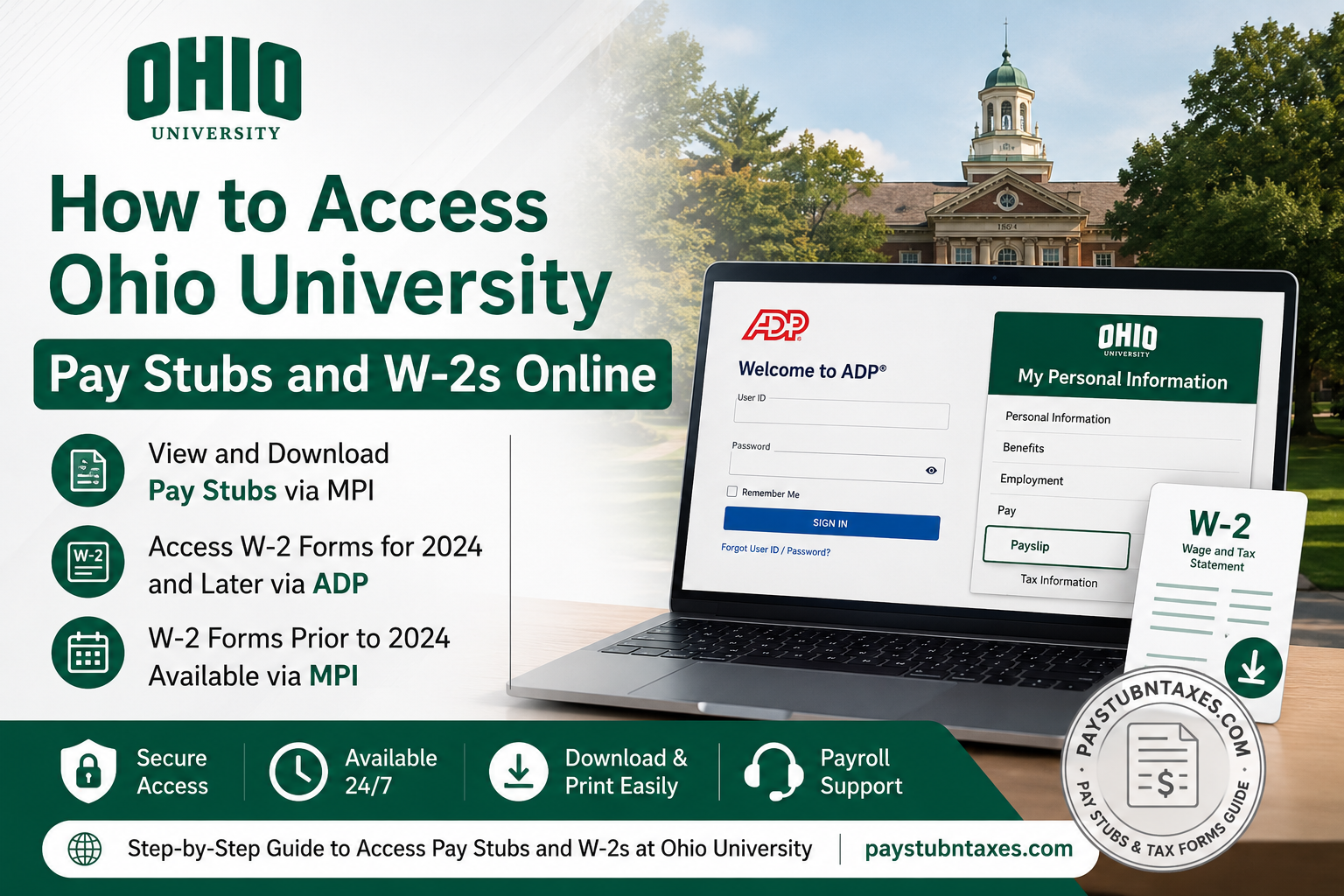
Ohio University has long been recognised for its academic excellence, vibrant campus life, and distinguished history dating back to 1804. Alongside providing world-class education, the university also offers employees convenient online tools for accessing payroll information and tax documents. Whether you are a current employee, retired staff member, or former employee, obtaining your pay stubs and W-2 forms is a straightforward process once you understand which portal to use and how the system works.
Quick Answer
| Document | Portal | Who Can Access |
| Pay Stubs | My Personal Information (MPI) | Current employees |
| W-2 Forms for 2024 and Future Years | ADP | Current, retired, emeriti, and former employees |
| W-2 Forms for Years Before 2024 | My Personal Information (MPI) | Eligible employees and former employees |
How to Access Ohio University Pay Stubs Online
Ohio University continues to provide employee pay slips through the My Personal Information (MPI) portal, even though W-2 processing has transitioned to ADP.
Step 1: Visit the Ohio University Website
Go to the Ohio University website and click Log In.
Step 2: Open My Personal Information
From the drop-down menu, select My Personal Information (MPI).
Step 3: Sign in Using Microsoft SSO
Enter your Ohio University email address and password to authenticate through Microsoft Single Sign-On.
Step 4: Access Your Payslip
After signing in: My Personal Information → Payslip
You can then view, download, or print your current and historical pay statements.
How to Access Ohio University W-2 Forms Online
Beginning with the 2024 tax year, Ohio University adopted ADP for processing and distributing annual W-2 statements. Employees can conveniently retrieve their tax forms online without waiting for paper copies in the mail.
For Current Employees
Step 1: Visit the ADP Portal
Navigate to: www.ohio.edu/myadp
Step 2: Sign In
Use your Ohio University employee email address and password through the university’s Single Sign-On system.
Step 3: Select Delivery Preferences
Upon your first login, ADP will ask whether you would like to:
- Receive paperless tax statements
- Receive email notifications when new forms become available
Step 4: View Your W-2
Once your tax statement has been issued, it will appear under: Tax Statements
You can then download or print your W-2 for tax filing purposes.
For Former Employees
Former employees who have never used ADP must create an account before accessing their tax documents.
Step 1: Visit ADP
Go to: my.adp.com
Step 2: Select “Get Started”
Choose: I Have a Registration Code
Step 3: Enter the Registration Code
Registration Code: OHIOUNIV-W2
Step 4: Provide Verification Information
You will need:
- Six-digit Employee ID
- Company Code: 7QC
- ZIP Code on file with Ohio University
- Social Security Number
Step 5: Verify Your Identity
ADP will send a confirmation code to your phone number.
Step 6: Create Your Account
Set up your:
- User ID
- Password
- Contact information
Step 7: Access Your W-2
After signing in, your W-2 statements will appear in the Tax Statements section.
Where Can I Find My Employee ID?
Your six-digit employee ID can be found on your Ohio University pay stub.
If you cannot locate it, contact:
- Ohio University OIT Service Desk
- Phone: 740-593-1222
- Email: servicedesk@ohio.edu
Identity verification may be required before your employee ID can be released.
How to Access Older W-2 Forms
Ohio University maintains two different systems for tax forms.
Tax Year 2024 and Later
Access through:
- ADP
- www.ohio.edu/myadp
Tax Years Before 2024
Access through:
- My Personal Information (MPI)
This dual-system arrangement ensures that employees can retrieve both current and historical tax records whenever necessary.
Benefits of Going Paperless
Enrolling in electronic W-2 delivery offers several advantages:
Enhanced Security
Electronic documents are less likely to be lost or stolen than paper mail.
Earlier Access
Paperless users often receive W-2 forms sooner than employees who wait for mailed copies.
Email Notifications
ADP automatically sends notifications when new tax statements become available.
Easy Record Keeping
Digital documents can be downloaded and stored securely for future reference.
Troubleshooting Login Issues
Forgot Your Ohio University Password?
Visit: account.ohio.edu
or contact the OIT Service Desk at: 740-593-1222
Cannot Access ADP?
Remember that new employees cannot access ADP until after receiving their first paycheck.
Changed Phone Number?
Update your contact information in ADP before attempting account recovery.
Cannot Locate Older W-2 Forms?
Check whether the form belongs in ADP or MPI, depending on the tax year.
Ohio University Payroll Contact Information
| Department | Contact |
| OIT Service Desk | 740-593-1222 |
| Email Support | servicedesk@ohio.edu |
| Password Management | account.ohio.edu |
| ADP Portal | www.ohio.edu/myadp |
Final Thoughts
Ohio University has modernised its payroll and tax document management by combining the familiar My Personal Information portal with the robust capabilities of ADP. Whether you need a recent pay stub, a historical W-2, or your latest tax statement, both systems provide secure and convenient access around the clock. By understanding which platform houses your documents and by maintaining updated account information, you can retrieve your payroll records quickly and avoid unnecessary delays during tax season.
Frequently Asked Questions
1. How do I access my Ohio University pay stubs online?
Log in to My Personal Information (MPI) using your OHIO email credentials and select Payslip from the menu.
2. Where can I find my Ohio University W-2 form?
W-2 forms for 2024 and future tax years are available through ADP at www.ohio.edu/myadp.
3. How do former employees access their W-2 forms?
Former employees can register on ADP using the registration code OHIOUNIV-W2.
4. What is the Ohio University ADP registration code?
The registration code is OHIOUNIV-W2.
5. What is Ohio University’s ADP company code?
The company code is 7QC.
6. Can I access W-2 forms from previous years?
Yes. W-2 forms for years before 2024 are available through the My Personal Information (MPI) portal.
7. When can new employees access ADP?
New employees can access ADP only after receiving their first paycheck from Ohio University.
8. How do I retrieve my six-digit employee ID?
You can find your employee ID on your pay stub or contact the OIT Service Desk for assistance.
9. What should I do if I forgot my Ohio University password?
Visit account.ohio.edu or call the OIT Service Desk at 740-593-1222.
10. Can I opt for paperless W-2 delivery?
Yes. ADP allows employees to enroll in paperless tax statements and receive email notifications.
11. Is electronic W-2 delivery secure?
Yes. Electronic delivery is more secure than receiving sensitive tax documents through postal mail.
12. Can I print my Ohio University pay stubs and W-2 forms?
Yes. Both MPI and ADP allow you to download and print your documents.
13. What information is required to create an ADP account?
You need your employee ID, company code (7QC), ZIP code on file, and Social Security Number.
14. What happens if I change my phone number?
Update your contact information in ADP to ensure you can receive verification codes and notifications.
15. Who should I contact if I cannot access my payroll records?
Contact the Ohio University OIT Service Desk at 740-593-1222 or email servicedesk@ohio.edu.
