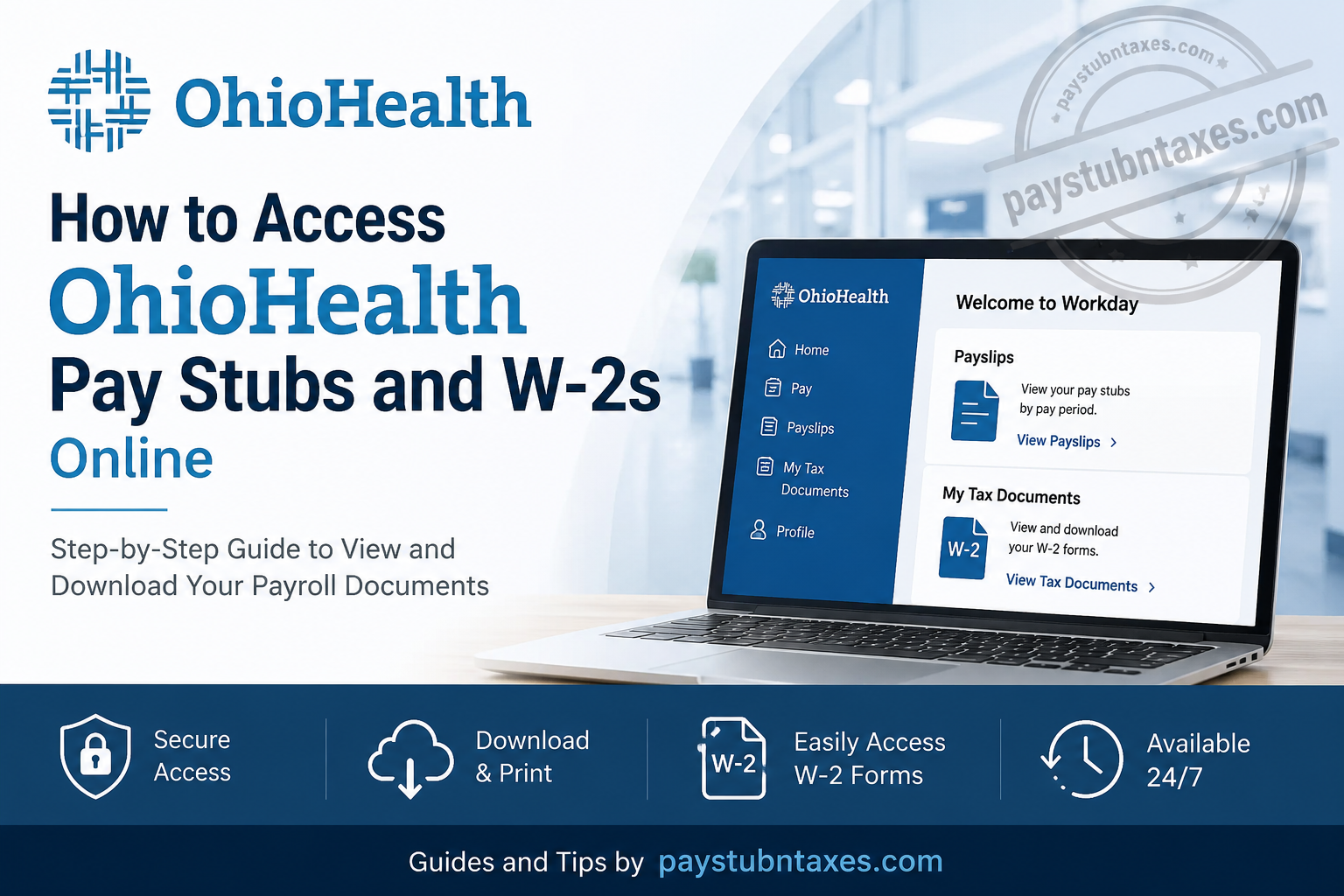
Managing payroll documents efficiently is essential for every healthcare professional, particularly when tax season arrives or proof of income is required. Fortunately, OhioHealth provides associates with secure online access to their pay stubs and W-2 tax forms through its Workday platform, allowing employees to review, download, and print payroll documents at their convenience. Whether you are a current associate seeking your latest earnings statement or preparing your annual tax return, this comprehensive guide will walk you through the entire process.
About OhioHealth
Founded in 1891 and headquartered in Columbus, Ohio, OhioHealth is one of the nation’s most respected non-profit healthcare systems. The organization employs approximately 35,000 associates, physicians, and volunteers and operates:
- 16 hospitals
- Three joint-venture hospitals
- More than 200 ambulatory sites
- Services across 50 counties in Ohio
OhioHealth has consistently earned national recognition, including being named one of FORTUNE’s “100 Best Companies to Work For” numerous times and achieving Great Place to Work® Certification.
Its mission remains clear:
To improve the health of those we serve.
OhioHealth Workday Login Portal
Current associates and contract workers can access payroll information through the OhioHealth Workday portal.
OhioHealth Workday Login:
https://wd5.myworkday.com/ohiohealth/login.htmld
Employees must sign in using:
- OhioHealth Username (OPID)
- OhioHealth Password
The portal can be accessed from both desktop and mobile devices, enabling associates to retrieve payroll information wherever they are.
How to Access OhioHealth Pay Stubs Online
OhioHealth stores electronic payslips within the Workday system, enabling employees to review their earnings history, deductions, taxes, and direct deposit information digitally.
Step 1: Log Into Workday
Visit the OhioHealth Workday portal:
https://wd5.myworkday.com/ohiohealth/login.htmld
Enter:
- OPID (OhioHealth Username)
- Password
Then click Next.
Step 2: Open Your Profile
After signing in:
- Click your profile icon.
- Navigate to the Pay application.
Step 3: Select Payslips
Under the Pay section:
- Click Payslips.
- A list of available pay periods will appear.
Step 4: View Your Pay Stub
Choose the desired pay period and click the PDF link beside the payment date.
Your pay stub will open instantly and can be:
- Viewed online
- Downloaded
- Printed
- Saved for future reference
Information Available on Your OhioHealth Pay Stub
Your payslip contains detailed payroll information, including:
- Gross earnings
- Net pay
- Federal and state taxes withheld
- Retirement contributions
- Health insurance deductions
- Paid time off balances
- Direct deposit details
- Year-to-date earnings
Regularly reviewing your pay statements helps ensure payroll accuracy and allows you to identify discrepancies promptly.
How to Access OhioHealth W-2 Forms Online
W-2 forms are typically published annually within Workday and remain available under the tax documents section.
Step 1: Sign In to Workday
Access the OhioHealth Workday portal and log in using your credentials.
Step 2: Open the Pay Dashboard
From the homepage:
- Select Pay.
- Navigate to My Tax Documents.
Step 3: Locate Your W-2 Form
Under My Tax Documents, you will see:
- Tax year
- Issue date
- Employee copy
- Download options
Step 4: View or Print Your W-2
Click View/Print.
You can then:
- Download the PDF
- Print your W-2
- Save a copy for tax filing purposes
How to Download Previous W-2 Forms
Depending on OhioHealth’s document retention policies, previous tax forms may remain available within Workday.
To retrieve older W-2s:
- Sign in to Workday.
- Open My Tax Documents.
- Select the applicable tax year.
- Download the document.
If an older W-2 is unavailable, contact Payroll Services or Human Resources for assistance.
What If You Forgot Your OhioHealth Password?
If you cannot sign in:
- Click Can’t access your account?
- Follow the password reset instructions.
- Verify your identity.
You may also contact:
OhioHealth IS Support
Phone: (614) 566-4357
The support team can assist with:
- Password resets
- Multi-factor authentication issues
- Off-network access problems
- Account lockouts
Troubleshooting OhioHealth Workday Login Issues
You may experience login difficulties for several reasons:
Incorrect OPID
Verify that you are entering your OhioHealth username correctly.
Expired Password
Reset your password using the recovery option.
Off-Network Access Issues
Certain accounts may require additional configuration for remote access.
Browser Problems
Try:
- Google Chrome
- Microsoft Edge
- Mozilla Firefox
Clear your browser cache if the portal does not load properly.
Benefits of Accessing Pay Stubs and W-2s Online
Using Workday offers several advantages:
✅ Secure access 24/7
✅ Immediate availability of payroll documents
✅ Faster tax preparation
✅ Reduced paperwork
✅ Easy record keeping
✅ Access from virtually anywhere
Final Thoughts
OhioHealth’s Workday platform makes managing payroll records remarkably straightforward. With just a few clicks, associates can securely access their pay stubs, review tax information, and download W-2 forms whenever needed. By embracing digital payroll services, OhioHealth continues to provide its workforce with efficient tools that simplify administrative tasks and allow employees to focus on what truly matters—delivering exceptional patient care and improving the health of the communities they serve.
FAQs
1. How do I access my OhioHealth pay stubs online?
Log in to the OhioHealth Workday portal using your OPID and password, then go to Pay > Payslips.
2. Where can I find my W-2 form at OhioHealth?
Your W-2 is available in Workday under Pay > My Tax Documents.
3. What is the OhioHealth Workday login website?
The login portal is: https://wd5.myworkday.com/ohiohealth/login.htmld.
4. What is an OPID at OhioHealth?
An OPID is your unique OhioHealth employee username used to access company systems.
5. Can I print my OhioHealth pay stubs?
Yes. Workday allows you to download and print pay stubs in PDF format.
6. When are OhioHealth W-2 forms available?
W-2 forms are generally available by the end of January each year.
7. Can I access Workday from home?
Yes. Employees can access Workday remotely if off-network access is properly configured.
8. What should I do if I forget my OhioHealth password?
Click Can’t access your account? on the login page or contact IS Support.
9. Who do I contact for OhioHealth Workday login issues?
Contact OhioHealth IS Support at (614) 566-4357.
10. Can former employees access OhioHealth pay stubs?
Former employees may need to contact Payroll or Human Resources if online access has been disabled.
11. How do I download my W-2 from Workday?
Open My Tax Documents, select the tax year, and click View/Print.
12. Are OhioHealth pay stubs available on mobile devices?
Yes. Workday is accessible from smartphones and tablets.
13. How long are pay stubs stored in Workday?
Retention periods may vary. Contact Payroll if older documents are unavailable.
14. Can I receive a paper copy of my W-2?
Depending on OhioHealth’s payroll policies, paper copies may also be mailed to employees.
15. Why can’t I see my W-2 form in Workday?
Your W-2 may not yet be published, or there may be an account access issue requiring Payroll assistance.
