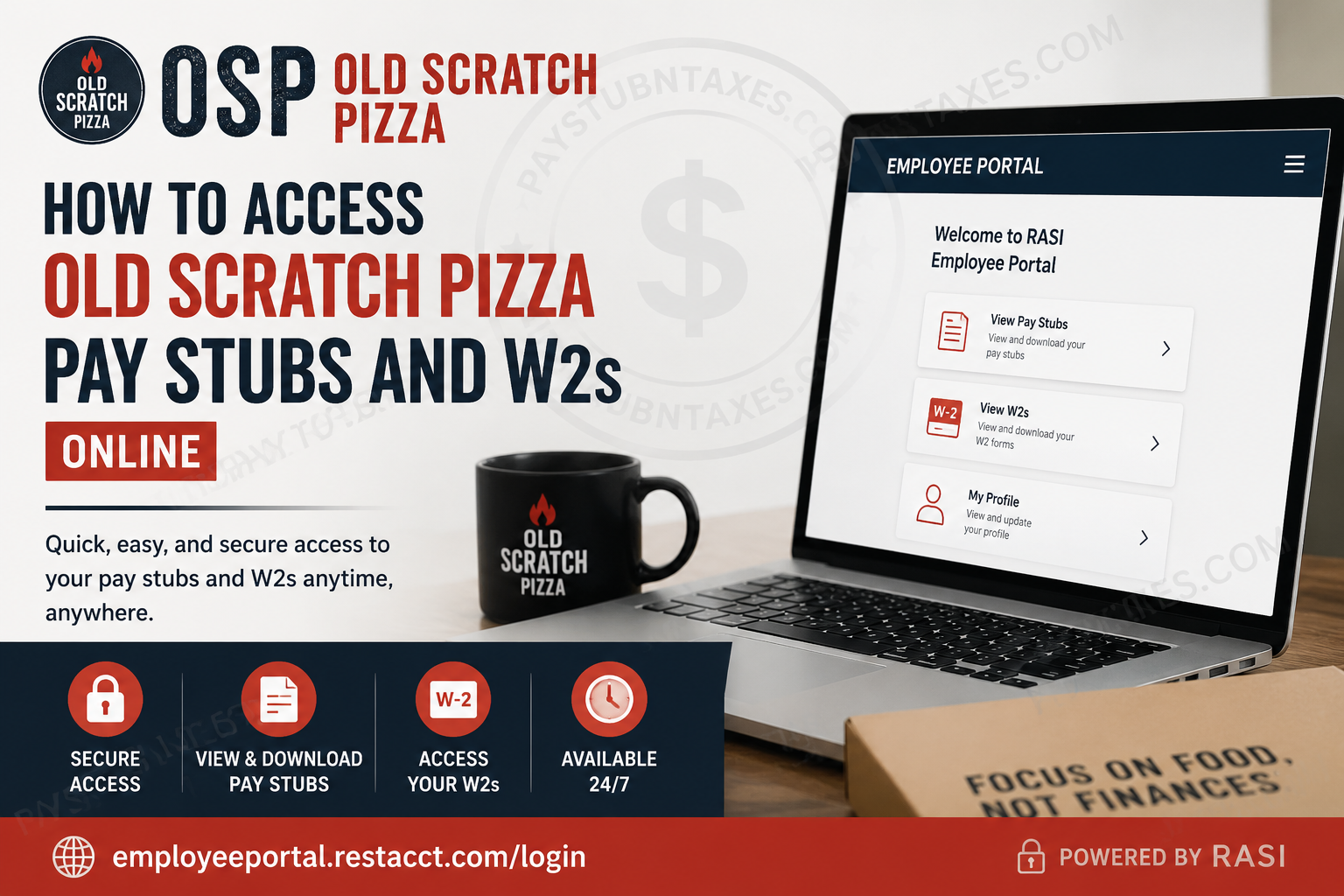
Old Scratch Pizza has built a reputation for combining authentic Neapolitan-inspired pizza with Midwestern hospitality, creating an environment where exceptional food, outstanding service, and community values intersect. Founded by Eric and Stephanie Soller, Old Scratch Pizza opened its first location in Downtown Dayton on October 18, 2016, and has since become a beloved destination for families, professionals, students, and pizza enthusiasts alike. For employees, Old Scratch Pizza provides convenient online access to payroll records, including pay stubs and annual W-2 tax forms. Through the Employee Portal, team members can securely review earnings, taxes, hours worked, and other payroll-related information whenever they need it. This guide explains everything you need to know about accessing your Old Scratch Pizza pay stubs and W-2s online.
Old Scratch Pizza Payroll Overview
Old Scratch Pizza distributes payroll on a weekly basis, with employees typically receiving payment every Friday. Team members are encouraged to enroll in direct deposit for faster and more secure access to wages.
Employees who have not yet enrolled in direct deposit may receive physical paychecks, which can be collected from their manager. Former employees who are no longer enrolled in direct deposit generally receive their final paycheck and W-2 form by mail at the address on file.
Because payroll records contain sensitive personal information, Old Scratch Pizza utilizes a secure Employee Portal managed through Restaurant Accounting Services Inc. (RASI) to provide convenient online access.
Employee Portal Login Information
Employee Portal:
https://employeeportal.restacct.com/login
The portal serves as a centralized location where employees can:
- View current and previous pay stubs
- Access annual W-2 tax forms
- Download payroll documents
- Print payroll records for personal use
- Review payroll history from eligible employment locations
How to Access Old Scratch Pizza Pay Stubs Online
Follow these steps to view your paycheck information online:
Step 1: Visit the Employee Portal
Open your browser and navigate to: https://employeeportal.restacct.com/login
Step 2: Sign In
Enter your registered:
- Email address or phone number
- Password
If you are a first-time user, complete the account registration process by verifying your identity.
Step 3: Select Your Employment Location
After logging in, you will see a list of locations associated with your payroll history.
Choose the appropriate location.
Step 4: Open Pay Stub Records
Click: View Pay Stubs
Step 5: Select a Pay Date
Choose the desired:
- Check date, or
- Check number
Step 6: Download or Print
Your pay stub will open as a PDF document.
You may:
- View online
- Download for your records
- Print a physical copy
What Information Appears on Your Pay Stub?
Old Scratch Pizza pay stubs provide detailed payroll information, including:
- Weekly hours worked
- Year-to-date hours
- Gross wages
- Net pay
- Tips earned
- Federal tax withholdings
- State tax withholdings
- Social Security deductions
- Medicare deductions
- Paid Time Off (PTO) balances
- Year-to-date earnings
Reviewing your pay stub regularly helps ensure payroll accuracy and provides valuable documentation for loans, housing applications, and tax preparation.
How to Access Your Old Scratch Pizza W-2 Online
Employees can also retrieve annual tax forms through the Employee Portal.
Step 1: Log In
Visit: https://employeeportal.restacct.com/login
Step 2: Select Your Employment Location
Choose the appropriate workplace listed on your account.
Step 3: Open W-2 Records
Click: View W2s
Step 4: Choose the Tax Year
Select the year for the W-2 form you wish to access.
Step 5: Download or Print
The W-2 will appear as a PDF file that can be:
- Downloaded
- Saved electronically
- Printed for tax filing purposes
First-Time Portal Registration
If you have never accessed the Employee Portal before, follow these steps:
1. Accept Your Invitation
You may receive an invitation through email or text message.
2. Verify Your Identity
The system will request:
- Last four digits of your Social Security Number
- Date of Birth
3. Create Your Password
Once your identity is verified, create a secure password.
4. Verify Your Email Address
Check your email inbox and click the verification link.
5. Sign In
Return to the portal login page and access your account.
Troubleshooting Login Problems
If you experience difficulty accessing your payroll records:
Forgotten Password
Use the password reset option available on the login page.
Verification Failure
If your Social Security Number or Date of Birth cannot be verified, contact your employer to confirm your information.
Locked Account
Accounts may become temporarily locked after multiple unsuccessful verification attempts.
Contact your manager for assistance and a new invitation if necessary.
Technical Issues
Notify your manager immediately if you cannot access your payroll records.
Information for Former Employees
Former Old Scratch Pizza employees may still need access to payroll and tax documents.
Important reminders:
- Keep your mailing address current with the company.
- Final paper checks are mailed if direct deposit is not active.
- Annual W-2 forms are generally mailed to the address on file if online access is unavailable.
Maintaining updated contact information can prevent delays in receiving important tax documents.
Why Online Payroll Access Matters
Digital payroll access offers several advantages:
- Secure document storage
- 24/7 availability
- Faster tax preparation
- Easy earnings verification
- Reduced paperwork
- Convenient record keeping
Instead of waiting for paper copies, employees can retrieve payroll information whenever needed.
Contact Human Resources
For payroll, W-2, or Employee Portal assistance, contact:
Human Resources
Email: shayna@oldscratchpizza.com
Your manager can also help resolve account access issues and payroll-related concerns.
Final Thoughts
Old Scratch Pizza makes it simple for employees to manage payroll records online through the secure Employee Portal. Whether you need a recent pay stub, historical earnings information, or your annual W-2 tax form, the system provides quick and convenient access in just a few clicks. By regularly reviewing your payroll records and keeping your contact information current, you can ensure uninterrupted access to the documents you need throughout the year.
Frequently Asked Questions
1. How do I access my Old Scratch Pizza pay stubs online?
Log in to the Employee Portal at employeeportal.restacct.com/login, select View Pay Stubs, and choose the paycheck you wish to view.
2. Where can I find my Old Scratch Pizza W-2 form?
You can access your W-2 through the Employee Portal by selecting View W2s and choosing the applicable tax year.
3. What website does Old Scratch Pizza use for payroll access?
Old Scratch Pizza employees use the RASI Employee Portal at employeeportal.restacct.com/login.
4. How often does Old Scratch Pizza pay employees?
Old Scratch Pizza distributes payroll weekly, with paydays typically occurring every Friday.
5. Does Old Scratch Pizza offer direct deposit?
Yes. Employees can enroll in direct deposit during onboarding or request enrollment through their manager.
6. What information appears on an Old Scratch Pizza pay stub?
Pay stubs typically show hours worked, wages earned, tips, PTO balances, tax withholdings, and year-to-date earnings.
7. Can I download my pay stubs as PDF files?
Yes. Pay stubs open as PDF documents that can be downloaded, saved, or printed.
8. Can I print my W-2 from the Employee Portal?
Yes. W-2 forms are available in PDF format and can be printed directly from the portal.
9. What should I do if I forget my Employee Portal password?
Use the password recovery option on the login page or contact your manager for assistance.
10. Why can’t the portal verify my identity?
Identity verification may fail if your date of birth or Social Security information does not match company records. Contact your employer to update your information.
11. What happens if my account becomes locked?
Accounts may lock after multiple failed login attempts. Contact your manager or payroll administrator to regain access.
12. Can former employees access Old Scratch Pizza W-2 forms?
Former employees may receive W-2 forms by mail at the address on file. Maintaining updated contact information is important.
13. Where do I get my final paycheck after leaving Old Scratch Pizza?
If you are not enrolled in direct deposit, your final paycheck is generally mailed to the address on file.
14. Who should I contact for payroll or W-2 questions?
Employees can contact Human Resources at shayna@oldscratchpizza.com for payroll assistance.
15. Is the Employee Portal available 24/7?
Yes. Employees can generally access payroll records, pay stubs, and W-2 forms online anytime through the Employee Portal.
