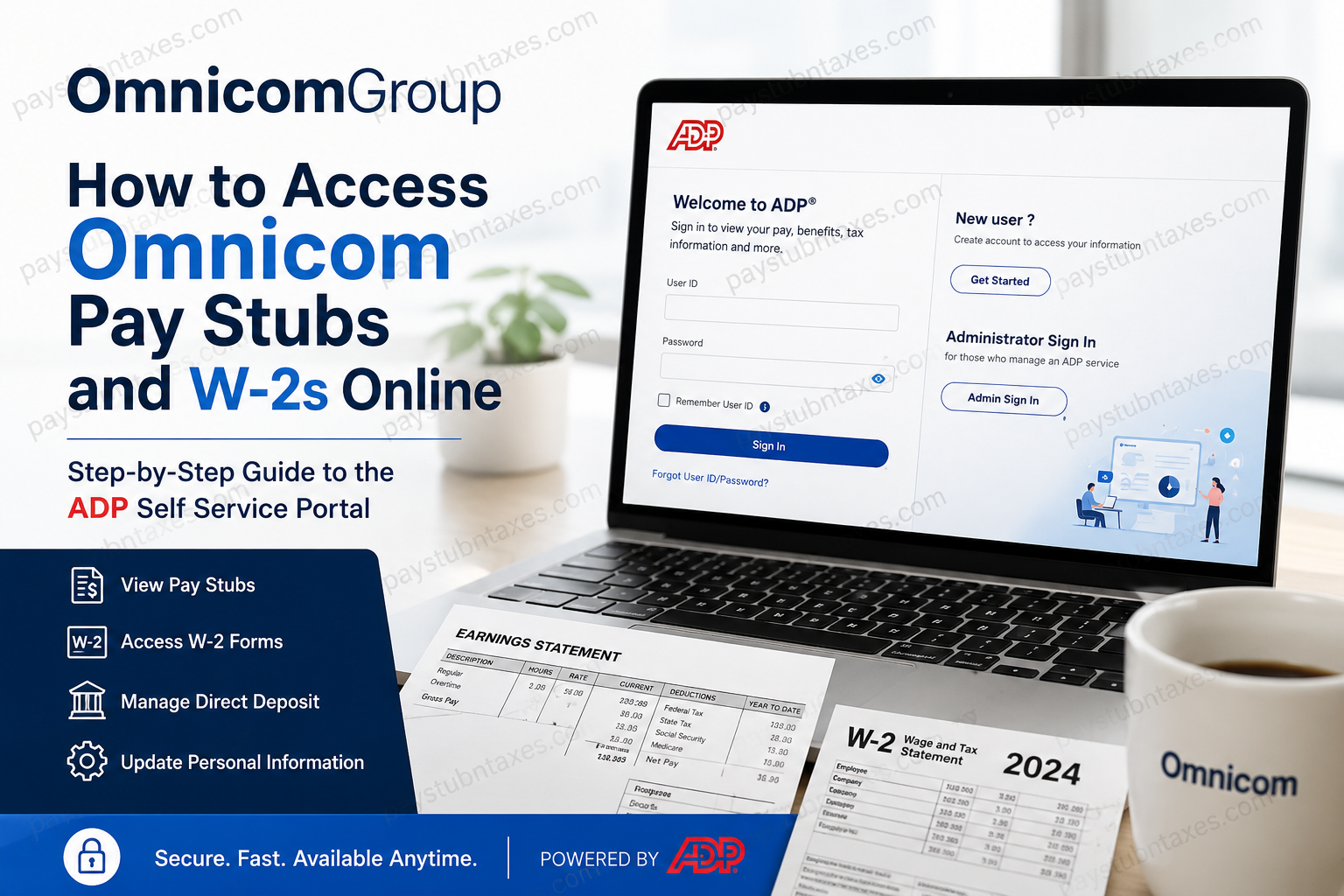
Managing payroll documents should never feel like navigating a labyrinth. Fortunately, Omnicom has streamlined the process by providing employees with secure, self-service access to pay stubs, tax documents, and payroll information through the ADP Self Service Portal. Whether you are a current employee or a former team member needing a copy of your W-2, the process is straightforward and can be completed in just a few minutes. In this guide, you’ll learn how to register for the portal, log in, and download your Omnicom pay stubs and W-2 forms online.
About Omnicom
Omnicom is one of the world’s leading marketing and communications companies, operating an extensive network of agencies that specialize in advertising, public relations, media planning, branding, healthcare marketing, and experiential marketing. With a global footprint and thousands of employees worldwide, the company leverages cutting-edge technology and integrated services to deliver innovative solutions for its clients.
To support its workforce, Omnicom uses ADP’s Employer Services platform for payroll administration and tax document management.
How to Register for the Omnicom ADP Self-Service Portal
If you are accessing the portal for the first time, you must complete a one-time registration process.
Step 1: Visit the ADP Website
Go to: https://my.adp.com
Step 2: Select “Get Started”
Click “Get Started” beside the New User section.
Step 3: Enter the Registration Pass Code
Use the following registration code: omnicom-group
Step 4: Verify Your Identity
You’ll be asked to provide:
- Full name
- Social Security Number
- Contact information
- Security questions and answers
Step 5: Create Login Credentials
Create:
- A unique User ID
- A secure password
Step 6: Complete Account Verification
ADP will send an activation code to your:
- Email address
- Mobile phone number
Enter the code to finalize your registration.
Once completed, your ADP account is fully activated and ready for use.
How to Log In to the Omnicom ADP Portal
Returning users can sign in by following these simple steps:
- Visit https://my.adp.com
- Enter your User ID.
- Enter your Password.
- Click Sign In.
- Your ADP dashboard will appear.
From your dashboard, you can manage nearly every aspect of your payroll information, including direct deposits, tax forms, and pay statements.
How to View and Download Omnicom Pay Stubs
After signing into your ADP account:
Method 1: Through Pay Statements
- Navigate to Myself.
- Select Pay.
- Click Pay & Tax Statements.
- Locate the Pay Statements section.
- Choose the desired pay period.
- Click View Statement.
- Download or print the pay stub for your records.
The ADP portal also allows employees to update payroll-related information such as direct deposit details and tax withholding preferences.
How to Access and Download Your Omnicom W-2 Online
Your annual W-2 form is available electronically through ADP.
Step-by-Step Instructions
- Log in to my.adp.com.
- Click Myself.
- Select Pay.
- Choose Pay & Tax Statements.
- Under the Tax Statements section, click View All Statements.
- Select the appropriate tax year.
- Click Open Document.
- When the document opens, click Download or Print in the upper-right corner of the page.
Downloading a digital copy ensures that you have immediate access to your tax records whenever needed.
Information Available Through the ADP Self-Service Portal
The Omnicom ADP portal enables employees to manage:
- Paychecks and earnings statements
- W-2 tax forms
- Direct deposit information
- Federal and state tax elections
- Personal information and addresses
- Payroll history
- Tax withholding preferences
Any changes to payroll information should be submitted before the payroll cut-off date to ensure they apply to the corresponding paycheck.
Forgot Your ADP User ID or Password?
If you’ve forgotten your login credentials:
- Visit my.adp.com.
- Click Forgot User ID or Forgot Password.
- Verify your identity.
- Follow the prompts to reset your credentials.
If you no longer have access to your registered email address or phone number, contact Human Resources for assistance.
Former Employees: Can You Still Access Your W-2?
Yes. Former Omnicom employees can generally continue accessing their W-2 forms through the ADP portal if their accounts remain active.
If your account has been deactivated:
- Contact your former HR representative.
- Request a duplicate W-2.
- Ask for instructions to regain access to your ADP account.
Need Help?
If you encounter any issues with registration, login, or tax documents, contact the Omnicom HR support team:
Email: fieldselfservice@gmrmarketing.com
A member of the Human Resources team can assist with:
- Registration issues
- Password resets
- W-2 access problems
- Payroll discrepancies
- Updating personal information
Final Thoughts
The Omnicom ADP Self-Service Portal places your payroll information at your fingertips, allowing you to access pay stubs, update personal details, and retrieve W-2 forms without contacting HR for routine requests. By embracing a digital, self-service approach, Omnicom has made payroll administration considerably more efficient, enabling employees to obtain essential tax and compensation documents quickly, securely, and conveniently. Whether you need your latest pay statement or a prior year’s W-2 for tax filing purposes, a few clicks on the ADP portal are all it takes to access the information you need.
Frequently Asked Questions
1. How do I access my Omnicom pay stubs online?
Log in to the ADP Self Service Portal at my.adp.com and navigate to Myself > Pay > Pay & Tax Statements.
2. What website does Omnicom use for payroll services?
Omnicom uses the ADP Self Service Portal to manage payroll and tax documents.
3. What is the Omnicom ADP registration code?
The registration passcode is omnicom-group.
4. Can former Omnicom employees access their W-2 online?
Yes. Former employees may still access their W-2 forms through ADP if their account remains active.
5. How do I register for an ADP account?
Visit my.adp.com, click Get Started, and enter the registration code omnicom-group.
6. Where can I download my W-2 form?
After logging in, go to Pay & Tax Statements, click View All Statements, and select the appropriate tax year.
7. How do I print my Omnicom W-2?
Open the W-2 document in ADP and click the Print button in the upper-right corner.
8. Can I download old pay stubs from ADP?
Yes. ADP stores historical pay statements that can be viewed and downloaded online.
9. What information can I manage through ADP?
You can manage:
- Pay stubs
- W-2 forms
- Direct deposit information
- Tax withholding
- Address and contact details
10. What should I do if I forgot my ADP password?
Click Forgot Password on the login page and follow the verification instructions.
11. How do I recover my ADP User ID?
Select Forgot User ID on the ADP login page and verify your identity.
12. When are Omnicom W-2 forms available?
W-2 forms are generally available by the end of January each year for tax filing purposes.
13. Can I update my direct deposit information online?
Yes. ADP allows employees to update direct deposit details through the self-service portal.
14. Why can’t I access my ADP account?
Access issues may occur due to incorrect credentials, inactive accounts, or verification problems. Contact HR if the issue persists.
15. Who should I contact for payroll assistance?
Employees can contact the Omnicom HR support team at: Email: fieldselfservice@gmrmarketing.com
