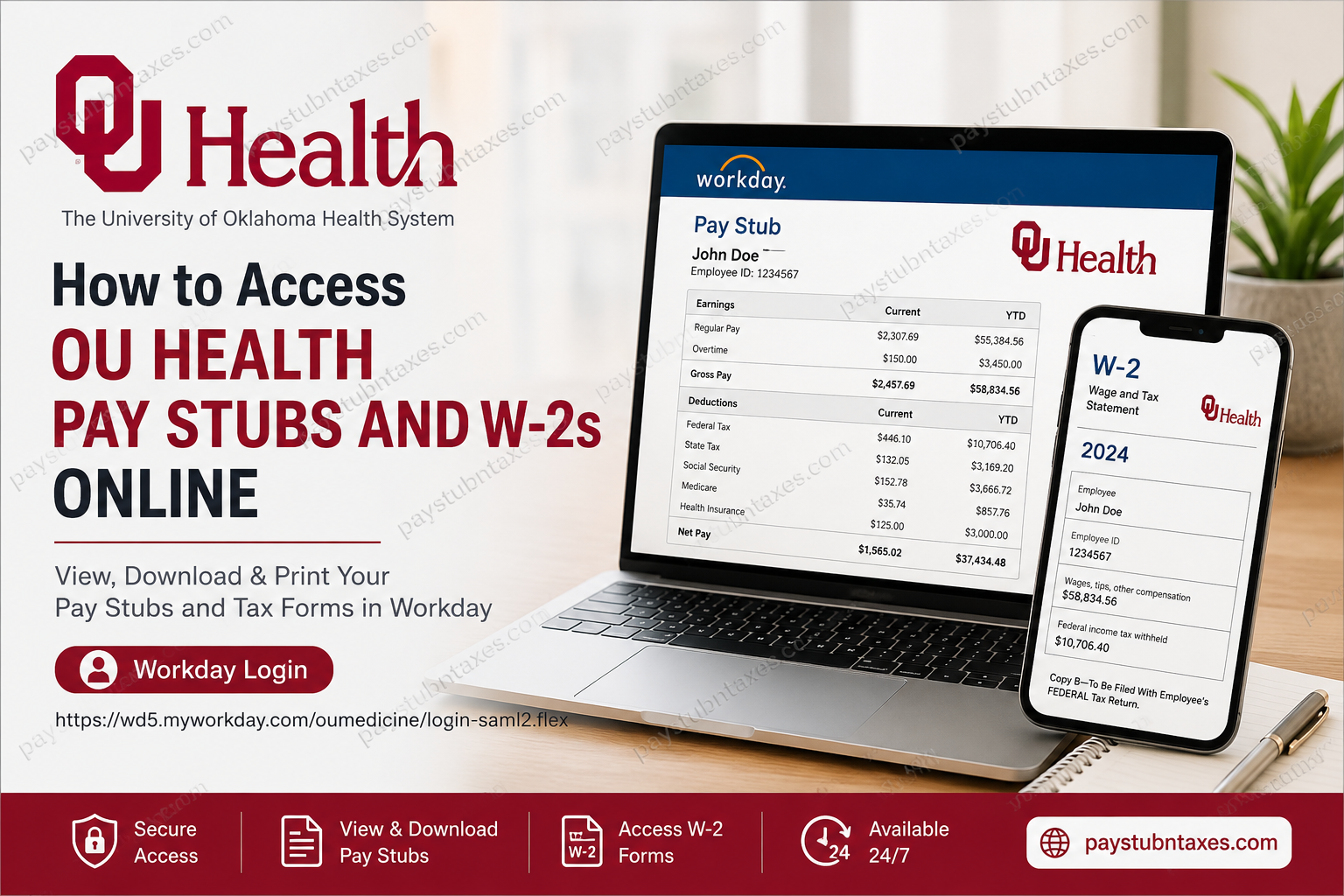
OU Health employees can conveniently access their pay stubs and W-2 tax forms online through the Workday employee self-service portal. Whether you need to review your latest earnings statement, download an old paycheck, or retrieve your annual tax documents, Workday provides a secure and user-friendly platform that allows you to manage your payroll information anytime and anywhere. With more than 11,000 employees and over 1,300 physicians and advanced practice providers, OU Health stands as Oklahoma’s only comprehensive academic health system and one of the state’s most respected healthcare employers.
What is OU Health?
OU Health is Oklahoma’s flagship academic health system, combining patient care, education, and groundbreaking medical research under one integrated organization. The health system includes:
- University of Oklahoma Medical Center
- Oklahoma Children’s Hospital OU Health
- OU Health Edmond Medical Center
- OU Health Stephenson Cancer Center
- Hundreds of specialty clinics and care centers across Oklahoma
The organization is nationally recognized for excellence in trauma care, pediatric medicine, and cancer treatment.
OU Health Workday Login
Employee Portal:
https://wd5.myworkday.com/oumedicine/login-saml2.flex
Employees can use the Workday portal to:
- View and download pay stubs
- Access W-2 tax forms
- Update direct deposit information
- Review tax withholding elections
- Manage personal information
- Update contact details
How to Access OU Health Pay Stubs Online
Workday allows employees to access both current and previous payslips in just a few clicks.
Step-by-Step Guide
Step 1: Sign In
Visit the OU Health Workday login page and enter your employee credentials.
Step 2: Open Your Profile
Once logged in, click your profile icon from the homepage.
Step 3: Navigate to Pay
Select: Profile → Pay → Payslips
The Workday system stores your payroll records electronically and allows you to view or print individual pay statements.
Step 4: Choose the Pay Period
A list of available pay periods will appear.
Select the paycheck you wish to review.
Step 5: Download or Print
Click the PDF link beside the pay period to:
- View your pay stub
- Download the document
- Print a copy for your records
What Information Appears on an OU Health Pay Stub?
Your pay statement generally contains:
- Employee name and identification number
- Pay period dates
- Gross earnings
- Regular and overtime hours
- Taxes withheld
- Insurance deductions
- Retirement contributions
- Net pay amount
- Direct deposit details
- Year-to-date earnings and deductions
Reviewing your pay stub regularly helps ensure that your compensation and deductions remain accurate.
How to Access OU Health W-2 Forms Online
OU Health employees can also obtain their annual Form W-2 electronically through Workday.
Step 1: Log into Workday
Go to: https://wd5.myworkday.com/oumedicine/login-saml2.flex
Step 2: Open the Pay Dashboard
From your homepage, select: Pay
Step 3: Select My Tax Documents
Under the Pay section, click: My Tax Documents
This section stores your W-2 forms electronically.
Step 4: Locate Your W-2
Choose the appropriate tax year.
Step 5: View or Print
Click: View/Print
Your W-2 will open in PDF format.
You may then:
- Download the document
- Print a paper copy
- Save it for tax filing purposes
When Are OU Health W-2 Forms Available?
Federal law requires employers to provide employees with Form W-2 no later than January 31 of each year.
OU Health:
- Makes electronic copies available in Workday.
- Mails paper copies to the employee’s address on file unless electronic delivery has been selected.
To avoid delays, employees should ensure their mailing address remains current in Workday.
How to Update Your Address in Workday
If you have recently moved:
- Log into Workday.
- Open your profile.
- Navigate to Personal Information.
- Update your home and mailing address.
- Save the changes.
Maintaining accurate contact information helps ensure timely delivery of tax documents and important employment notices.
Benefits of Using Workday for Payroll Information
The Workday platform offers numerous advantages:
24/7 Access
View payroll information whenever you need it.
Paperless Convenience
Download digital copies instantly.
Secure Storage
All payroll and tax documents remain protected within a secure system.
Historical Records
Employees can access prior pay statements and tax forms without contacting payroll.
Faster Tax Filing
Electronic W-2 forms make tax preparation considerably easier.
Troubleshooting Workday Login Issues
If you cannot access your account:
Reset Your Password
Use the password recovery option on the login page.
Verify Your Username
Ensure you are using your current OU Health credentials.
Clear Browser Cache
Occasionally, stored browser data can interfere with login sessions.
Try Another Browser
Google Chrome and Microsoft Edge generally provide the best Workday experience.
Contact Human Resources
If problems persist, reach out to:
OU Health Human Resources
📞 (405) 271-2190
Final Thoughts
OU Health has streamlined payroll and tax document management through its secure Workday self-service platform. Whether you need a recent pay stub for proof of income or a W-2 form for tax season, the portal provides quick and convenient access to essential employment records. By familiarizing yourself with Workday’s payroll features and keeping your personal information up to date, you can ensure that your pay statements and tax forms are always just a few clicks away.
FAQs
1. How do I access my OU Health pay stubs online?
Log into the OU Health Workday portal and navigate to Pay → Payslips to view and download your pay statements.
2. Where can I find my OU Health W-2 form?
Your W-2 is available in Workday under Pay → My Tax Documents.
3. What is the OU Health Workday login URL?
The login portal is: https://wd5.myworkday.com/oumedicine/login-saml2.flex.
4. When does OU Health issue W-2 forms?
OU Health provides W-2 forms by January 31 each year in accordance with federal regulations.
5. Does OU Health mail paper copies of W-2 forms?
Yes. Paper copies are mailed to the employee’s address on file unless electronic delivery has been selected.
6. Can I download my pay stubs as PDFs?
Yes. Workday allows employees to download and print pay statements in PDF format.
7. Can I access my payroll information on my phone?
Yes. Workday can be accessed through mobile browsers and supported mobile applications.
8. What should I do if I forgot my Workday password?
Use the password reset option on the Workday login page or contact Human Resources for assistance.
9. How can I update my mailing address?
Log into Workday and update your information under Personal Information.
10. What information is included on an OU Health pay stub?
Pay stubs typically include gross pay, deductions, taxes, net pay, and year-to-date earnings.
11. Can former employees access their W-2 forms?
Former employees should contact OU Health Human Resources regarding access to payroll records and tax forms.
12. Why can’t I see my latest pay stub?
There may be a processing delay or a login issue. Contact Human Resources if the document does not appear.
13. Can I print my W-2 directly from Workday?
Yes. Workday provides a print option after opening the W-2 document.
14. Is Workday available 24/7?
Yes. Employees can access payroll and tax documents online at any time, subject to scheduled maintenance.
15. Who should I contact if I need help accessing my pay stubs or W-2s?
For assistance, contact OU Health Human Resources at (405) 271-2190.
