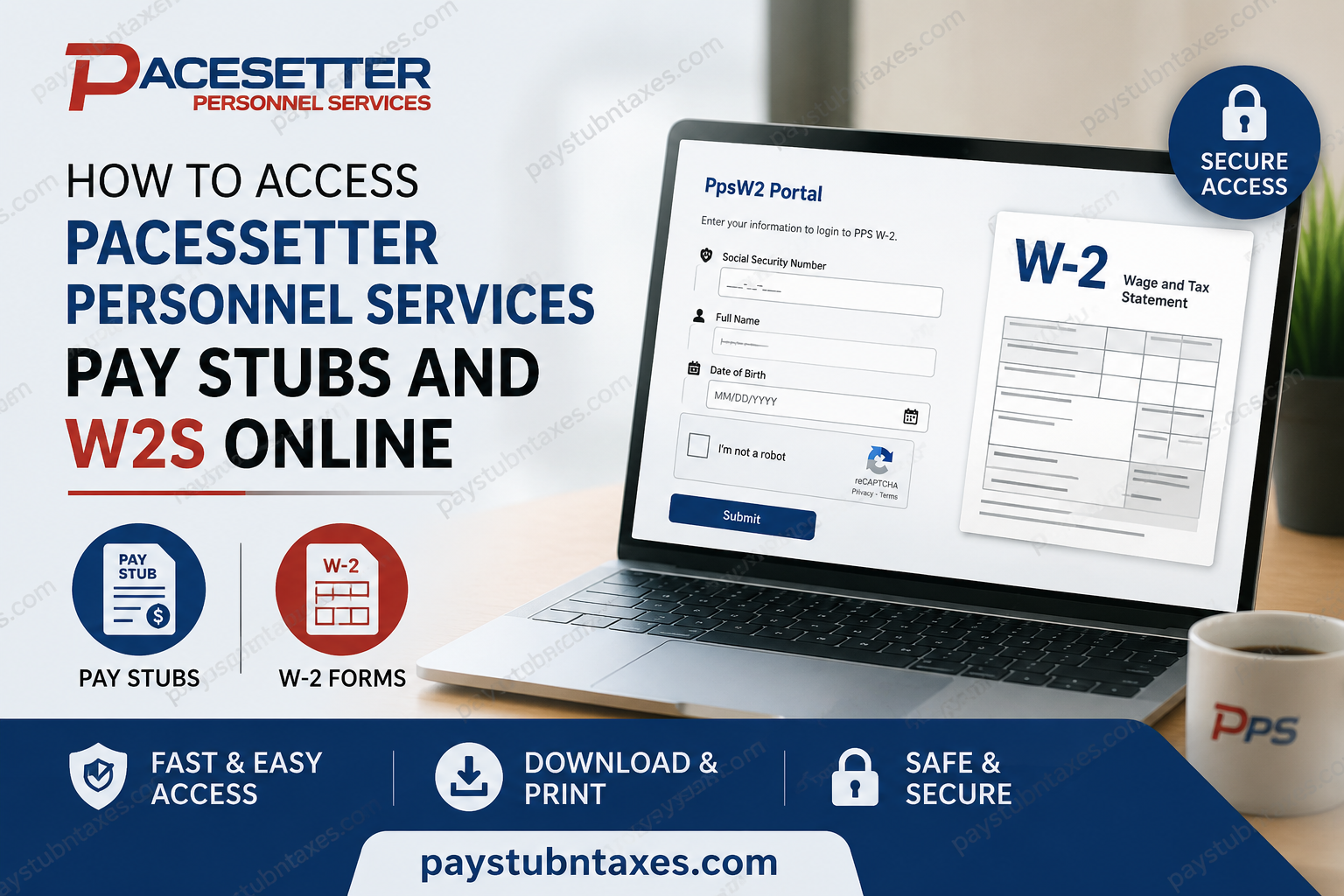
Managing payroll records efficiently is essential for every employee, whether you need proof of income for a loan application, tax preparation documents, or simply wish to monitor your earnings. Fortunately, Pacesetter Personnel Services (PPS) offers convenient online access to important payroll documents, enabling employees to retrieve their tax forms quickly and securely from virtually anywhere. This comprehensive guide explains how current and former Pacesetter Personnel Services employees can access their W-2 forms online, request paper copies, obtain payroll assistance, and resolve common account access issues.
About Pacesetter Personnel Services
Founded in 1994, Pacesetter Personnel Services (PPS) has grown into one of the leading labor staffing providers in the southern United States. The company supplies skilled labor, industrial staffing, general labor, and payroll services to businesses across numerous industries. In addition to managing payroll administration, PPS handles federal and state payroll taxes, workers’ compensation coverage, general liability insurance, and compliance with ACA and E-Verify requirements.
With more than 70 dispatch offices serving employers and workers throughout the region, PPS remains committed to delivering workforce solutions while ensuring employees have convenient access to their payroll and tax information.
Can You Access Pacesetter Personnel Services Pay Stubs Online?
Depending on your employment arrangement and payroll setup, pay stub access may be provided through your assigned payroll platform or local branch office. Employees who need copies of recent pay statements should first contact their local PPS office for guidance regarding the payroll system used for their assignment.
For tax documents, PPS provides a dedicated online portal that allows employees to retrieve and print their W-2 forms whenever needed.
How to Access Your Pacesetter Personnel Services W-2 Online
PPS employees can securely retrieve their W-2 forms through the PpsW2 online portal.
PpsW2 Portal Login
Portal URL: https://ppsw2.azurewebsites.net
The portal allows employees to download and print multiple copies of their W-2 forms whenever necessary.
Information Required for Login
To access your W-2 online, you will need:
- Social Security Number
- Full Legal Name
- Date of Birth
- CAPTCHA verification
The portal verifies your identity using these details before granting access to your tax records.
Step-by-Step Guide to Download Your W-2
Follow these instructions to retrieve your W-2 form:
Step 1: Visit the PPS W-2 Portal
Navigate to: https://ppsw2.azurewebsites.net
Step 2: Enter Your Personal Information
Provide:
- Social Security Number
- Full Name
- Date of Birth
Step 3: Complete Security Verification
Check the “I’m not a robot” verification box.
Step 4: Submit Your Information
Click the Submit button.
Step 5: Access and Download Your W-2
Once your identity has been verified, your W-2 form will be displayed. You can then:
- View your tax document
- Download a digital copy
- Print multiple copies for your records
Alternative Ways to Obtain Your W-2
If online access is unavailable or you prefer a physical copy, PPS offers several alternatives.
Option 1: Request a Paper Copy by Email
Send your request to:
Email: w2@pps.com
A member of the PPS support team can assist with obtaining a replacement copy of your W-2.
Option 2: Visit a Local PPS Office
Employees may visit their nearest Pacesetter Personnel Services branch office and request a printed copy in person. Valid identification may be required.
Option 3: Request Delivery by Mail
You may request that PPS mail a paper copy of your W-2 to the address maintained in your employee file. Ensure your mailing address is current to avoid delays.
What If You Cannot Log In?
Employees occasionally experience difficulties when attempting to access tax records online. Common issues include:
Incorrect Personal Information
Ensure that your:
- Social Security Number is entered correctly.
- Name matches company records exactly.
- Date of birth is entered in the proper format.
Browser Compatibility Issues
Try:
- Updating your browser.
- Clearing cache and cookies.
- Using another browser or device.
Portal Access Problems
If the system cannot verify your information or you encounter technical errors, contact PPS directly for assistance.
PPS Payroll and W-2 Support Contact Information
For assistance regarding payroll documents, tax forms, or portal access:
Email: w2@pps.com
Phone: 855-CALL-PPS (855-225-5777)
You may also contact your local PPS branch office for payroll-related inquiries.
Benefits of Accessing Your W-2 Online
Retrieving your W-2 electronically offers several advantages:
- Immediate access to tax documents
- Ability to print unlimited copies
- Secure online storage
- Faster tax preparation
- Reduced risk of lost paperwork
- Convenient access from any location
Rather than waiting for mailed documents, employees can access their records whenever needed, making tax season significantly less stressful.
Frequently Asked Questions
Q. Is the PPS W-2 portal available to former employees?
A. Yes. Former employees can typically retrieve their W-2 forms using the information associated with their employment records.
Q. Can I print multiple copies of my W-2?
A. Yes. The PPS W-2 portal allows users to print as many copies as necessary.
Q. What information do I need to log in?
A. You will need your Social Security Number, full legal name, and date of birth.
Q. Who should I contact if I cannot access my W-2?
A. Contact PPS at w2@pps.com or call 855-CALL-PPS for assistance.
Q. Can I receive a paper copy instead?
A. Yes. PPS can provide a paper copy by email request, mail delivery, or in-person pickup at a local office.
Q. How long does it take to receive a mailed W-2?
A. Delivery times vary depending on postal service processing and your location.
Q. Is there a fee for obtaining a replacement W-2?
A. Generally, PPS provides access to W-2 forms without charge, though employees should confirm with their local office if special circumstances apply.
Final Thoughts
Pacesetter Personnel Services has streamlined the process of obtaining tax documents by providing employees with secure online access through the dedicated PpsW2 portal. Whether you choose to download your W-2 electronically, request a mailed copy, or visit a local office, PPS offers multiple avenues to ensure that your payroll and tax records remain readily accessible. By keeping your personal information up to date and utilizing the online portal whenever possible, you can save valuable time and avoid unnecessary complications during tax season.
