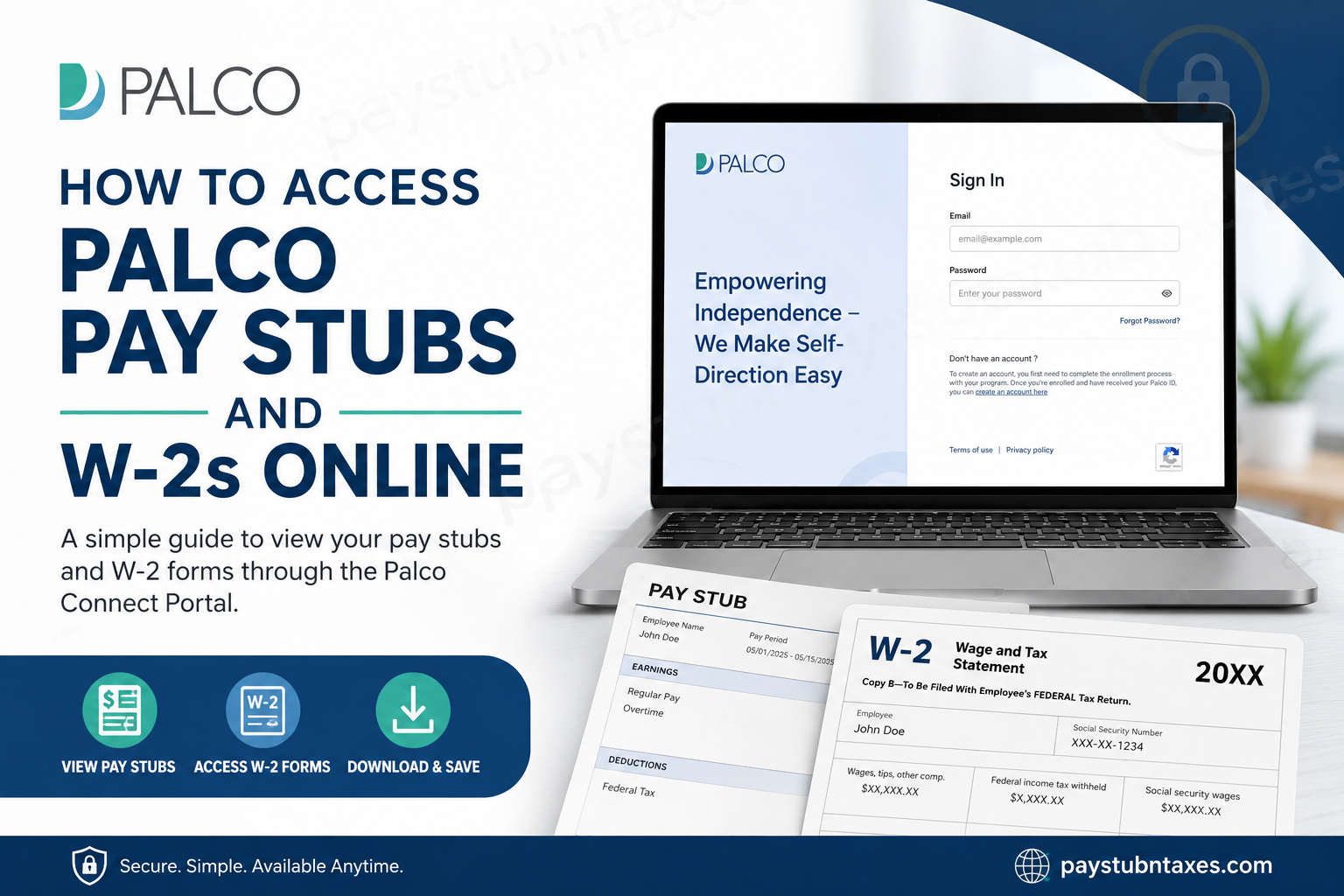
For caregivers and self-directed workers, timely access to payroll records is not merely a convenience—it is an essential component of financial management, tax compliance, and employment verification. Fortunately, Palco has streamlined this process through its secure Connect Portal, enabling employees and caregivers to access pay information and tax documents anytime, anywhere. Whether you need to review earnings, download a pay stub, or retrieve your annual W-2 form, this comprehensive guide walks you through everything you need to know about accessing Palco payroll documents online.
What Is Palco Connect?
Palco Connect is the company’s secure online portal designed specifically for employers and workers participating in self-directed programs. The portal serves as a centralized hub where users can:
- View and download pay stubs
- Access W-2 tax forms
- Review tax withholding information
- Update direct deposit details
- Change mailing addresses
- Monitor payroll history
- Access important documents and enrollment forms
By placing essential payroll resources at employees’ fingertips, Connect eliminates unnecessary paperwork and ensures greater transparency in payroll management.
Palco Connect Portal:
https://connect.palcofirst.com/
How to Access Palco Pay Stubs Online
Employees can quickly retrieve their earnings statements directly through the Connect portal.
Step 1: Log In to Palco Connect
Visit the Connect Portal:
https://connect.palcofirst.com
Enter your registered email address and password to sign in.
If you do not yet have an account, you must first complete the enrollment process and obtain your Palco ID before creating one.
Step 2: Navigate to Pay History
Once logged in:
- Select “Pay History” from the top navigation menu.
- Click “Payroll” from the dropdown options.
Step 3: Expand the Pay Stub Record
Locate the pay period you wish to review and click anywhere within the pay stub box to expand its details.
Step 4: View or Download Your Statement
After expanding the record, click “View Statement” in the bottom-right corner to open, download, or print your pay stub.
This streamlined workflow enables employees to maintain accurate financial records without waiting for paper statements.
How to Access Palco W-2 Forms Online
Palco issues W-2 forms electronically through the Connect portal each year in accordance with IRS regulations.
Access Your W-2 Online
- Log in to Palco Connect.
- Click the “Documents” tab located at the top of the page.
- Select the desired W-2 form from the list of available documents.
- Download or print the form for tax filing purposes.
Employees can access both current and historical W-2 forms through the portal.
When Will Palco Release W-2 Forms?
The IRS requires employers to furnish W-2 forms no later than January 31 each year.
For the 2026 tax year:
- 2026 W-2 forms will be issued by January 31, 2027.
- Electronic copies will be available through the Connect portal.
- Employees who selected paper delivery will receive mailed copies through the United States Postal Service.
If you expected a mailed W-2 but have not received it by February 17, 2027, log in to Connect to download your form or contact Palco support for assistance.
Why Did I Receive Multiple W-2 Forms?
If you worked under more than one Financial Management Services (FMS) provider during the tax year, you may receive separate W-2 forms from each provider.
This is entirely normal, as each employer or FMS provider reports wages independently to the IRS.
Keep Your Address Updated
An outdated mailing address can lead to delayed tax documents and payroll correspondence. To avoid unnecessary complications:
Update Your Address Through Connect
- Log in to Connect.
- Click the profile icon in the upper-right corner.
- Update your mailing information.
Alternatively, submit a Change of Information Form via email:
enrollment@palcofirst.com
Employees should ensure their address is updated no later than December 31 of each tax year to guarantee timely W-2 delivery.
Direct Deposit and Payroll Information
Palco encourages workers to review their payroll details regularly, including:
- Tax withholdings
- Direct deposit information
- Mailing address
- Personal contact information
Maintaining accurate records helps prevent payment delays and ensures compliance with tax regulations.
For direct deposits, employees should allow up to 24 hours after payday for funds to appear in their bank account.
What If You Cannot Access Connect?
If the Connect portal is temporarily unavailable or you encounter login issues:
- Use the “Forgot Password” option on the login page.
- Verify that your email address is correctly registered.
- Contact Palco Customer Support for assistance.
Palco Customer Support
If you have questions regarding payroll, W-2 forms, or account access, Palco’s support team is available to help.
Contact Information
Phone: 866-710-0456
Hours: Monday–Friday, 7:00 AM–6:00 PM CST
Email: customersupport@palcofirst.com
New Jersey Support:
support_NJ@palcofirst.com
Phone: 732-351-4804
Live chat support may also be available through the Palco website.
Frequently Asked Questions (FAQs)
1. How do I access my Palco pay stubs online?
Log in to the Connect Portal and open the Documents section to view or download pay stubs.
2. Where can I find my Palco W-2?
Your W-2 is available in the Connect Portal under Documents.
3. When are Palco W-2s issued?
W-2 forms are issued no later than January 31 each year.
4. What if I forget my Connect password?
Use the Forgot Password link on the login page to reset your credentials.
5. Can former employees access W-2 forms?
Yes. Former workers can access W-2 forms through the Connect Portal if their account remains active.
6. What happens if my W-2 never arrives by mail?
Log in to Connect or contact Palco support.
7. Can I print my W-2 from the portal?
Yes. W-2s can be downloaded and printed anytime.
8. How do I update my mailing address?
Update it in your profile settings or email enrollment@palcofirst.com.
9. Will I receive multiple W-2s?
Yes, if you worked with multiple FMS providers.
10. Can I access pay stubs on mobile devices?
Yes. The Connect Portal is accessible through mobile browsers.
11. How do I create a Connect account?
You must complete enrollment and receive a Palco ID before creating an account.
12. How long should I wait for direct deposit?
Allow up to 24 hours after payday.
13. What if my timesheet is rejected?
Review the status in the portal or contact customer support.
14. Does Palco mail paper W-2s?
Yes, if mailing preferences are selected or online access is unavailable.
15. Who do I contact for payroll help?
Call 866-710-0456 or email customer support.
